
iDevices was one of the first HomeKit adopters we encountered, and unlike many companies that came on board later, pivoted into the home automation market as a result of HomeKit; prior to that, iDevices was best known for its Bluetooth connected cooking thermometers, such as the iGrill, iGrillmini, and Kitchen Thermometer. From a humble start with the iDevices Switch HomeKit smart plug, iDevices has built up its own family of somewhat unique home automation accessories, including a thermostat, outdoor outlet, and an in-wall switch and in-wall outlet. While all of the company’s efforts up until now have been fully HomeKit-enabled, iDevices has continued to develop its own solid HomeKit-compatible iOS app, and has now released its first non-HomeKit accessory: the Instant Switch, designed to work exclusively with iDevices’ own switches and outlets.
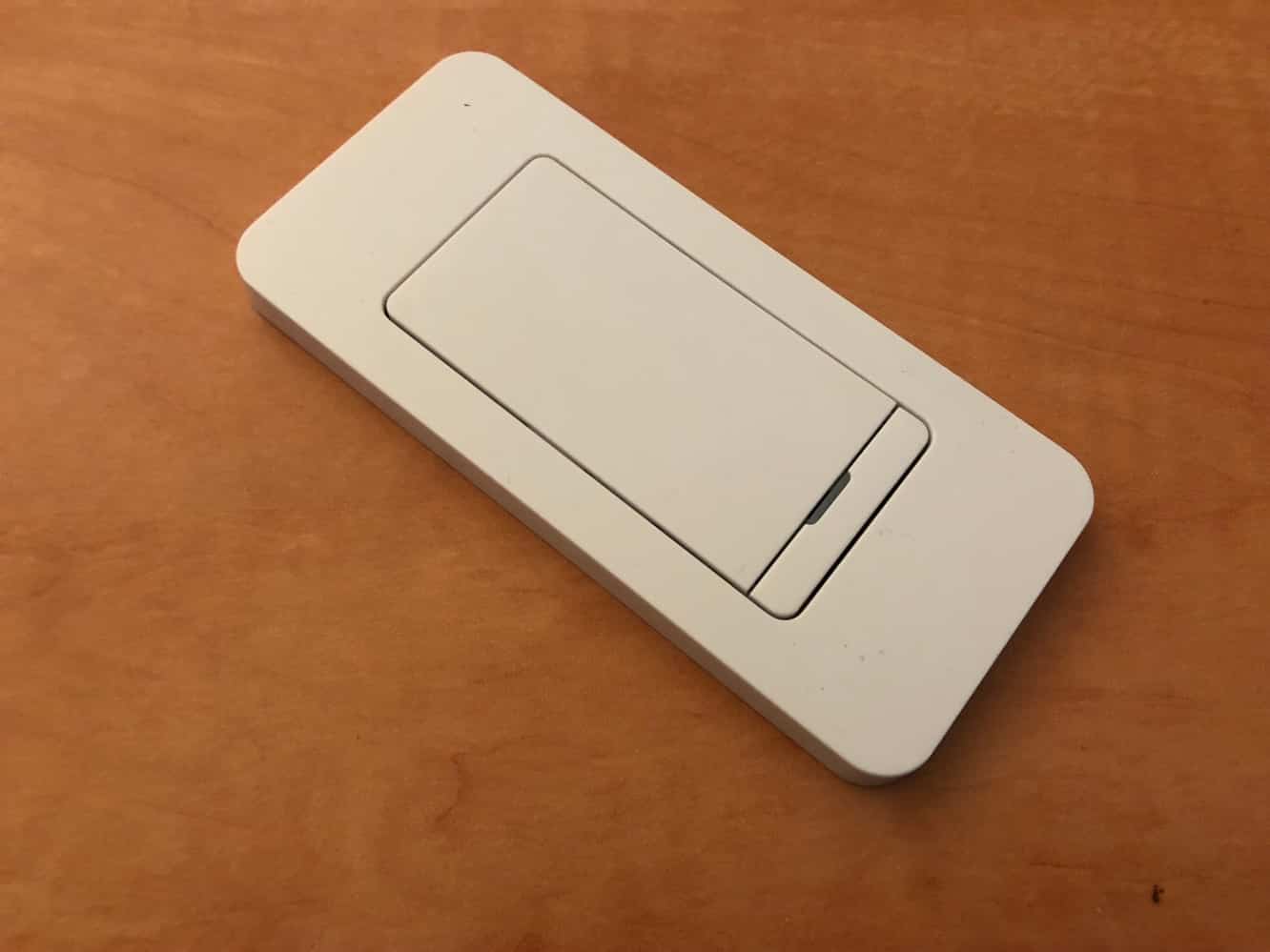
Instant Switch is designed to be used to control another iDevices accessory, such as the original iDevices Switch or Wall Outlet. It can also be used with iDevices’ Wall Switch to effectively set up a three-way light switch configuration with considerably less hassle and about a third of the price of connecting a second Wall Switch. About the only iDevices accessory that Instant Switch can’t be used with is the iDevices Thermostat, which sort of makes sense.
Instant Switch is powered by a preinstalled CR2032 coin cell battery which promises to deliver up to two years of normal use.

The Instant Switch package includes the necessary mounting hardware to either stick the switch on just about any wall surface or mount it into a gang box. A simple magnetic cover plate is included for wall mounting with the included 3M adhesive strip. Alternatively, it can be screwed into a gang box much like any other light switch, and also includes a grounding wire for this purpose. The switch pad is sized to be compatible with standard Decora wall plates, and should therefore fit right in with just about any typical wall switch configuration. It can even be stuck onto the wall next to an existing switch configuration and blended right in with a two- or three-gang faceplate.

Instant Switch uses Bluetooth to communicate with other iDevices products, however, as we mentioned earlier, it’s not a HomeKit accessory — it’s designed to be used exclusively within the iDevices family. This means that you’ll be setting it up in the iDevices app, however the set up process was intuitive and as smooth as any other iDevices accessory; once Instant Switch was active, it appeared at the top immediately upon opening the app, in the same manner as other iDevices products, and it took about two minutes and four or five taps to pair it up with one of our iDevices accessories. Once paired, it worked pretty much exactly how you would expect it to, providing simple on and off control for the associated device. In addition to basic on and off capabilities, Instant Switch can also act as a dimmer, assuming of course that it’s paired with a dimmable accessory.

Unlike other iDevices accessories, however, once Instant Switch is configured, it effectively disappears from the iDevices app. While we can understand the logic of this — there’s nothing to configure on Instant Switch once it’s paired — we did find it a little disconcerting at first. However, this also means that you can’t just associate Instant Switch with a different accessory through the app; if you want to control a different accessory with Instant Switch you’ll need to reset it to factory defaults and then go through the initial pairing process again.

iDevices’ Instant Switch does what it’s supposed to do, it works well at doing it, and we like the fact that it has a standard and unobtrusive design.











