
Fibaro has expanded on its lineup of HomeKit compatible sensors with The Button, a new Bluetooth based accessory that allows HomeKit users to easily activate accessories or trigger entire scenes by simply pushing a button, the second new accessory we’ve seen that leverages the controller support that Apple added to HomeKit with the release of iOS 11 last fall to provide easier control for home automation accessories tied into HomeKit.
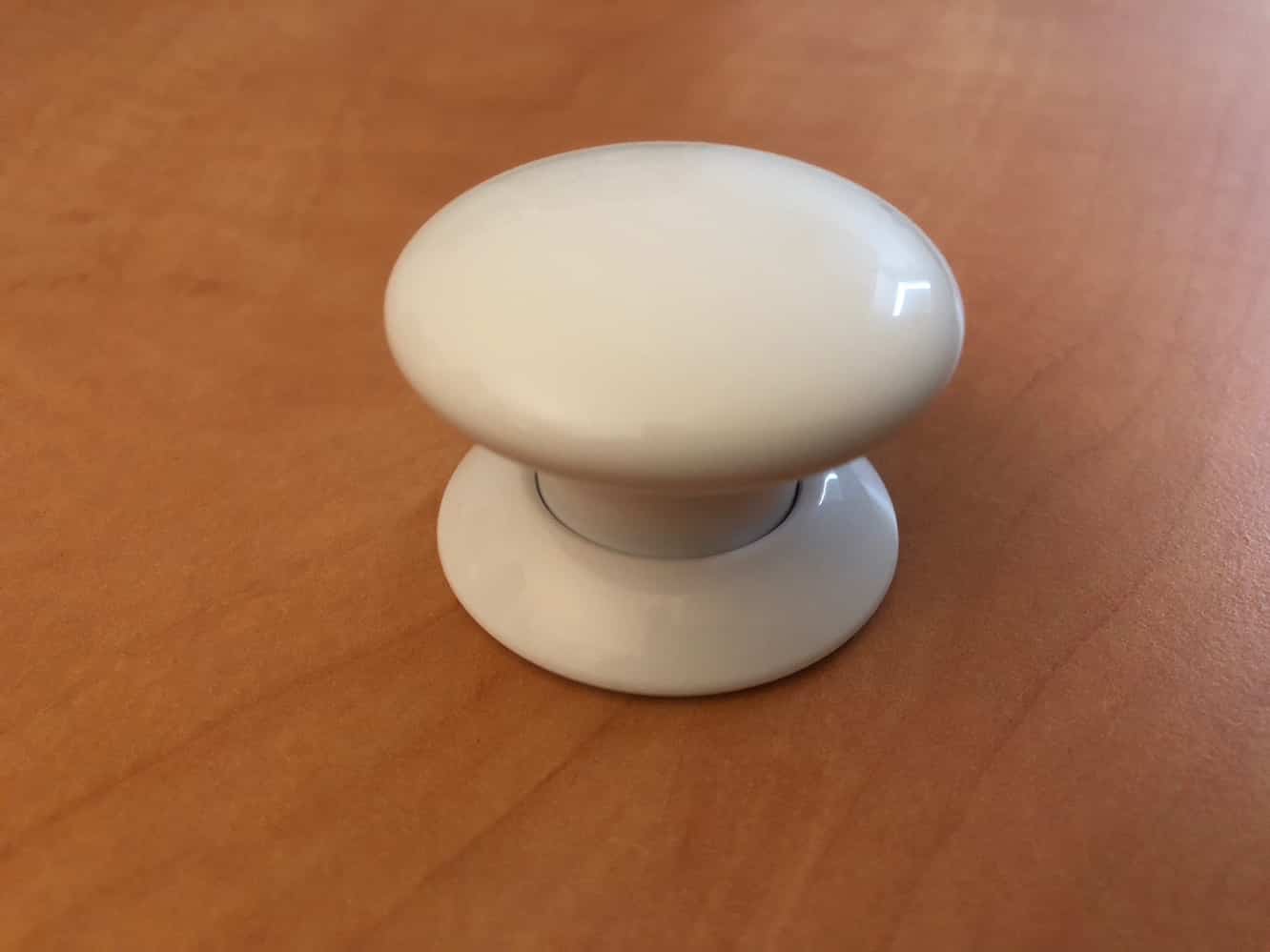
Available in black, white, or six fun and vibrant colors, the concept behind The Button is based on the idea that despite the futuristic coolness of using Siri to turn lights on and off and control other home accessories, there really are times when it’s easier just to push a button. In addition to The Button itself, the box includes both a sticker and wall mounting plate along with the necessary instruction guides to get you started, including the HomeKit pairing codes.

The Button itself has a mushroom-shaped “panic button” design that helps it to stand out, but may not be everybody’s cup of tea; if you’re looking for subtle, The Button is not that, although you won’t have any problem making contact with it. At just under two inches in diameter, however, it’s still fairly compact, and smaller than you might think from looking at the picture of it on the box.
An included 1/2AA battery powers The Button.

Pairing The Button works in the same way as any other HomeKit accessory, and like Elgato’s Eve Button we looked at earlier this year, Fibaro’s button uses the same new scannable QR code technology to simplify that pairing process; not only does the code scan more easily, but using the QR code method saves you the step of having to confirm which accessory you’re trying to pair. Further, you can pair up The Button even faster by scanning the code directly from our iPhone Camera app (providing of course that you have QR Code scanning enabled in your Settings). As with most HomeKit accessories, Fibaro provides its own app, but you can complete the entire pairing process, and basic configuration of The Button, right from Apple’s own iOS Home app.

As with Eve Button, The Button can be pressed in three different ways — single press, double press, or long press — to control specific accessories or trigger entire scenes, so you can use it simply to turn lights on or off, set up lighting modes, adjust temperatures, or even lock your doors at night before you go to bed.
Note that unlike using Siri voice commands, The Button can also be used to unlock doors without requiring any authentication, which can be handy, but you’ll naturally want to be careful doing that, especially since The Button is portable enough to be taken outside your house.

Unfortunately, there’s no easy way to assign The Button — or any other HomeKit controller — to work as a toggle to change the state of something like a light, so you’ll be stuck either using different presses to turn lights on and off, or jump through a few hoops to create custom rules in a more advanced HomeKit app that check the light’s state. This is where Fibaro’s own app actually comes in handy; for whatever reason, even though buttons appear as options when setting up automations in Apple’s own Home app, they can’t actually be used, so you’ll have to turn to third-party HomeKit apps to configure these kinds of rules. Fibaro’s Home app, along with others such Elgato’s Eve app, allow for advanced rules to be created that test against conditions such as whether a light is on or off, so you could create two automations that run against a single button press to turn the lights off if they’re already on, or turn the lights off if they’re on.











