
We first reviewed Automatic Labs’ Automatic Link vehicle accessory in late 2013. A later update featured a redesigned app and information on fuel levels, but the company recently released an all-new adapter, Automatic Pro ($130). While it’s a $30 premium over the original price of the Automatic Link, Pro offers users an unlimited, free 3G subscription for five years. The 3G enables Automatic Pro to track your car in real-time, and crash alerts are now available whether or not you’re driving with your iPhone. Automatic Pro uses a new app, which can work in conjunction with a number of other apps, including IFTTT and Amazon Echo.
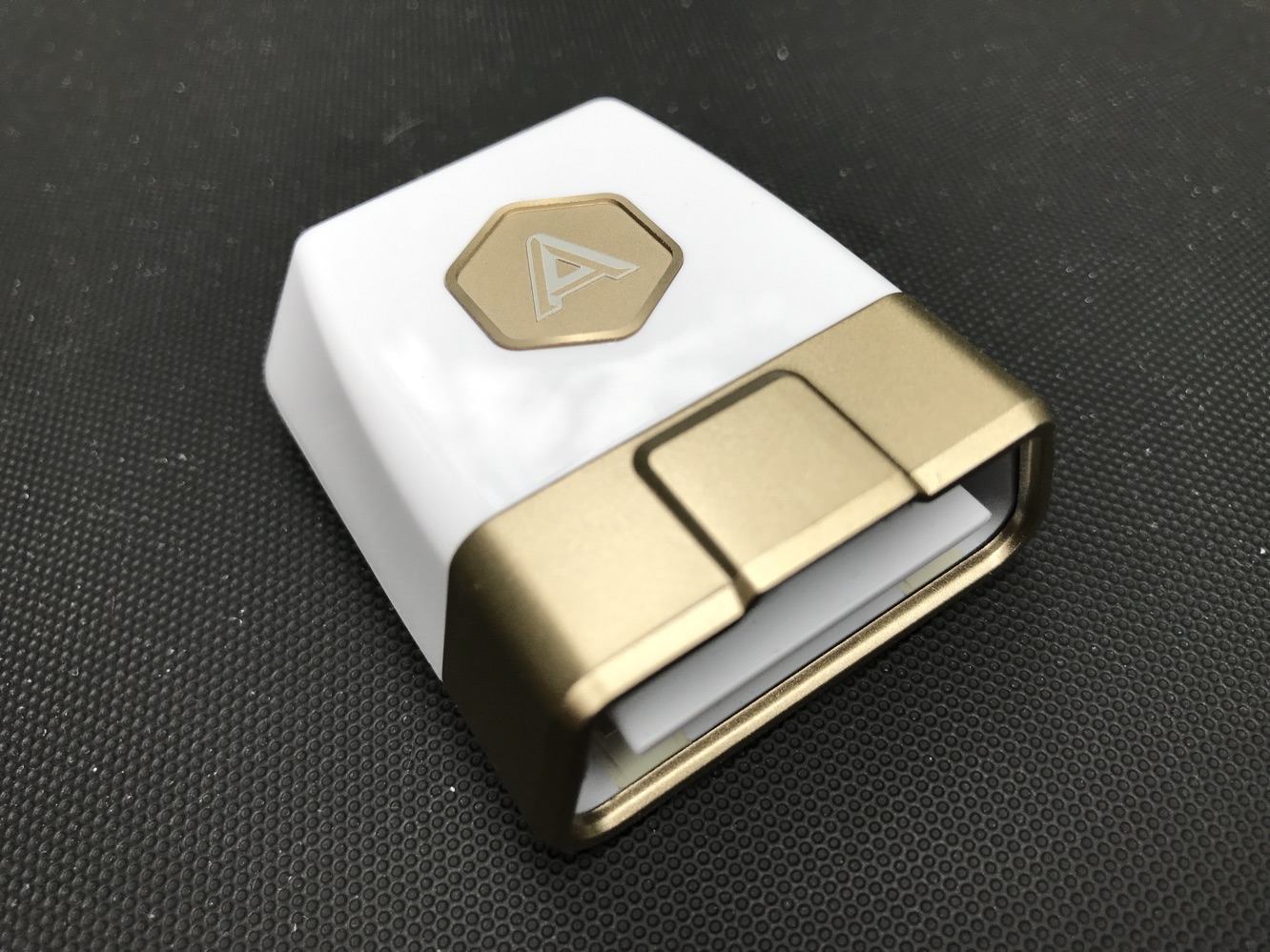
Automatic Pro looks just like the first Automatic, except it’s gold and white instead of silver and white — perhaps to identify its “pro” status. The small adapter plugs into your car’s ODB-II port, so for many drivers, it’ll be out of sight. Setup is still simple — you create an account and plug in the adapter’s unique ID, and the new Automatic Pro app walks you through the rest as you sit in your car. We had to download firmware upon using it for the first time, which took about five minutes or so.
But the entire process is easy.

Once Automatic is installed and setup, it will immediately start tracking your car’s location and its trips. While the Pro app does most things the original Automatic app has already been doing — including displaying your trip maps, keeping track of parking spots, estimating MPG and fuel costs, and identifying check engine light problems — the design of the new app is much cleaner. Trips are grouped together, so it’s easier to see exactly where and when you went in any given day of driving. The app also sends out parking/driving alerts to your iPhone, wherever you are: so if someone else is borrowing your car, it’ll tell you exactly when they’ve started or stopped driving through notifications, and the app will also show the exact location of the vehicle. In this way, it’s like Apple’s Find My Friends, but for your car. Car owners with teenage drivers in the home may find this feature particularly useful.

But the new app has some downsides, as well. One of the key features in the first Automatic was its ability to show detailed driving habits — more specifically, hard braking, hard accelerations, and how much time is driven at a speed faster than 70 mph. These notes used to be immediately available.
Now, they’re not. Automatic Pro does have an “insights” section which is said to analyze a driver’s “drive style.” This feature is said to compare acceleration and braking styles with other Automatic drivers. The drive style analysis is supposed to reveal itself at the end of the month, but we haven’t seen it yet. After more than enough driving, we still only see “analysis in progress.” This is confusing, and a disappointment. We’re looking for an explanation. It’s worth noting that the previous Automatic also generated monthly driving reports.

Automatic Pro works with other apps too, such as IFTTT, Nest, and Amazon Echo. For instance, if the Automatic Pro and Nest accounts are connected, your car can essentially tell your home to turn on the heat when you’re coming home from work, though this is done through a “web-based integration page.” And of course, with IFTTT, the app can trigger recipes based on what the car is doing. Home automation geeks will enjoy the possibilities here, but many users won’t care one way or the other, and of course it doesn’t really add much that the Nest and IFTTT apps can’t already do from your iPhone anyway.

Automatic Pro, like the original Automatic Link, is a trusty accessory which makes cars feel smarter and gives drivers useful information.











