
iLoungeiLounge
  • News
    • Apple
      • AirPods Pro
      • AirPlay
      • Apps
        • Apple Music
      • iCloud
      • iTunes
      • HealthKit
      • HomeKit
      • HomePod
      • iOS 13
      • Apple Pay
      • Apple TV
      • Siri
    • Rumors
    • Humor
    • Technology
      • CES
    • Daily Deals
    • Articles
    • Web Stories
  • iPhone
    • iPhone Accessories
  • iPad
  • iPod
    • iPod Accessories
  • Apple Watch
    • Apple Watch Accessories
  • Mac
    • MacBook Air
    • MacBook Pro
  • Reviews
    • App Reviews
  • How-to
    • Ask iLounge
Font ResizerAa
iLoungeiLounge
Font ResizerAa
Search
  • News
    • Apple
    • Rumors
    • Humor
    • Technology
    • Daily Deals
    • Articles
    • Web Stories
  • iPhone
    • iPhone Accessories
  • iPad
  • iPod
    • iPod Accessories
  • Apple Watch
    • Apple Watch Accessories
  • Mac
    • MacBook Air
    • MacBook Pro
  • Reviews
    • App Reviews
  • How-to
    • Ask iLounge
Follow US

Articles

Articles

TweakBox Down-How to Fix Issues on TweakBoxApp

Last updated: Dec 8, 2019 6:41 pm UTC
By Lucy Bennett
TweakBox Down-How to Fix Issues on TweakBoxApp

TweakBox may be one of the most used third-party app installers in the world, but that doesn’t mean it is without error. The installer offers a huge choice of unofficial apps and games, and a few Cydia tweaks, too, all without needing a jailbreak. It does have a few issues, but they are all easy to solve.


TweakBox Errors and Solutions:

These are the most common issues reported, along with their solutions:
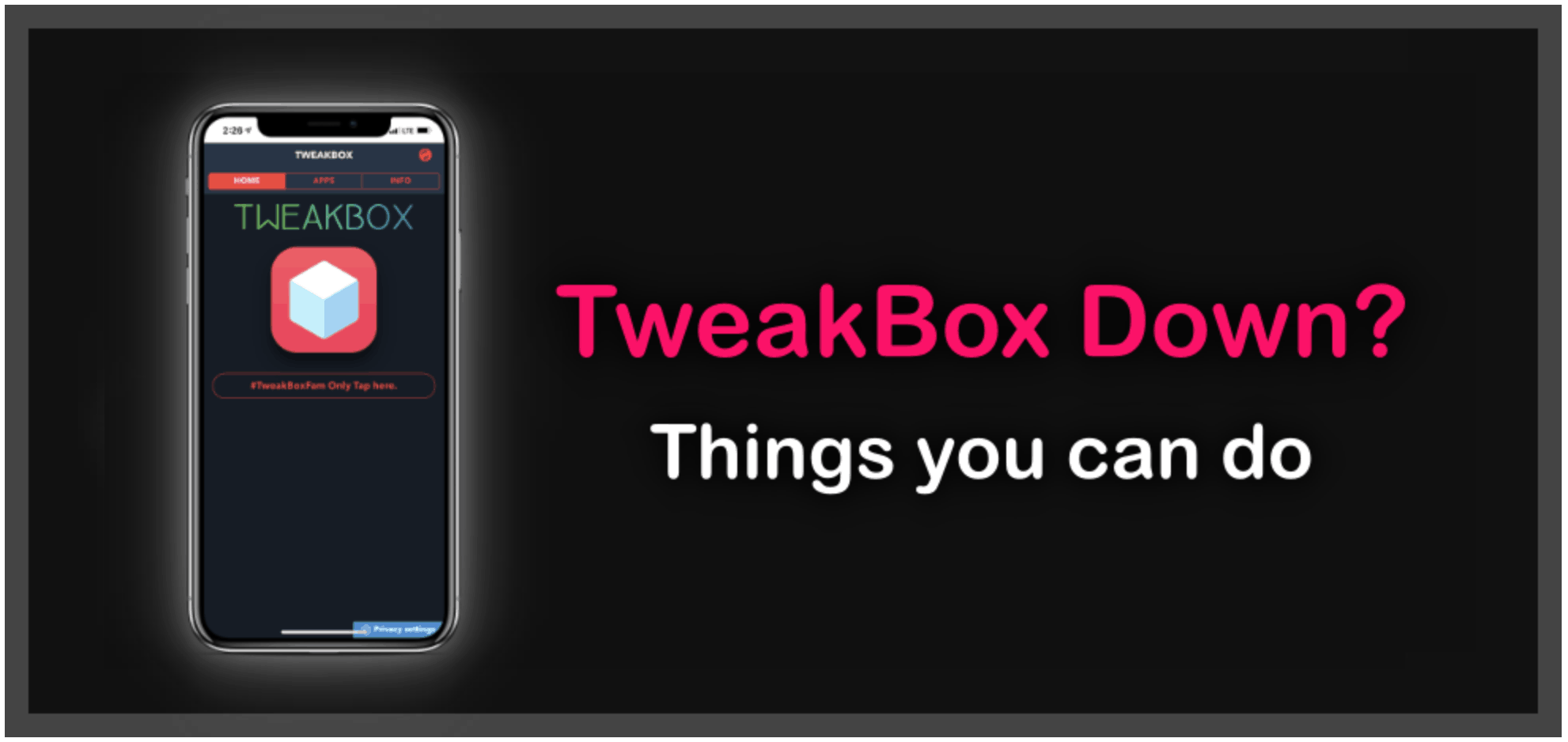
TweakBox Down-How to Fix Issues on TweakBoxApp

White/Blank Screen:

While annoying, this is one of the easiest to fix, and this also works for greyed out icons too:

  1. Open iOS Settings
  2. Tap on Safari
  3. Tap on Clear Website Data

The installer screen should be back to normal.

TweakBox Doesn’t Work:

Usually, when the app stops working, it is down to a verification error. The easiest way to fix this is:

  1. Delete it from your iPhone or iPad
  2. Reinstall TweakBox app, following the proper tutorial at the official site tweak-box.com
  3. Launch Settings > General > Profiles
  4. Find and tap the TweakBox profile
  5. Tap Trust or Verify and it will work

TweakBox Invalid Argument Supplied:

This looks like a nasty error, but it is simple to fix:


  1. Remove TweakBox from your iPhone or iPad
  2. Reinstall it
  3. Then reboot your device
  4. Launch TweakBox and look in the app Settings to see if there are any updates
  5. If there are, install them, an app will work just fine.

Can’t Download TweakBox

A very common error, very simple to fix:

  1. Remove all instances of TweakBox from your device
  2. Reboot and install TweakBox again

It should work – it’s probably a conflict error between versions of the app installer.

Profile Installation Failed

If you get this error, the likely cause is that Apple’s servers are struggling to cope with a heavy load of traffic. Wait an hour or two and then try again. If it still won’t work or the error keeps happening, try this:


  1. Place your iPhone or iPad into Airplane Mode
  2. Launch Settings and tap on Safari
  3. Tap on Clear History and Website Data
  4. Tap Clear History and Data
  5. Bring your device out of Airplane Mode and wait for a few minutes
  6. Have another go at installing the app – you should find the error has cleared, and everything goes smoothly.

Untrusted Enterprise Developer Error

This is common with all unofficial apps and is simple to fix. Remember the name of the developer form the error message:

  1. Launch Settings>General
  2. Go into Profiles and find that developer name
  3. Tap it and then tap on the Trust button
  4. Close your Settings app and try launching TweakBox again – the error should be gone

How to Fix App Revoked Issue

Because TweakBox is unofficial, Apple revokes the app certificate within 7 days of you installing it. There are two ways to stop this happening and save yourself having to reinstall everything – use a paid VPN or install an Anti-revoke app – both ways will stop Apple from pulling the app certificate.

Update CMP Issues

Another irritating error but easy to solve:

  1. Open your Settings app and go to Safari
  2. Tap on Clear Website Data
  3. Open the Apps section and try again

While these are the most common problems reported, if you do come against another error, you should let us know so we can try to solve it for you. Otherwise, these solutions should do the trick and get TweakBox running at full speed on your device.



Latest News
The 14-inch MacBook Pro with M5 Chip 16GB RAM/512GB is $250 Off
1 Min Read
Noise and Static on AirPods Pro 3 Still Unfixed
1 Min Read
New iMac with 24-inch OLED Display May be Brighter With 600 Nits
1 Min Read
The 15-inch M4 MacBook Air 256GB Is $250 Off
1 Min Read
Internal Kernel Debug Kit from Apple Reveals Tests for a MacBook with A15 Chip
1 Min Read
Apple Currently In Talks With Suppliers for Chip Assembly & Packaging of iPhones in India
1 Min Read
Apple Allows Easier Battery Replacement For M5 MacBook Pro with 14-inch Display
1 Min Read
The Apple Watch SE 3 44mm GPS is $50 Off
1 Min Read
20th Anniversary iPhone May Launch in Two Years
1 Min Read
Better Image Generation Capabilities and Apple Music Integration Coming to ChatGPT
1 Min Read
A20 Pro Chip Coming to Next Gen iPad Mini OLED
1 Min Read
Amazon has the AirTag 4 Pack Marked $29 off
1 Min Read

iLounge logo

iLounge is an independent resource for all things iPod, iPhone, iPad, and beyond. iPod, iPhone, iPad, iTunes, Apple TV, and the Apple logo are trademarks of Apple Inc.

This website is not affiliated with Apple Inc.
iLounge © 2001 - 2025. All Rights Reserved.
  • Contact Us
  • Submit News
  • About Us
  • Forums
  • Privacy Policy
  • Terms Of Use
Welcome Back!

Sign in to your account

Lost your password?








