
Your online presence influences how others perceive you professionally when networking, applying for jobs, or building a personal brand because we are in a digital-first world. Fortunately, Apple devices offer powerful tools that can help you refine your digital identity with minimal effort.
This article explores practical ways to optimize your Apple devices, from enhancing video call quality to capturing polished profile photos.
How to Leverage Apple Devices for a Stronger Professional Presence
Your online identity is often the first impression you give people, whether connecting with potential clients, applying for jobs, or establishing yourself as an industry expert. Thus, a polished, professional presence builds trust, enhances credibility, and sets you apart in competitive spaces.
Profile pictures, video call quality, email signatures, and branded content are some elements that shape this presence. For instance, you can visit iHeadshot AI for an AI-powered solution that generates high-quality, professional headshots, ensuring your profile picture aligns with the polished image you want to project.
What if you have Apple devices? Here are ways to use them to refine your professional online presence.
Improve Video Call Quality
Good lighting significantly enhances your professional appearance. Therefore, position yourself facing a natural light source or use a ring light to avoid harsh shadows. A clean, uncluttered background further improves your presentation. If necessary, use Apple’s built-in background blur in FaceTime or virtual backgrounds in Zoom.
Portrait Mode in FaceTime and Zoom adds a depth-of-field effect, keeping you in focus while subtly blurring the background for a polished look. This feature enhances clarity and reduces distractions on Macs with Apple Silicon and newer iPads. Ensure your device is at eye level for a natural, confident appearance by using a stand or an elevated surface.
Clear audio is as important as video quality. Built-in microphones work well, but an external mic, such as a lavalier or USB condenser, significantly improves sound clarity. Further, Apple’s noise reduction settings in macOS and iOS help filter background noise, and wired or wireless headphones minimize echo.
Capture High-quality Profile Images
iPhone’s Portrait Mode and ProRAW deliver studio-quality headshots without professional equipment. Portrait Mode blurs the background, keeping the focus on you, while ProRAW allows for detailed editing. Use soft, natural light and avoid harsh shadows for a flattering effect.
Apple’s built-in editing tools refine images with brightness, contrast, and sharpness adjustments. The Photos app lets you fine-tune background blur, while third-party apps offer subtle retouching options. In addition, cropping images to a square or circular format ensures compatibility with LinkedIn, company websites, and email profiles.
A stable shot makes all the difference. Hence, use a tripod to eliminate shakiness and position your camera at eye level for a natural perspective. A Bluetooth remote or the iPhone’s timer function allows hands-free capture, preventing awkward angles.
Optimize Your Email Signature
A professional email signature reinforces credibility. On Mac and iOS, Apple Mail lets you create a structured signature that includes your name, title, company, and contact details. Keep it concise and visually clean for easy readability.
Adding a headshot personalizes communication and strengthens recognition. A small, high-resolution image next to your name enhances trust. Further, Clickable links to your LinkedIn, company website, or portfolio provide easy access to more information. Avoid cluttering your signature with excessive links or graphics.
Another area of concern is font and colors. Ensure they are consistent and align with your branding. Apple’s Mail app offers limited styling options, but clean fonts like Helvetica or Arial ensure readability. In addition, subtle color accents matching your brand add a polished touch without overwhelming the design.
Maintain Brand Consistency
Universal Clipboard allows you to copy text or images on your Mac and instantly paste them onto your iPhone or iPad when working across multiple devices. It eliminates the hassle of file transfers, making it easy to maintain consistency when updating social media, drafting emails, or refining presentations.
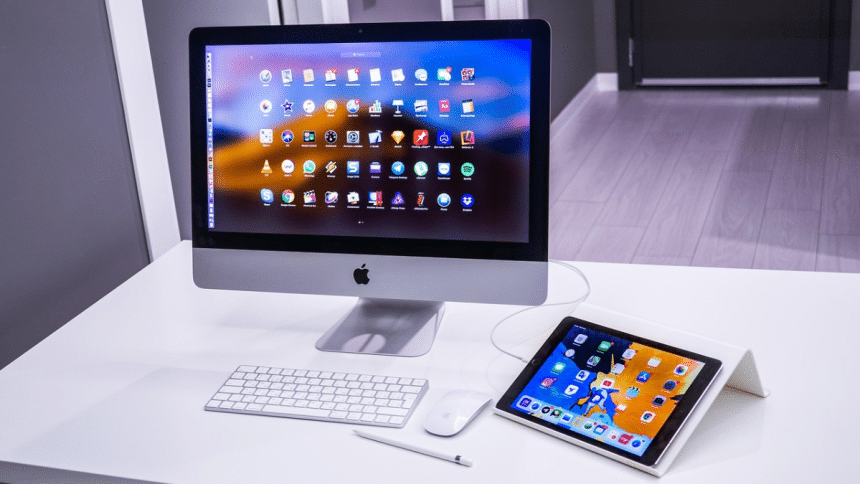
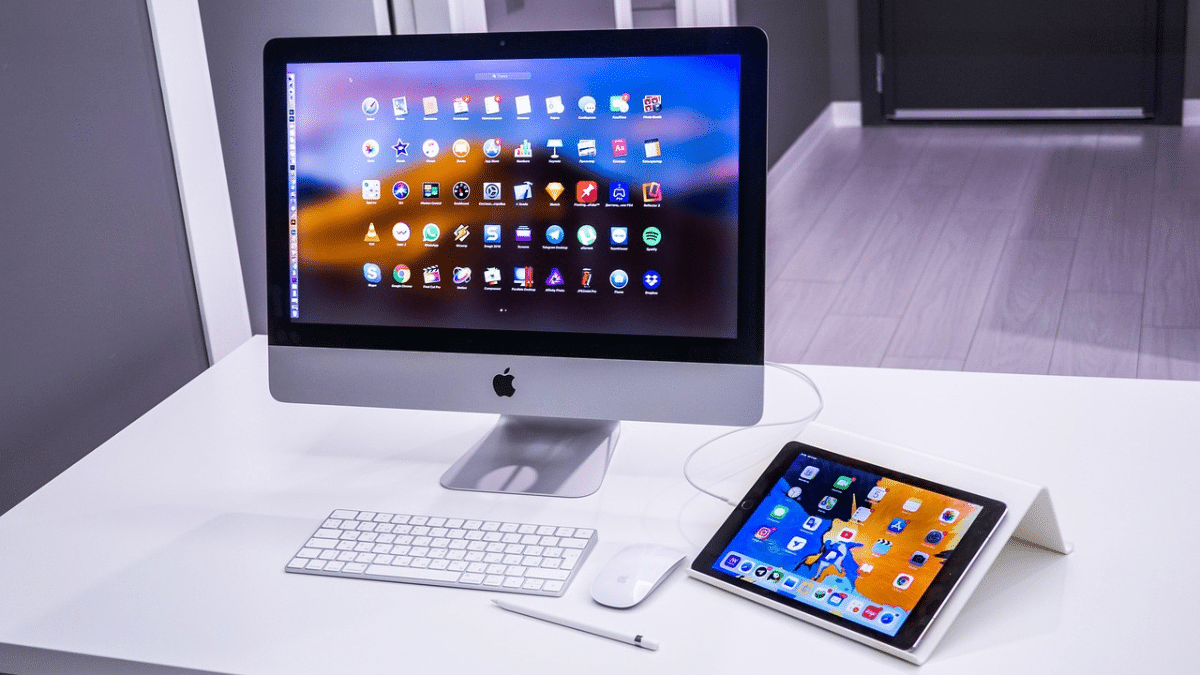
If you frequently switch between devices, Handoff enhances productivity by allowing you to start composing an email, editing a document, or browsing a web page on one device and continue seamlessly on another. Meanwhile, Sidecar turns your iPad into a secondary display for your Mac, giving you extra screen space for editing content, designing graphics, or managing multiple projects.
Enhance Productivity and Content Creation
Building a strong online identity isn’t just about appearance—it also requires efficiency in content creation and branding tasks. Apple’s Shortcuts app automates repetitive actions, allowing you to schedule social media posts, generate personalized email responses, or format documents with a single tap. It frees up time to focus on higher-level branding efforts.
For capturing and organizing ideas on the go, Apple’s Dictation and Voice Memos streamline content ideation. Whether brainstorming article topics, recording key insights from a meeting, or drafting social media captions, these tools ensure you never lose a valuable thought. Dictation allows for hands-free note-taking, while Voice Memos provide an easy way to capture audio ideas for later transcription.
Once you capture ideas, keeping them structured is just as important. Notes offer a straightforward way to store essential information, while Freeform provides a flexible canvas for mind mapping, sketching, and visually planning content. With iCloud syncing these tools across all devices, you can access and refine your ideas anytime inspiration strikes.
Conclusion
Your online presence reflects your professional identity, and how you present yourself can open new opportunities. As such, Apple’s built-in tools make it easier to refine your brand, whether through high-quality video calls, polished profile images, or seamless content creation. Integrating these strategies into your daily workflow ensures every interaction—whether through email, video, or social media—reinforces your credibility and leaves a lasting impression.











