
Today, creating stunning videos is no longer the sole domain of professionals slinging with expensive equipment. Thanks to Apple’s state-of-the-art devices and software, anyone–from an adventurous novice to a seasoned pro–can already produce high-quality videos with just an iPhone or Mac.
Whether you want to immortalize your family’s memories, craft unique and eye-catching content for social media, or create a short film, Apple’s ecosystem already offers extraordinary tools.
Videography With iOS or MacOS Platforms
Choosing the Right Equipment
The iPhone Camera: Your All-in-One Tool
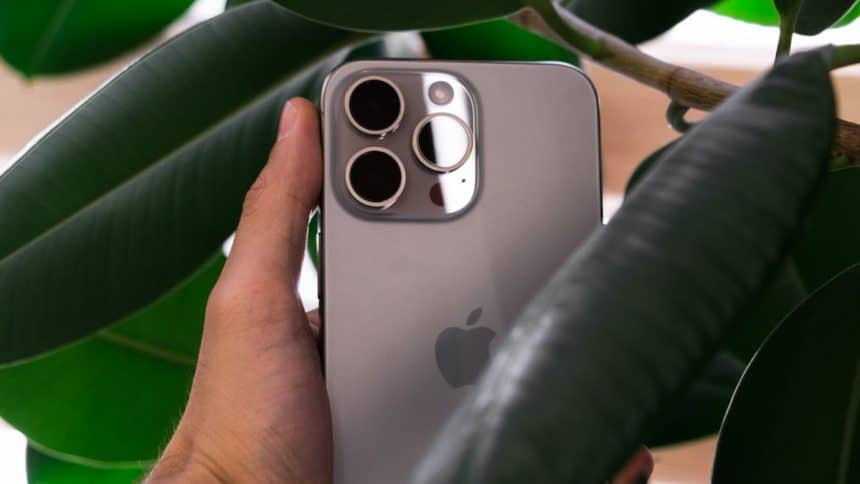
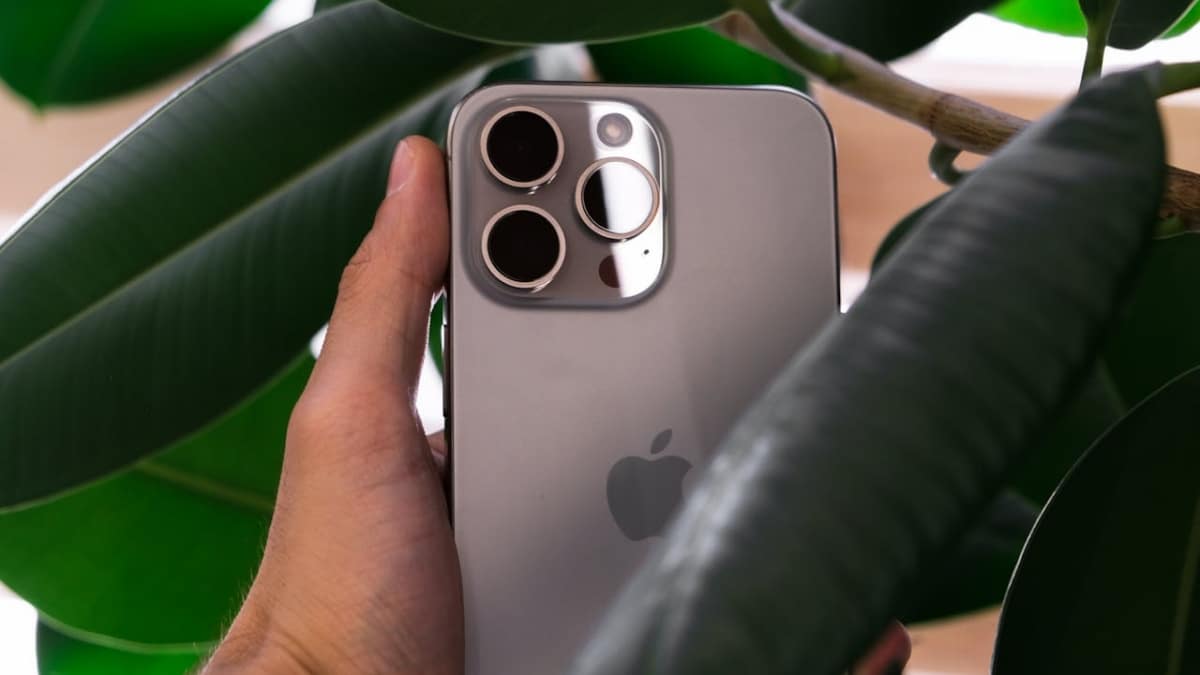
Your video-crafting journey begins the moment you choose the right equipment, and the iPhone’s camera is one standout feature. With Apple’s latest models offering top-of-the-line camera systems like iPhone 14 Pro’s triple-lens setup, you’ll have access to tools that can keep up with most professional photography gear.
With the iPhone’s prowess, especially with features like Night Mode, ProRAW, and Cinematic Mode, capturing stunning footage will become a breeze, even if you’re a newbie.
Also, learning how to create AI-generated videos, especially using third-party apps like Genny.ai, can help you automate and elevate your content. It can assist you in automating tasks like script generation, shot lists, or editing cues, helping you focus more on your creative streak.
Mac’s for Editing Prowess and Precision
While the iPhone can be perfect if you want to capture footage on the go, editing these materials on a Mac, on the other hand, can elevate your project to the next level. Most Macs, especially those powered by M1 or M2 chips, have the processing power you may need for seamless editing in 4K or even 8K resolution.
Also, it’s best to pair your Mac with external storage devices or additional displays for a more professional and efficient setup.
Mastering the Basics of Videography
Understanding Your Cams Frame Rates and Resolution
A helpful understanding of basic videography concepts could make your materials, like a travel video, more impactful before you delve into complex editing. Two of these indispensable concepts, the frame rates and resolution, play prime roles in how your video will look and feel.
● Frame Rates (FPS)
Your iPhone-created video is measured in frames per second (FPS), and for cinematic quality, you need the standard 24 FPS. However, higher frame rates, like 60 FPS, can be ideal for smooth slow-motion shots.
● Resolution
Your video’s resolution is measured in pixels, which can significantly affect its clarity. The iPhone is multi-functional, allowing you to adjust both resolution and frame rates directly in your camera’s app.
Your Cam’s Lighting and Composition
Lighting is said to be everything in videography, whether for newbies or professionals. You need to make natural light your very best friend whenever you need to capture things with your lens. Some of Apple’s devices can handle low-light scenes exceptionally well, but it’s still best if you master these basic lighting techniques so you achieve professional-looking results.
Another basis to master is your video’s composition. It’s how you frame your subject, and it plays quite an indispensable role in crafting your video. It can help you harness the Rule of Thirds, a simple guideline that can dramatically improve the quality of your shots.
Most iOS devices today have these grid overlays on their cam to assist you in aiming and framing your shots perfectly.
Leveraging Apple’s Native Features
● The iMovie and Final Cut Pro Editing
It’s the tricks in your editing that can transform your captured videos. You may start with iMovie for intuitive tools, and then you can upgrade to Final Cut Pro for more advanced features like multi-cam editing and professional-grade color grading and finishing.
● The Continuity Features Across Devices
One of the more pronounced advantages of Apple’s ecosystem is its continuity features that allow you seamless integration across your devices. It’s like editing a project on your iPhone and continuing it on your Mac without missing a beat. Its AirDrop settings can help you transfer large video files between devices faster and effortlessly.
Final Tips for Going Pro
Consider Your Backup and Storage Solutions
As your video projects increase and become more complex, managing your phone’s storage becomes necessary. When this happens, you can use iCloud for seamless backups across all your devices. Still, it’s more proactive if you consider investing in SSDs or external hard drives for larger projects.
Just Practice and Experiment
It may be cliche, but the key to mastering videography is practice. You may not perfect it, but you can always work around and use these imperfections to your advantage.
Conclusion
Creating stunning videos is fast becoming a handy trend using Apple devices. Whether you’re just starting out or focusing on refining your skills, Apple’s ecosystem can help you tone and trim your captures. It can already offer everything you need to work on videos like a pro.











