
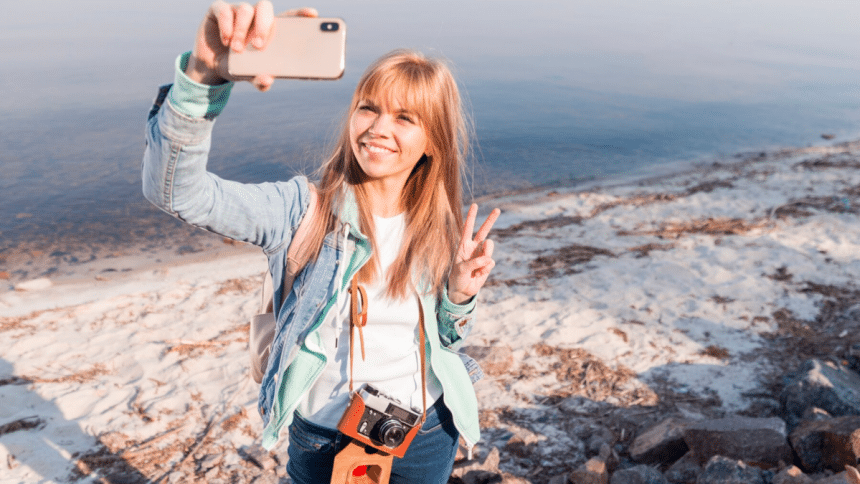
Do you enjoy taking photos with your camera while you travel? In this case, you are in the right place here! If you are crazy about video shooting ideas and tricks, you are not alone. Sometimes we struggle to find those good tips to make engaging travel vlogs.
In this article, we will delve into the fascinating realm of trip videos and teach you how to make eye-catching travel videos that captivate viewers. These pointers and ideas can help add something unique to your travel videos, whether you’re organizing a trip or just want to capture your travels!
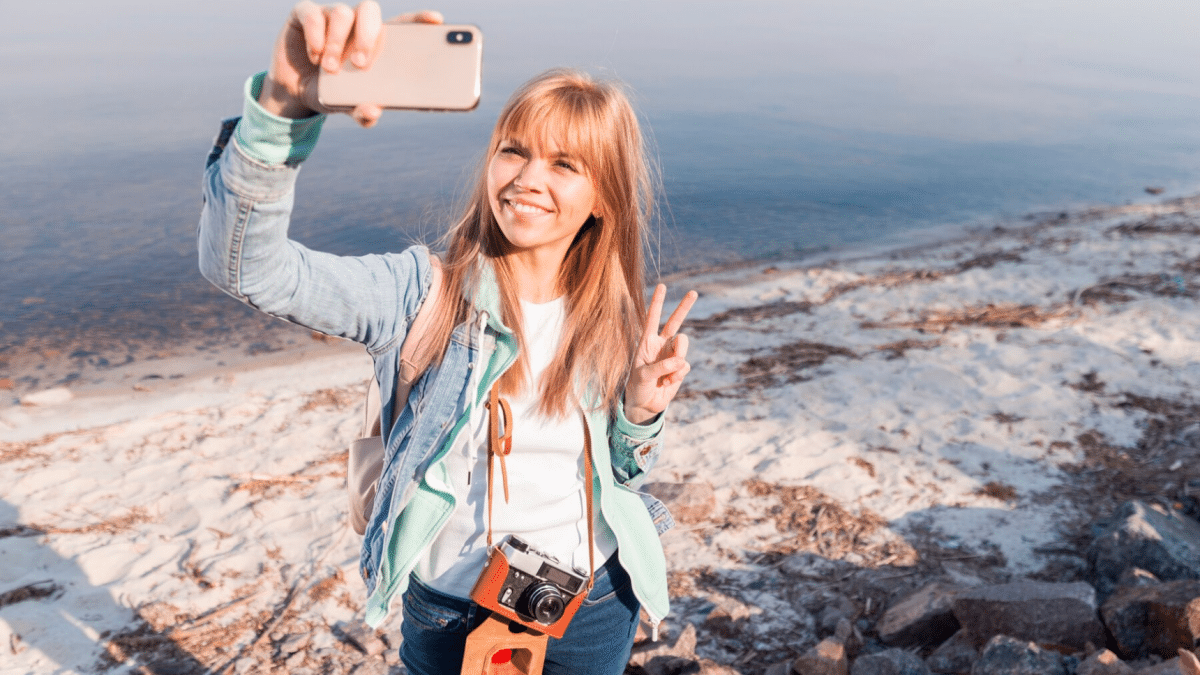
Use the Best Shooting Tools
Having the proper tools is crucial while creating travel videos. The following essential components can help you to improve video quality:
Camera:
Purchase a good camera that can capture videos in high definition. Although mirrorless and DSLR cameras are excellent choices, a smartphone like an iPhone or Samsung with a strong camera may also produce amazing videos if your budget is limited.
Tripod:
Using a tripod reduces camera shaking and helps maintain images stable. Otherwise, your video will get blurry by action motion, if your video is done like this, maybe there is only a way to unblur video by AI tools. This is especially helpful for taking time-lapse videos and stunning panoramic panoramas.
Microphone:
High-quality video is not as crucial as clear sound. To make sure your speech and the noises around you are clear and distinct, think about utilizing an external microphone.
Arranging Pictures
Make sure you have a storyboard and have planned your shots before you begin recording. The following advice will help you get started:
Check holiday destination
Learn about the must-see locations and the most well-known monuments. This will assist you in determining the ideal settings for taking breathtaking videos.
Make a list of the pictures you want to capture
List the precise shots you want to take, such as time-lapse, close-up, and wide-angle shots. Making a note of your appointments can keep you on track and prevent you from missing any significant events.
Record a range of content
range is key when it comes to travel documentaries. Incorporate images of people, places, cultures, and landscapes to tell a gripping tale.
Shooting Tricks
It’s time to go shooting now that your gear and shooting schedule are set! The following shooting methods can assist you in producing visually captivating trip videos:
Rule of Thirds:
Visualize creating a 3 by 3 grid on a frame. In order to produce a composition that is visually pleasing, place your object between lines or intersections
Pan and tilt the lens:
To get cinematic-looking images, use slow, fluid motions while panning (moving the camera horizontally) or tilting (moving the camera vertically).
Time Lapse and Hyperlapse:
Use a tripod to steady your camera and take periodic pictures to document the passage of time. These photos can then be put together to create a time-lapse sequence, which will give the film more movement.
Get rid of the messy backdrop
We all know that interesting places are always full of people. Keep your lens focused on the beautiful scenes and main characters. Remove background from video to make your video out of the crowds and mess.
Edit Your Travel Vlogs
It’s time to put your clips into a stunning vacation video. The following editing advice will assist you in producing polished end vlogs:
- Select an appropriate editor: There are several alternatives for video editors like Fotor. Try out various programs to see which one best fits your requirements and degree of expertise.
- Cut and arrange your videos: Sort your video and pick the best frames. Remove any extraneous scenes, then logically reorder the clips so they tell the tale.
- Include music and transitions: Choose background music that accentuates the tone of your video. If you want a fluid viewing experience, you should also think about combining photos effortlessly using transitions.
Send Footage Of Your Travels
Congratulations for your fantastic vacation video! It’s time to announce it to the public now. The following advice will help you share your video:
YouTube: Post your video on the world’s biggest video sharing website, YouTube. To improve your video’s visibility, optimize its title, description, and tags by using pertinent keywords (such as the video’s location or object).
Social Media: Post links to your videos on Facebook, Twitter, and Instagram. To attract a larger audience, write interesting captions and make use of pertinent hashtags.
Work together with travel vloggers: Get in touch with well-known travel influencers or vloggers who might be willing to show off your film to their audience.You can become more visible and reach a larger audience by collaborating.
Conclusion
You may make amazing travel movies that perfectly capture the spirit of your adventures by using these strategies and pointers. Keep in mind to carefully consider your shots, edit your movies, shoot in an original manner, and share them with the world. So go forth, explore, and begin making incredible travel documentaries that encourage people to set off on their own adventures!











