
iLoungeiLounge
  • News
    • Apple
      • AirPods Pro
      • AirPlay
      • Apps
        • Apple Music
      • iCloud
      • iTunes
      • HealthKit
      • HomeKit
      • HomePod
      • iOS 13
      • Apple Pay
      • Apple TV
      • Siri
    • Rumors
    • Humor
    • Technology
      • CES
    • Daily Deals
    • Articles
    • Web Stories
  • iPhone
    • iPhone Accessories
  • iPad
  • iPod
    • iPod Accessories
  • Apple Watch
    • Apple Watch Accessories
  • Mac
    • MacBook Air
    • MacBook Pro
  • Reviews
    • App Reviews
  • How-to
    • Ask iLounge
Font ResizerAa
iLoungeiLounge
Font ResizerAa
Search
  • News
    • Apple
    • Rumors
    • Humor
    • Technology
    • Daily Deals
    • Articles
    • Web Stories
  • iPhone
    • iPhone Accessories
  • iPad
  • iPod
    • iPod Accessories
  • Apple Watch
    • Apple Watch Accessories
  • Mac
    • MacBook Air
    • MacBook Pro
  • Reviews
    • App Reviews
  • How-to
    • Ask iLounge
Follow US

Articles

Articles

Is FireStick Jailbreak Similar to iOS Jailbreak? (Explained)

Last updated: Aug 20, 2019 5:45 pm UTC
By Lucy Bennett
Is FireStick Jailbreak Similar to iOS Jailbreak?

Jailbreaking is a term often associated with Apple products wherein a user gains superuser privileges to the operating system to do things that the manufacturer does not allow them to do by default. When you talk about iPhones, jailbreaking means that you have to mess around with the operating system, bootloader, etc and involves the use of a computer to gain superuser access. But when it comes to an Amazon Fire Stick, it is a completely different process and you won’t need to use any complicated tools. So the question is, how do you jailbreak a Firestick? Well, here jailbreaking means installing third-party applications that did not come from the Amazon app store.


There is nothing illegal about it and you are using options inbuilt into the operating system itself. Since the Fire stick uses the Android Operating System, it can install .apk installation files like any android device. All you need to do is play with some settings, and you can enjoy unlimited content for free. Let’s see how that is done.
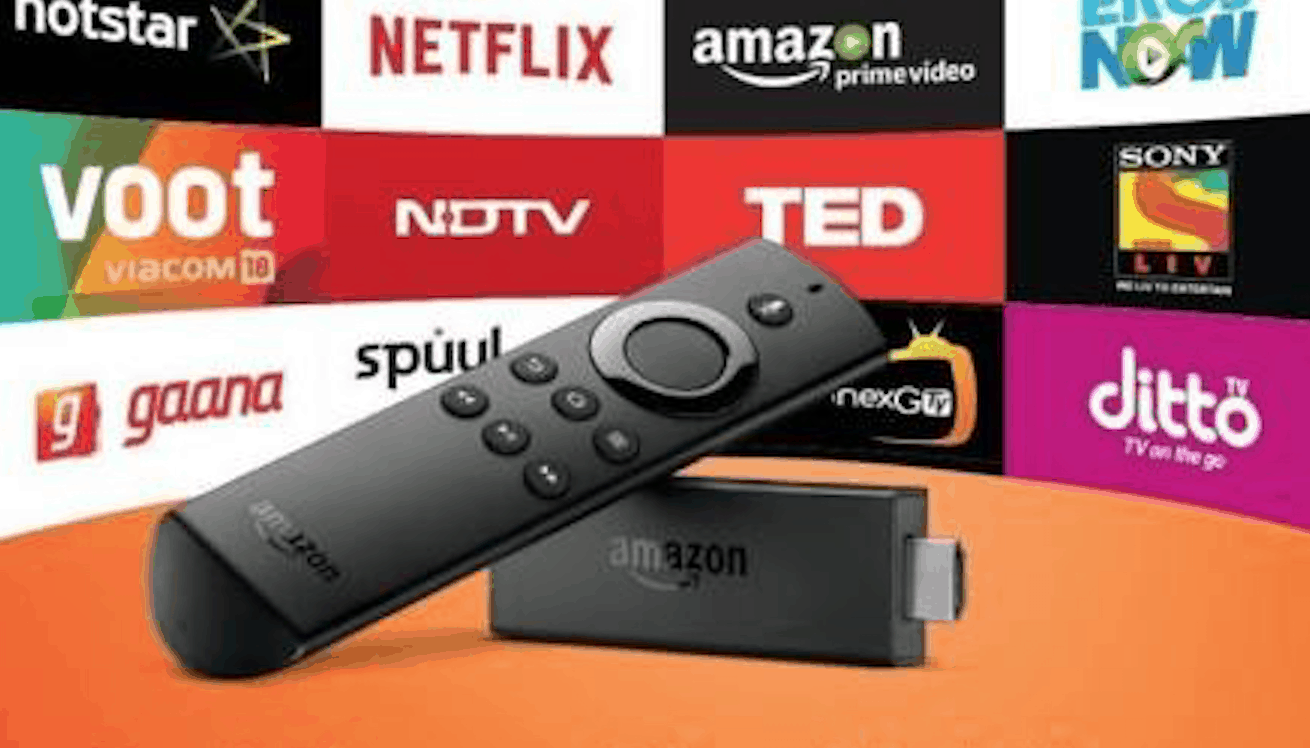
Is FireStick Jailbreak Similar to iOS Jailbreak?

Steps involved in Jailbreaking a Firestick

These are the steps to install any app on a Jailbroken Fire TV stick:


  1. Open the settings menu on your Firestick using the Alexa remote.
  2. Select Device / My Fire TV depending on your OS version.
  3. Open developer options.
  4. Turn the second option ON, that is the “Apps from Unknown Sources” option. This option will allow you to side-load any application as you like into your Fire stick.
  5. Now we need a file explorer to download and open .apk files and the best one is ES file explorer.
  6. Search for ES File Explorer in the app store, download and install it like you would with any application.

Now you can install any app as you wish. For the sake of this article, let us go with Kodi. Kodi is one of the most famous streaming applications out there and it is the first thing all the people install once they have a jailbroken Amazon Fire TV Stick. They have a very huge library filled with all kinds of content including top TV shows, Movies, Sports, Cartoons, etc. Once you install Kodi you will not need to pay for any other streaming service. Follow these steps:


  1. Open the ES file manager that we just installed and open the Download Manager under the tools section on the left pane.
  2. Click the new button on the bottom menu.
  3. A download window will now open. Go to http://kodi.tv/download, select Android in the list of Operating systems and get the URL for the 32-bit version. This is the recommended version for the Fire Stick.
  4. Paste the URL in the download window of ES explorer and type Kodi in the name part.
  5. Click on Download Now and the .apk file will be downloaded. It is more than 60MB of size and will take some time depending on your internet connection.
  6. Once the download is complete, open the file and install it as you do on any android device.
  7. Enjoy the unlimited content.

Conclusion

A jailbroken Fire stick has a lot of extra features and this post was all about how to use one. Kodi is not the only app to use, there are many apps out there for a jailbroken user to enjoy. Unlike popular knowledge, jailbreaking is completely legal since the device is your property and you can do anything with it. We hope this article was useful to you. Keep visiting us.



Latest News
The 14-inch MacBook Pro with M5 Chip 16GB RAM/512GB is $250 Off
1 Min Read
Noise and Static on AirPods Pro 3 Still Unfixed
1 Min Read
New iMac with 24-inch OLED Display May be Brighter With 600 Nits
1 Min Read
The 15-inch M4 MacBook Air 256GB Is $250 Off
1 Min Read
Internal Kernel Debug Kit from Apple Reveals Tests for a MacBook with A15 Chip
1 Min Read
Apple Currently In Talks With Suppliers for Chip Assembly & Packaging of iPhones in India
1 Min Read
Apple Allows Easier Battery Replacement For M5 MacBook Pro with 14-inch Display
1 Min Read
The Apple Watch SE 3 44mm GPS is $50 Off
1 Min Read
20th Anniversary iPhone May Launch in Two Years
1 Min Read
Better Image Generation Capabilities and Apple Music Integration Coming to ChatGPT
1 Min Read
A20 Pro Chip Coming to Next Gen iPad Mini OLED
1 Min Read
Amazon has the AirTag 4 Pack Marked $29 off
1 Min Read

iLounge logo

iLounge is an independent resource for all things iPod, iPhone, iPad, and beyond. iPod, iPhone, iPad, iTunes, Apple TV, and the Apple logo are trademarks of Apple Inc.

This website is not affiliated with Apple Inc.
iLounge © 2001 - 2025. All Rights Reserved.
  • Contact Us
  • Submit News
  • About Us
  • Forums
  • Privacy Policy
  • Terms Of Use
Welcome Back!

Sign in to your account

Lost your password?








