
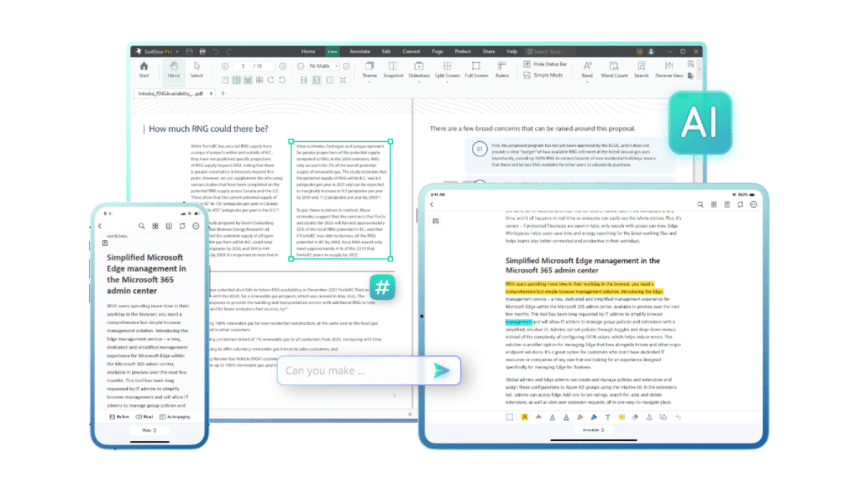
As part of its strategy to accelerate development of AI-powered PDF program, SwifDoo has developed its latest PDF program with a built-in AI algorithm, the SwifDoo AI.
The latest SwifDoo PDF for Windows program has evolved greatly towards using AI. The developer has built a number of mechanisms into the latest version that make using AI tools easier than ever before. The AI assistant called SwifDoo AI, based on the ChatGPT model developed by OpenAI.
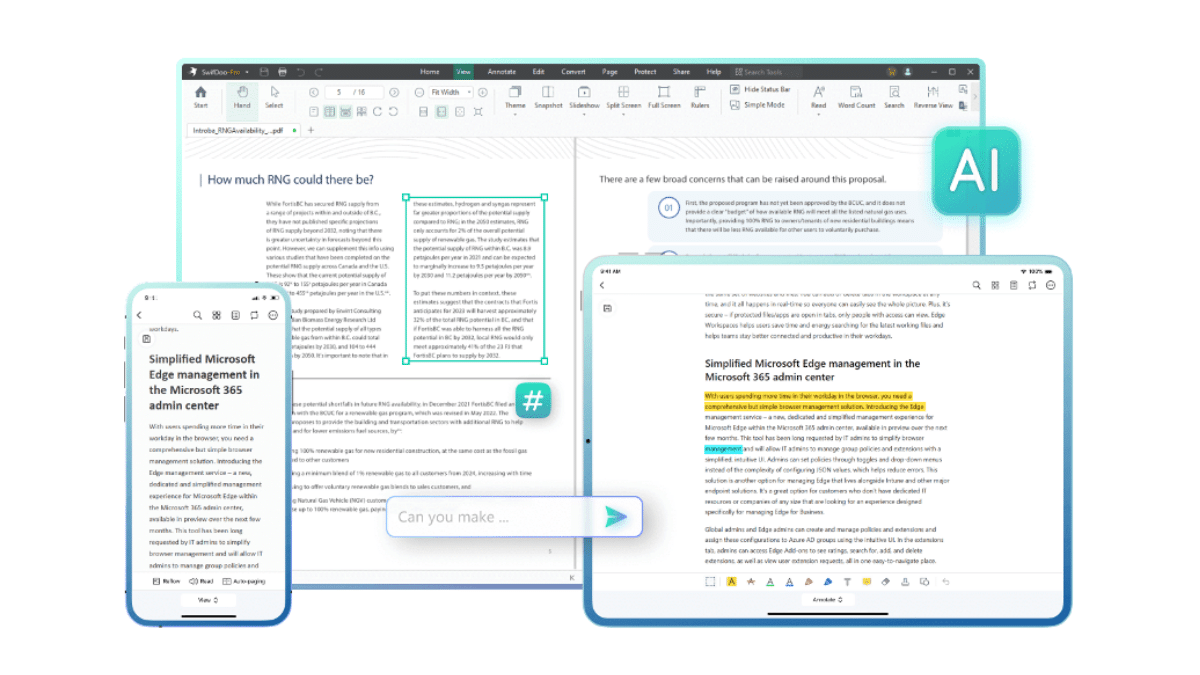
With such an integration, SwifDoo AI will, for example, supports us in analyzing PDF documents. Such functionality will drastically facilitate our work with the PDF documents.
The Main Features of SwifDoo AI
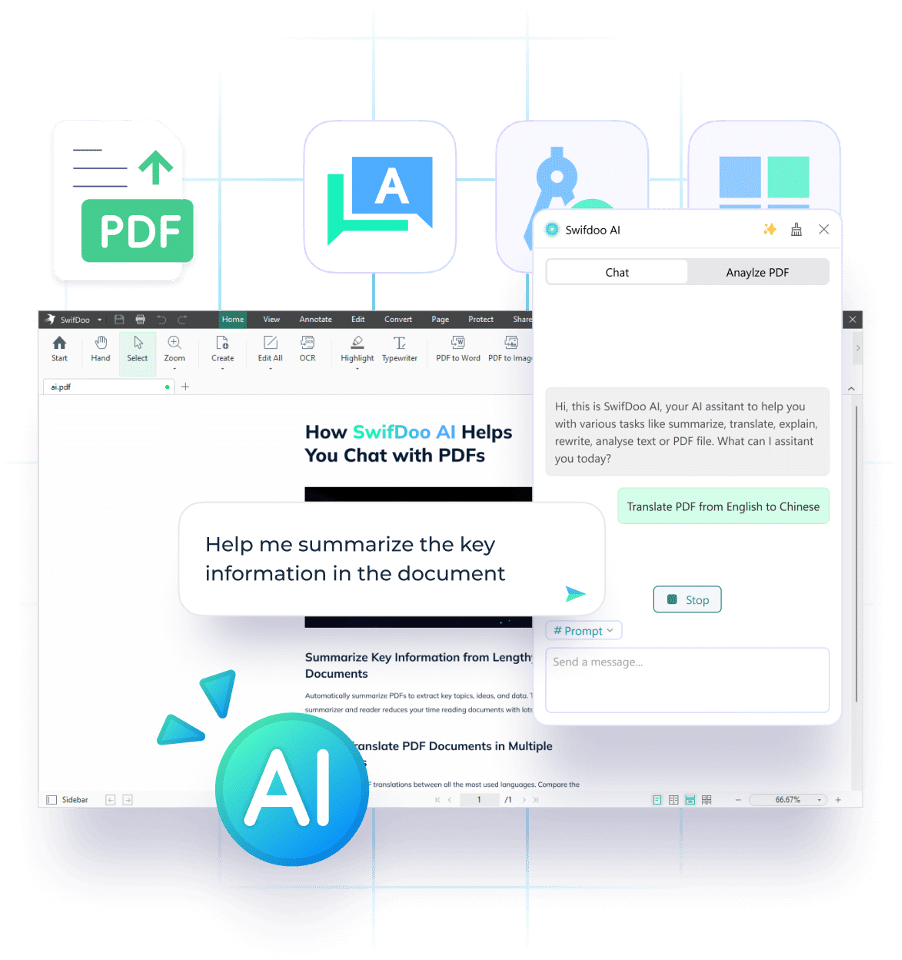
The SwifDoo AI is equipped with document analysis functions to better recognize and distinguish spaces, languages, spells among others, as well as translation functions to accurately translate your PDF documents. In addition, the AI tool works with the functions of the PDF program in which it is built to rewrite and explain PDFs.
In addition, through cooperation with other new techniques, SwifDoo PDF will expand the availability of its AI solutions.
How Does SwifDoo AI Empowered the PDF Documents Management
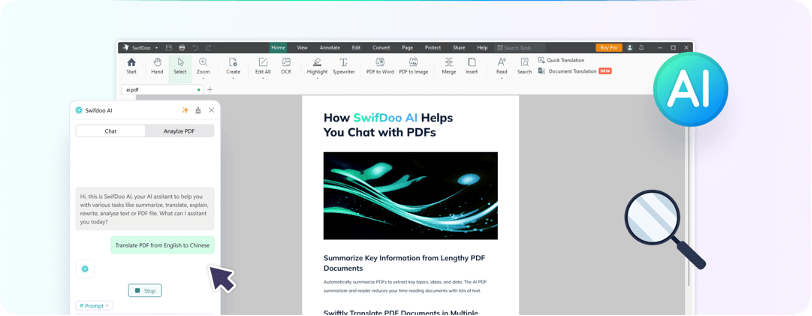
Every business, large or small, must deal with documentation to manage their day-to-day operations. Since it is impossible to process every PDF document manually, it is necessary to have an automated document processor such as the SwifDoo AI. It allows businesses to organize PDF content and make it available at any time.
SwifDoo AI has several use cases across industries ranging from hospitals to enterprises.
- Helps companies partially automate document management and processing.
- PDF management is a tedious and repetitive task, and automating the process reduces processing errors and shortens turnaround time.
- SwifDoo AI improves performance, reliability and scalability of a PDF file.
How to Get Started with SwifDoo AI?
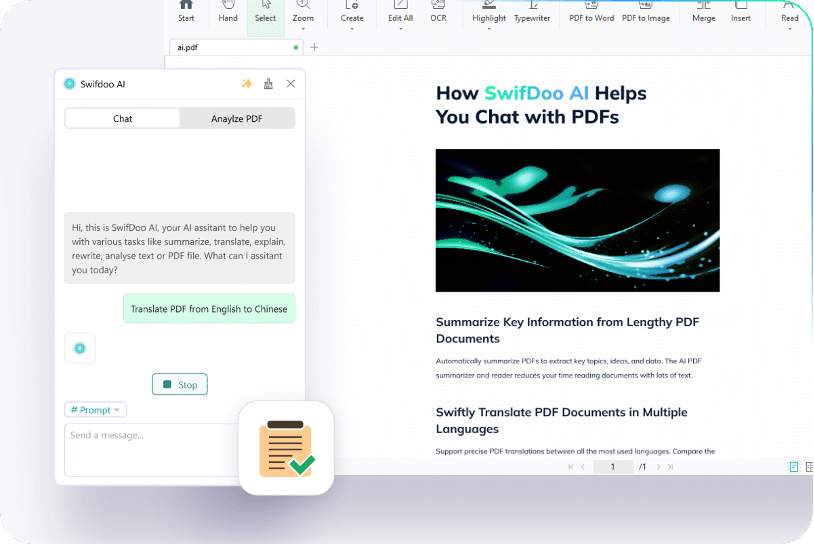
To use SwifDoo AI you need to go to download and install the program form the developer’s website. If you do not have an account on the platform, you must register as a new user. After logging with your account for the first time, you can start a conversation with the chat with a limited free trial. Questions should be entered in the box at the bottom of the page. The default language is English, but you can change the language as you wish.
The “Chat with AI” feature may take some time to generate an answer. Sometimes the model needs a few minutes to process the question. Therefore, it is important to wait patiently for the AI to respond.
We must emphasize that this feature is a dedicated value-added one, so in this case if you want to use it without any limitations, you’ll have to separately purchase a pro plan, which is not included in the regular SwifDoo PDF Pro version.
About SwifDoo PDF Editor
SwifDoo PDF is a well-known name in the field of desktop PDF tools, has earned recognition for its exceptional user-friendliness and its function as a comprehensive PDF toolkit. It acts as a comprehensive suite of PDF-related applications, all accessible from a single, user-friendly interface. The simplicity of the program is one of its most noteworthy features.
The developer to introduce an expanded portfolio of SwifDoo AI solutions, continuing to accelerate advanced workloads and offering individuals and businesses a broader range of options to further their unique PDF management experience.
SwifDoo AI at the Races
There’s a race among PDF developers to develop AI features and bring them to market. The latest SwifDoo PDF supporting the enterprise, cloud, document translation and AI, makes it easier for the SwifDoo PDF program users to build trusted PDF solutions tailored to their needs, eliminating uncertainty around integration, performance and budget.











