
Out of all the free PDF software we’ve tried, SwifDoo PDF is looking to be the best of the bunch. It’s comprehensive, yet easy-to-use and competes with the best PDF editors in the market in terms of speed and features.
An All-in-One PDF Software
Catchy name aside, SwifDoo ‘does’ every PDF work imaginable, such as converting, signing, creating and editing documents.

Making changes on PDF is now easier than ever. All you need is the software and a computer or laptop. It doesn’t take up too much resources either and can protect your private files with password protection and 2-level password protection.
SwifDoo has plenty of features we like- during our testing, all of them work as intended and there’s no hiccup or slowdowns.
Why Switch to SwifDoo PDF Software?
Robust and Efficient

With most PDF work you’ll need to edit, merge and insert text and pictures for maximum effect. Not all PDF apps will have the ability to do these, though. Most of them are only good at one thing, so you’re usually juggling two or three PDF software at a time.
This dilemma is solved by SwifDoo- you get all the editing tools you need in a single screen. Design is intuitive in that you only need a few minutes to get acquainted and know where you need to go. What was exhausting before is now a snap, and you can convert the file into other common MS Office formats quickly.
As far as interface goes, it’s relatively cleaner and offers plenty of real estate to work and finish your document. It’s clutter-free, and changing tools can be done in just a few clicks.
Powerful and Lightweight
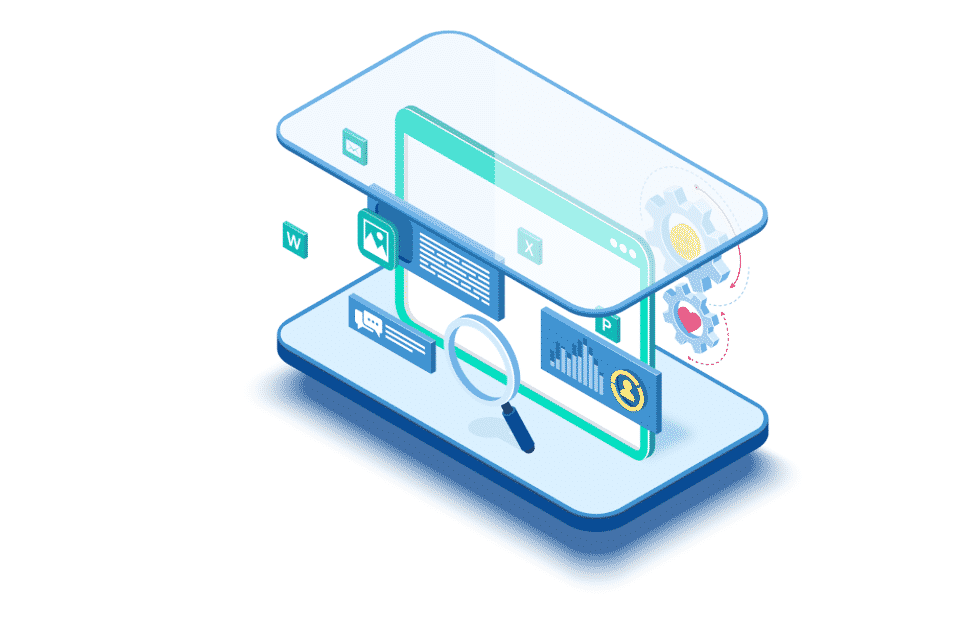
You probably won’t believe that SwifDoo only requires 10mb of hard drive space, but it’s true. This stands as a testament to how very little resources it needs to get things done, hardware- and software-wise.
SwifDoo PDF loads very quickly and there’s no delay as the program is setting up. In our testing, we learned how to convert PDF to JPG and it was completed in just a few seconds.
Downloading the free version is a snap, as is registering for a license. In the background, the app just waits until you open a document and start editing. Otherwise, it’s unobtrusive and consumes very little memory either way.
Quickly Open PDF Files
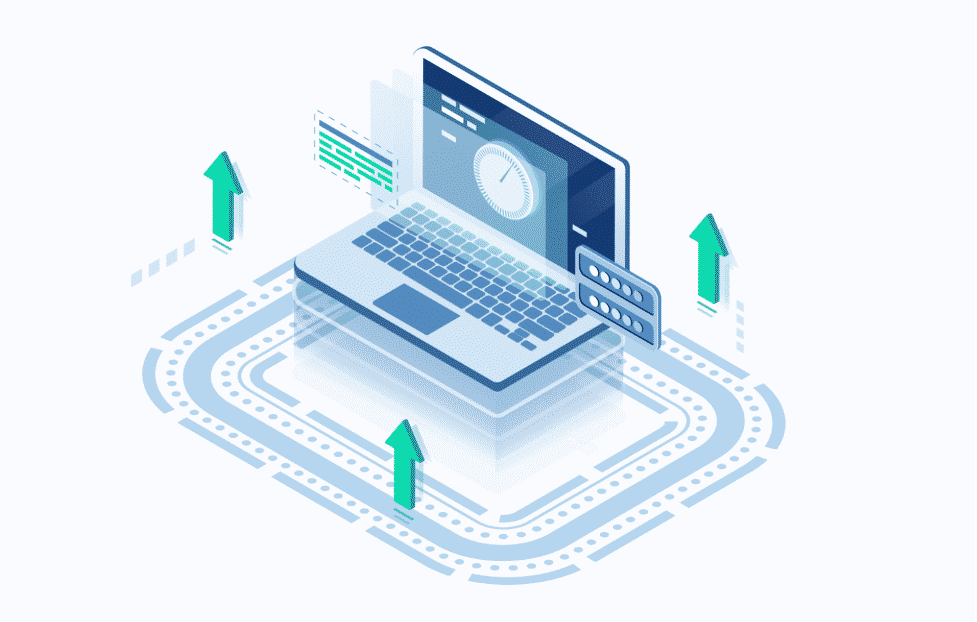
Most editors load PDFs quickly when there’s only a few pages. However, they tend to slow down when larger files are involved.
This isn’t the case with SwifDoo- it can open files that have dozens of pages, as well as media-rich documents with ease. You’ll be at home with the MS Office-like layout and can navigate through the creation or editing of PDF files seamlessly.
Since SwifDoo is lightweight you can immediately close it when you’re done and choose it as your default PDF software. This way, you won’t have to worry about loading times and having to right-click and pick the ‘open with…’ option.
Electronic Signature Feature and Password Protection
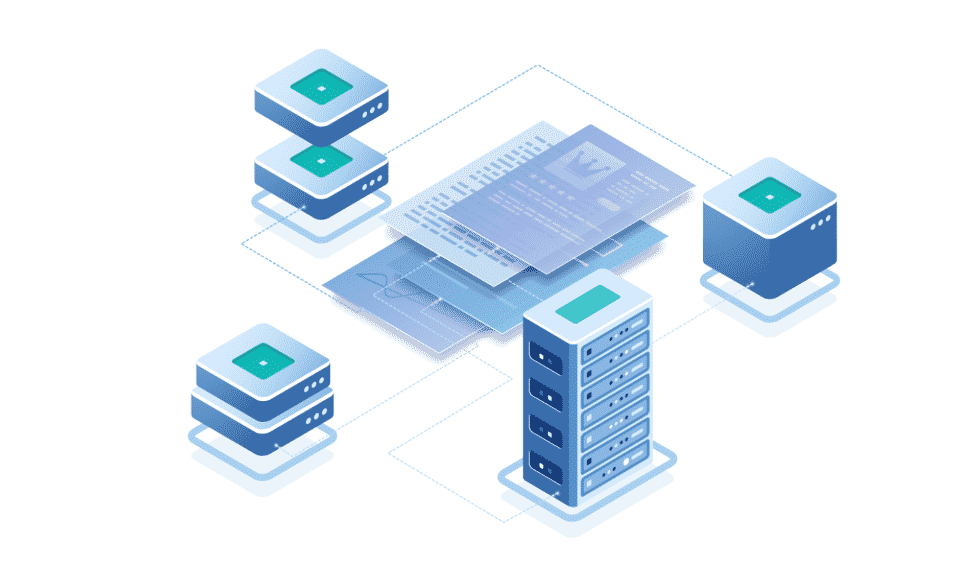
It definitely pays to have a PDF editor with new and innovative features. Case in point- the electronic signature solution lets people affix their signature and make it legally binding without having to print the document and have it signed with a pen. You can save time and money and not have to send the paper document by courier then wait for it to come back.
Businesses will certainly appreciate the password protection option with SwifDoo. After merging, editing and deleting PDF pages, users can add a 2-level password and set different permissions so only authorized personnel will be able to access and see confidential or sensitive information.
Should You Try SwifDoo PDF?
If you’re looking for a lightweight PDF software to manage your PDF files and documents, then SwifDoo is a worthy consideration. Despite its size, it’s actually a full-featured PDF editor with modern features such as electronic signature, password protection and compression, among others. Try it today!











