
Are you trying to gain access to your own iOS device? Perhaps you’ve been denied due to a touch/face id problem, multiple attempts at the passcode or an iPhone that got disabled by the playful hands of a toddler.
Apple’s high-standard security system only makes it more frustrating in times like these. AnyUnlock might be just what you need to get you out of the locked screen situation and inside your iOS device.
imobie claims their iOS unlock software can easily get the job done and in just a few steps, even by non-techies. So, we set off on disabling our iPhone 11 by entering the year 2021 and beyond for the passcode.
The question is, can AnyUnlock fix the doomed Apple smartphone and save us a trip to the Apple Store? We reveal the results in our AnyUnlock review.
It’s worthy to note that you should only use AnyUnlock for unlocking your personal iPhone, iPad or iPod Touch. It’s not for commercial purposes nor should it be used for illegal reasons.
AnyUnlock – Free Any iOS Device From Any Locked Screen Situation
AnyUnlock is the latest creation by iMobie, a team known for its AnyTrans and PhoneRescue software. Currently, AnyUnlock is at version 1.0.0, which means it’s stable and ready for personal use.
You can use the AnyUnlock to get rid of any kind of locked screen error even when you don’t know the password, or when your iPhone, iPad or iPod Touch says ‘try again in one million minutes’.
Whether you’re staring at an iPhone lock screen, unlock Apple ID or Touch ID not working, AnyUnlock can do the trick. It’s a complete software that can also remove iTunes backup and Apple ID password (when you need a clean wipe).
AnyUnlock Features
Bypass iPhone Passcode
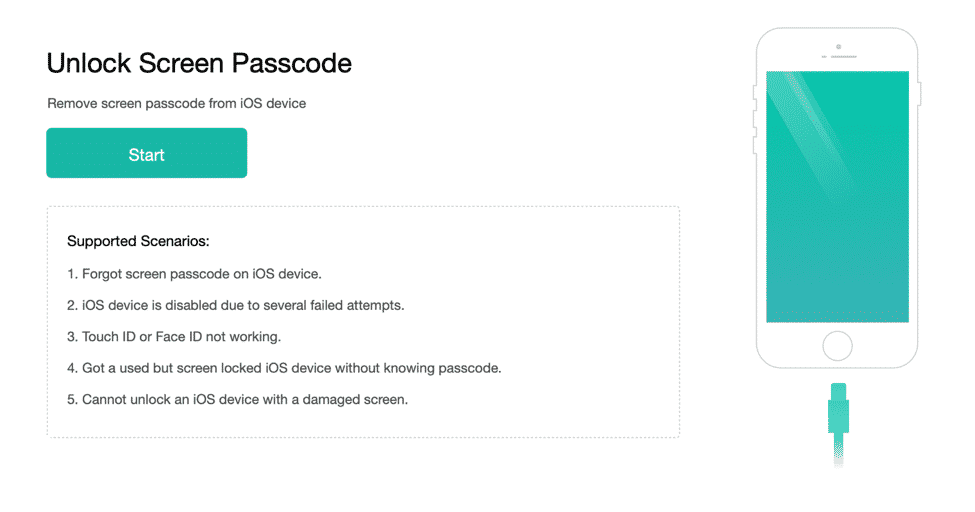
You won’t have to fear getting locked out of your iPhone or iPad ever again. This means you can get a way out of multiple failed attempts, when you forgot your iPhone password or when your smartphone screen is cracked and unable to register touch input.
Remove Apple ID Password
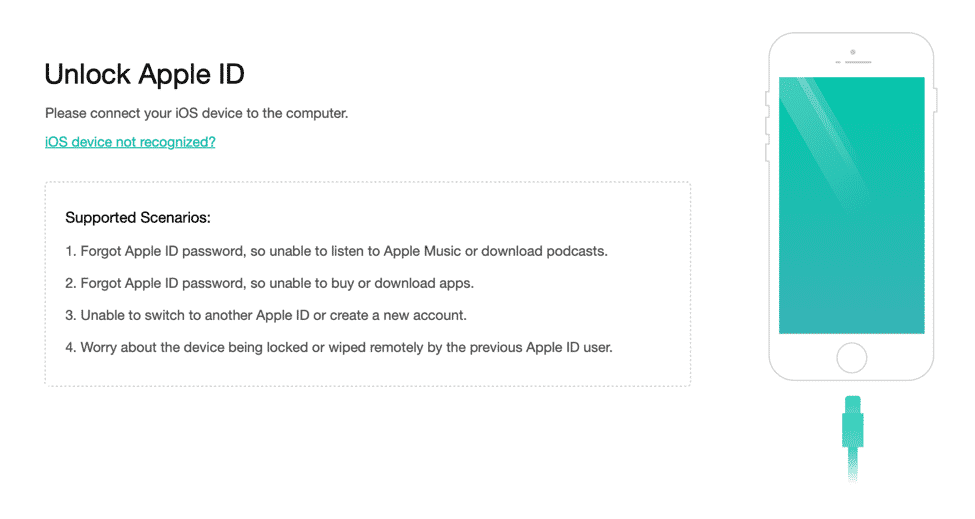
Apple ID passwords aren’t used everyday, and when they’re needed people usually blank out. You could either a) retrieve password (which is lengthy and requires several security checks), or b) attempt to enter your last known password but risk getting locked out.
With AnyUnlock you can just plug your iPhone 11 in to your computer, boot up the software and press ‘Unlock Now’. It’s that easy!
iOS Password Manager
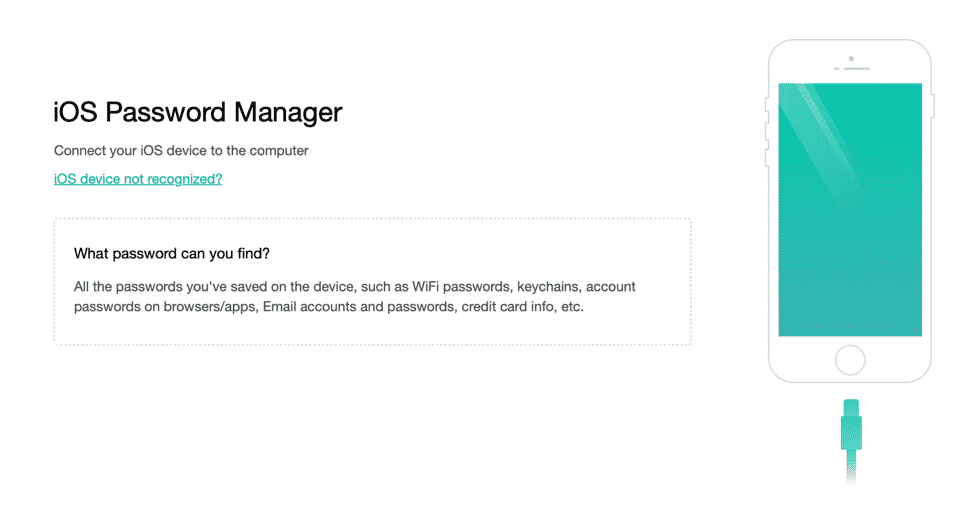
Your iPhone can easily store several dozen passwords on apps, the App Store, streaming and financial services, among others. You can try to test out each password per platform or get the AnyUnlock to restore, browse or extract the password to your computer.
iTunes Backup Recovery and Remove Encryption
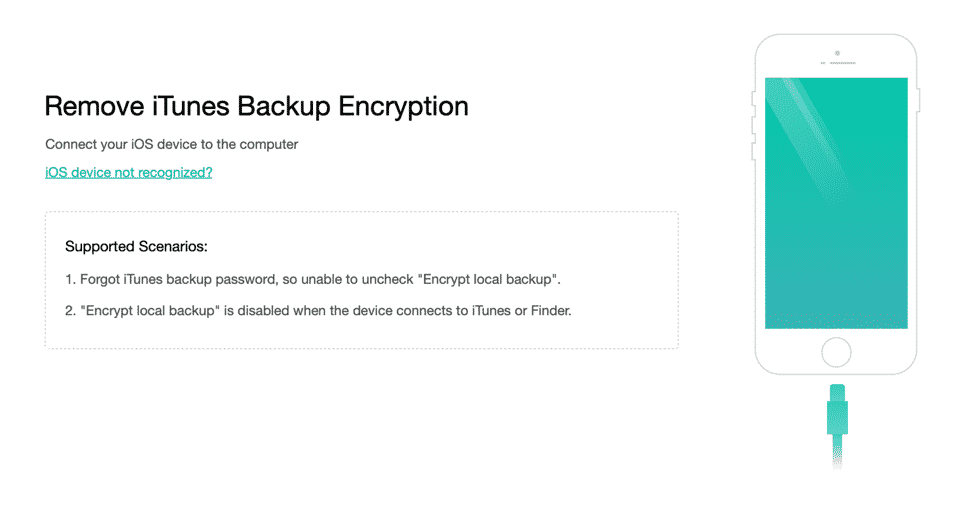
Working with iTunes can be incredibly frustrating, especially if at some point you don’t know the password or the backup password.
AnyUnlock has a way to get your encrypted iTunes password and backup password back, even when you don’t have it on hand. This saves you time and allows you to proceed with less hassle.
Unlocking the iPhone 11 Using AnyUnlock

After several tries of rebooting the iPhone 11 to try and get the screen lock removed, we realized that between restoring iTunes, iCloud or entering recovery mode, a third party tool is the easiest option. We installed AnyUnlock on a computer and plugged the iOS device via a data cable.
In the interface menu, the ‘Unlock Screen Passcode’ came up. We were prompted on its supported scenarios and given a ‘Start’ button.
The iPhone already has the latest iOS version, so it proceeded to the unlock screen password step. AnyUnlock showed four reminders once the action is taken; if you agree to them, then click on ‘Unlock Now’.
We waited with bated breath…and it worked!
Then we tried out the other features and was met with the same results. AnyUnlock is quick, easy to use and we had no problems seeing the stored password and exporting it to the computer.
Conclusion – Use AnyUnlock to Unlock Your Personal iPhone
AnyUnlock is a first in terms of giving people the convenience of unlocking their personal iPads and iPhones quickly should unfortunate situations happen.
You can save time and regain the use of your locked iOS device in three simple steps!
Download it for free on Windows or Mac and try it out today.











