
Apple Music is a must-have for all Apple enthusiasts and music lovers. Its library of 50 million songs (and counting) is impressive to say the least, and chances are that there’s a perfect tune for what you’re feeling at the moment!
The only thing is, DRM protection aspect shows itself when you’re trying to play the music on an unauthorized non-Apple device or outside the Apple Music app. Songs you download will be saved and stored in M4P format, which means you will need to remove DRM from Apple Music via an external software.
For a powerful Apple Music to MP3 converter you can rely on, use UkeySoft Apple Music Converter for Mac or PC. It’s one of the most popular Apple DRM removal tools around, and can be quite useful for your everyday music and audio needs.
UkeySoft Apple Music Converter for Mac and Windows
UkeySoft Apple Music Converter is available to download on Windows and mac OS computers. You won’t notice much difference when comparing these two platforms side by side.
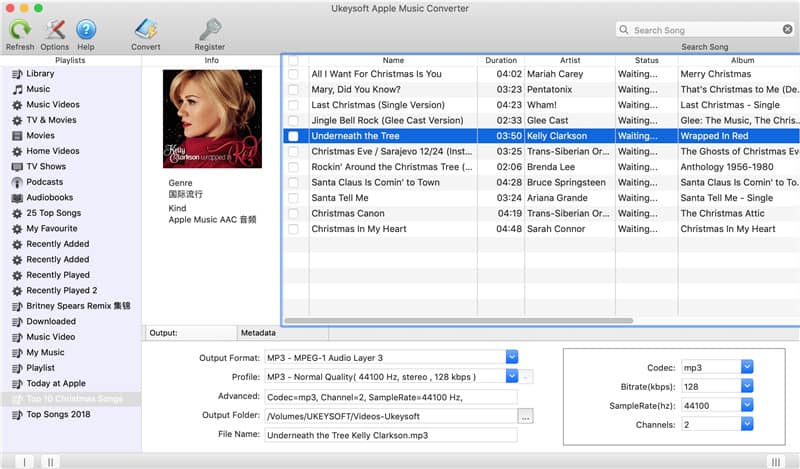
UkeySoft acts as a DRM remover, music converter and all-around audio tool for removing iTunes DRM and converting audiobook files into your preferred format. You can also quickly convert Apple Music to MP3, FLAC, AAC, AIFF, MKA, M4R and AC3, and as an Audible Audiobook converter that turns AA/AAX to MP3 or M4A without any loss of quality.
Convert Apple Music for Offline Listening on Any Device
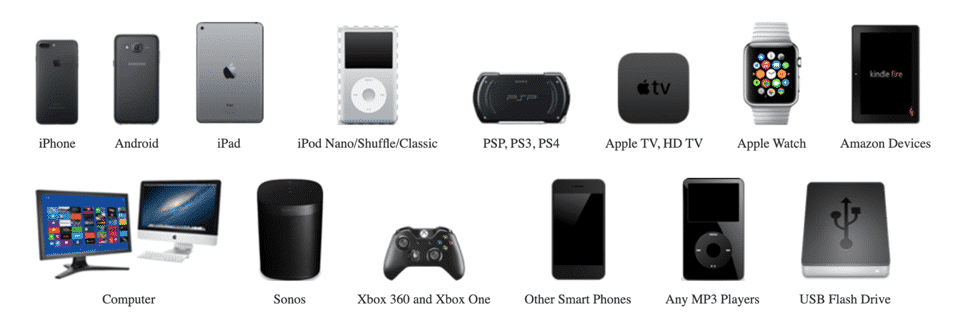
The default Apple Music doesn’t allow users to play songs to any device. With UkeySoft Apple Music, you can easily turn any Apple Music to MP3 without the restrictive DRM that come with it. Need to get audio files in FLAC, M4R, MP3, AIFF, AC3, MKA or AU format? Simply hit ‘convert’, wait for UkeySoft to finish converting, and transfer to your favorite device.
With the UkeySoft tool, you can now transfer Apple M4P songs to any MP3 player you may have, e.g., the iPod Shuffle, Classic iPod, Sony Walkman, SanDisk-powered player and smartphones.
Batch Convert Apple Music Songs at Up to 16X Speed
On Windows computers, the UkeySoft Apple Music conversion tool works up to 16X faster which can come in really handy when you’re working with large volumes of audiobooks or music files. On the Mac, the speed is only 1X due to system limitations. It’s best to keep the speed at 5 for the best results.
Keep Apple Music Songs Playable After Canceling Subscription
Apple Music subscription running out and want to keep your favorite songs? You can save money with UkeySoft and download the songs you want. Afterwards, you won’t need Apple Music to play the DRM-free music on all your devices!
Apple has made it such that canceling the Apple Music subscription makes the M4P files unplayable. To bypass this restriction, UkeySoft can convert Apple Music to MP3, making them yours to use as you wish. You can keep them even without a valid Apple Music subscription and enjoy the tunes without needing an internet connection.
Keep 100% Quality and Apple Music Metadata
The Apple Music to MP3 converter keeps important song data such as metadata and others intact. Moreover, you get the same quality as when the song was in Apple Music.
Compared to other streaming audio recorders and audio converters, UkeySoft saves all metadata after conversion, including genre, disc number, track number, composer, album, artist and song title.
How To Convert Apple Music to MP3 Using UkeySoft on Mac or Windows
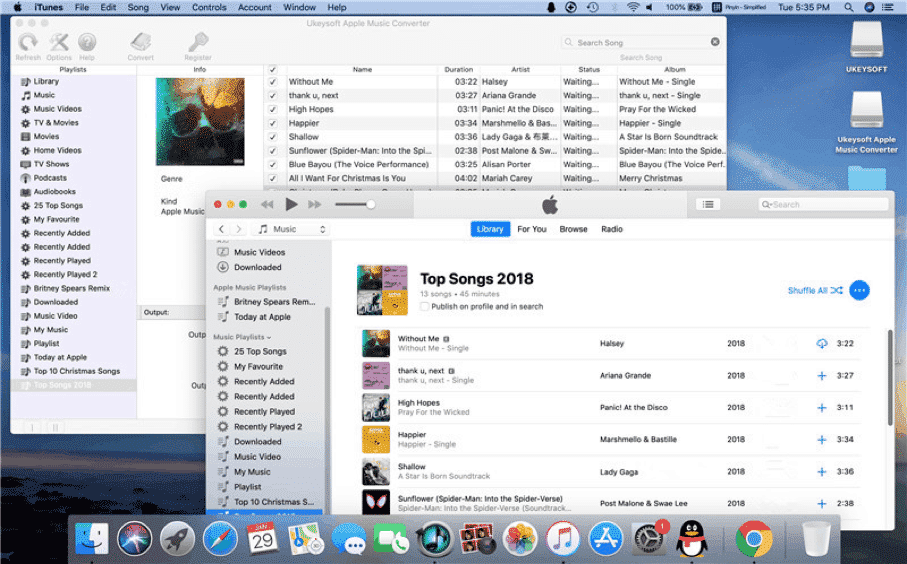
- Download UkeySoft Apple Music Converter on your computer.
- Double click to run and install to your preferred destination.
- Run the Apple Music DRM removal tool and register for full, unlimited conversion access.
- Complete the ‘Buy Now’ process and get a license code to start converting your music collection to DRM-free MP3s and whatnot.
Remove DRM and Convert Apple Music to MP3, M4A, AAC, AC3, FLAC, etc.
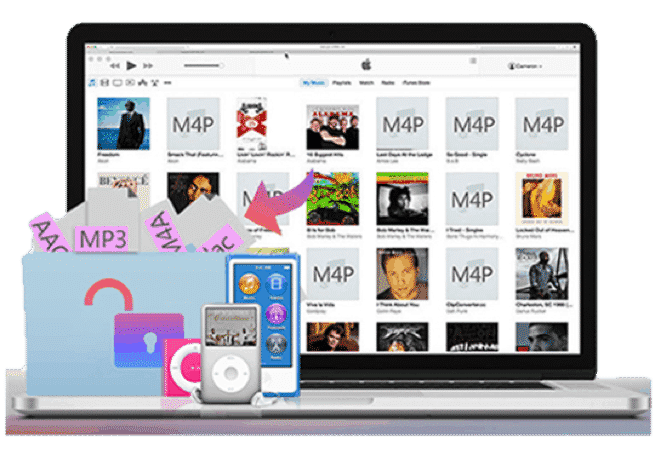
Step 1. Before anything else, make sure your iTunes is the latest version. Run UkeySoft and it will automatically open as well.
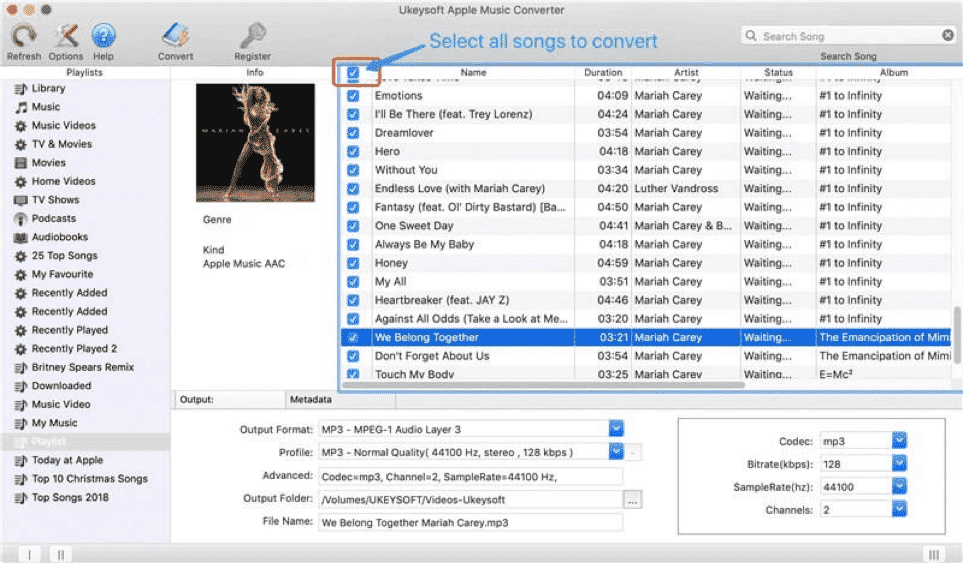
Step 2. Your song, album and playlist library will be shown in the app’s left side. Choose the videos, songs and podcast you want to turn to MP3 by checking the box beside the file.
Step 3. Choose your output format before clicking the ‘Convert’ button. Wait for UkeySoft to complete the process, and you’ll soon have DRM-free songs!
Convert Audible iTunes Audiobooks to MP3, M4A, etc.
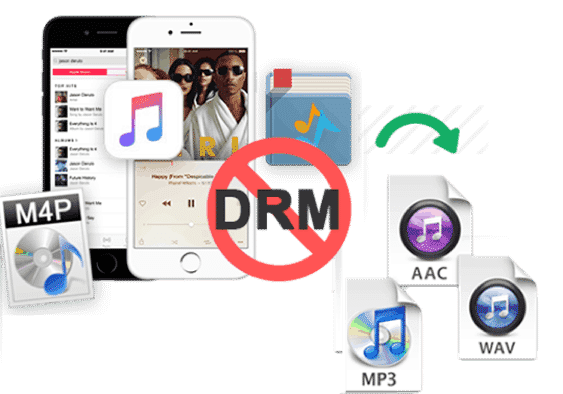
Have a few podcast and audiobooks you want to listen to while on the commute? No problem. UkeySoft has an iTunes DRM audio converter that works perfectly for this.
Step 1. Ensure you have the latest version of iTunes.
Step 2. Use either Audible Download Manager to import Audible content from iTunes or click on ‘Add File’ if you’re on a Windows computer.
Step 3. Open UkeySoft and check the audiobook or podcast content on the left side of the screen. Tick the boxes of the files you want to convert to MP3.
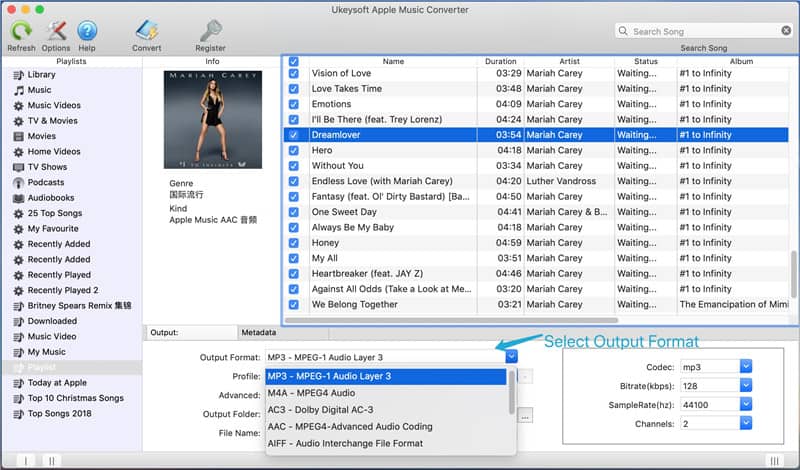
Step 4. Choose the output format, e.g., AIFF, M4R, MKA, AC3, FLAC, AU or MP3, then when you’re satisfied with the options, click on ‘Convert’ and wait for the software to finish.












