iLoungeiLounge
  • News
    • Apple
      • AirPods Pro
      • AirPlay
      • Apps
        • Apple Music
      • iCloud
      • iTunes
      • HealthKit
      • HomeKit
      • HomePod
      • iOS 13
      • Apple Pay
      • Apple TV
      • Siri
    • Rumors
    • Humor
    • Technology
      • CES
    • Daily Deals
    • Articles
    • Web Stories
  • iPhone
    • iPhone Accessories
  • iPad
  • iPod
    • iPod Accessories
  • Apple Watch
    • Apple Watch Accessories
  • Mac
    • MacBook Air
    • MacBook Pro
  • Reviews
    • App Reviews
  • How-to
    • Ask iLounge
Font ResizerAa
iLoungeiLounge
Font ResizerAa
Search
  • News
    • Apple
    • Rumors
    • Humor
    • Technology
    • Daily Deals
    • Articles
    • Web Stories
  • iPhone
    • iPhone Accessories
  • iPad
  • iPod
    • iPod Accessories
  • Apple Watch
    • Apple Watch Accessories
  • Mac
    • MacBook Air
    • MacBook Pro
  • Reviews
    • App Reviews
  • How-to
    • Ask iLounge
Follow US

Reviews

Reviews

StarTech.com Thunderbolt 3 Dock Review

Last updated: Jun 15, 2020 11:23 am UTC
By Abhay Ram
StarTech.com Thunderbolt 3 Dock Review

Most people prefer laptops over desktops, simply because laptops can be easily carried around without requiring a separate keyboard, mouse, and monitor. While laptops are easy to carry and are compact, they can sometimes be hard to use for work because of their small screens. 


The problem can be solved by using an external monitor and a set of keyboard & mouse. However, the process can be fidgety and it is recommended to use a docking station for a proper, easy-to-use setup. StarTech.com’s new Thunderbolt 3.0 Dock is a powerful station that does not let down in terms of performance, power delivery, or ease of use.
StarTech.com Thunderbolt 3 Dock Review

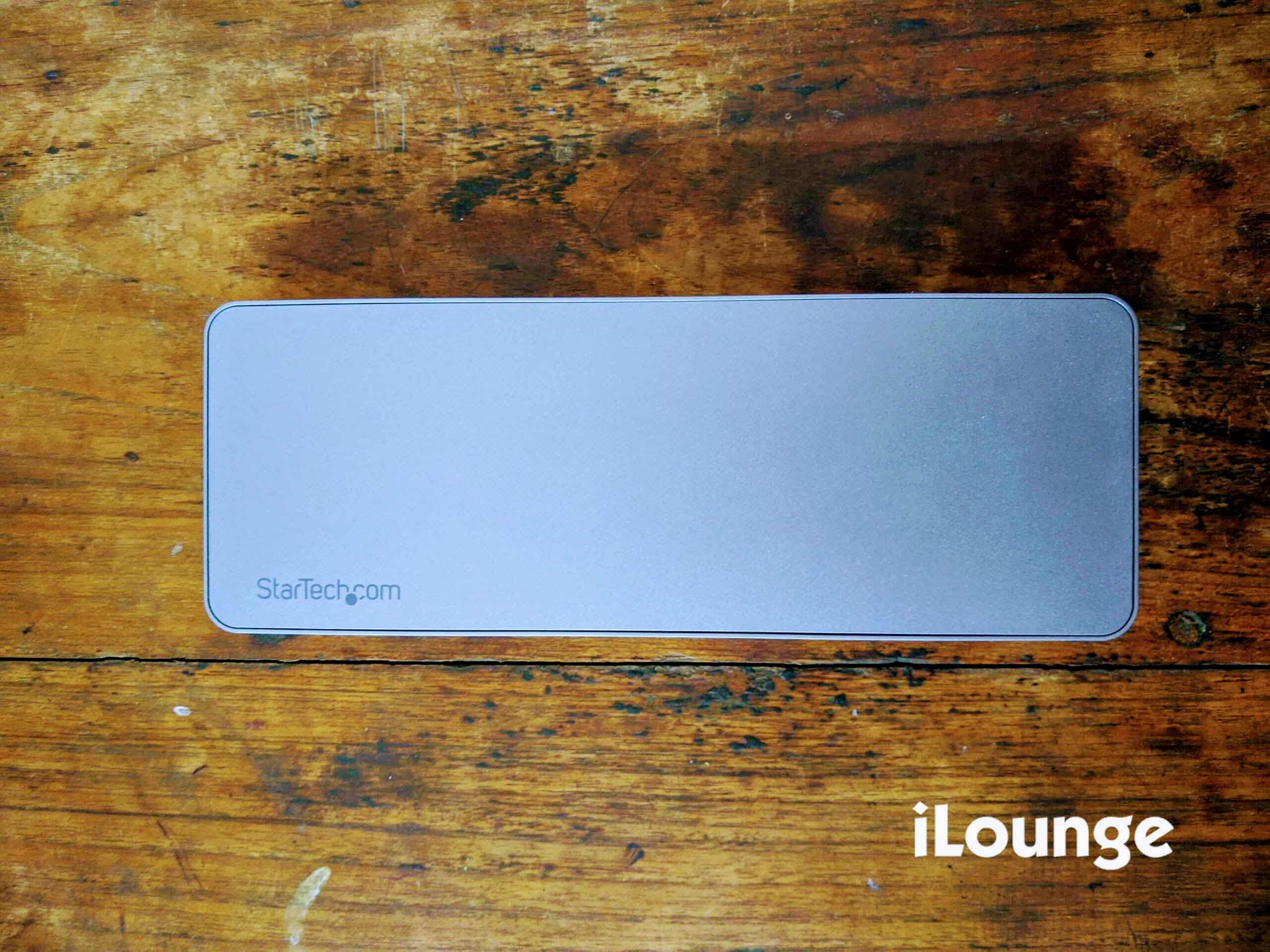
High-speed Thunderbolt 3.0 Dock

StarTech.com Thunderbolt 3 Dock Review

USB-C/Thunderbolt 3.0 is hands down the best port in the industry. If your laptop charges over USB-C, you can completely skip the process of connecting the laptop charger separately when connected to the dock. StarTech.com’s Thunderbolt 3.0 dock is capable of pushing up to 60W of power for charging the laptop over USB-C.


The StarTech.com Thunderbolt 3.0 dock is capable of powering up to two Thunderbolt 3.0 uncompressed 4K 60Hz monitors at the same time. However, if your laptop does not support Thunderbolt 3.0, the dock can also power upto two HD 60Hz (1920×1200) monitors at the same time (over DisplayPort). 

Build quality and ports
StarTech.com Thunderbolt 3 Dock Review

The build quality of the StarTech.com Thunderbolt 3.0 dock is premium. It is well made and there is a uniform heft to the product that does not make it feel cheap. On either side of the dock, the company has placed vents for proper airflow to keep the product cool. 


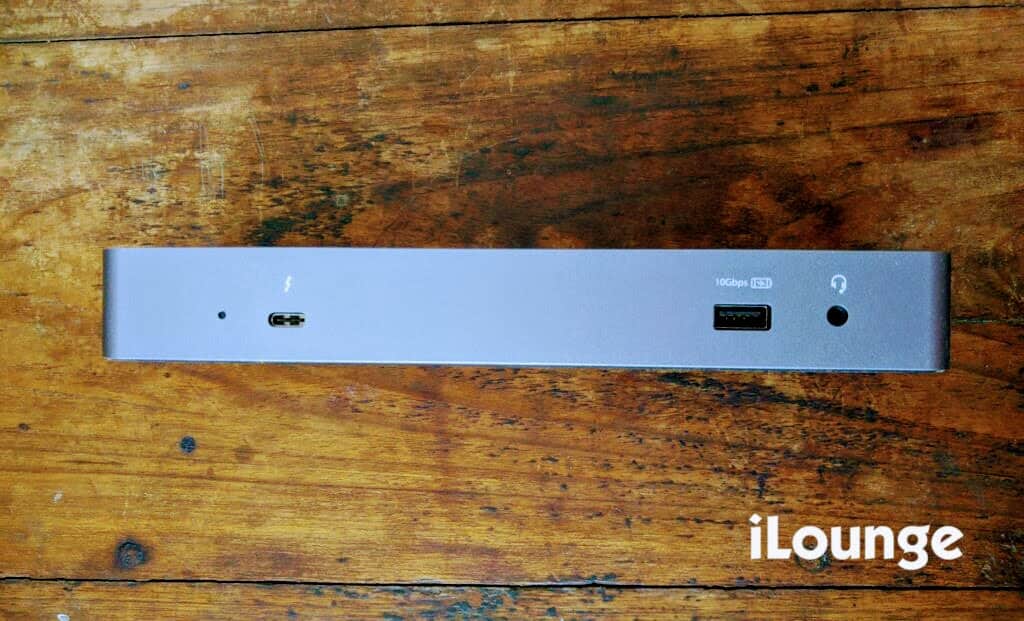
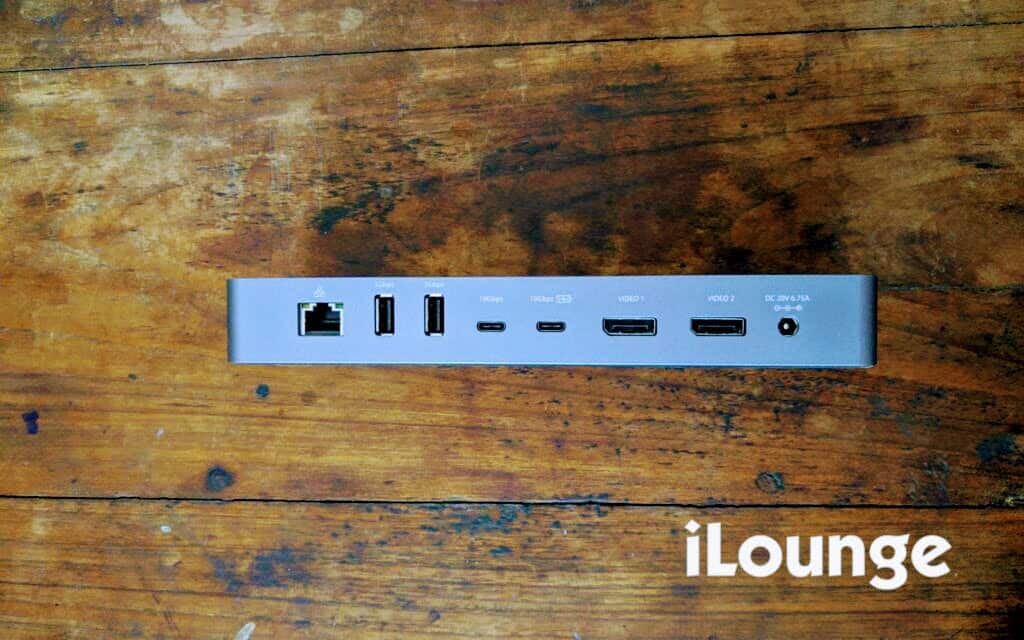
On the front side of the dock, there is a USB-C/Thunderbolt 3.0 port which connects to the laptop, a 10Gbps USB-A port, and a 3.5mm headphone jack. On the other side, the dock has a Gigabit Ethernet port, two 5Gbps USB-A ports, two USB-C ports (only one can be used for power), two HDMI ports, and a power input.

The StarTech.com Thunderbolt 3.0 dock is one of the most ideal docking stations for use at workplaces and at home, as it can be easily deployed. The dock supports both Windows and Mac laptops out of the box without requiring any additional driver installations.


In the box, StarTech.com includes a power brick and a 0.7m Thunderbolt 3 cable which can also be used with “USB-C only” laptops. For security, the StarTech.com dock has a lock slot which is compatible with the company’s LTLOCK. 

The StarTech.com Thunderbolt 3.0 Dock is priced at $330 (USD) on the company’s website. However, the product can also be found discounted on Amazon for around $250 (USD). 

Final Verdict: The StarTech.com Thunderbolt 3.0 Dock works the way it’s supposed to without any hiccups. 

Note: We were provided a review unit from StarTech. However, no other compensations were provided and StarTech did not receive copy approval rights on this review.



Latest News
The 14-inch MacBook Pro with M5 Chip 16GB RAM/512GB is $250 Off
1 Min Read
Noise and Static on AirPods Pro 3 Still Unfixed
1 Min Read
New iMac with 24-inch OLED Display May be Brighter With 600 Nits
1 Min Read
The 15-inch M4 MacBook Air 256GB Is $250 Off
1 Min Read
Internal Kernel Debug Kit from Apple Reveals Tests for a MacBook with A15 Chip
1 Min Read
Apple Currently In Talks With Suppliers for Chip Assembly & Packaging of iPhones in India
1 Min Read
Apple Allows Easier Battery Replacement For M5 MacBook Pro with 14-inch Display
1 Min Read
The Apple Watch SE 3 44mm GPS is $50 Off
1 Min Read
20th Anniversary iPhone May Launch in Two Years
1 Min Read
Better Image Generation Capabilities and Apple Music Integration Coming to ChatGPT
1 Min Read
A20 Pro Chip Coming to Next Gen iPad Mini OLED
1 Min Read
Amazon has the AirTag 4 Pack Marked $29 off
1 Min Read

iLounge logo

iLounge is an independent resource for all things iPod, iPhone, iPad, and beyond. iPod, iPhone, iPad, iTunes, Apple TV, and the Apple logo are trademarks of Apple Inc.

This website is not affiliated with Apple Inc.
iLounge © 2001 - 2025. All Rights Reserved.
  • Contact Us
  • Submit News
  • About Us
  • Forums
  • Privacy Policy
  • Terms Of Use
Welcome Back!

Sign in to your account

Lost your password?