
iLoungeiLounge
  • News
    • Apple
      • AirPods Pro
      • AirPlay
      • Apps
        • Apple Music
      • iCloud
      • iTunes
      • HealthKit
      • HomeKit
      • HomePod
      • iOS 13
      • Apple Pay
      • Apple TV
      • Siri
    • Rumors
    • Humor
    • Technology
      • CES
    • Daily Deals
    • Articles
    • Web Stories
  • iPhone
    • iPhone Accessories
  • iPad
  • iPod
    • iPod Accessories
  • Apple Watch
    • Apple Watch Accessories
  • Mac
    • MacBook Air
    • MacBook Pro
  • Reviews
    • App Reviews
  • How-to
    • Ask iLounge
Font ResizerAa
iLoungeiLounge
Font ResizerAa
Search
  • News
    • Apple
    • Rumors
    • Humor
    • Technology
    • Daily Deals
    • Articles
    • Web Stories
  • iPhone
    • iPhone Accessories
  • iPad
  • iPod
    • iPod Accessories
  • Apple Watch
    • Apple Watch Accessories
  • Mac
    • MacBook Air
    • MacBook Pro
  • Reviews
    • App Reviews
  • How-to
    • Ask iLounge
Follow US

Reviews

Reviews

Adonit Pro 4 Review

Last updated: Dec 28, 2019 10:32 pm UTC
By Haider Ali Khan
Adonit Pro 4 Review

So today, I will be sharing a review about the Adonit Pro 4. Before we get down to the review, I would like to thank the Adonit team for sending us a unit to write a review for our readers at iLounge.


Let’s get down to the Adonit Pro 4 review.
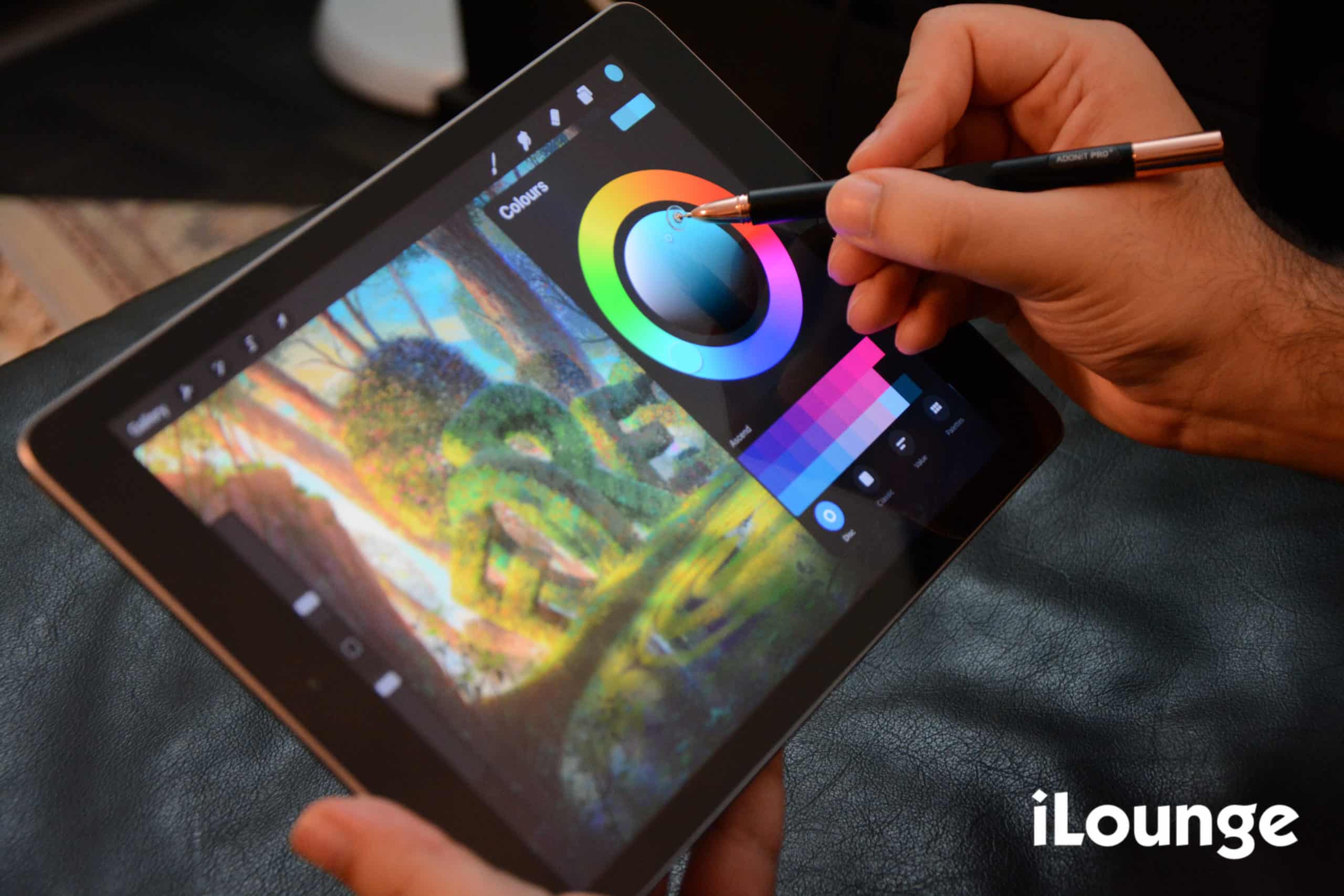
Adonit Pro 4 Review

What is the Adonit Pro 4 about?

Well, it’s actually a touch screen pen that works with any touch screen device. This means that you can use the Adonit Pro 4 on any tablet and a mobile phone device, no matter if it runs on Android or iOS.
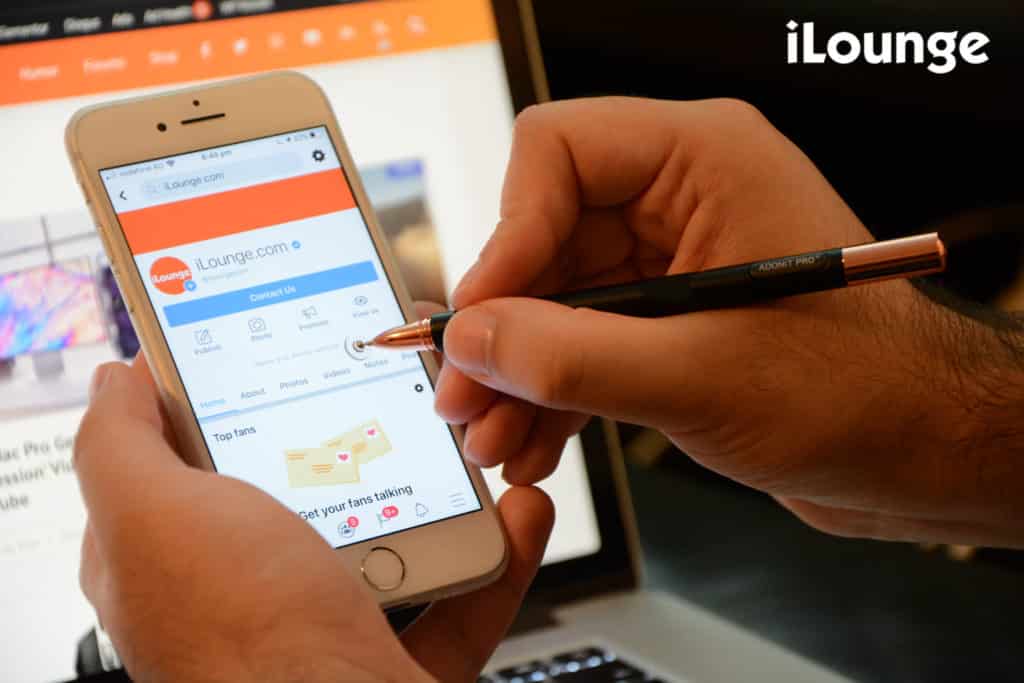
Adonit Pro 4 with iPhone for review

What’s so special about the Adonit Pro 4?

Instead of having to use your fingers, the Adonit Pro 4 pen allows you to do almost anything on your touch screen device. Whether you are drawing, highlighting text, scrolling on social media, or simply typing up a text, the Adonit allows you to do it all.


Now I know you must be thinking, why not just use your fingers instead? Well, working with your fingers in the long run on a touch screen device can be very tiring and could feel as if your fingers are burning.

And when it comes to drawing, we all know how tiring and frustrating it can be to work with your fingers. The Adonit Pro 4 has you covered so you no longer feel the burns or tired when working on a touch screen device.
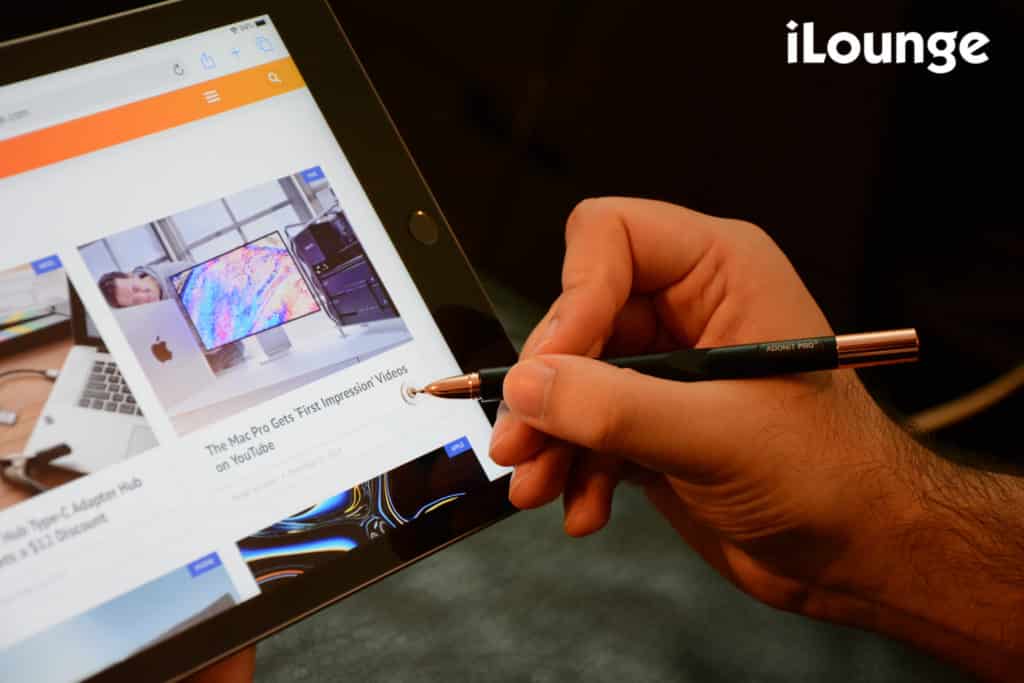

Adonit Pro 4 with iPad for review

It works just like any touch screen pens. But the best thing about the Adonit Pro 4 is that you never have to charge it. Yup! While the Apple Pencil and other touch screen pens require a daily charge, the Adonit Pro 4 doesn’t.

Just like any pen, it’s extremely light and is easy to carry around in your pocket.

Other touch screen pens work with specific devices. As a solution to that, the Adonit team developed this pen so you no longer have to carry a pen for your tablets and mobile phones separately. It works with all touch screen devices!

Our rating on the Adonit Pro 4

So your question must be, is it worth buying it? Well, for $29.99 I would definitely say a yes. It’s extremely affordable and gets work done with any issues.

For such a price and being able to use it with any touch screen device, I would definitely give it a 9/10 rating.
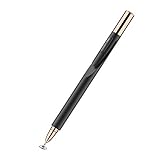

Preview Product Price
Adonit Pro 4 (Black) Luxury Capacitive Stylus Pen, High Sensitivity Fine Point and Precision,Stylus for iPad, Air, Mini, Android, iPhone, Surface, Other Touch Screens, Compatible for All Touchscreens Adonit Pro 4 (Black) Luxury Capacitive Stylus Pen, High Sensitivity Fine Point and Precision,Stylus... Buy on Amazon

Latest News
The Apple Watch Series 11 46mm GPS Is $100 Off
1 Min Read
Clamshell Style iPhone Being Looked Into By Apple
1 Min Read
Foldable iPhones May Have the Largest Battery Ever
1 Min Read
Apple and TSMC’s 10-Year Collaboration May Be Ending
1 Min Read
The 13-inch M5 iPad Pro 256GB Wi-Fi Is $149 Off
1 Min Read
M5 Pro and M5 Max Chips for the MacBook Pro could Roll Out with macOS 26.3
1 Min Read
Mac Ordering Process Revamped
1 Min Read
Check Signed By Steve Wozniak and Steve Jobs Sold For $2.4 Million
1 Min Read
The Anker 140W 4-Port GaN USB-C Charger is $35 Off
1 Min Read
No iPhone Air 2 This Year, according to Latest Report
1 Min Read
New Report Corroborates Split iPhone Release Dates
1 Min Read
Apple Losing More Researchers As They Plan To Release 2 Siri Versions
1 Min Read

iLounge logo

iLounge is an independent resource for all things iPod, iPhone, iPad, and beyond. iPod, iPhone, iPad, iTunes, Apple TV, and the Apple logo are trademarks of Apple Inc.

This website is not affiliated with Apple Inc.
iLounge © 2001 - 2025. All Rights Reserved.
  • Contact Us
  • Submit News
  • About Us
  • Forums
  • Privacy Policy
  • Terms Of Use
Welcome Back!

Sign in to your account

Lost your password?










