
iLoungeiLounge
  • News
    • Apple
      • AirPods Pro
      • AirPlay
      • Apps
        • Apple Music
      • iCloud
      • iTunes
      • HealthKit
      • HomeKit
      • HomePod
      • iOS 13
      • Apple Pay
      • Apple TV
      • Siri
    • Rumors
    • Humor
    • Technology
      • CES
    • Daily Deals
    • Articles
    • Web Stories
  • iPhone
    • iPhone Accessories
  • iPad
  • iPod
    • iPod Accessories
  • Apple Watch
    • Apple Watch Accessories
  • Mac
    • MacBook Air
    • MacBook Pro
  • Reviews
    • App Reviews
  • How-to
    • Ask iLounge
Font ResizerAa
iLoungeiLounge
Font ResizerAa
Search
  • News
    • Apple
    • Rumors
    • Humor
    • Technology
    • Daily Deals
    • Articles
    • Web Stories
  • iPhone
    • iPhone Accessories
  • iPad
  • iPod
    • iPod Accessories
  • Apple Watch
    • Apple Watch Accessories
  • Mac
    • MacBook Air
    • MacBook Pro
  • Reviews
    • App Reviews
  • How-to
    • Ask iLounge
Follow US

Reviews

Reviews

Adonit Note Review

Last updated: Jan 11, 2020 9:28 am UTC
By Haider Ali Khan
Adonit Note

So today, I will be sharing a review about the Adonit Note. I would like to thank Adonit for sending us a unit and allowing us to write a review for our readers here at iLounge.


What is Adonit Note?

Adonit Note is an Apple Pencil alternative that is specially designed for the Apple iPad. It allows you to draw, paint, write, highlight text and much more. Whatever the Apple Pencil does, the Adonit Note can do as well.
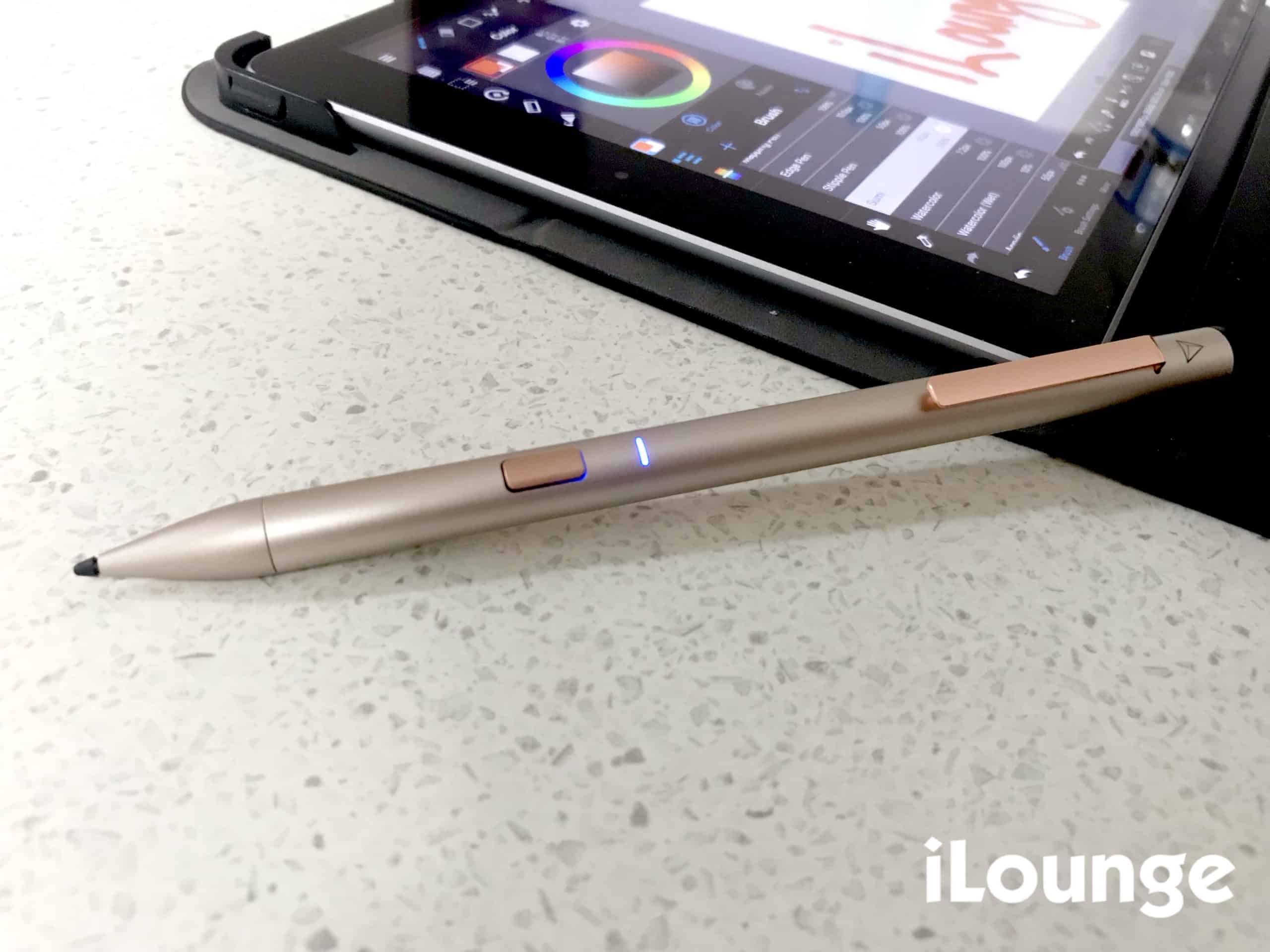
Adonit Note

What’s so special about the Adonit Note?

While the Apple Pencil has a boring design, the Adonit Note is designed for it to look luxury and give you a feel of holding a luxury pen when working with on an iPad.
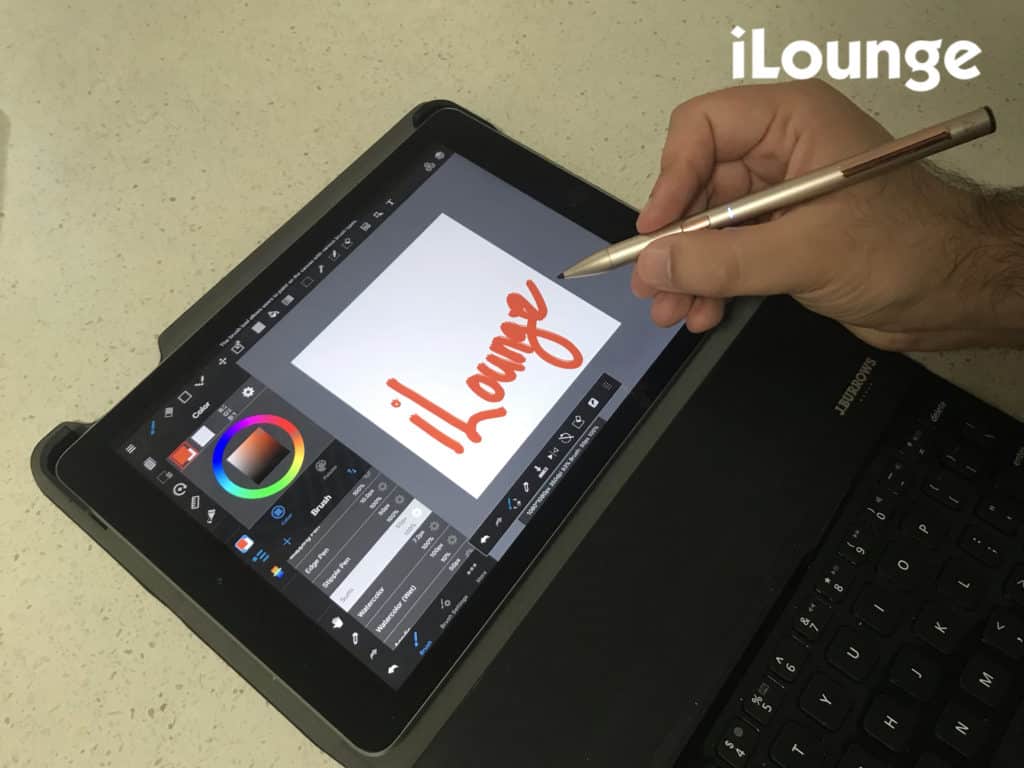

Adonit Note with iPad and Keyboard

To be honest, I find this one of the best Apple Pencil alternatives.

Charge it with your iPad Charger

Since it supports Micro USB charging, you can even use your iPad charging cable to charge it up. Therefore, you won’t need to carry additional charging cables for the Adonit Note.

Fast charging

It supports fast charging too! With just a 4-minute charge, you can use it for 1 hour. When fully charged, you can use it for 12 hours straight.


Oh yeah! Users can also write and charge at the same time.

On/Off button with LED light
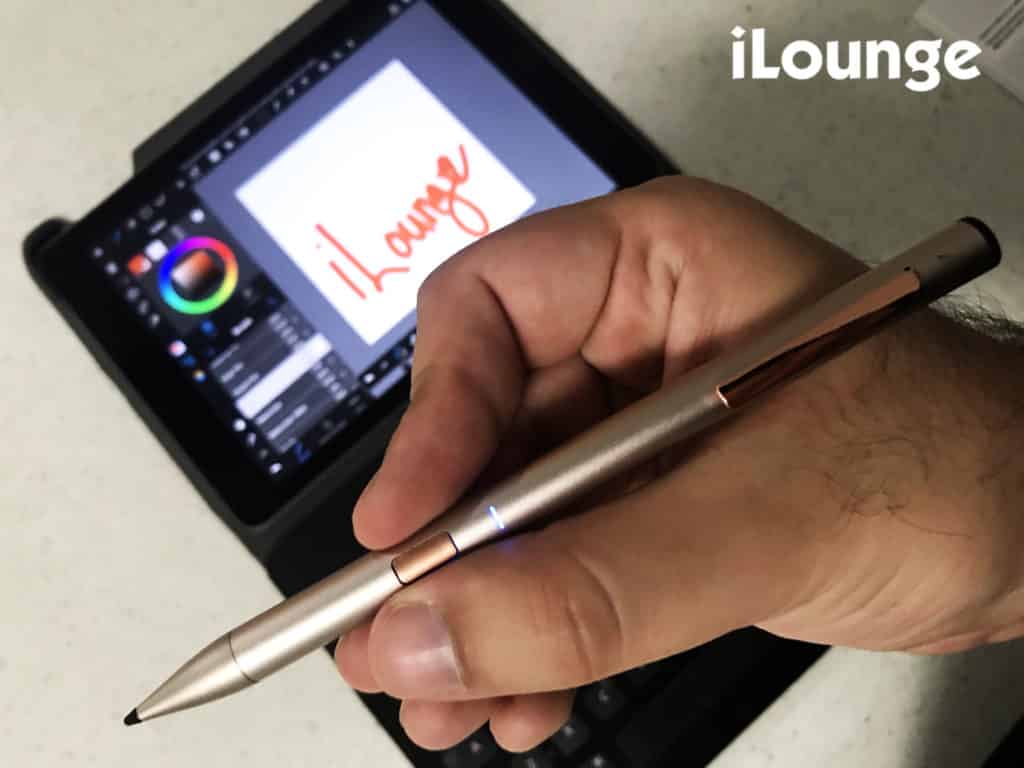
Adonit Note with iPad

It also has a button that allows you to turn the Adonit Note on/off. Therefore, you won’t have to worry about the battery being used. Thanks to the blue LED, it gives you an idea of whether the Adonit Note is turned on or off.

No Bluetooth connection required

Yup! You don’t need to go to Settings > Bluetooth on your iPad to always connect to the Adonit Note. Just press the on/off button the Adonit Note and its ready to use.


Palm Rejection

When drawing, we all know how disturbing it can be when not being able to place our palm on the iPad screen to avoid stray lines. The Adonit Note has a palm rejection feature, allowing you to rest your palm when writing or drawing.

Replaceable Tip

In case the tip of the Adonit Note gets damaged, it can actually be replaced easily. Therefore, you won’t be needing a new Adonit Note.
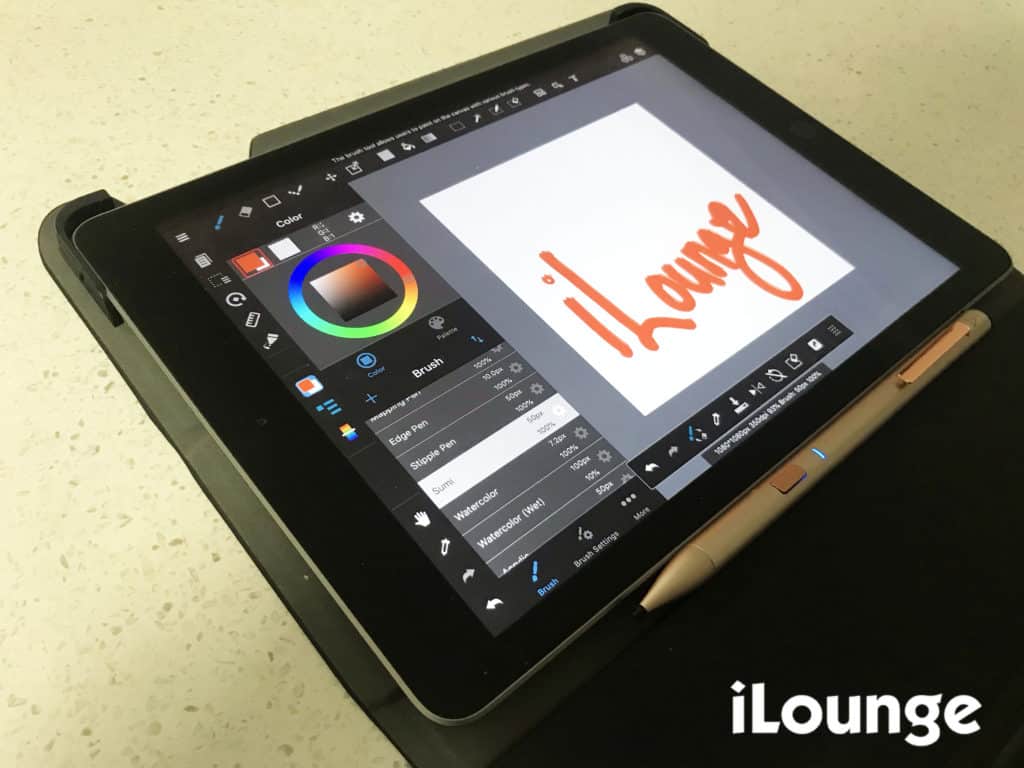
Adonit Note placed on top of an iPad for a review

The downside

Sadly, the Adonit Note doesn’t have pressure sensitivity and angle. Therefore, users won’t be able to adjust the thickness or thinness of a line by applying pressure when drawing or writing.


Is it worth buying the Adonit Note?

After using it with my iPad for basic drawing and writing for almost 3 months now, I can honestly say that it’s definitely worth buying.

It does almost everything an Apple Pencil can do. For just $50, it’s very affordable and I would definitely say it’s worth the price for the things it can do.
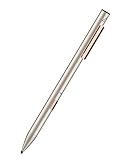

Preview Product Price
Adonit Note (Gold) Stylus Pen for iPad Writing/Drawing with Palm Rejection, Active Pencil Compatible with iPad Air 4/3rd gen, iPad Mini 6/5th gen, iPad 9/8/7/6th gen, iPad Pro (2018-2021),11/12.9' Adonit Note (Gold) Stylus Pen for iPad Writing/Drawing with Palm Rejection, Active Pencil Compatible... Buy on Amazon

Latest News
The 14-inch MacBook Pro with M5 Chip 16GB RAM/512GB is $250 Off
1 Min Read
Noise and Static on AirPods Pro 3 Still Unfixed
1 Min Read
New iMac with 24-inch OLED Display May be Brighter With 600 Nits
1 Min Read
The 15-inch M4 MacBook Air 256GB Is $250 Off
1 Min Read
Internal Kernel Debug Kit from Apple Reveals Tests for a MacBook with A15 Chip
1 Min Read
Apple Currently In Talks With Suppliers for Chip Assembly & Packaging of iPhones in India
1 Min Read
Apple Allows Easier Battery Replacement For M5 MacBook Pro with 14-inch Display
1 Min Read
The Apple Watch SE 3 44mm GPS is $50 Off
1 Min Read
20th Anniversary iPhone May Launch in Two Years
1 Min Read
Better Image Generation Capabilities and Apple Music Integration Coming to ChatGPT
1 Min Read
A20 Pro Chip Coming to Next Gen iPad Mini OLED
1 Min Read
Amazon has the AirTag 4 Pack Marked $29 off
1 Min Read

iLounge logo

iLounge is an independent resource for all things iPod, iPhone, iPad, and beyond. iPod, iPhone, iPad, iTunes, Apple TV, and the Apple logo are trademarks of Apple Inc.

This website is not affiliated with Apple Inc.
iLounge © 2001 - 2025. All Rights Reserved.
  • Contact Us
  • Submit News
  • About Us
  • Forums
  • Privacy Policy
  • Terms Of Use
Welcome Back!

Sign in to your account

Lost your password?










