
No doubt you’d have encountered PDF files and documents at some point, whether at work, school or at home.
But the question is, are you using the right kind of PDF editor? With PDFelement, you won’t have to worry.
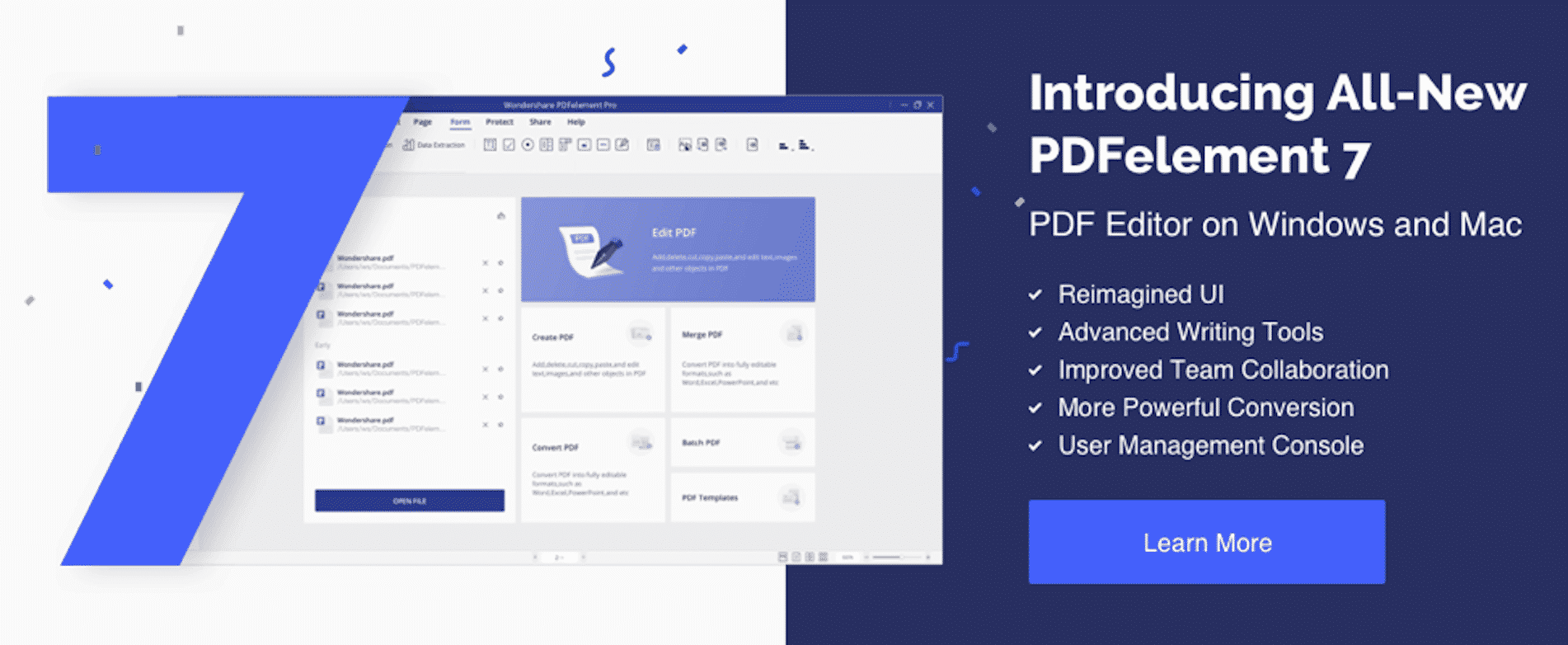
PDFelement Pro 7 is in many ways an excellent alternative to Adobe Acrobat as a professional PDF Editor. For one, it’s more affordable and yet manages to be more intuitive and easy to use. You can look forward to easily editing, creating, signing and collaborating office documents, and more.
Overview
of PDFelement 7
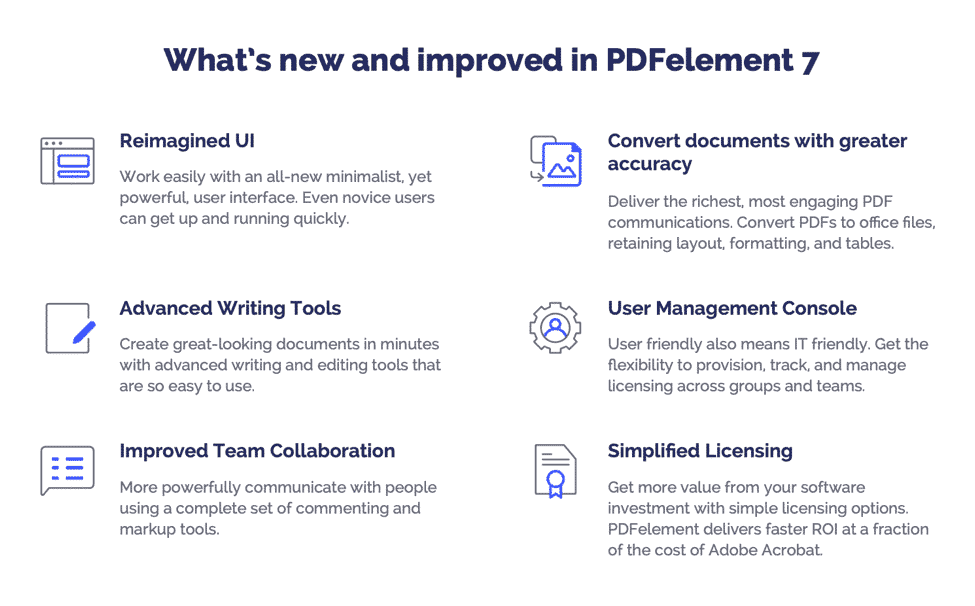
What’s new in the latest version of PDFelement? Useful improvements and helpful features. Here’s a quick peek at what’s inside:
Reimagined
UI
PDFelement 7’s user interface is one of the cleanest yet robust that we’ve ever seen in a PDF editing software.
The Home screen is where you’ll find most of the features. Each icon shows you what you can do, e.g., edit, combine, convert, create and edit any PDF file. They’re organized in one area and come in large tiles for maximum visibility.
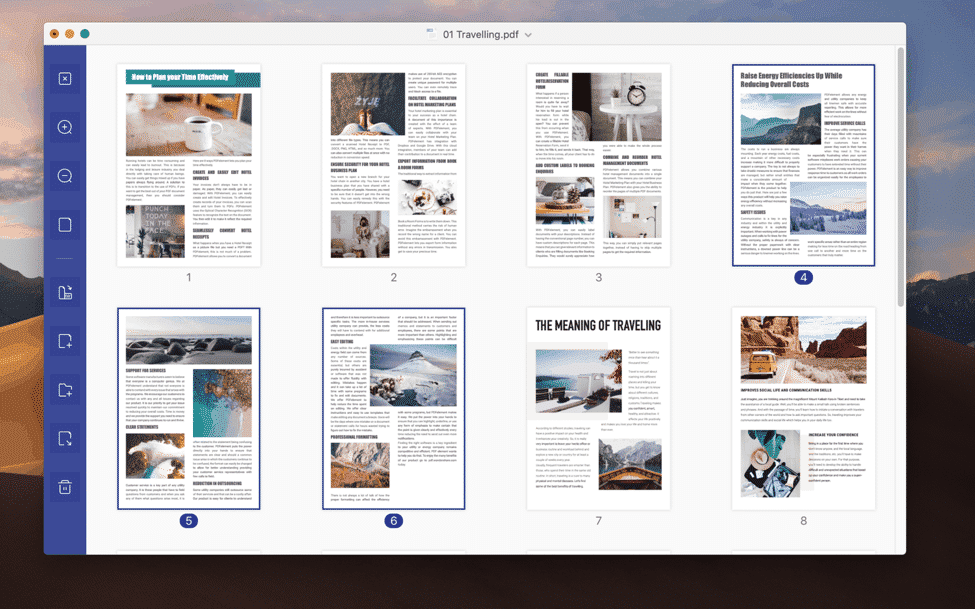
The developers at PDFelement have also made sure that their users won’t have to strain their eyes nor waste precious minutes going through the platform to get to where they need to go. Reading Mode is optimized for scanning through pages, and panels and menus are temporarily stowed away.
It’s worthy to note that both Mac and Windows versions are seamless and intuitive. Wondershare has even extended their PDF app to mobile platforms, with PDFelement also available on iOS and Android 100% free! The app supports edit and convert native PDF, and provides a variety of annotating tools.
PDF
Editing and Writing
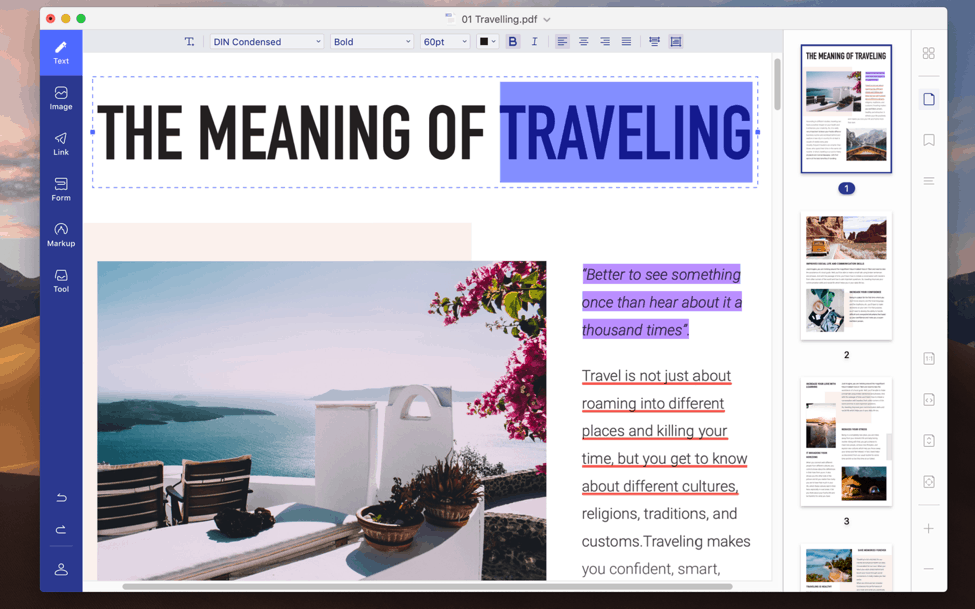
After opening a compatible document, you’ll see the left menu with advanced editing and writing tools. These can control links, form and graphic elements, markups and text. Choose one, and the tool unlocks to sub-menus related to the original function.
The redesign really feels nice and does away with clutter that often plague pdf editors. For instance, when you choose ‘text’ and hover the tool over the words, a mini-box hovers above each element. Then, double-click to edit. PDFelement will have identified the text size, font and other pertinent details so you just have to type the words you want.
PDFelement users can also start modifying PDFs by adding images and editing by text, adding links, watermarking, cropping and changing the background. Plus, you can do in-line or paragraph boxes. The software supports form creation, password-encryption, data extraction, annotations and permission-based restrictions.
You may also make any document searchable using OCR, or optical character recognition technology. Data extraction is available when you need to compile information from several PDFs to a spreadsheet analysis. The software even allows you to save as Excel so you won’t have to open another program.
Accurate
PDF Conversions
Need a document converted to PDF? Wondershare PDFelement Pro 7 can make it happen. It can convert PDF files to RTF, HTML, Pages, PPT, EPUB, Word, Excel and text, and vice versa. You can also create a PDF from text, HTML web pages and images without worrying about losing the included tables, layout and format.
PDF
Annotations
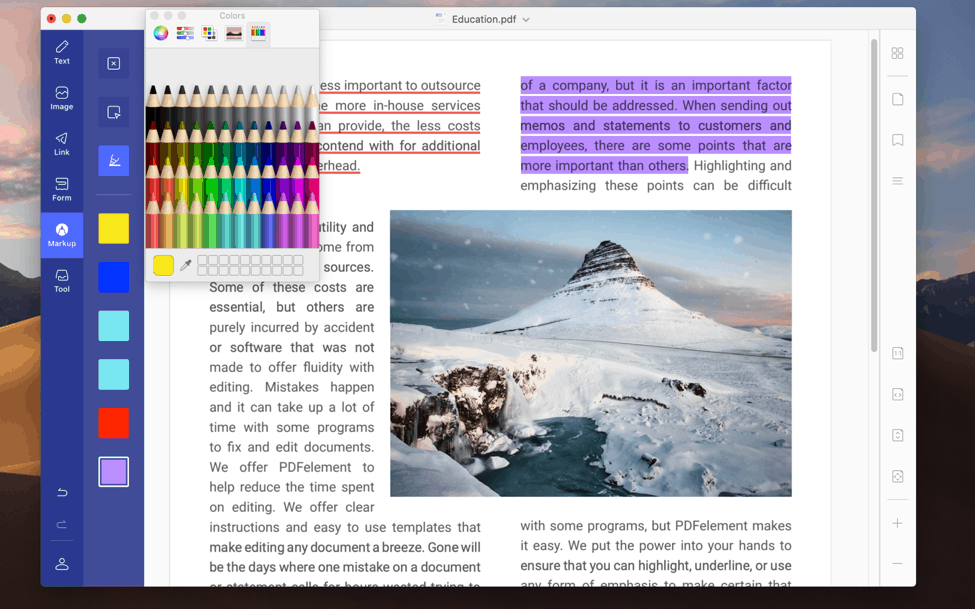
Annotations is one thing PDFelement 7 has in spades. You get a plethora of options, including the addition of freehand drawing, signatures, stamps, sticky notes and highlighting. Instead of using gray and white, users now have the ability to change things up with fonts, color and similar elements.
Form creation, like the other tools are given the simplified treatment. Simply drag and drop list boxes and radio buttons onto the pages and you’re all set.
Improved
Team Collaboration
PDFelement 7 has proved itself not just useful as a personal PDF editor, but as an invaluable tool in team collaborations as well. Teams of any composition, size and function should be able to create PDF files without having to spend hours familiarizing themselves with the process.
Collaborating and opening PDF documents can be simplified using either .txt or .doc files, eliminating tedious workflows. Markup tools can commenting and drawing a one-minute affair. Gather feedback from customers and colleagues, which can be used to improve your products or services.
PDFelement
Pricing
PDFelement Pro 7 by Wondershare is priced very competitively. The retail version is only a fraction compared to leading PDF editors in the market.

Interested in what PDFelement has to offer? The deal is about to get even better. iLounge readers can get PDFelement 7 at a limited time 50% off special offer!
Licensing options are even more attractive and streamlined. IT teams can manage and track licensing across teams and groups, which makes it a great solution for organizations looking to eliminate software bloat and expenses.
A mobile PDF editor app and desktop version that can compete with the best. PDFelement has it all- an easy-to-understand interface, robust editing, flexible licensing and more. Better PDF workflow means less tedious processes, higher productivity, and ultimately getting the best results.











