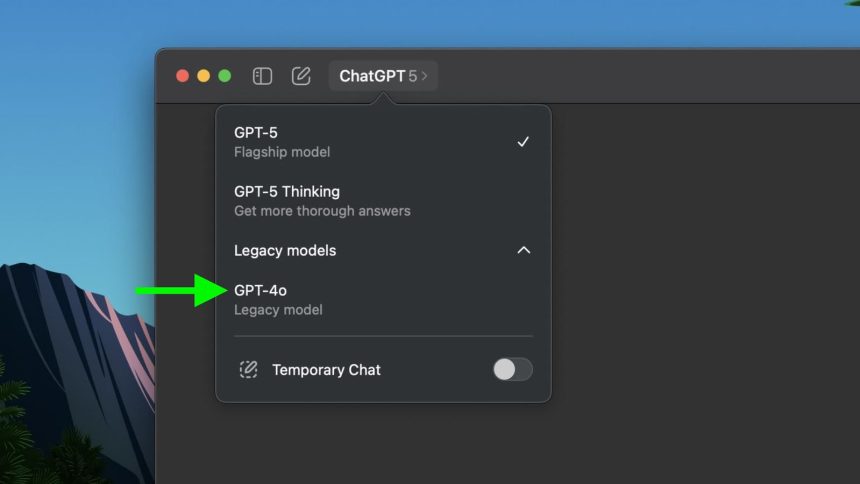
The following days after the release of OpenAI’s new model ChatGPT-5 has seen a commotion among subscribers, who seem to find the communication style of the latest model too rigid. Paying customers prefer the previous model GPT-4o and its personality, having a creative approach to conversations and a warmer tone.
The company is currently allowing customers to continue using the previous AI model. Here’s how you can toggle it back on for the Mac.
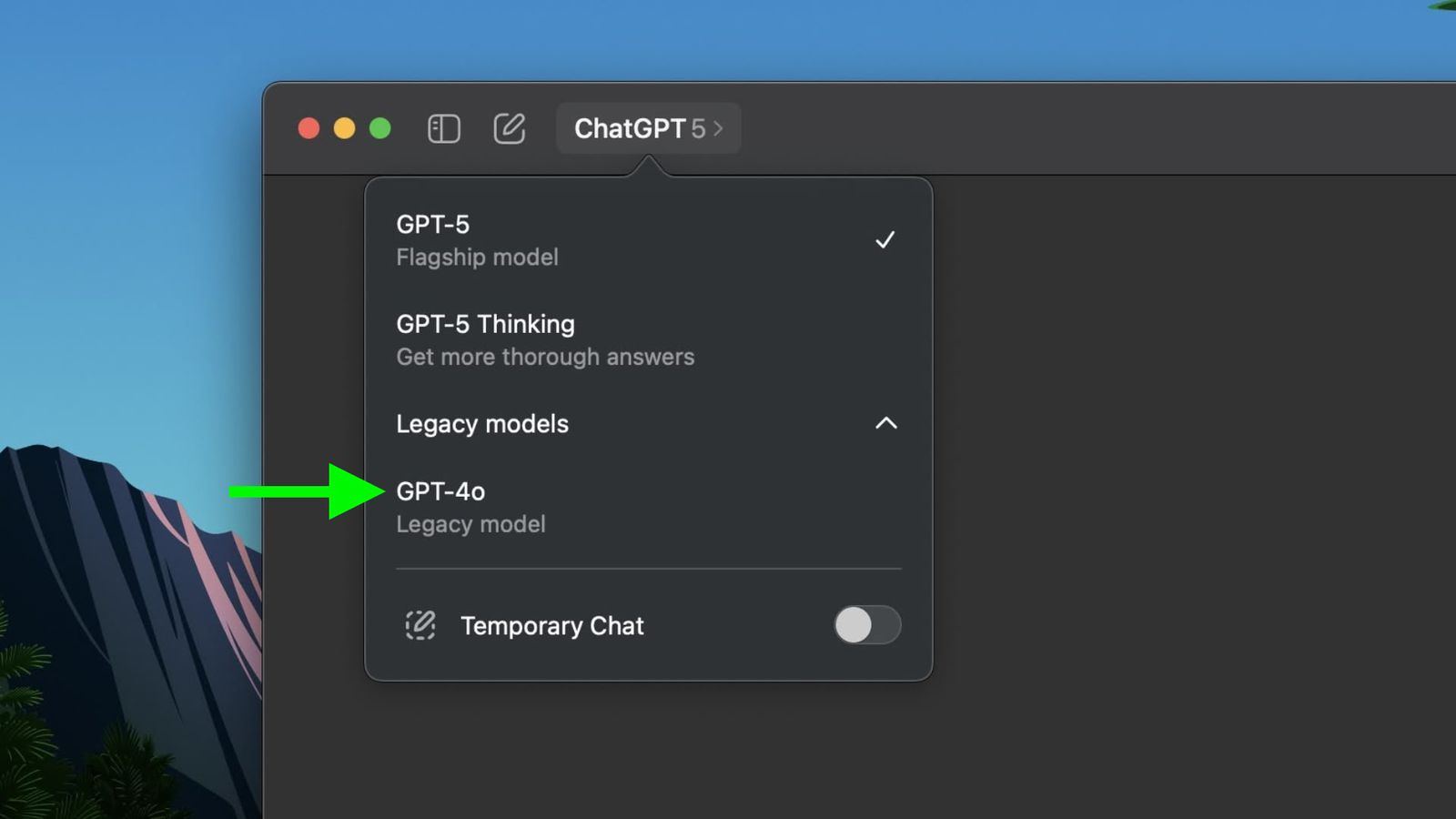
- Go to ChatGPT’s website and log in to your account.
- Go to your profile and then select Settings>General.
- Toggle “Show Legacy Models” to On.
The legacy access is currently only accessible to paying subscribers of OpenAI, with the base Plus plan at $20 per month. The setting will immediately take effect, and automatic syncing will be completed after a few minutes whereas the changes and settings you have made will show on ChatGPT for your Mac once you restart the app.