iLoungeiLounge
  • News
    • Apple
      • AirPods Pro
      • AirPlay
      • Apps
        • Apple Music
      • iCloud
      • iTunes
      • HealthKit
      • HomeKit
      • HomePod
      • iOS 13
      • Apple Pay
      • Apple TV
      • Siri
    • Rumors
    • Humor
    • Technology
      • CES
    • Daily Deals
    • Articles
    • Web Stories
  • iPhone
    • iPhone Accessories
  • iPad
  • iPod
    • iPod Accessories
  • Apple Watch
    • Apple Watch Accessories
  • Mac
    • MacBook Air
    • MacBook Pro
  • Reviews
    • App Reviews
  • How-to
    • Ask iLounge
Font ResizerAa
iLoungeiLounge
Font ResizerAa
Search
  • News
    • Apple
    • Rumors
    • Humor
    • Technology
    • Daily Deals
    • Articles
    • Web Stories
  • iPhone
    • iPhone Accessories
  • iPad
  • iPod
    • iPod Accessories
  • Apple Watch
    • Apple Watch Accessories
  • Mac
    • MacBook Air
    • MacBook Pro
  • Reviews
    • App Reviews
  • How-to
    • Ask iLounge
Follow US

News

News

iWork apps updated with new tools and links

Last updated: Jun 4, 2021 7:32 pm UTC
By Samantha Wiley
iWork Apps

Keynote, Numbers and Pages have received a number of updates on both macOS and iOS front, notably an improved teacher progress viewing and being able to link document elements on web addresses.


Apple’s presentation, spreadsheet and word processor apps all have new versions and adds new linking features as well as making it easier for teachers. For Numbers and Pages Apple has updated its App Store entry and says that users can now ‘link to phone numbers, email addresses and web pages from text boxes, drawings, images, lines, shapes and more’.
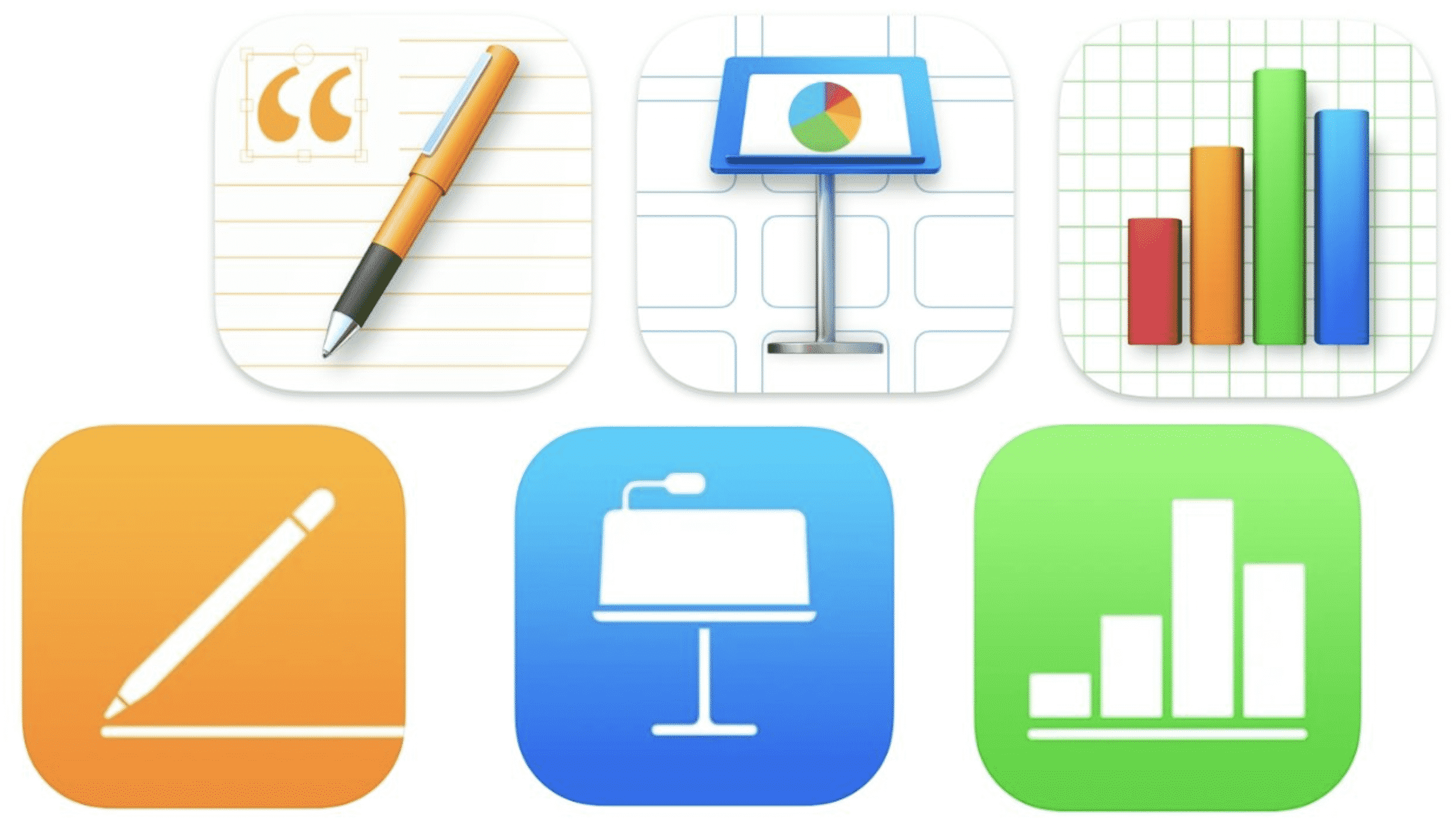
iWork Apps

In the past the app allows users to highlight numbers or text and turn them into web links. Now, the feature extends to elements such as charts.

The Schoolwork app now allows teachers to view student progress, including time spent and word count when assigning activities. The feature applies to both Numbers and Pages.

Users will need to update to the latest version of iWork on iOS or macOS to see the new changes.



Latest News
The 13-inch M4 MacBook Air Is $200 Off
1 Min Read
iPhone Fold Rumored To Be Made With Liquid Metal and ‘Better’ Titanium
1 Min Read
Four New Games Coming to Apple Arcade
1 Min Read
iPhone Shows ‘SOS Mode’ Due To Verizon Network Outage
1 Min Read
The 13-inch M5 iPad Pro 2TB Nano-Texture Wi-Fi is $200 Off
1 Min Read
Several Apple Apps No Longer Getting Updates Unless You Get The Subscription
1 Min Read
Firmware Update For AirPods Pro 3 Released By Apple Today
1 Min Read
Pixelmator for iOS No Longer Receiving Future Updates
1 Min Read
The Apple Watch Series 11 42mm GPS Is $100 Off
1 Min Read
The Influence Apple Has Over TSMC is Deteriorating Due to the Rise Of AI
1 Min Read
Apple Regent Store In London Closing Temporarily
1 Min Read
Apple and Other Manufacturers Oppose Source Code Access Proposal by India
1 Min Read

iLounge logo

iLounge is an independent resource for all things iPod, iPhone, iPad, and beyond. iPod, iPhone, iPad, iTunes, Apple TV, and the Apple logo are trademarks of Apple Inc.

This website is not affiliated with Apple Inc.
iLounge © 2001 - 2025. All Rights Reserved.
  • Contact Us
  • Submit News
  • About Us
  • Forums
  • Privacy Policy
  • Terms Of Use
Welcome Back!

Sign in to your account

Lost your password?