
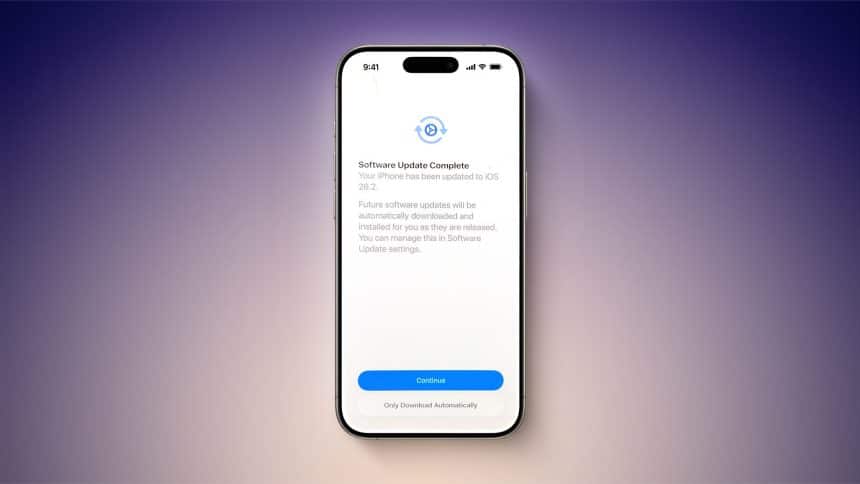
When you download iOS 26.2 and breeze through tapping screens, you could easily miss the notice about the automatic installation of software updates.
As you go through the stage that shows ‘Software Update Complete’ where you’d usually just press continue to go back to the homescreen, the ‘Only Download Automatically’ option is subtly presented. Once ticked, it will opt you out of automatic software updates for iOS 26.2, but it apparently does not appear for all users. Otherwise, skipping this will enable the download and installation of system files. So if you experience an update installing automatically on your device, it’s probably due to this option being toggled on.
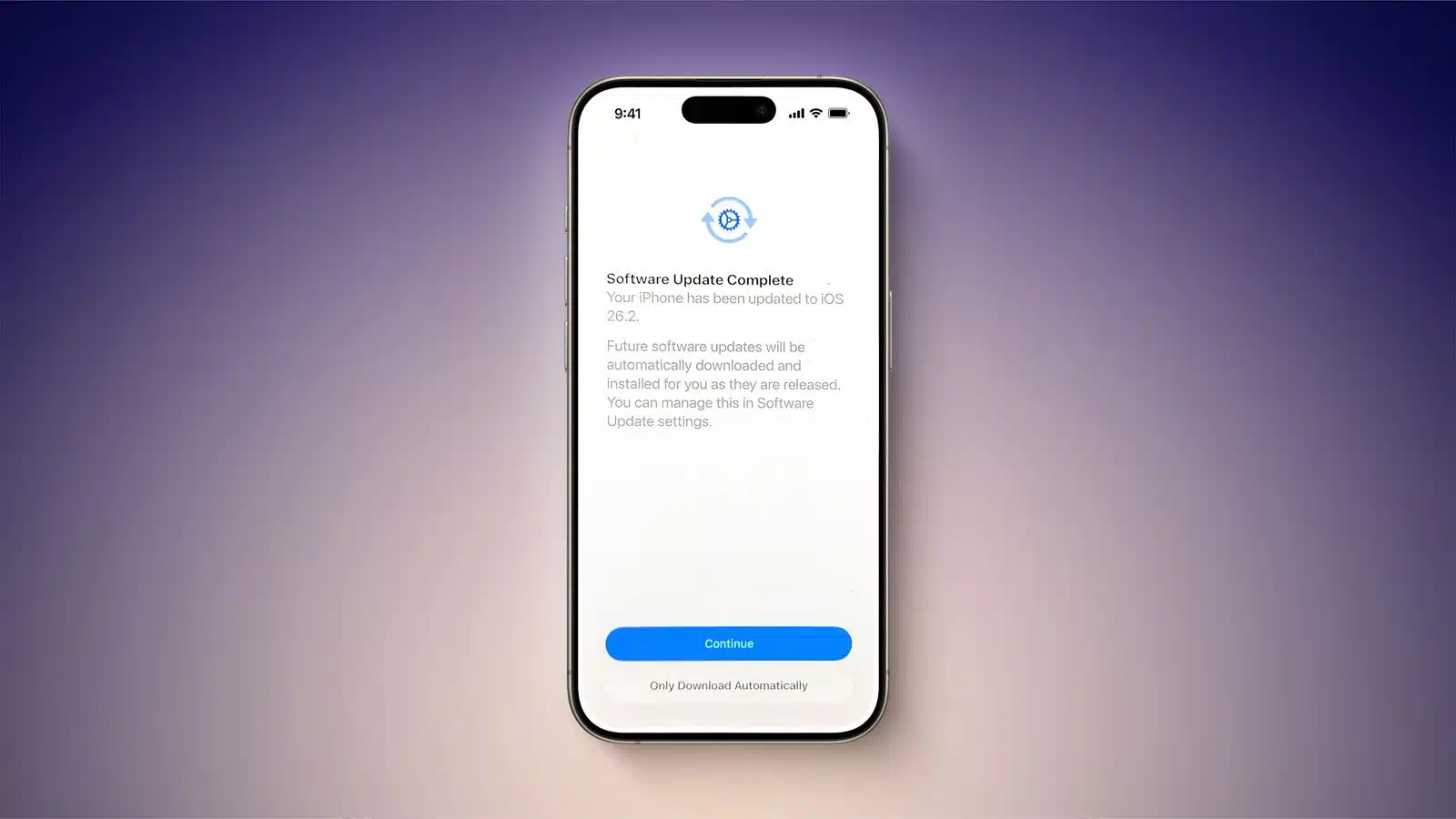
If you turn the option on by accident while installing iOS 26.2, you can go to the Settings app, then go to General, Software Update, and then go to Automatic Update to toggle it off and do it manually in the future.











