
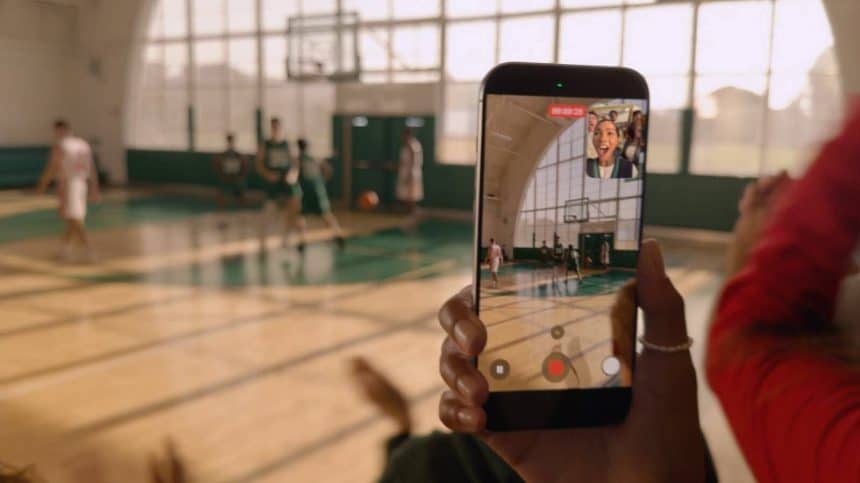
A new camera feature has been given to the iPhone 17 line, letting you record from the rear camera and the front at the same time, named Dual Capture. The feature enables picture-in-picture clips that are perfect for tutorials or reaction videos you plan to create.
To enable Dual Capture Mode on your iPhone 17, you have to go to the Camera app and select Video found at the bottom of the screen. Next, select the icon with dots located at the top right, or tap the selected video option again, which can be found in the carousel located at the bottom of the camera interface. Proceed to the Dual Capture option in the menu that pops up, then select viewfinder. Lastly, tap on the camera shutter to begin recording with both the rear and front cams.
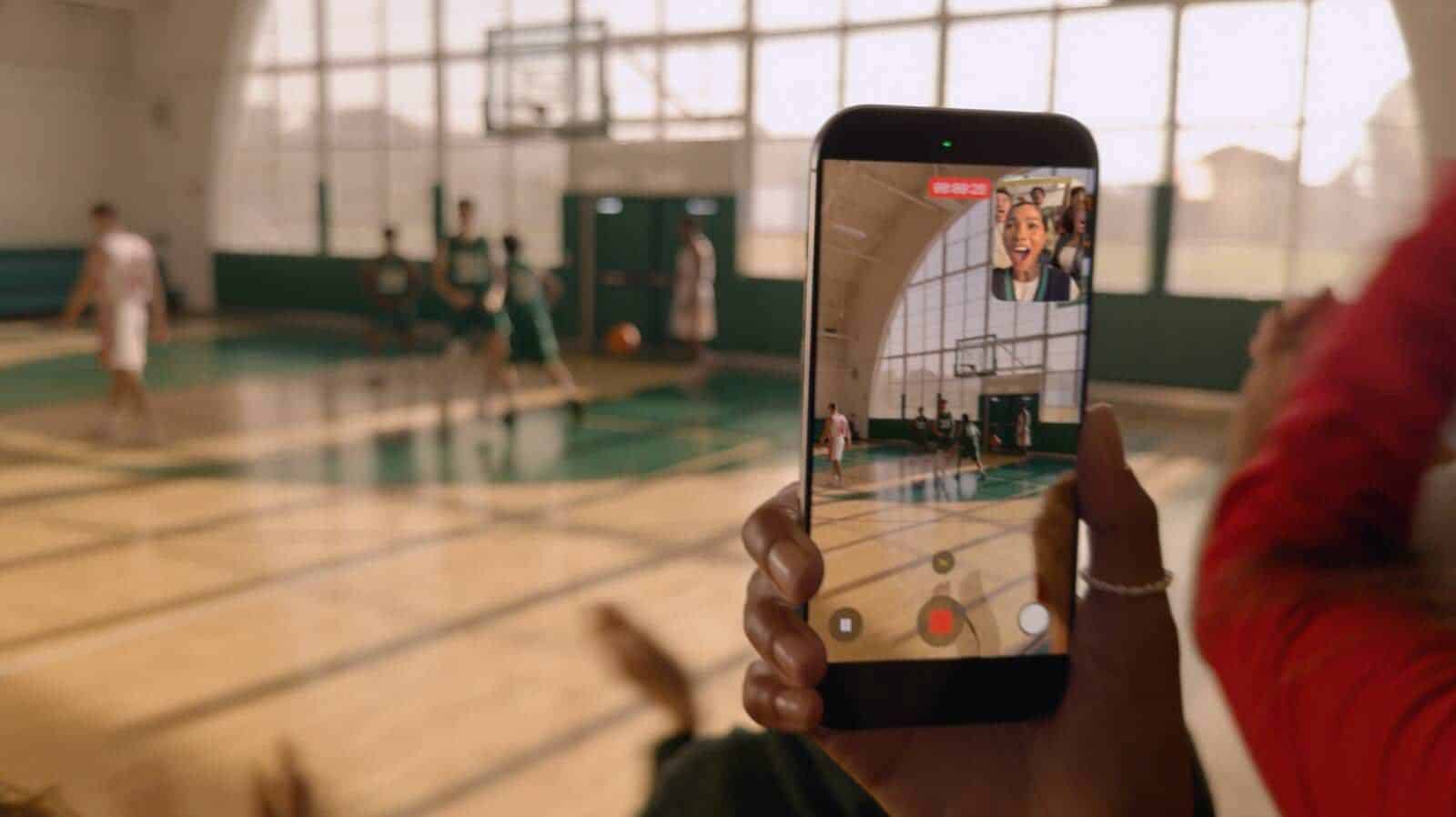
This feature is available for all iPhone 17 models, even the iPhone Air. You get a lot of control when you use Dual Capture, like choosing the lenses from 48MP telephoto, 48MP ultrawide, and 48MP main camera, so you can get different angles while recording without needing to pause or stop.











