
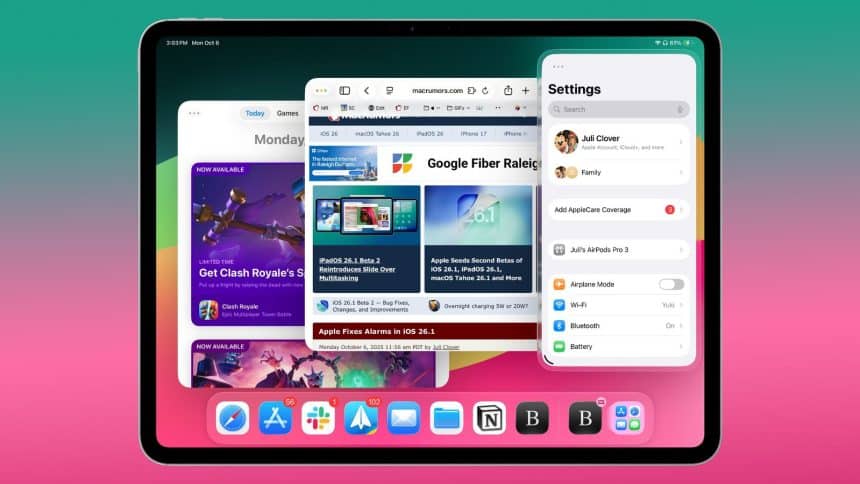
iPadOS 26.2 has been rolled out by Apple, a significant update for the iPadOS 26 that was released this year in September. The update follows the iPadOS 26.1 version that was released one month ago. You can install the software update for qualified iPads that can run the operating system by going to the Settings app, General and then going to Software Update.
iPadOS 26.2 adds improvements to multitasking, which were introduced in the previous update. Now you can drop and drag apps from Spotlight Search, App Library, or the Dock, use Slide Over and other multitasking layouts.
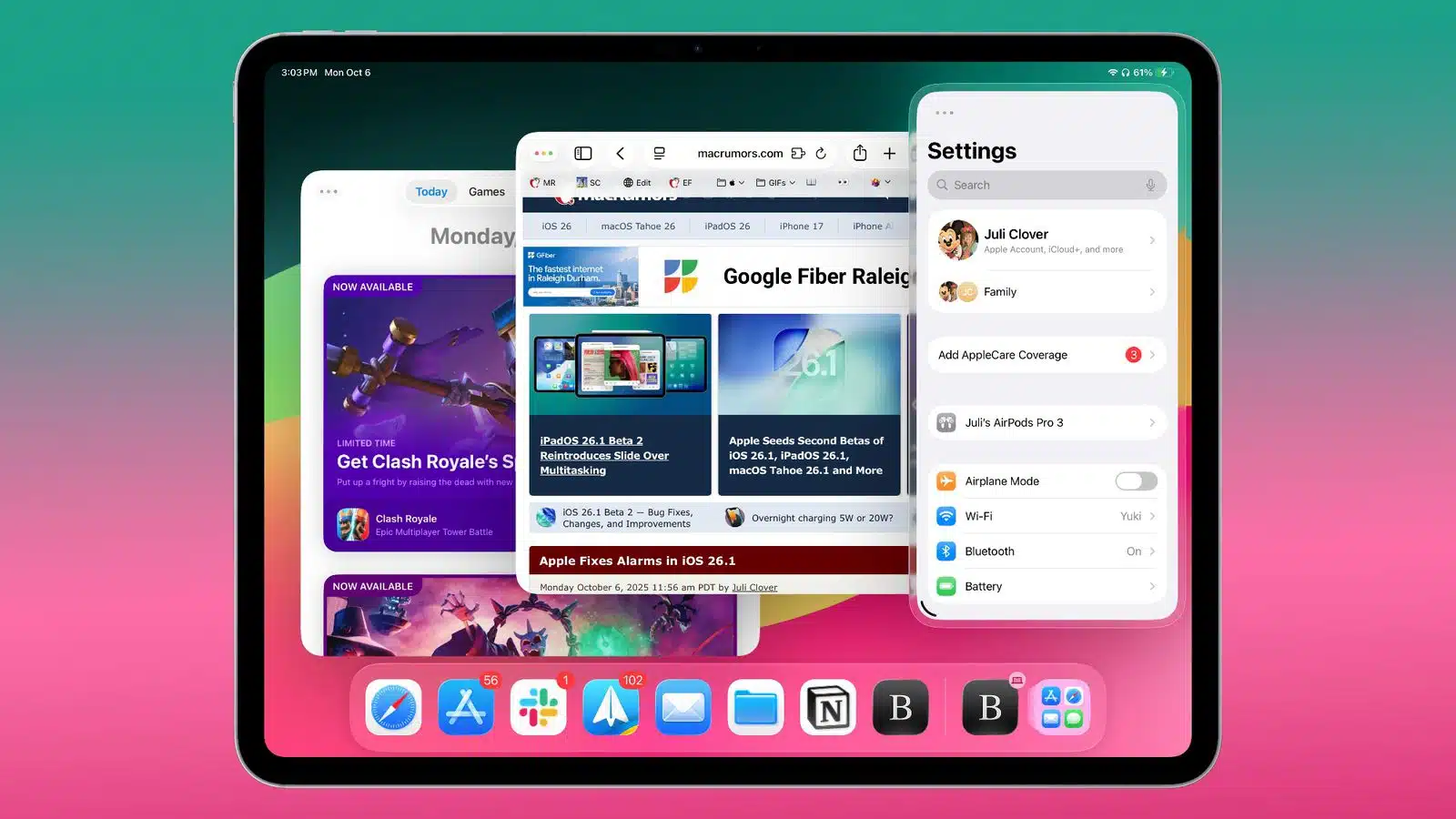
You can drag apps to the far right or far left to enter the mode ‘Slide Over’, or to either left or right to use the tiled view. An option is available where you drag the app to the middle of the screen to open a smaller or bigger window that has visual indicators, making things simpler.











