
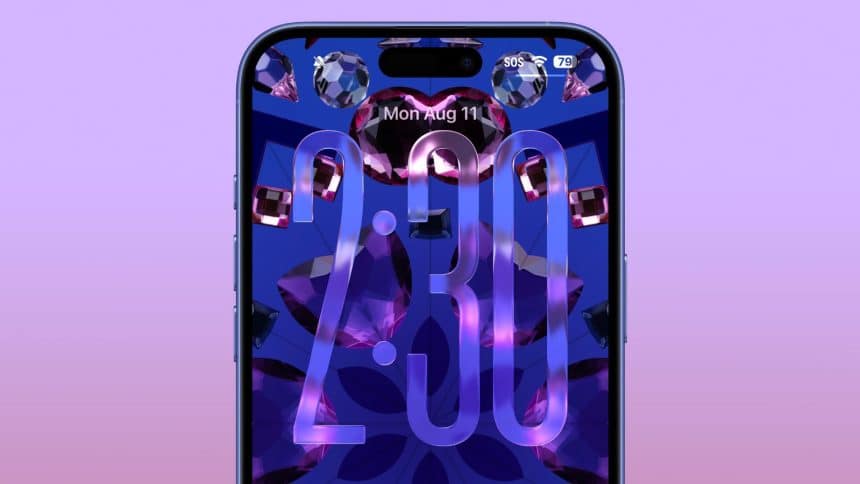
The fourth betas for the macOS 26, iPadOS 26 and iOS 26 was released by Apple, one week after the previous or third betas, allowing public users to try out the updates planned for launch by next month.
You can sign up for the public beta by registering on the Apple website as a public beta tester. T download and try out the latest public betas for macOS 26, iOS 26, and iPadOS 26, go to General settings, Software Update, and then choose the public beta option that you’d like to try out.
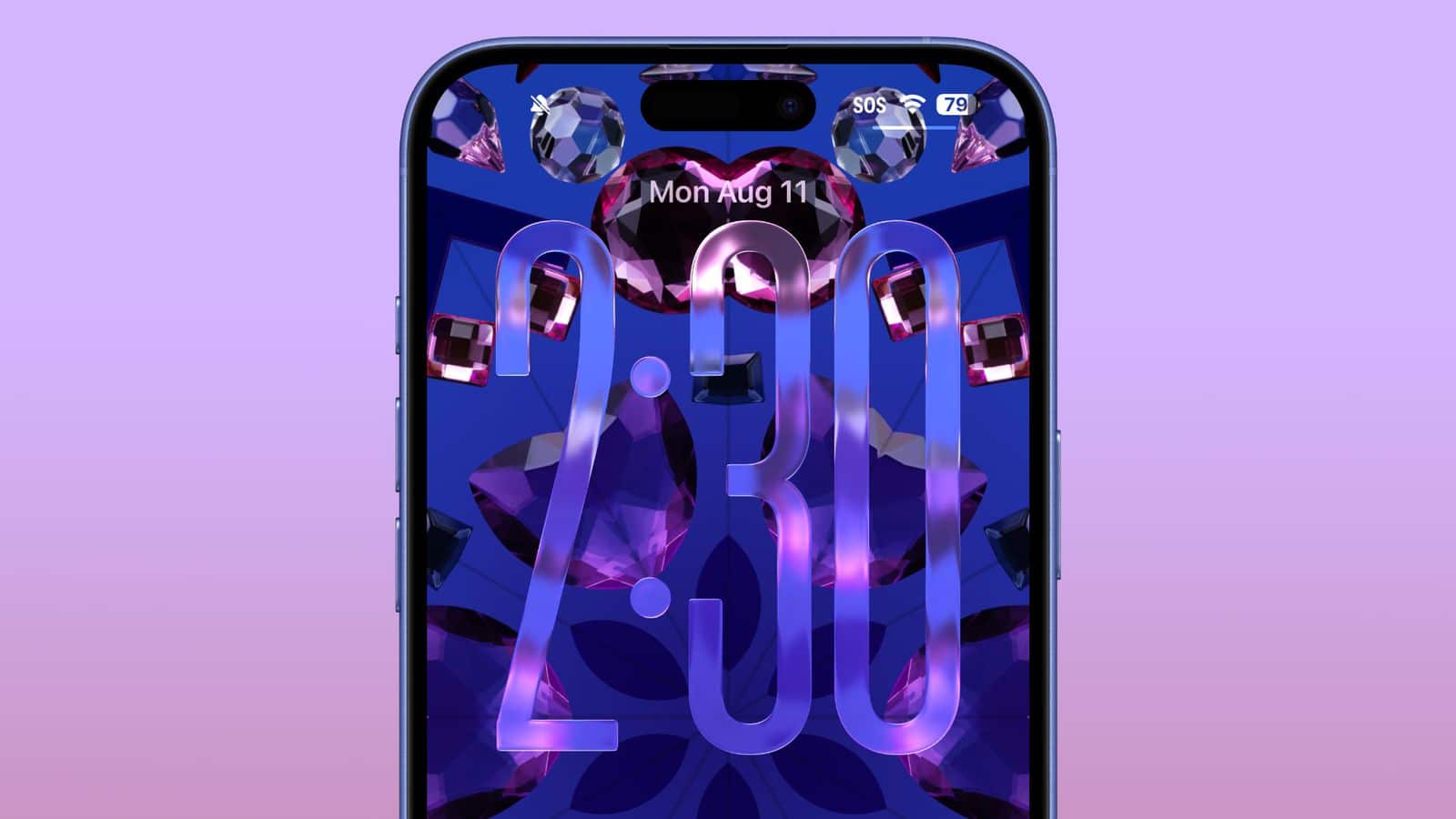
The iPadOS 26 and iOS 26 have new Liquid Glass designs from Apple which emphasize transparency. App icons, navigation bars and menu buttons refract and reflect light with the use of animations. New features for Apple Intelligence have also been added, like Live Translation and Visual Intelligence. Style options similar to ChatGPT are incorporated into Image Playground, while two or more emoji can now be mixed in Genmoji.











