iLoungeiLounge
  • News
    • Apple
      • AirPods Pro
      • AirPlay
      • Apps
        • Apple Music
      • iCloud
      • iTunes
      • HealthKit
      • HomeKit
      • HomePod
      • iOS 13
      • Apple Pay
      • Apple TV
      • Siri
    • Rumors
    • Humor
    • Technology
      • CES
    • Daily Deals
    • Articles
    • Web Stories
  • iPhone
    • iPhone Accessories
  • iPad
  • iPod
    • iPod Accessories
  • Apple Watch
    • Apple Watch Accessories
  • Mac
    • MacBook Air
    • MacBook Pro
  • Reviews
    • App Reviews
  • How-to
    • Ask iLounge
Font ResizerAa
iLoungeiLounge
Font ResizerAa
Search
  • News
    • Apple
    • Rumors
    • Humor
    • Technology
    • Daily Deals
    • Articles
    • Web Stories
  • iPhone
    • iPhone Accessories
  • iPad
  • iPod
    • iPod Accessories
  • Apple Watch
    • Apple Watch Accessories
  • Mac
    • MacBook Air
    • MacBook Pro
  • Reviews
    • App Reviews
  • How-to
    • Ask iLounge
Follow US

News

News

Future iOS 16 feature to bypass Captcha verification

Last updated: Oct 6, 2022 5:40 am UTC
By Samantha Wiley
iOS 16

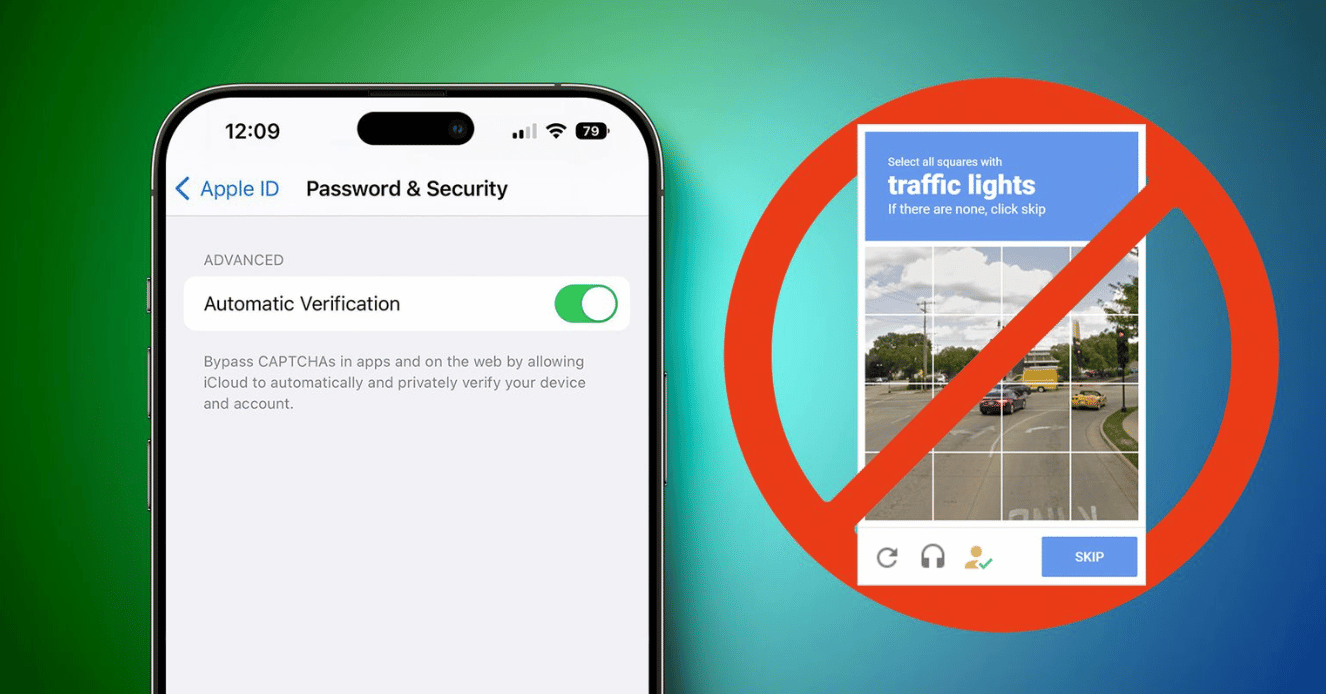
The upcoming iPhone software will have a feature that can bypass Captcha prompts through iCloud.


iOS 16 versions will have a new feature called ‘Automatic Verification’, which uses the individual’s Apple ID and device through iCloud. Automatic Verification eliminates the need to authenticate every time the user visits a website and prove that they are not robots.
iOS 16

Currently, Automatic Verification works only on apps and websites that support Private Access Tokens. However, CloudFlare has made it potentially available to a greater audience with the announcement of the Turnstile API. The API is free and currently in beta- those interested can get it through the official sign-up form or by visiting their Cloudflare dashboard.

Automatic Verification is enabled by default on iOS 16, and it’s supported on macOS Ventura and iPadOS 16.1. However, the latter is in the beta stages with no final release announced yet. Users can view it by going to Settings, Apple ID and Password & Security.

Latest News
The Powerbeats Pro 2 is $50 Off
1 Min Read
Limited Edition AirTag Will Be Given Away By Apple
1 Min Read
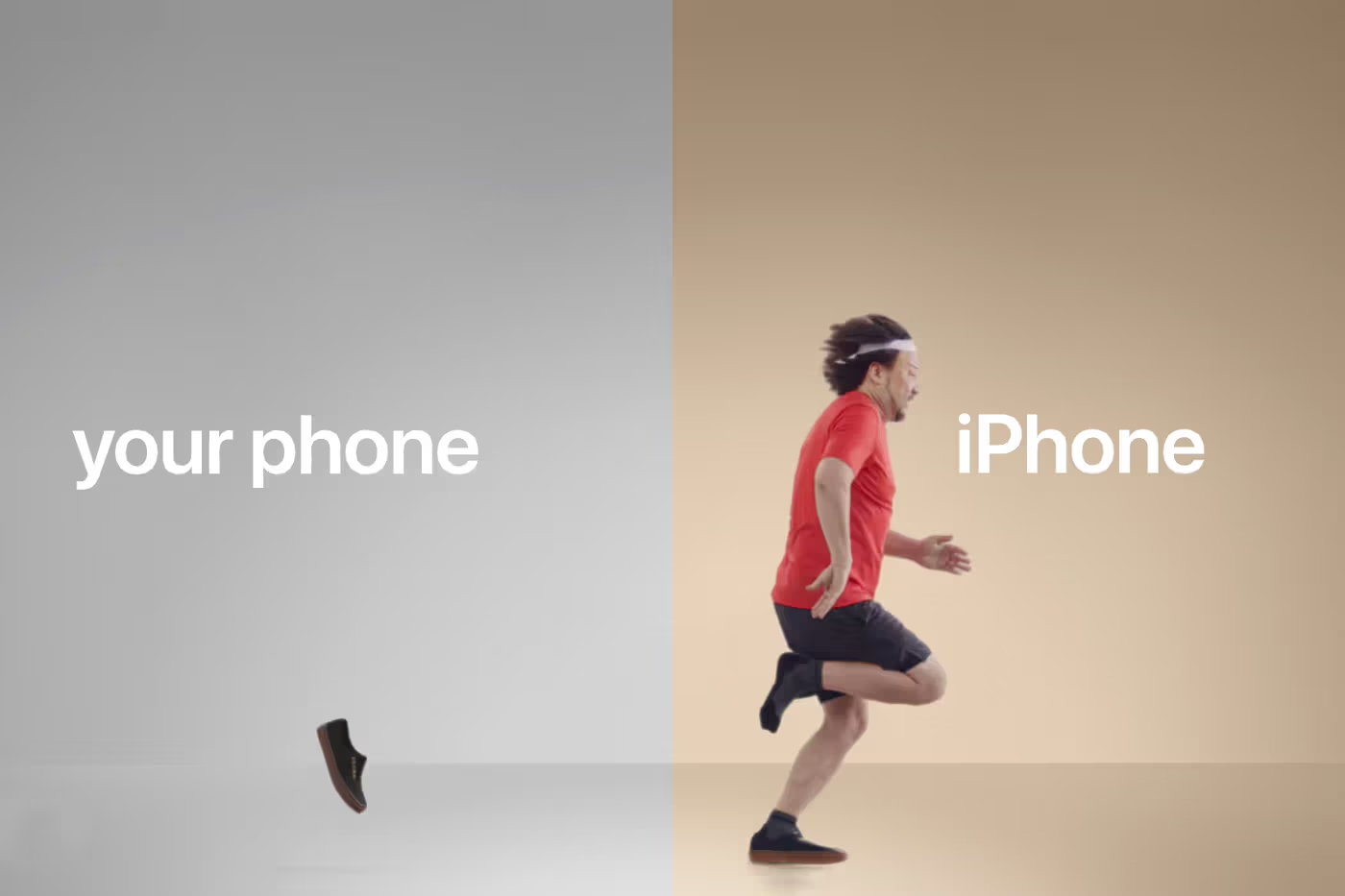
New Ads Shared By Apple
1 Min Read
Other Roomba Vacuums Receive Matter Support
1 Min Read
The Beats iPhone 17 Pro Kickstand Case Is $26 Off
1 Min Read
Track Santa's Journey From the North Pole Using Google's Santa Tracker
Track Santa’s Journey From the North Pole Using Google’s Santa Tracker
1 Min Read
Prototype For AirPods with Bright Colors Revealed
1 Min Read
Tesla May Be Adding Support for Apple Car Keys
1 Min Read
The AirPods Pro 3 is $50 Off
1 Min Read
Camera Sensor for iPhone 18 Camera to be Made by Samsung in Austin, TX Facility
1 Min Read
Apple Changing the Structure Of App Store Fees in Brazil
1 Min Read
iPhone Air 2 Could Launch Next Year
1 Min Read

iLounge logo

iLounge is an independent resource for all things iPod, iPhone, iPad, and beyond. iPod, iPhone, iPad, iTunes, Apple TV, and the Apple logo are trademarks of Apple Inc.

This website is not affiliated with Apple Inc.
iLounge © 2001 - 2025. All Rights Reserved.
  • Contact Us
  • Submit News
  • About Us
  • Forums
  • Privacy Policy
  • Terms Of Use
Welcome Back!

Sign in to your account

Lost your password?