
4K videos were considered niche and reserved for those who have the latest and greatest TVs and devices, but now that technology and demand has caught up, it’s now a mainstream format. Popular streaming services such as YouTube, Netflix and others have begun offering 4K quality videos for better immersion and picture clarity.
4K videos are stunningly beautiful. There’s about 8 million pixels at any given time in a 4K video. It’s currently the best resolution you’d want to store or record your most precious videos in, and capturing in 4K ensures you’re future-proofed and won’t need to update the content for a while.
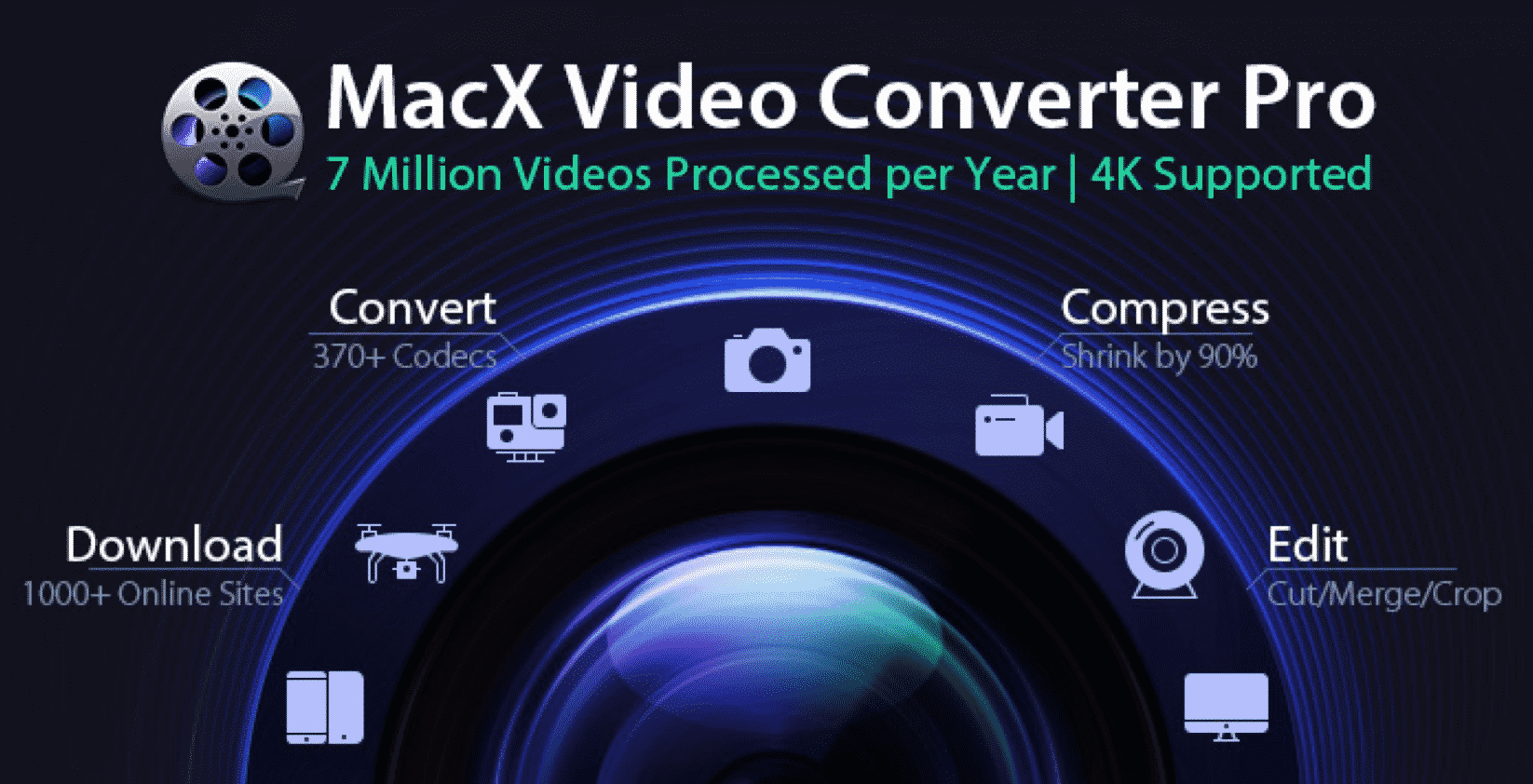
Most video converters try to keep pace with the advent of 4K videos and content, but not MacX Video Converter Pro. Users can look forward to easy and quick conversions in their preferred format on almost any hardware, even low-end ones.
The problem with 4K videos is that they take up a lot of space, which makes it somehow inconvenient in terms of on-the-go viewing. Aside from the huge file size, they’re really hard to share. Instagram and Facebook, for example doesn’t allow for sharing in 4K, and your bandwidth will be disrupted for even trying to get it up on the internet. The sheer size and bandwidth requirements make sharing 4K content impractical.
MacX Pro, a robust video converter for Mac can reduce the hefty digital footprint and turn that 4K video into a playable format at a fraction of its original size.
4K Conversions Made Easy with MacX Video Converter Pro
MacX Video Converter Pro is the only software you need to begin converting 4K into compressed viewable formats for taking with you in your mobile device. You get a wealth of features and tools that allow you to convert, edit and rip to your heart’s content. You can cut and merge sections of videos to get what you need each and every time.
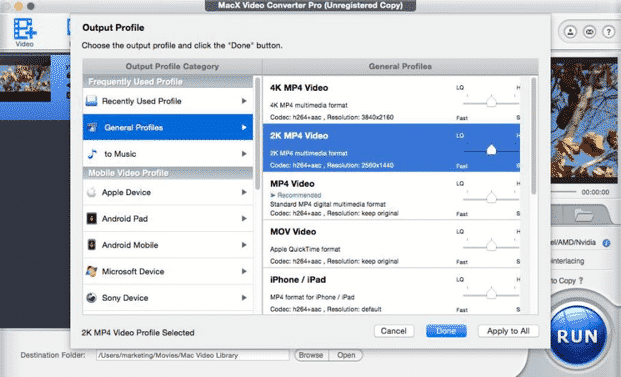
Video converters can come in handy when you need to compress high-quality formats such as 4K into usable ones such as mp4, HEVC and others. MacX Video Converter Pro gets the job done, even in DVD conversions and when you want to preserve your video collection. It’s especially useful when you’re doing batch conversions and need to automate video converting tasks in a hurry.
Today, you can download free trial & get 50% off Xmas discount. It’s the perfect way to try and see the capabilities of the award-winning video conversion software that’s getting rave reviews on the web. Then, get the full version of the MacX Video Converter Pro with lifetime upgrade for a steal!
MacX Video Converter Pro Highlights

MacX Video Converter Pro can single-handedly convert any HD and 4K input from more than 370 devices. It can put out video that fits more than 420 profiles. Some of the more popular formats that MacX Converter Pro include smartphone, drone, TV, computer, action cam, DSLR and HEVC, H.264, MP4, MOV, AVI, FLV, etc.
Conversion is a painless affair on the Mac, thanks to over 300 video and audio codecs and industry-leading GPU acceleration. You can choose from more than 400 profiles and begin converting right away. It’s a welcome change from having to wade through endless settings and doing trial conversions to find the ‘sweet spot’. Chances are there will be preset options on most devices. There are even options to choose profiles for uploading on social media such as Instagram or Facebook.
Imagine being able to click ‘convert’ once and have the content play on your DVD or computer flawlessly, or come away with an optimized video that looks great on Instagram. The HEVC converter is all that, and more.
All-in-One Video Solution
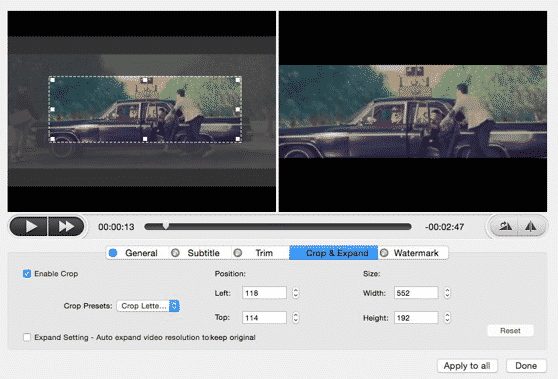
With MacX Video Converter Pro you can convert HD or 4K videos into any device or video format, compress video files without losing quality, crop, cut, merge and edit videos or download on thousands of sites such as Facebook, Vimeo, YTB and others.
MacX Video Converter is more than a simple converter tool- it can be used to download content on social media sites, YouTube and thousands of video websites and can even extract audio to your preferred format. You can even make a photo slideshow and add subtitles for a better viewing experience.
Download for Free and Get 50% Discount This Christmas

Get MacX and it will prove to be your best friend whenever you’re working with videos. Large-sized videos such as 4K can now be compressed and still look amazing on mobile screens.
The MacX Video Converter Pro is one of the top three free video converter for Mac, and with good reason. Aside from being superbly easy to use, it’s an all-around tool for editing and downloading videos on the web.
You can download the software anytime for a free trial and enjoy the Christmas discount for a whopping 50% off!











