
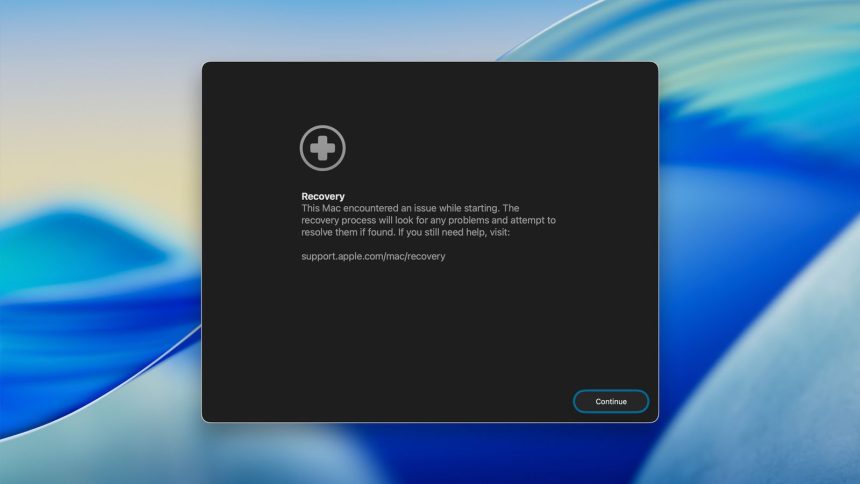
The macOS Tahoenow has a Recovery Assistant feature, which can be quite useful in the event your MacBook encounters an issue that prevents it from properly booting up. The recovery assistant can try to find the issue that is causing the problem and attempt to fix it.
When your Mac goes through a certain behavior before booting up, your computer may restart automatically and then launch Recovery Assistant. To utilize it, select the Continue button then follow the steps provided on the screen.
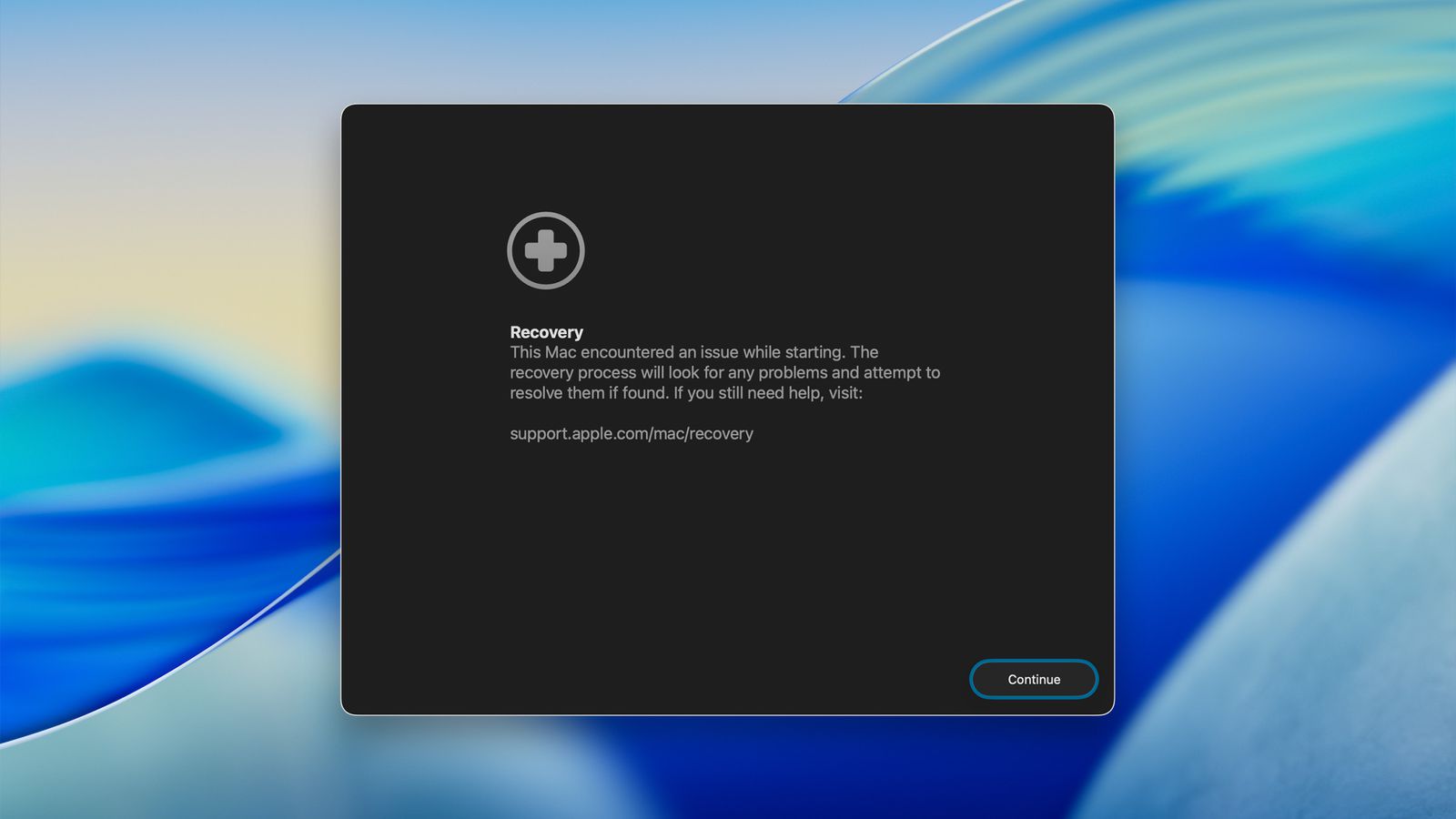
Recover Assistant will tell you if it has successfully recovered your Mac, or if it was not, after the recovery process. The tool can show a notification that no issues were found during the process. You can select “Restart Mac” on the window to finish it.
When the Mac does not successfully start up, it means that it has a problem that cannot be fixed by Recovery Assistant. The feature is available in macOS Recovery Mode within the Utilities menu.











