
iLoungeiLounge
  • News
    • Apple
      • AirPods Pro
      • AirPlay
      • Apps
        • Apple Music
      • iCloud
      • iTunes
      • HealthKit
      • HomeKit
      • HomePod
      • iOS 13
      • Apple Pay
      • Apple TV
      • Siri
    • Rumors
    • Humor
    • Technology
      • CES
    • Daily Deals
    • Articles
    • Web Stories
  • iPhone
    • iPhone Accessories
  • iPad
  • iPod
    • iPod Accessories
  • Apple Watch
    • Apple Watch Accessories
  • Mac
    • MacBook Air
    • MacBook Pro
  • Reviews
    • App Reviews
  • How-to
    • Ask iLounge
Font ResizerAa
iLoungeiLounge
Font ResizerAa
Search
  • News
    • Apple
    • Rumors
    • Humor
    • Technology
    • Daily Deals
    • Articles
    • Web Stories
  • iPhone
    • iPhone Accessories
  • iPad
  • iPod
    • iPod Accessories
  • Apple Watch
    • Apple Watch Accessories
  • Mac
    • MacBook Air
    • MacBook Pro
  • Reviews
    • App Reviews
  • How-to
    • Ask iLounge
Follow US

News › Apple TV

Apple TV

Selecting the best network connection for your Apple TV

Last updated: May 16, 2021 1:48 pm UTC
By Jesse Hollington
Selecting the best network connection for your Apple TV

With its support for a wide range of apps, along with its new role as a HomeKit hub, the fourth-generation Apple TV has become a more central device for many users than ever before. Since the device supports both wired (Ethernet) and Wi-Fi networking options, you may be led to believe that you’ll get the best network performance from your Apple TV by going with the wired option — after all, wired connections have traditionally always been faster and more reliable than wireless connections. Oddly, however, this isn’t necessarily the case with the fourth-generation Apple TV.

Selecting the best network connection for your Apple TV

Apple included 802.11ac Wi-Fi with MIMO in the fourth-generation Apple TV — a networking protocol that is capable of performing at speeds of up to around 400-500 mbps in practical applications. Somewhat ironically, however, the wired networking port on the fourth-generation Apple TV is only 10/100BASE-T Ethernet, limited to maximum throughput of 100 mbps. This makes the Apple TV one of the relatively rare devices that can actually – in theory at least — perform better over a Wi-Fi connection than a wired Ethernet connection.


Of course, while this means that you shouldn’t automatically assume a wired connection is better, as with all things in wireless networking, your actual mileage may vary.

Firstly, to gain the maximum wireless performance from your Apple TV, you’ll need to have a relatively modern access point capable of supporting 802.11ac, otherwise you’re limited to considerably slower 802.11n wireless speeds that will likely be more or less on par with the wired connection. Further, since Wi-Fi performance is affected by factors such as range from the access point and interference from other devices, if your access point is on the other end of your house from your Apple TV, you might find that running a wired connection may provide better performance. Then of course there’s the obvious question of whether you’re looking for maximum speed for its own sake or whether you have a reason for needing it — if you’re only streaming video over the Internet and operating with a typical sub-100 mbps Internet connection, the additional speeds offered by 802.11ac aren’t going to matter much at all, but on the other hand if you’re streaming uncompressed high-definition videos from a local Plex server, you’re going to want the fastest connection you can possibly get.

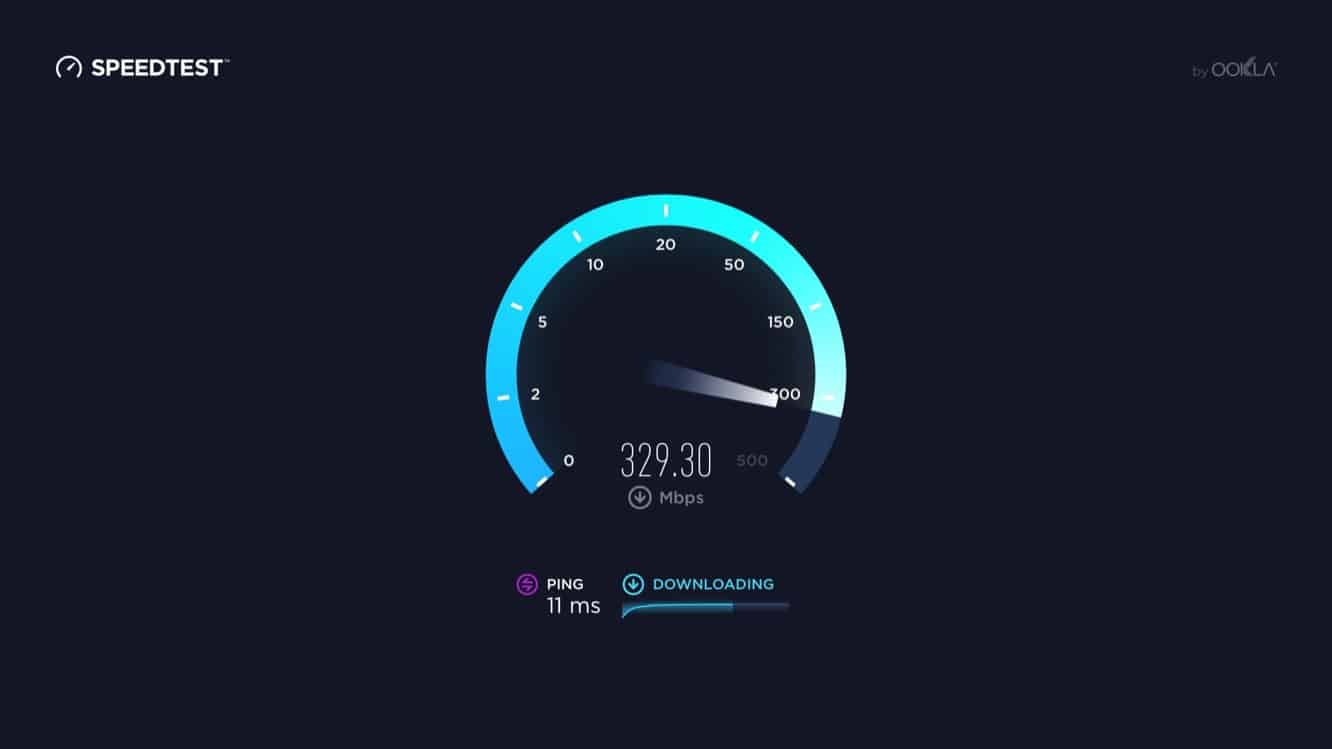
The good news is that with the Apple TV App Store, apps like Ookla’s Speedtest can now be run directly on the Apple TV, taking much of the guesswork out of figuring out which way is the best way to go.



Latest News
The 14-inch MacBook Pro with M5 Chip 16GB RAM/512GB is $250 Off
1 Min Read
Noise and Static on AirPods Pro 3 Still Unfixed
1 Min Read
New iMac with 24-inch OLED Display May be Brighter With 600 Nits
1 Min Read
The 15-inch M4 MacBook Air 256GB Is $250 Off
1 Min Read
Internal Kernel Debug Kit from Apple Reveals Tests for a MacBook with A15 Chip
1 Min Read
Apple Currently In Talks With Suppliers for Chip Assembly & Packaging of iPhones in India
1 Min Read
Apple Allows Easier Battery Replacement For M5 MacBook Pro with 14-inch Display
1 Min Read
The Apple Watch SE 3 44mm GPS is $50 Off
1 Min Read
20th Anniversary iPhone May Launch in Two Years
1 Min Read
Better Image Generation Capabilities and Apple Music Integration Coming to ChatGPT
1 Min Read
A20 Pro Chip Coming to Next Gen iPad Mini OLED
1 Min Read
Amazon has the AirTag 4 Pack Marked $29 off
1 Min Read

iLounge logo

iLounge is an independent resource for all things iPod, iPhone, iPad, and beyond. iPod, iPhone, iPad, iTunes, Apple TV, and the Apple logo are trademarks of Apple Inc.

This website is not affiliated with Apple Inc.
iLounge © 2001 - 2025. All Rights Reserved.
  • Contact Us
  • Submit News
  • About Us
  • Forums
  • Privacy Policy
  • Terms Of Use
Welcome Back!

Sign in to your account

Lost your password?








