
Withings’ new Body Cardio scale ($180) is the latest entry in the company’s long-standing lineup of iOS-compatible scales that began with the humble Connected Scale in 2010. Body Cardio follows up on Withings’ Smart Body Analyzer, with the same core features, while dropping the superfluous air quality monitoring sensors of its predecessor in favor of new advanced cardiovascular health monitoring and full body composition analysis. The new model also incorporates a sleeker low-profile design, with a footless flat aluminum base, along with an internal rechargeable battery.
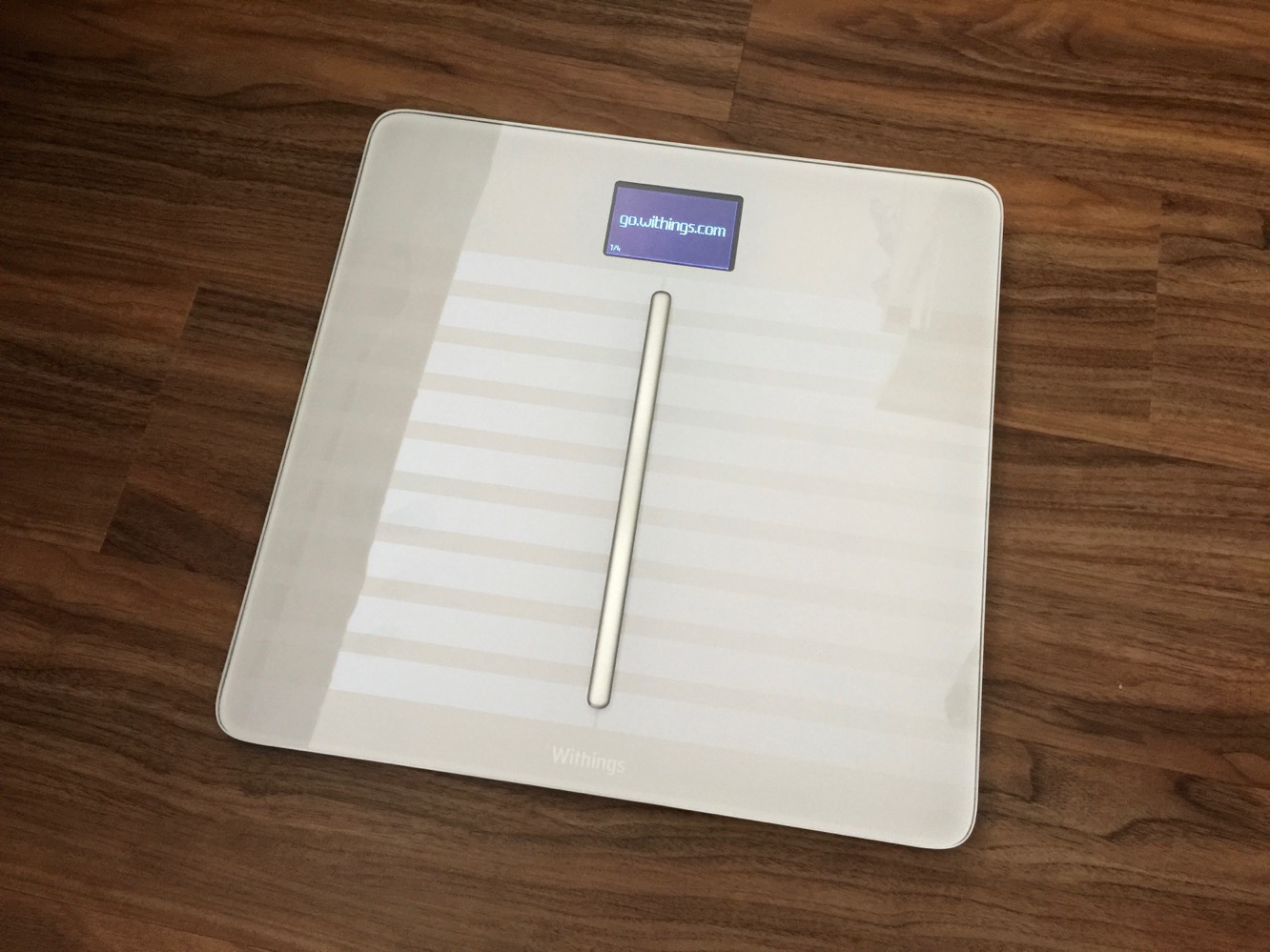
The basic idea behind Body Cardio hasn’t changed from Withings’ prior connected scales — at its most basic level it’s a bathroom scale that you step on each day to see your weight, with the ability to record that data and access it on your iPhone, iPad, or online via Withings’ web site. However, Body Cardio goes far beyond simply weighing you, providing the ability to determine not only your percentage of body fat, but also your muscle, water, and bone mass, heart rate, and risk of cardiovascular disease — all within a few seconds by doing nothing more than standing on the scale.
Body Cardio expands on the biometrical impedance capabilities of Withings’ last smart scale by adding the ability to compute the body’s percentage of muscle, water, and bone mass in addition to body fat measurements. However, it’s the last feature — cardiovascular health tracking — that is the namesake of Withings’ newest scale. Body Cardio employs a relatively new medical technology known as Pulse Wave Velocity (PWV) to measure arterial stiffness and high blood pressure, based on the speed at which heartbeat-generated vibrations spread out along arterial walls, and the time it takes for blood to flow from the heart to the feet.
PWV is computed in the companion HealthMate app based on the user’s age, and presented as a numeric value shown on a scale to indicate whether it’s optimal, normal, or at risk.

Setting up and using Body Cardio is very straightforward, requiring that you simply download the free HealthMate app from the App Store, turn on the scale, and open the app, which should detect the scale via Bluetooth and take you through the setup process of adding the scale to your Wi-Fi network and setting up a Withings account and profile. The Bluetooth pairing button from prior models has been eliminated, along with the need to add batteries; Body Cardio includes a built-in rechargeable battery that the company promises should provide a year of normal daily use between recharges, and can be recharged from any USB power source using the cable included in the box. In our case, Body Cardio was ready to go with a 64 percent battery charge, and it remained at 64 percent throughout our first four days of testing — we eventually plugged it in to charge just because it seemed like a good idea to do so, but we’re pretty confident the scale could have been used for weeks, if not months, right out of the box.

The setup process shouldn’t take more than a couple of minutes, after which the scale is ready to go. Weighing in using Body Cardio isn’t much different from any other scale — you step on it and read your weight. But if you want to get the full set of readings, you’ll need to ensure you stand on it in bare feet and remain in place for a bit longer — about 10 seconds or so — while it measures your standing heart rate and Pulse Wave Velocity.
Body Cardio will begin by showing your weight, and then cycle through additional screens to display your change in weight since the last measurement, calculated BMI, body fat mass, total body water, bone mass, muscle mass, heart rate, and even a quick weather report. Which of these screens are shown, and the order they’re presented in, can be customized from the device settings in the Withings HealthMate app. Like Withings’ other scales, Body Cardio also provides directional indicators on the screen to help you adjust your position if you’re not standing on the scale properly.

In the recommended configuration, Body Cardio connects to your Wi-Fi network and automatically reports your readings to Withings’ cloud-based service, and the HealthMate app simply refreshes your data from there, meaning you don’t need to worry about having the HealthMate app open, or even having your iPhone nearby, when weighing in. Alternatively, users can choose to instead use a Bluetooth connection between the scale and the HealthMate app, recording numbers directly into the iPhone — although this will limit some of the scale’s features, such as display weather reports and the prior day’s step count when weighing in. As with the prior models, Body Cardio also supports having several family members under a single account — the scale will attempt to determine who is standing on it based on the time of day and the person’s weight, displaying the user’s initials in the top-left corner of the screen and recording the readings into the appropriate user profile.
One point we did notice that’s worth mentioning is that Body Cardio seems to be noticeably faster at both taking and displaying measurements than its predecessors, suggesting that Withings has also optimized the design somewhat for better performance.











