
Last week, Wemo surprised us with the news that it’s adding direct HomeKit support to some of its Wemo lineup of accessories, starting with the Wemo Mini smart plug. Although Belkin released a Wemo Bridge earlier this year, this new plan means that users of compatible Wemo devices will be able to take advantage of Apple HomeKit integration without the need to purchase any additional hardware. While HomeKit support has been a long-time coming — especially considering Wemo was one of the first smart home accessory makers to embrace Apple years ago — we’re not only happy to see it here, but absolutely delighted by the idea of HomeKit support now being available through retroactive firmware updates without the need for additional HomeKit-compatible hardware.
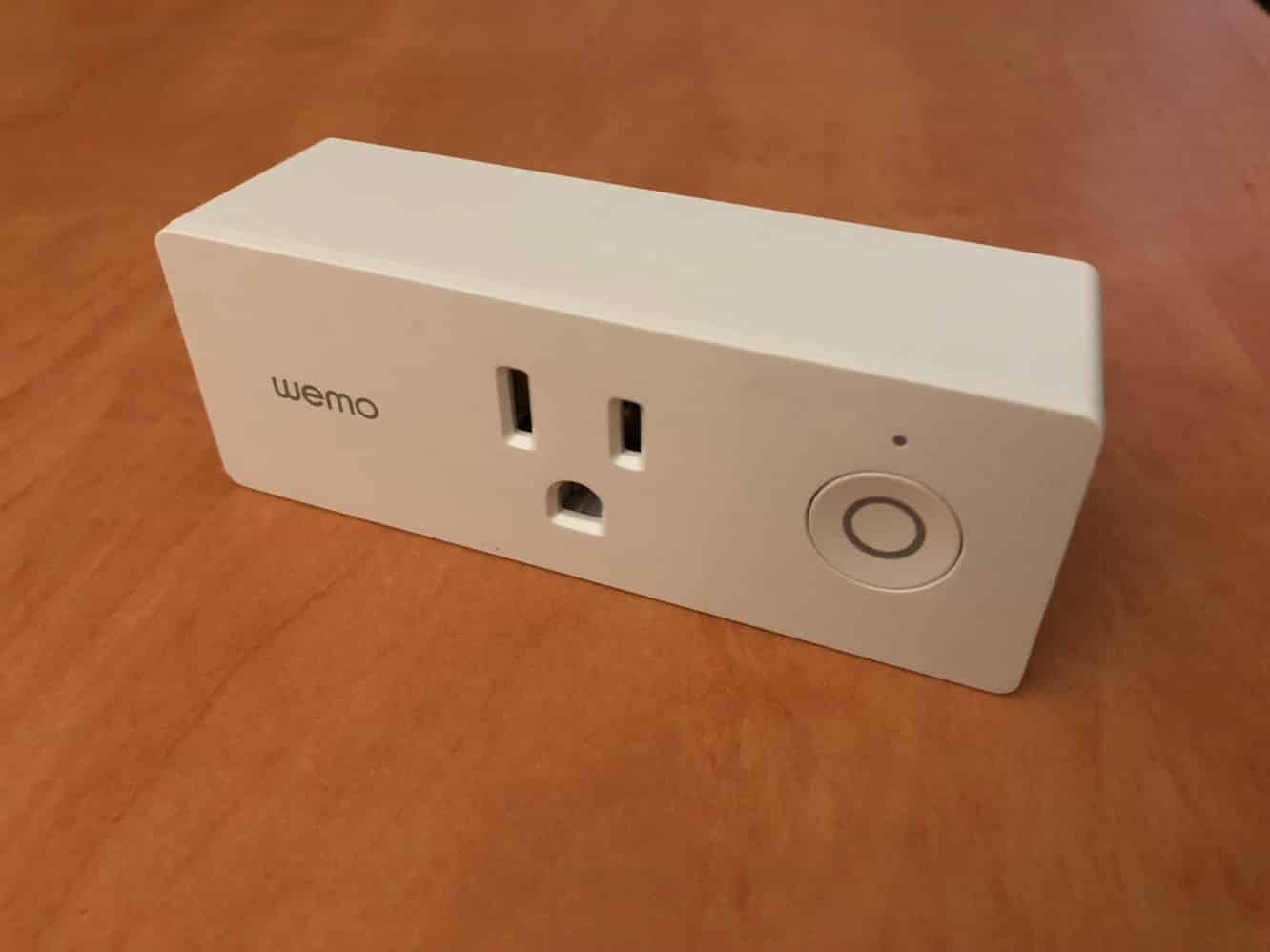
The Wemo Mini is an evolution of the company’s Wemo Switch, one of the first inexpensive iOS-based smart plugs to appear on the market back in 2012. While it has a much more elegant and usable form-factor — it’s now possible to stack two of them in the same outlet — it otherwise provides the same basic capabilities as its predecessor, which up until now meant the ability to be controlled from an iPhone or other iOS device using the Wemo app as well as supporting basic scheduling and integration with other Wemo products.
Wemo Mini connects to your network and pairs with the Wemo app over Wi-Fi, also again using the same basic set-up procedure as the Wemo Switch. A button on the front can be used to control it manually, which is ringed by a status LED.

What’s new and unique about Wemo Mini, however, is that once you’ve gotten the necessary firmware update (11143), and the latest version of the Wemo iOS app, you’ll be able to add Wemo Mini to your HomeKit configuration, opening it up to all of the possibilities that entails. Wemo Mini is also the first accessory we’ve seen to take advantage of Apple’s new policy on allowing HomeKit to be added via software updates, rather than requiring the hardware authentication chips that have traditionally required companies to either release new products entirely or supply bridges to interface with HomeKit. As a result of this, the pairing process is a little bit different from what we’ve seen up until now — unlike every other HomeKit accessory we’ve seen thus far, Wemo Mini doesn’t actually have a HomeKit pairing code, nor is one supplied with the firmware update.
This means you’ll have to use the Wemo app to add the device to HomeKit, but it also makes the process much simpler.

Pairing is initiated in much the same way as setting up Wemo devices with other services like Alexa, Google Home, and IFTTT; the settings page in the Wemo app now includes a “Connect to Apple Home app” option which initiates the process. It will begin by letting you know if any firmware updates are required, and once your devices are up to date, a simple “Connect” will take you straight to the new HomeKit pairing process. You’ll first be shown a confirmation screen that appears to come from the HomeKit framework, just to make sure that this is what you want to do, and tapping “Continue” will simply pair your Wemo mini, with no other codes to enter or steps required. The process leaves us wondering why HomeKit codes are required for any accessories, although we can appreciate the convenience offered by the new QR codes that allow for any accessory to be added right from the iPhone Camera app.

Once paired with HomeKit, Wemo Mini works in the exact same manner as any other HomeKit smart plug — you’ll be able to assign it to a room, issue commands to it with Siri, and incorporate it into home automation routines.











