
As we noted in our recent review of Philips’ new HomeKit systems, the company has been rapidly expanding the lineup of products available in its lighting system over the past few years, moving from its signature multi-colored bulbs into standard white lights, lamps, control switches, and even lightstrips. Hue Go ($100), introduced last spring, is one of these new product entries, a portable, rechargeable battery powered lamp that connects into the Hue system — and now HomeKit with the company’s newest Hue Bridge 2.0 — so that it can be easily moved from room to room while providing white and colorful ambient lighting in much the same way as Hue’s classic connected smart bulbs.
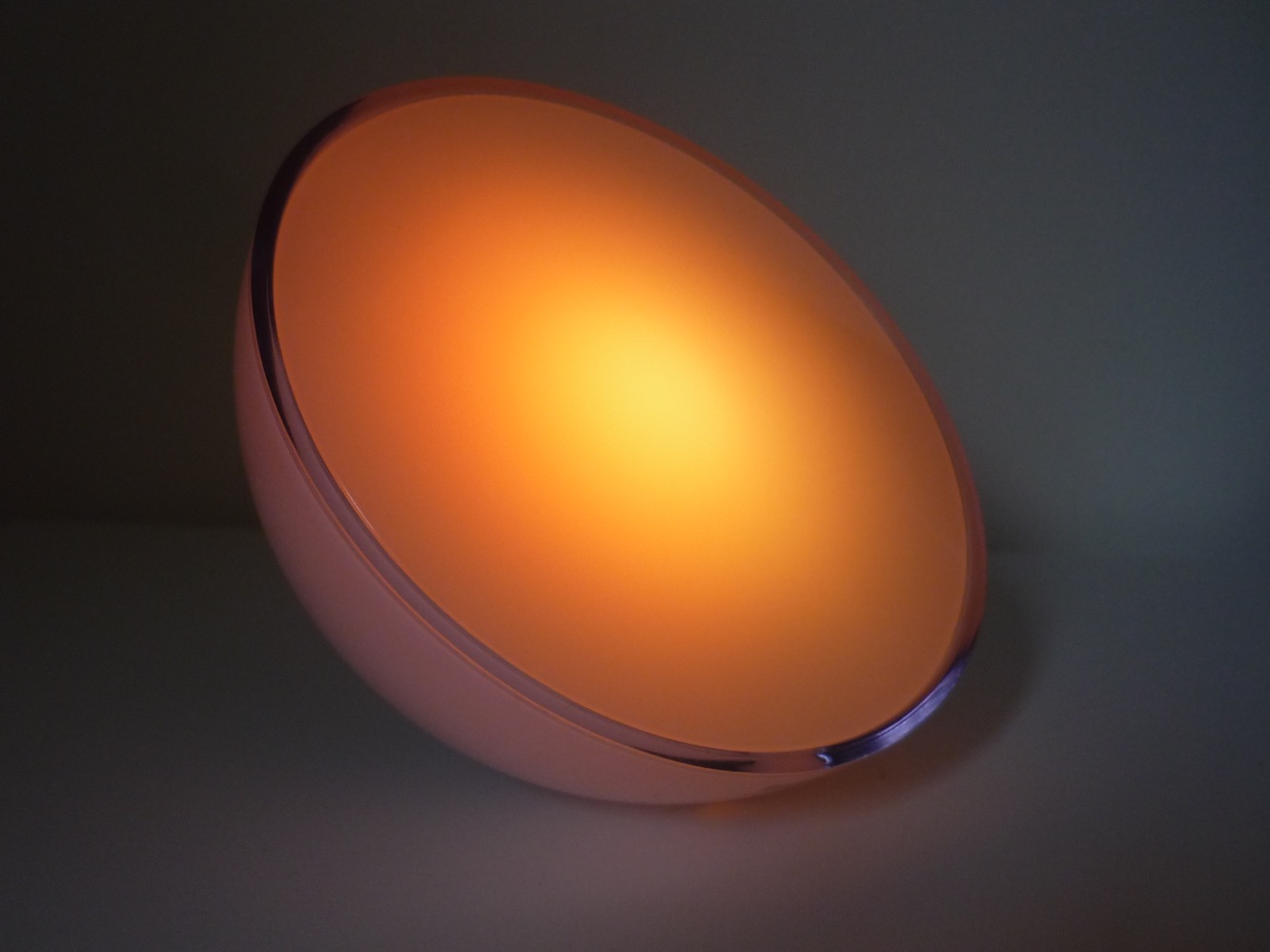
Hue Go doesn’t actually require a Hue Bridge — it works out of the box as a standalone lamp by itself, with a button on the back allowing it to be set to one of five dynamic effects or a static color. That said, we’re definitely more interested in Hue Go as part of the larger Hue and HomeKit ecosystem, and in this capacity it doesn’t disappoint. Users who already have a Hue Bridge installed can pair their Hue Go out of the box in about 30 seconds using the iOS Hue app — the app should automatically detect Hue Go as soon as it’s powered on and offer to add it to your system, and once you’ve done that it will show up as a connected lamp in the same way as any of Hue’s Ambiance White and Color bulbs; you can control the brightness level, choose from any one of 16 million colors to set it to, or associate it with Hue scenes, alarms, timers, geofencing rules, and control devices such as Hue’s Dimmer or Tap switches.

If you’ve got the new HomeKit-enabled Hue Bridge, the Hue Go can also be controlled via HomeKit and Siri in the same manner as any other Hue-enabled bulb. It will sync to HomeKit with the same name that you’ve assigned to it in the Hue app, and can be controlled directly using that name, or as part of any scenes you’ve included it in that have also been synced to HomeKit. We covered the HomeKit integration in more detail in our review of the HomeKit-enabled Hue Bridge, so we won’t rehash those details other than to say that it works in the same manner as any other Hue multicolored light, and you’ll be able to not only turn it on or off using Siri commands, but also set its brightness and adjust its color in the same manner.

A button on the back of Hue Go allows you to power the device on or off, cycle through seven different preset lighting modes, or cycle through the various colors manually to select one you like — a nice touch which allows Hue Go to be adjusted without having to reach for your iPhone. The preset modes include two static warm and natural white settings, and five dynamic effects — Cozy Candle, Sunday Coffee, Meditation, Enchanted Forest, and Night Adventure — that cycle through a mix of various colors to reflect the appropriate mood. Unfortunately, these dynamic effects are only available via the on-device button — there doesn’t appear to be any way to enable them from the Hue app or Siri/HomeKit.
That said, however, we did find the ability to cycle through normal colors on the Hue Go itself to be useful for selecting our preferred colors and learning what Siri calls them; holding down the button until we got the color we wanted and then simply asking Siri “What color is the Hue Go?” allowed us to learn names that could be reused to call up those colors again. As with the Hue Ambiance lights, the names Siri chooses are interesting and somewhat obscure, with names like Zinnwaldite brown, vivid tangerine, and neon carrot.

The internal battery in Hue Go allows it to be powered away from its AC adapter for up to 3 hours, after which you’ll need to plug the lamp in for at least 1.5 hours to charge it back up. When in battery mode, it runs at 40 percent of its full brightness to conserve battery — although we still found that bright enough with most color settings — and will go into a power-off mode after 2 hours of not being used, requiring it to be turned on via the physical button on the back. This last point is important, as it means when Hue Go is unplugged for too long it may cease to be accessible via the Hue app or Siri/HomeKit; it’s an important limitation to be aware of, but realistically the battery mode seems intended primarily as a convenient way to easily move Hue Go around the house for temporary use in other rooms and we suspect most users will simply leave Hue Go plugged in during normal use anyway,

Although we liked the design aesthetic, functionality, and portability of Hue Go — especially now that Hue plays nice with HomeKit — like Hue’s Ambiance White and Color Extension Bulbs, the price tag puts it more into the novelty category.











