
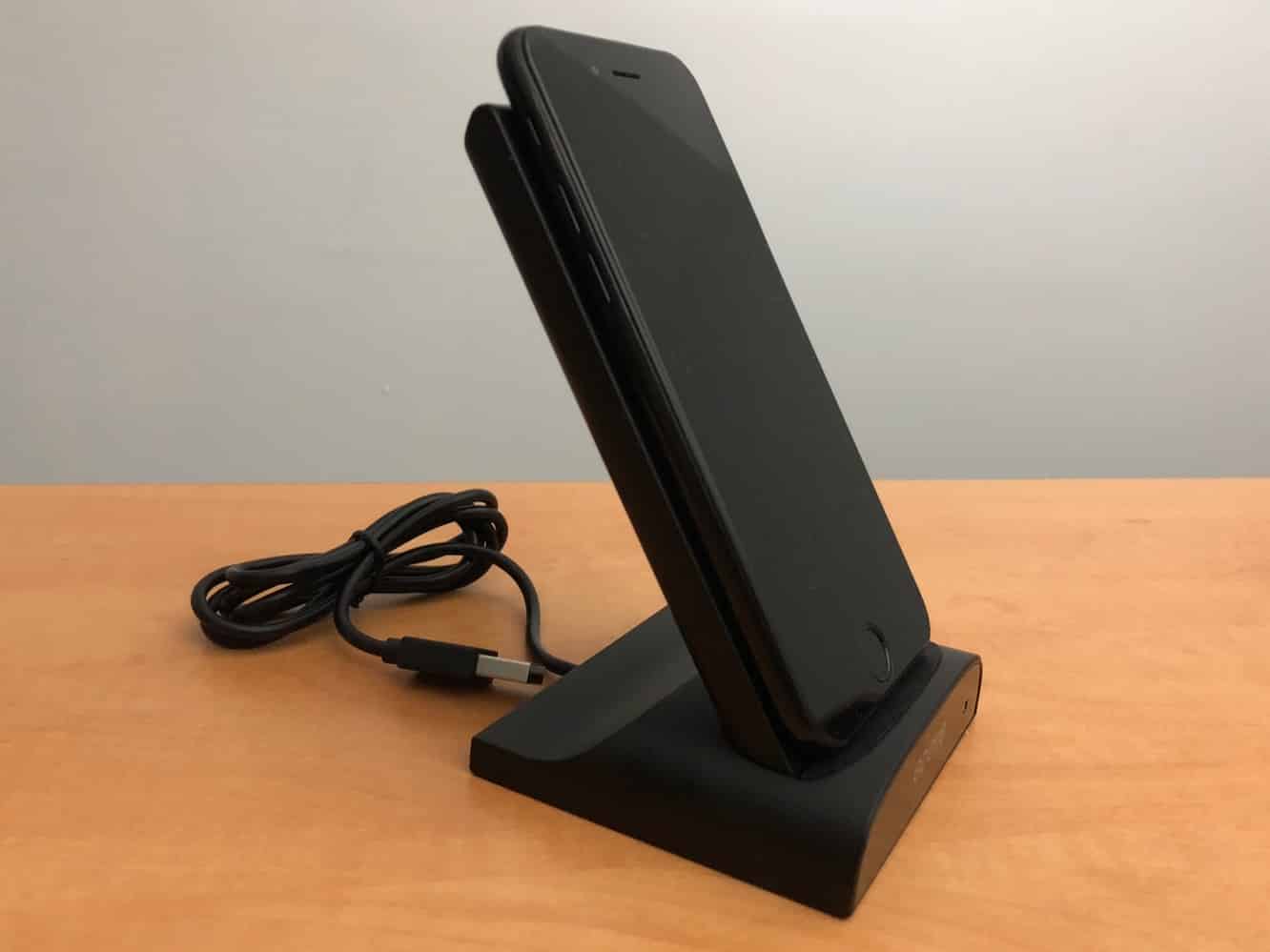
Although Qi wireless charging isn’t new, Apple’s addition of the technology to its latest lineup of iPhones has expanded the market for a lot of interesting solutions that go beyond just the basic wireless charging pads we’ve seen thus far. Odoyo’s new Wireless Charging Dock and Portable Battery Pack is a great example of how wireless charging can be used to create some fairly versatile solutions, with Odoyo in this case combining a 5,000 mAh battery pack that incorporates Qi wireless charging capabilities and a dock that can both easily juice up the battery pack and charge an iPhone X, iPhone 8, or iPhone 8 Plus in an upright position.
The package includes a fairly standard-looking battery pack, a wireless dock with a fixed USB cable, and a separate USB-C to USB-A cable that can be used to charge the battery pack away from the dock. Sadly, a USB power source is not included, so you’ll have to supply your own (Odoyo recommends a 2A USB power adapter for best performance), but we don’t think that’s too unreasonable considering what you’re getting for the price here.

On one end of the battery pack, you’ll find a power button, USB-A output port, and USB-C input port, along with LEDs to indicate charging status and battery charge level.
The other end of the battery pack includes four metal contacts that are designed to mate with the included dock for recharging the battery pack at your desk or side table. The battery pack itself supports both Qi wireless charging and traditional USB cable charging, although you can’t charging using both methods at the same time — connecting a device to the USB port will disable the wireless charging feature. Eight dual wireless coils make it easy to put the pack against your iPhone in just about any orientation to get a charge.

A button on the battery pack is used to check charge level (short press) or to turn the pack on or off (long press), at which point the status LED will glow green, indicating that the pack is ready for wireless charging. The status LED changes to blue when the pack is properly placed against an iPhone or other Qi-enabled device to show that charging is in progress.
The included USB-A to USB-C cable can also be connected to provide pass-through power, basically allowing you to use the battery pack as a normal wireless charging pad, although pass-through charging only works with the wireless charging mode, not when charging a device from the USB port.

The included dock allows you to simply drop the battery pack in when you get to your home or office, providing an easy way to charge it without having to fuss with cables. As an added bonus, however, the dock is specifically designed to allow you to place your iPhone against the battery pack, so it doubles as vertical wireless charger while the battery is also charging, with priority being given to charging your iPhone first, and then the battery pack after the iPhone has reached full charge. The pack also turns on automatically as soon as it’s connected to the dock, so you don’t need to worry about pressing the power button to charge your iPhone — just drop it on and go, and both portrait and landscape orientations are supported, so you can even keep your iPhone charging while watching videos.

It’s become pretty difficult for battery packs and even wireless chargers to impress us, but we quite like what Odoyo has done here, especially at this price.











