
Following on the heels of its Smart LED Bulb, Nyrius has now released its second iOS compatible Bluetooth Smart device in the form of its Smart Outlet ($35), a Bluetooth wall plug. Smart Outlet — which is not HomeKit-compatible — allows you to control lamps and other plug-in devices from your iPhone, iPad, or iPod touch using the company’s free companion Nyrius Outlet app, which also provides the ability to do proximity activation and set on/off timers. The Smart Outlet itself is a wall plug module similar to many others we’ve seen, although for whatever reason Nyrius has chosen to place the plug socket on the bottom of Smart Outlet, rather than the sides or front. This will allow for placement in tighter spaces in some cases. Smart Outlet is relatively unadorned, save for a white LED on the front of the module that indicates Bluetooth connectivity status.
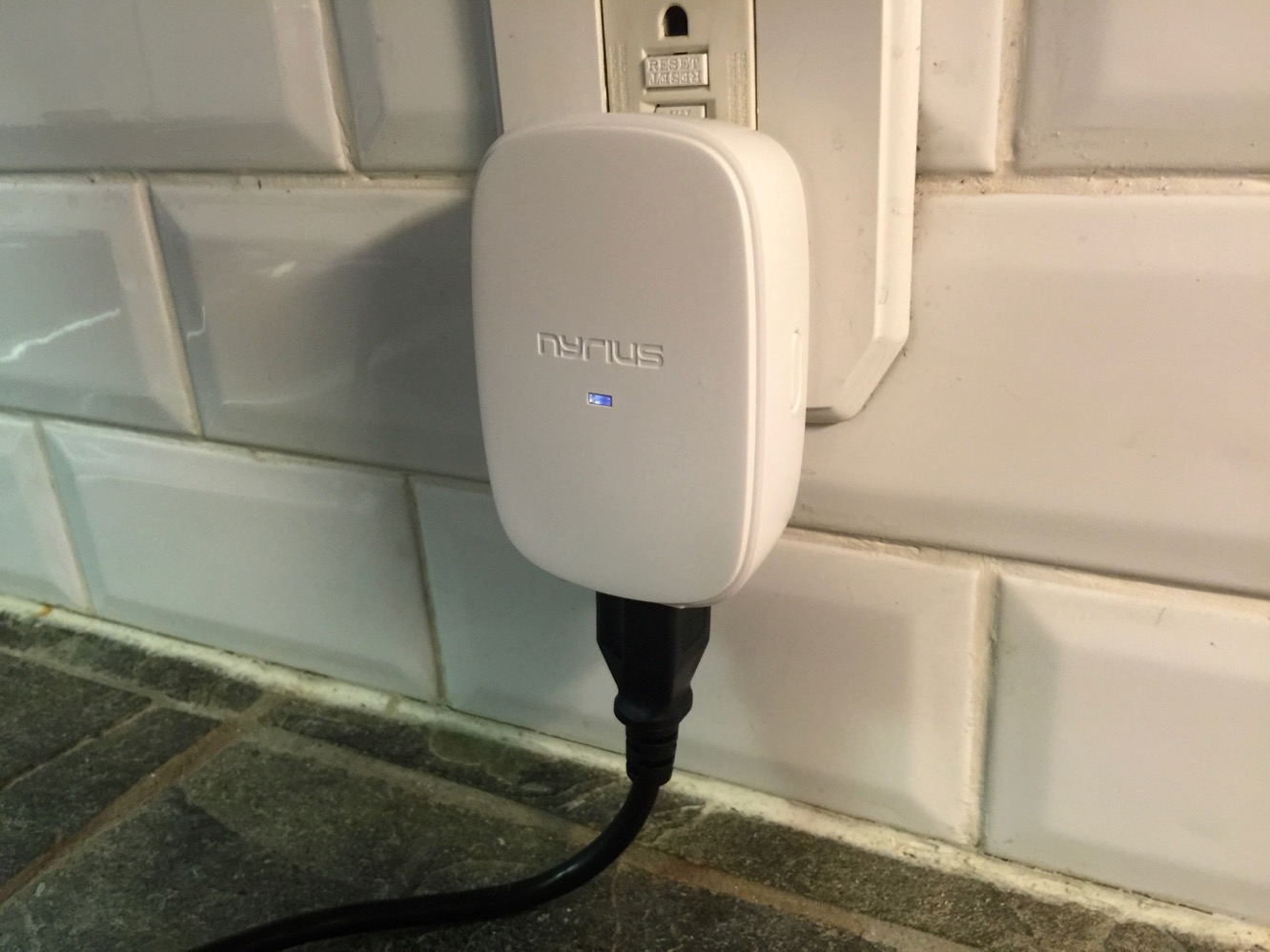
To set up Smart Outlet, you simply plug it into any standard wall socket, pair it with your iOS device in the standard Bluetooth settings, and then open the Nyrius Outlet app.
We found it unusual that Nyrius requires the user to pair the Smart Outlet manually, rather than taking advantage of the ability to initiate pairing from within the app. It’s not exactly a huge extra step, but if you’re experienced with other iOS-based Bluetooth smart devices, you’ll likely find yourself opening the Nyrius app first, like we did, only to discover that you have to go back out into the Settings app and pair it up manually.

With Nyrius’ Smart Bulb, we found the app experience to be a major disappointment — perhaps the most significant problem with an otherwise useful piece of technology — so we’re happy to report that with Smart Outlet, Nyrius has fixed most of these problems. We still wouldn’t go so far as to call the app “elegant,” but the user interface has definitely been improved slightly, and now at least fills the screen on iPhone 6/6s and iPhone 6/6s Plus devices. The only thing we were a bit disappointed by is that Nyrius has chosen to use a completely separate app for its Smart Outlet and Smart Bulb devices, so you’ll find yourself switching back and forth between the two if you have both devices; in our opinion it would have made a lot more sense to release a single Nyrius app to control all of the company’s smart devices.

Once you’ve paired at least one Smart Outlet in your Bluetooth settings, the app will open by presenting a list of Smart Outlets that are available, allowing you to select the one you’d like to control, after which you can toggle it on or off, set timers, or enable/disable proximity activation.
You can also set a four-digit PIN for each Smart Outlet; the PIN will be required when accessing the outlet to toggle it on or off, set schedules, or otherwise reconfigure it. It’s a nice security feature, although we felt the Nyrius app was a bit too aggressive in asking for the PIN, with no timeouts available, basically expecting us to re-enter it each time we went back into the detail screen for the Smart Outlet, even if we had just returned to the main menu and wanted to go back in.

It’s worth noting that although the proximity feature works pretty well, the range can vary, so it’s likely something that will be more useful for activating Smart Outlet when coming home or leaving home, as opposed to simply moving from room to room within your house. Further, once proximity is enabled, you don’t need to leave the Nyrius app open — the outlet will turn on whenever your iPhone comes back into Bluetooth range whether the app is open or not. Oddly, however, iOS does pop up a notification prompt asking you if you want to open the app whenever the Smart Outlet reconnects to Bluetooth, which we quickly found to be pretty annoying.











