
We’ve seen plenty of niche products which have featured Bluetooth in recent years — some have been worthwhile innovations, while others are better off forgotten. Noke has brought Bluetooth to the padlock, with its aptly named Bluetooth Padlock ($70). Though it’s not the only Bluetooth padlock on the market now, Noke drew attention for its successful Kickstarter campaign, raising more than $650,000 for its “smart padlock.” Noke just started shipping its padlocks to backers last month, and the product is also available for sale on Noke’s website and through other retail outlets. Name brand combination or key padlocks can be found for less than $10 — does a $70 padlock offer enough advantages to truly be considered “smart?”
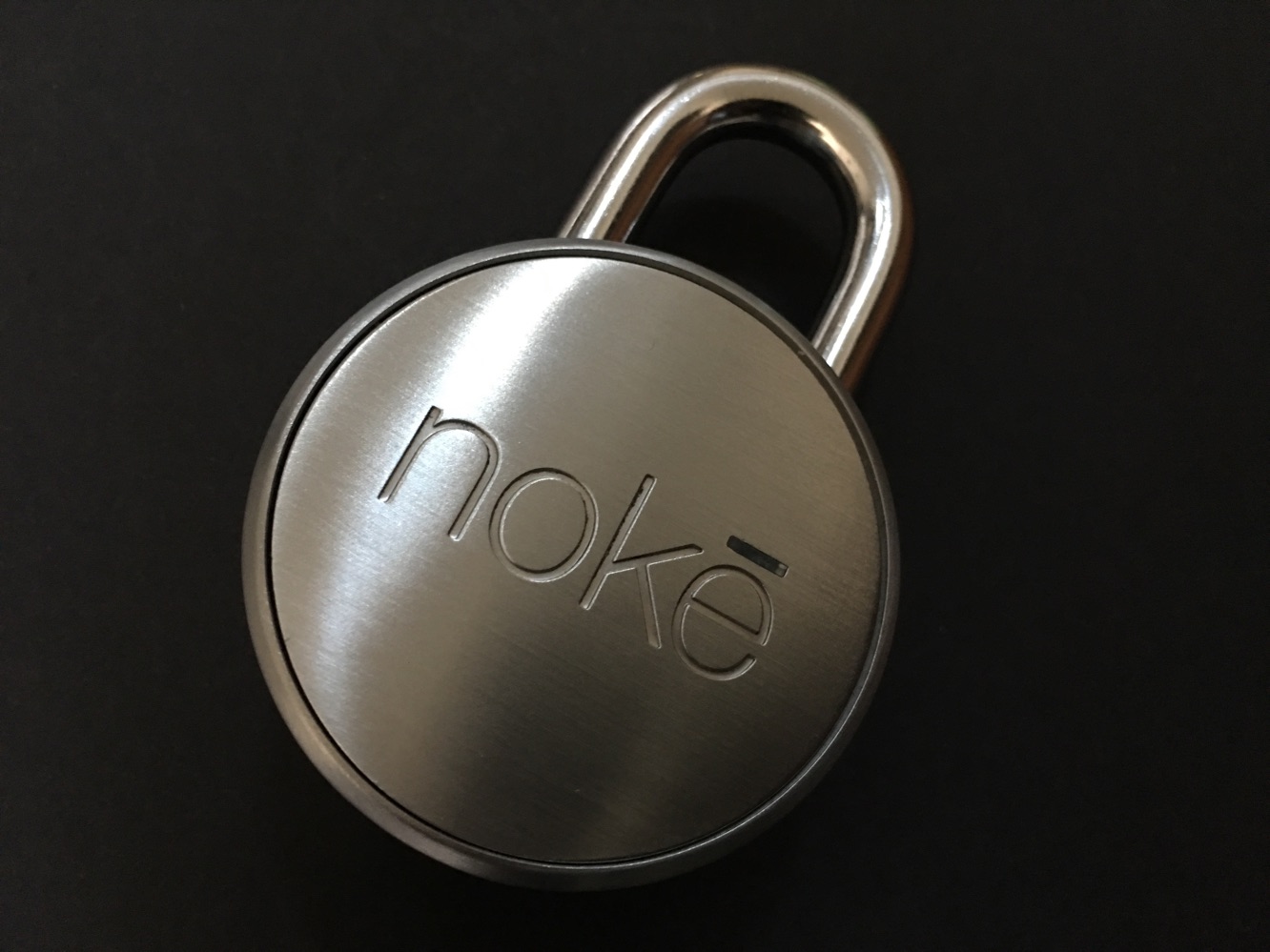
Noke’s (it’s pronounced “no key,” of course) Bluetooth Padlock looks like a fairly typical steel padlock, minus the combination or keyslot. It’s solid and weighty enough (11.25 ounces), and it’s attractive, at least as far as padlocks go. A small light on the front of the lock is used to denote status, just as unlocked or locked. Noke claims the padlock has anti-shim protection — designed to prevent would-be thieves from using a foreign object to release the shackle — and it’s also weather-resistant, with a water-resistant IP66 rating, and an operating temperature range of -10 to 150 degrees Fahrenheit. Noke’s padlock uses a 2032 coin cell battery that’s said to last for more than a year.
Replacing the battery only requires sliding the back cover when the shackle is unlocked. It’s an easy enough process, and you can even “jump start” a dead battery by pressing a new battery to the contact points on the bottom of the lock.

Setting up Noke is done through the free Noke app. Users will be asked to include their email, create a password, and name their lock — naming makes it easy to distinguish multiple Nokes from each other. As rare as that may be, Noke gives users the option of controlling multiple locks, all from the same app. During setup, users will be able to choose one-step or two-step unlocking. One-step only requires a user be close enough to the lock with his or her phone for the app to communicate via Bluetooth 4.0 to unlock the padlock. Two-step unlocking prompts the app to unlock the padlock when in range. There are also two other options for unlocking — “quick-click,” which enables users to set up a morse code-type series of presses on the shackle to open the lock, and the use of a Noke fob, which is sold separately for $25.

Using Noke is easy enough.
If you’re in range with your phone, simply press down on the shackle. The front light will glow green, and the shackle will pop open. It’s worth nothing that you will need to be signed into your app via password, and you’ll also need to make sure the app is responding in the background. As may occur with a Bluetooth app, iOS may suspend Noke’s app when it runs in the background for a while, which may necessitate a reopening — or renewing login — of the app. It’s not entirely unexpected, but those who expect Noke to always respond right away might need to temper expectations, or make sure the app is ready to go.
The “backup” quick-click option — users create a series of 8-16 short and long presses on the shackle to open the padlock — could actually end up being the primary unlocking option for some users. We often locked Noke up, then returned later to find the padlock wasn’t immediately responding to the app. It takes less time to enter the quick click code than it does to get out your phone, open the app, and login (if necessary). Some may see some security issues with this, but unless a thief is aware of how Noke’s padlock works — and has enough time to sit there and try various combinations — it shouldn’t be a problem.











