
Known primarily for its fitness and sleep tracking products, Misfit is breaking into new ground with Bolt ($50), a Bluetooth LED Smart Bulb designed to let users easily customize their home lighting experience with colorful lightscapes. With a companion Misfit Home iOS app, Bolt focuses on being easy to get up and running with quickly, and the company promises a future update that will allow control from its Misfit Flash fitness tracker.
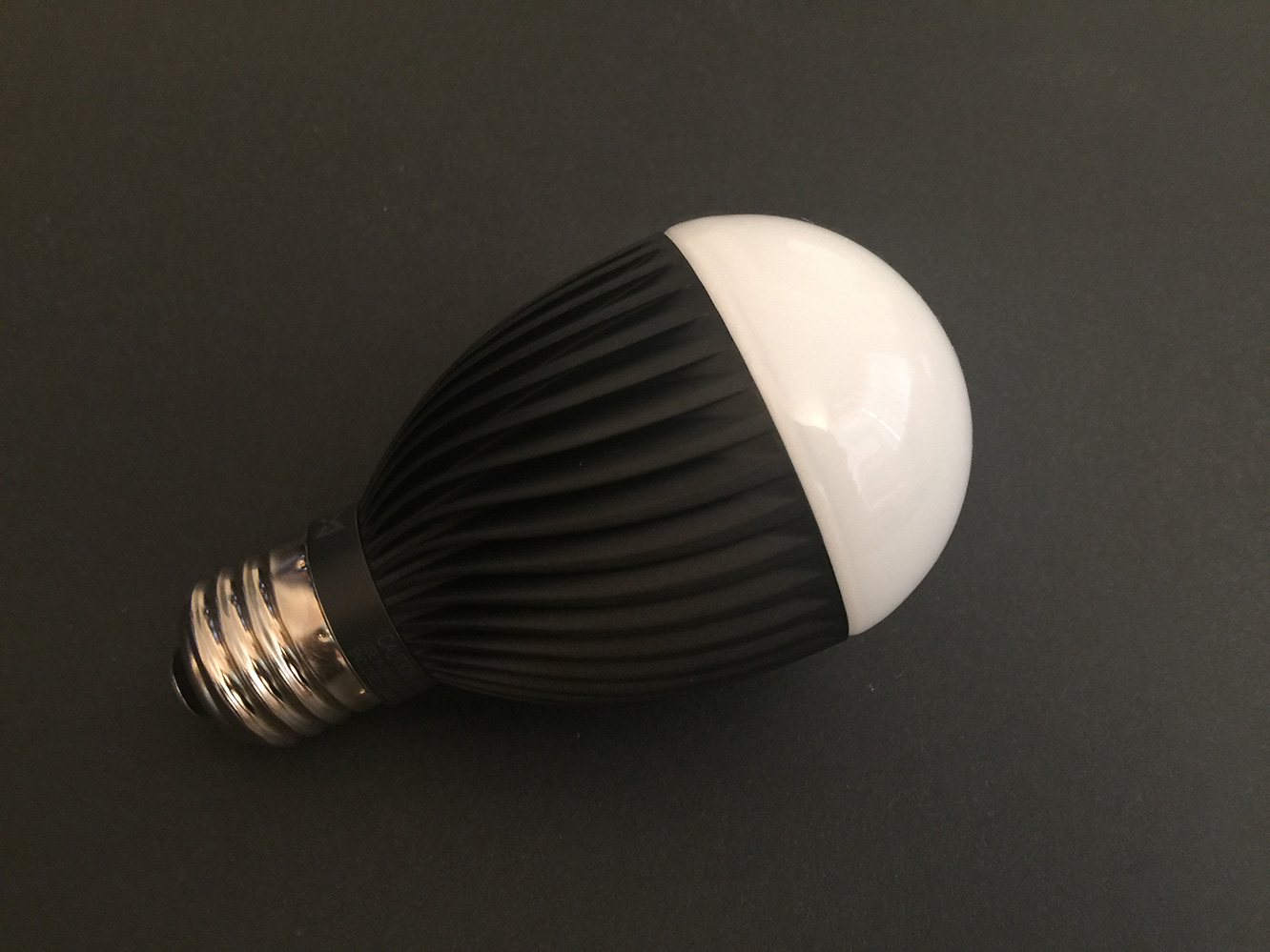
Misfit’s packaging for Bolt is very simple and straightforward — in the box you’ll find the light bulb and a small instruction pamphlet. The bulb is a reasonably compact size compared to some of the LED bulbs we’ve seen, and should therefore fit into just about any LED fixture where a traditional incandescent bulb could be used. Setting it up is simply a matter of screwing the light bulb into a standard socket, downloading the Misfit Home app from the App Store, and starting it up.

The Misfit Home app will take you through the process of searching for and pairing with any nearby bulbs straight from within the app, after which you’ll be presented with a “home” screen where you can drag the bulb icon around to change colors or create a new Misfit account, or sign in to your existing one to “do more with Bolt.” This latter step seems unnecessary, but since Misfit is trying to leverage Bolt into the rest of its fitness and home ecosystem, the use of a cloud-based account will likely provide for future integrations. Regardless, since Bolt itself is Bluetooth only, it’s not the bulb that’s connecting to the cloud, but simply the iOS app. The app also provides the ability to push firmware updates to any Bolts that need them, and we were prompted to go through that process once we had finished pairing the Bolt and signed in. The process only took a minute or two, and the screen notes that you can leave the app and do something else while you’re waiting for the firmware update to complete in the background.

Within the Misfit Home app, Bolts can be grouped into “rooms” with a drag-and-drop interface, allowing users with multiple Bolts in a given room to unify all Bolts for controlling lighting scenes.
In terms of controlling the bulbs, Misfit’s Home app is heavily “scene” based, focusing on creating “lightscapes” rather than focusing on merely providing direct control over the bulbs. A number of predefined scenes are available including Sunrise, Bright Day, Welcome Home, Forest, Movie Night, Date Night, Rainbow, and more, and the app lets you easily swipe between them to change the lighting for an individual bulb, a room of bulbs, of your entire collection of bulbs. As we only had a single unit to review, we can’t comment on how well this may work in a whole-home environment, but the normal limitations of Bluetooth suggest that it would be best used only on a per-room basis, since bulbs in other rooms may be out of normal Bluetooth range.

Custom scenes can also be created based on selected colors, or even by simply using a photo from your iOS Camera roll as the theme and choosing a color from the photo which the bulb(s) will then emulate. While most of the scenes, including any custom ones you create, have to be triggered manually, the “Sunrise” scene also includes the additional ability to set a wake up time to wake to a gradual, thirty-minute “sunrise” simulation. The catch, however, is that you’ll need to keep your iPhone on and nearby for this to work, as the Bolt itself doesn’t appear to have any ability to store schedule internally.











