
Kingston’s DataTraveler Bolt Duo is the latest external storage adapter for iPhone, iPad, and iPod touch users, allowing photos and videos to be offloaded onto double-ended Lightning and USB 3.0 flash drive. Although we saw a handful of flash drives appear when iOS began allowing developers to access directly attached external flash drives a couple of years ago, the market quieted down a bit after that. However, despite the availability of higher-capacity iPhones and cloud-based storage, veteran flash memory maker Kingston clearly feels there’s still a need to be filled here. Bolt Duo is available in 32 GB ($60), 64 GB ($90), and 128 GB ($120) storage capacities.
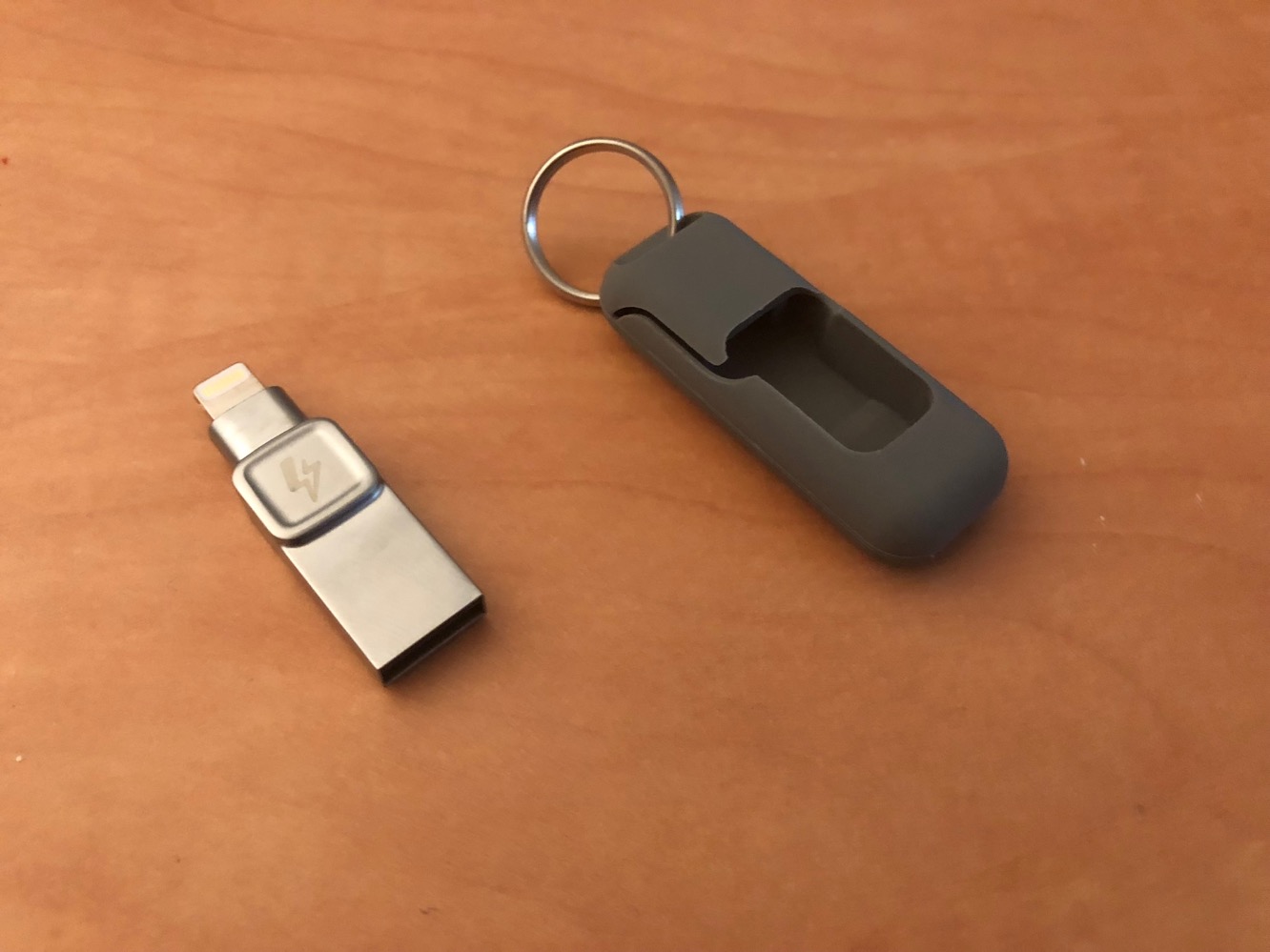
Although Kingston is a bit late to the Lightning flash storage game, we do have to admit that Bolt Duo is the smallest and sleekest among the iOS flash memory drives we’ve looked at. The all-metallic device measures an inch-and-a-half from tip to tip, with a Lightning connector on one end and the other end entirely made up of a USB 3.0 connector; Kingston wastes no additional space here with housings or casings around the USB end, and places only a single square recess in the center to provide an easy place to grip Bolt Duo with finger and thumb.
Kingston has also included a silicon carrying case that allows you to carry Bolt on your keychain. The separate carrying case is a nice touch as it allows the Bolt unit itself to be kept extremely small — important when it’s hanging off the bottom of your iPhone — while still providing an option to take it safely with you on the go.

Like other iOS flash drives, Bolt requires that you use Kingston’s own app to manage the content as Apple still has yet to add native support for flash memory devices within iOS itself. Kingston has made an effort here to keep the Bolt app simple, focusing exclusively on support for photos and videos. Opening the app presents three simple options: Transfer, Capture, and View, allowing you to transfer existing photos and videos from your iOS device to the Bolt, take photos or record videos directly onto the Bolt’s storage using the in-app camera, or view photos and videos that are stored on the Bolt drive. An option in the Bolt app’s settings also allows you have all photos, all videos, and/or all favorites transferred automatically whenever the Bolt is connected and the app is opened.

Transfer options allow you to copy all of your photos and/or videos, only those tagged as favorites in the iOS Photos app, or select only a few photos to copy to the Bolt drive. When initiating a transfer, you’ll also be asked whether you want to keep the photos on your iOS device or delete them after transferring them.
Photos transferred onto the Bolt are automatically stored in a sub-folder with the name of your iOS device, allowing you to easily collect photos from multiple iOS devices while keeping them separate. Unfortunately, the transfer options in the Bolt app are one-way; there’s no way to transfer photos from the Bolt back onto your iPhone, iPad, or iPod touch. Bolt is clearly designed solely for offloading photos to free up storage as opposed to working as way of getting data from your Mac or PC back onto your iPhone. The Bolt app also features a basic camera mode for capturing photos and videos directly onto the Bolt drive, although of course you won’t be able to take advantage of features like time lapse, slo-mo video, panorama photos, Portrait Mode or even the 2X lens on the iPhone 7 Plus and iPhone 8 Plus; you’ll also be limited to recording video at either 30fps 1080p or 720p or 18fps 4K, likely due to limited transfer speeds.

In regard to transfer speeds, while Bolt offered great USB 3.0 performance on our MacBook Pro, performance over Lightning was more disappointing. Transferring 5.67 GB of data – 493 photos and 30 videos — from an iPhone 8 Plus onto the Bolt drive took slightly over 12 minutes, while that exact same data came over to our MacBook Pro in 42 seconds.











