
The world of fitness wearables is extremely competitive and constantly expanding. Just a few years ago, heart rate tracking was only possible for those willing to buy specialized gadgets and wear a chest strap. Optical heart rate sensors have become small and cheap in recent years, enabling companies to add heart rate tracking to phones, watches, fitness bands, and even bike helmets. With the Under Armour Sport Wireless Heart Rate Bluetooth headphones ($200), JBL offers an interesting twist — a heart rate sensor embedded in sport headphones. We found these headphones — which we’ll call the “UA HR” for this review — to be an interesting workout tool, but with some compromises that make it a bit too niche for a general recommendation.
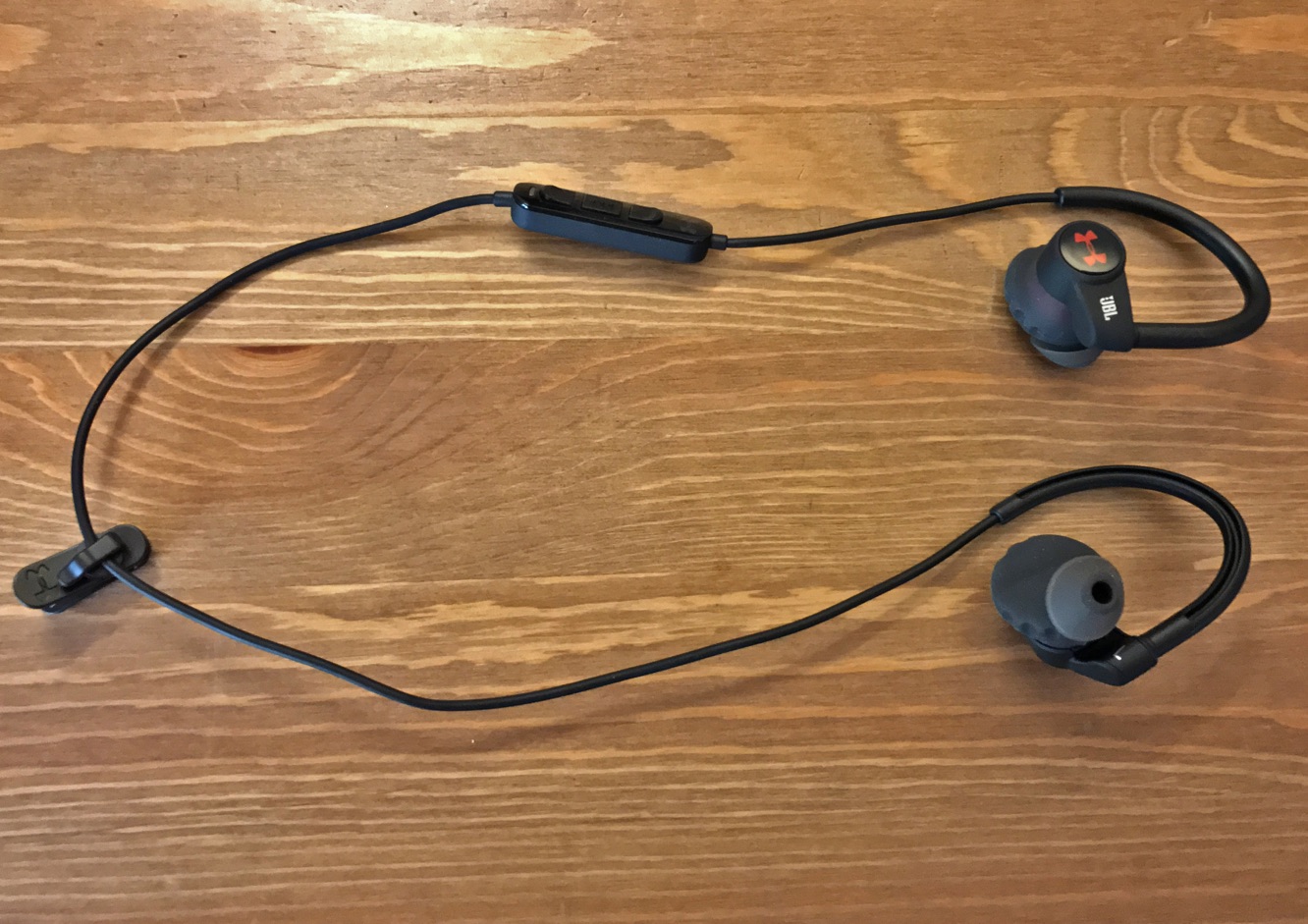
To JBL’s credit, the UA HR is full-featured and comes with a nice complement of accessories. Included in the box are a perfectly sized silicone carrying case, four sizes of ear tips, a charging cable, and a voucher for a 12-month subscription to MapMyRun. In addition, the headphones can work with Under Armour’s free (but very busy) Record app, which can track your sleep, nutrition, workouts, weight, mood, and fitness goals, and post it all to a social network to keep you motivated. Pairing this headphone with an iPhone is quick, and battery level is displayed in the iPhone’s status bar.

JBL claims that the UA HR will “never” fall out of your ear, and we can actually believe it. Unlike most in-ear monitors, the UA HR uses large circular tips made of grippy silicone that fill the inner portion of the ear.
These tips are very similar in shape to those of the Yurbuds Liberty (https://ilounge.pro/index.php/reviews/entry/yurbuds-liberty-wireless-earphones) that we tested early last year. These oddly-shaped tips — combined with the UA HR’s over-ear guides and light weight — provide a very secure fit that never shifted in our ears. There is, however, a tradeoff. The portion of the ear tip that enters the ear canal is cone-shaped, which, unlike the bullet shape of most IEM tips, can’t seem to provide an adequate seal in the ear. Without a good seal, IEMs can’t sound good – using the ear silicone tips that fit us best, the UA HR sounded thin, with very little of the bass thump that we look for in workout headphones.
We were able to mitigate this problem and improve bass somewhat by pushing the buds into place to force a better seal. This leads us to believe that some users might have a better experience than we did. Though we only tested the included tips, JBL offers a custom ear tip service to customers which might make this a non-issue.

Our experience with the UA HR’s core feature — heart rate monitoring — was mixed. The UA HR reads the user’s heart rate using a small optical sensor in the left ear. Tapping and holding on the right earbud activates the feature; voice prompts play over the music to let you know that the sensor is trying to take a reading.
Fit is crucial here, since the sensor must be very close to your inner ear to function at all. After the sensor is connected, a simple tap on the right earbud prompts the UA HR to speak your heart rate over the music. Tapping and holding a second time disables the feature.
When this feature fails, it can be a very frustrating experience for the user. This would be bad enough on its own, but the UA HR compounded the problem by repeatedly vocalizing its failures. There are, apparently, five separate voice prompts that can play spontaneously over the music, each describing the sensor’s lack of connection in a different way. This can be very disruptive during a workout, so we recommend making sure that the heart rate sensor works before heading out on a run.

When the heart rate sensor works, however, we found it to be a nice complement to our workouts. After some trial and error with ear tip sizes, we were able to measure our heart rate consistently. Throughout our testing, we found this headphone’s heart rate readings to be within a few beats of those coming from our Apple Watch, which uses the same optical heart rate sensor technology on a different part of the body. We can’t say whether either gadget was medically accurate but they were, at least, consistent.











