
One of four new products debuted by iDevices earlier this year at CES, the company’s new Socket ($79) expands its lineup of HomeKit products with a light bulb adapter designed to allow any standard light fixture and bulb to be HomeKit-enabled, although like iDevices’ Switch, the company adds an extra twist in the form of a unique integrated multi-colored light ring that can be controlled separately, essentially giving you two lights in one.
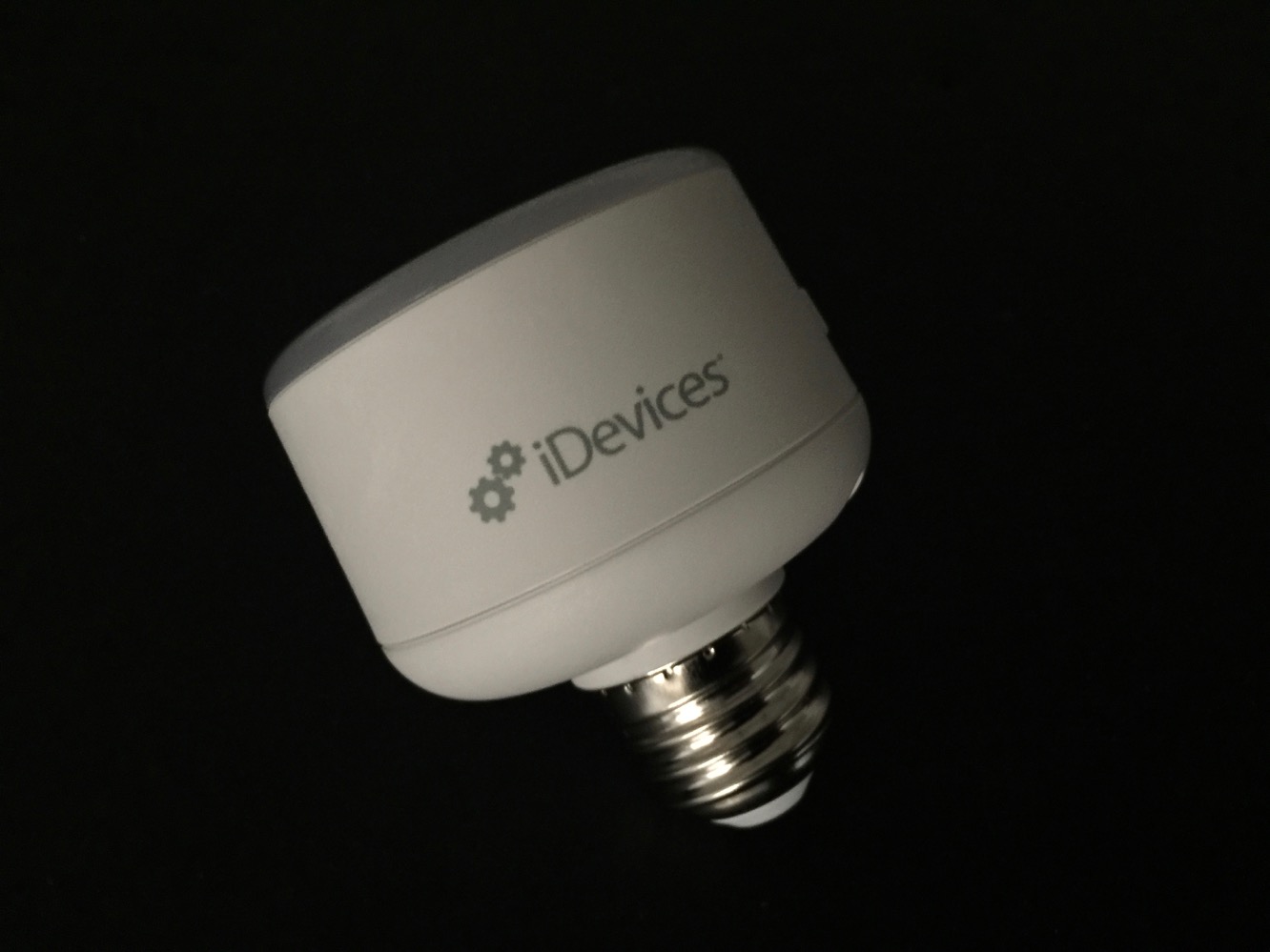
The basic idea behind iDevices Socket is similar to other devices we’ve seen, such as Incipio’s CommandKit Wireless Smart Light Bulb Adapter; Socket screws in between a standard incandescent, LED, or CFL bulb and your light fixture socket, allowing you to use just about any bulb you like and turning it into a HomeKit-enabled light. Socket lets you toggle the connected bulb on or off via HomeKit, and control the brightness (provided of course you’re using an incandescent light or dimmable CFL/LED bulb). A button on the side also allows the light to be toggled on and off manually. Note that Socket only supports a maximum load of 60W, so you’ll want to avoid using incandescent bulbs if you’re looking for maximum brightness.
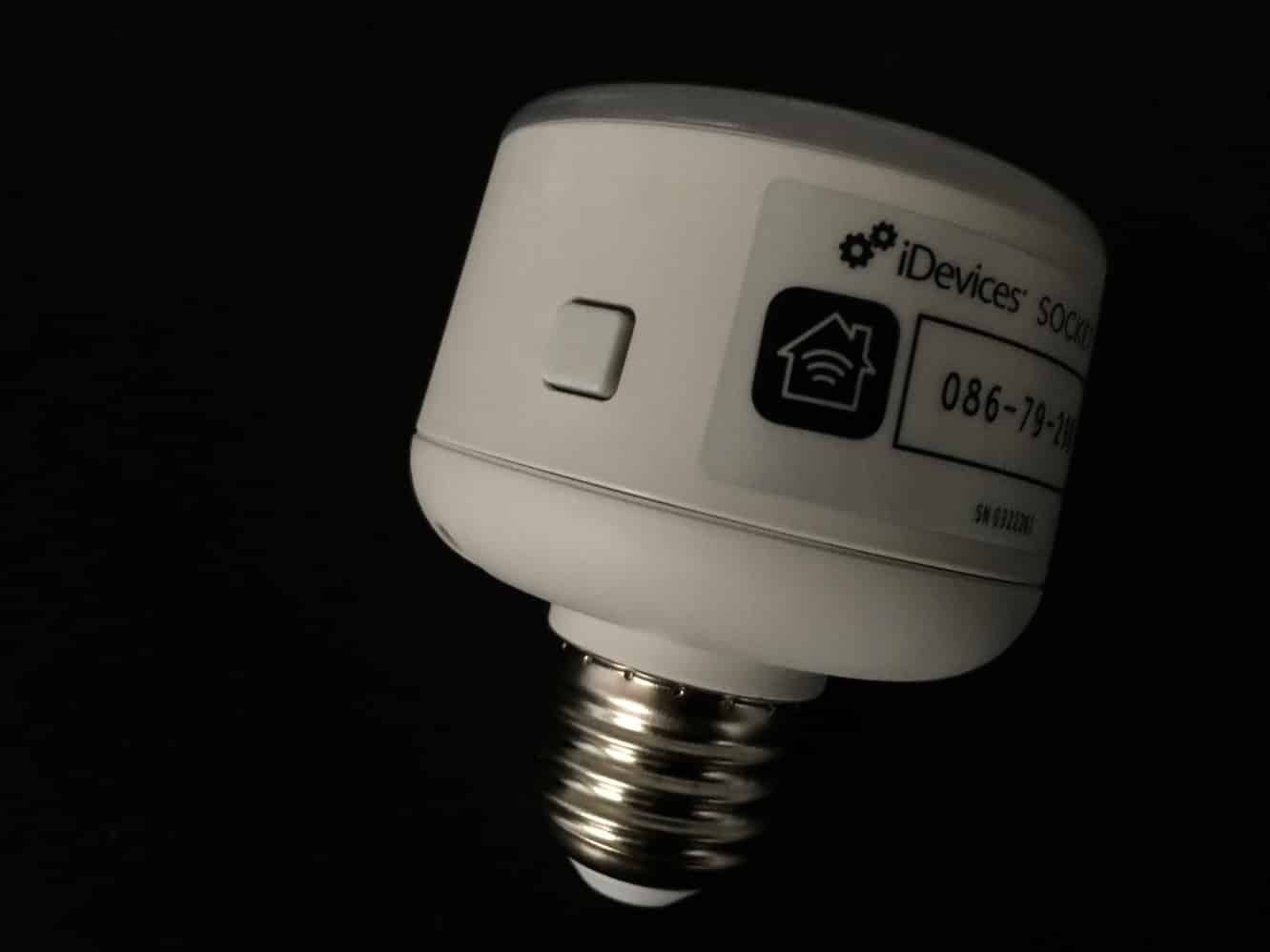
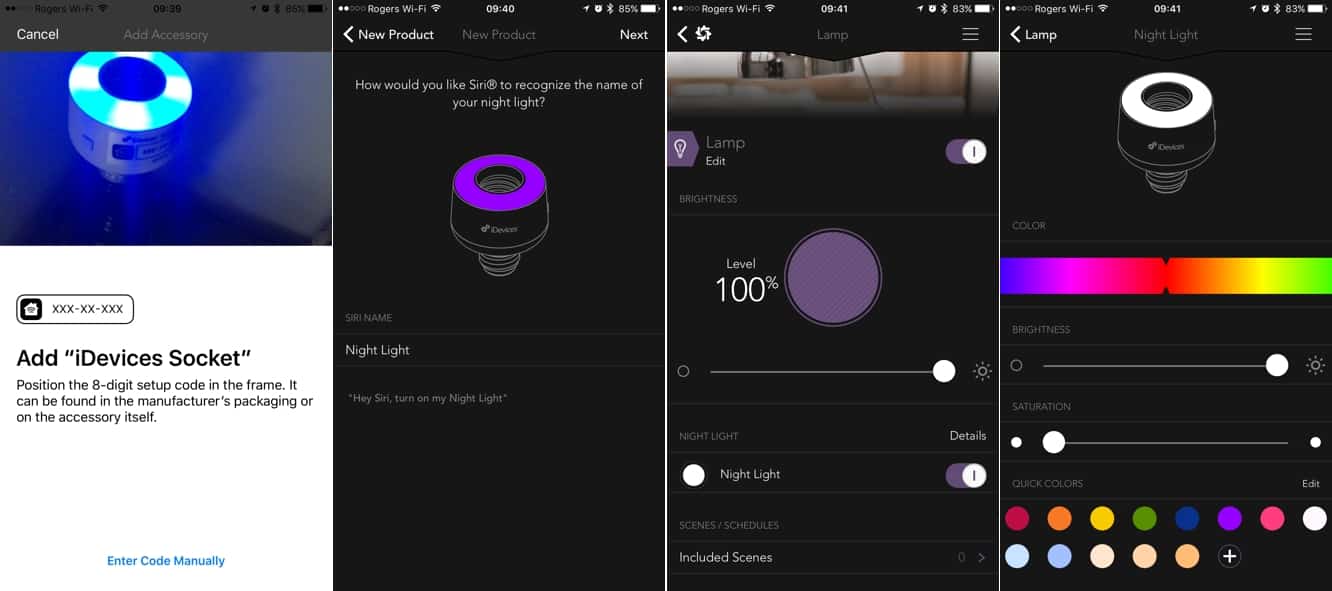
As one would expect, Socket is configured and can be controlled using the company’s existing iDevices Connected app — the same app that’s used for all of its other HomeKit enabled products and even its iGrill cooking thermometers. The setup process for Socket is exactly what we’ve come to expect from HomeKit accessories — screw Socket into a light fixture (you don’t even need to add a bulb right away), make sure the light switch is turned on, and iDevices Connected — or just about any other HomeKit app on your iPhone — should detect it, take you through joining it to your Wi-Fi network, and then entering or scanning the HomeKit accessory code on the side. iDevices Connected will take you through a few extra steps of not only naming Socket and adding it to a room, but also specifying a photo and a Siri name for the night light so that it can be addressed separately from the actual light bulb.
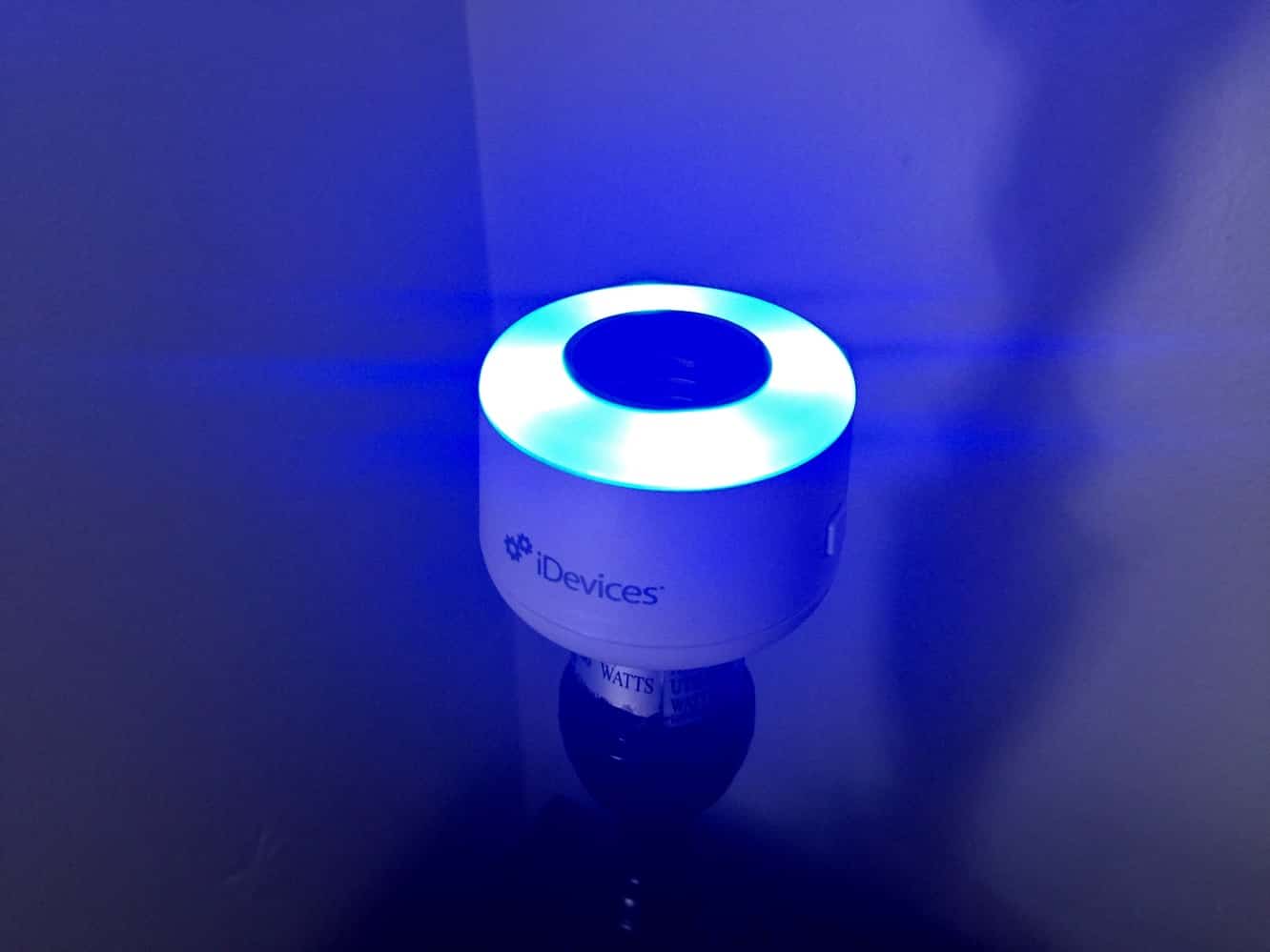
Once Socket has joined your HomeKit network, it will appear in the iDevices Connected app as a single device, with separate options for switching the main bulb on and off and controlling the brightness, color, and saturation of the light ring, with a slider for adjusting to any possible color and a series of pre-defined common colors at the bottom. In other HomeKit apps — including Apple’s iOS 10 beta Home app — the connected light bulb and night light ring simply appear as two different devices, with the latter providing color options similar to what you’d find in other HomeKit-controllable color lights, such as Hue bulbs.
As with any other HomeKit accessory, Socket can be added to scenes and setup for automation, with both the connected light bulb and the light ring separately controllable, so you can have different rules that apply to each. Similarly, both the light ring and attached bulb are addressable separately via Siri commands, in much the same way that HomeKit works with iDevices’ Switch.

iDevices’ Socket is a slightly more sophisticated version of Incipio’s CommandKit Wireless Smart Light Bulb Adapter, offering a second lighting option in the form of the light ring while coming in at twice the price. It’s also important to keep in mind that both Socket and Incipio’s adapter suffer from the same main design tradeoff; you’ll need extra space in your lamps or fixtures to accommodate the additional length added by Socket, although it’s worth noting that Socket is about a quarter of an inch shorter than Incipio’s adapter — it’s not much but it might make enough of a difference in certain cases.











