
Apple’s addition of wireless charging capabilities in its iPhone lineup last year has resulted in a significant increase in the demand for Qi-enabled wireless charging products, and while the typical charging pads have become almost commoditized, one thing they all have in common is that they can be a bit unsightly, to varying degrees. Fonesalesman is trying to change that with FurniQi, a bamboo side table that hides a wireless charger into the table surface, giving you wireless charging capabilities without the tech look that a tabletop charging pad brings.
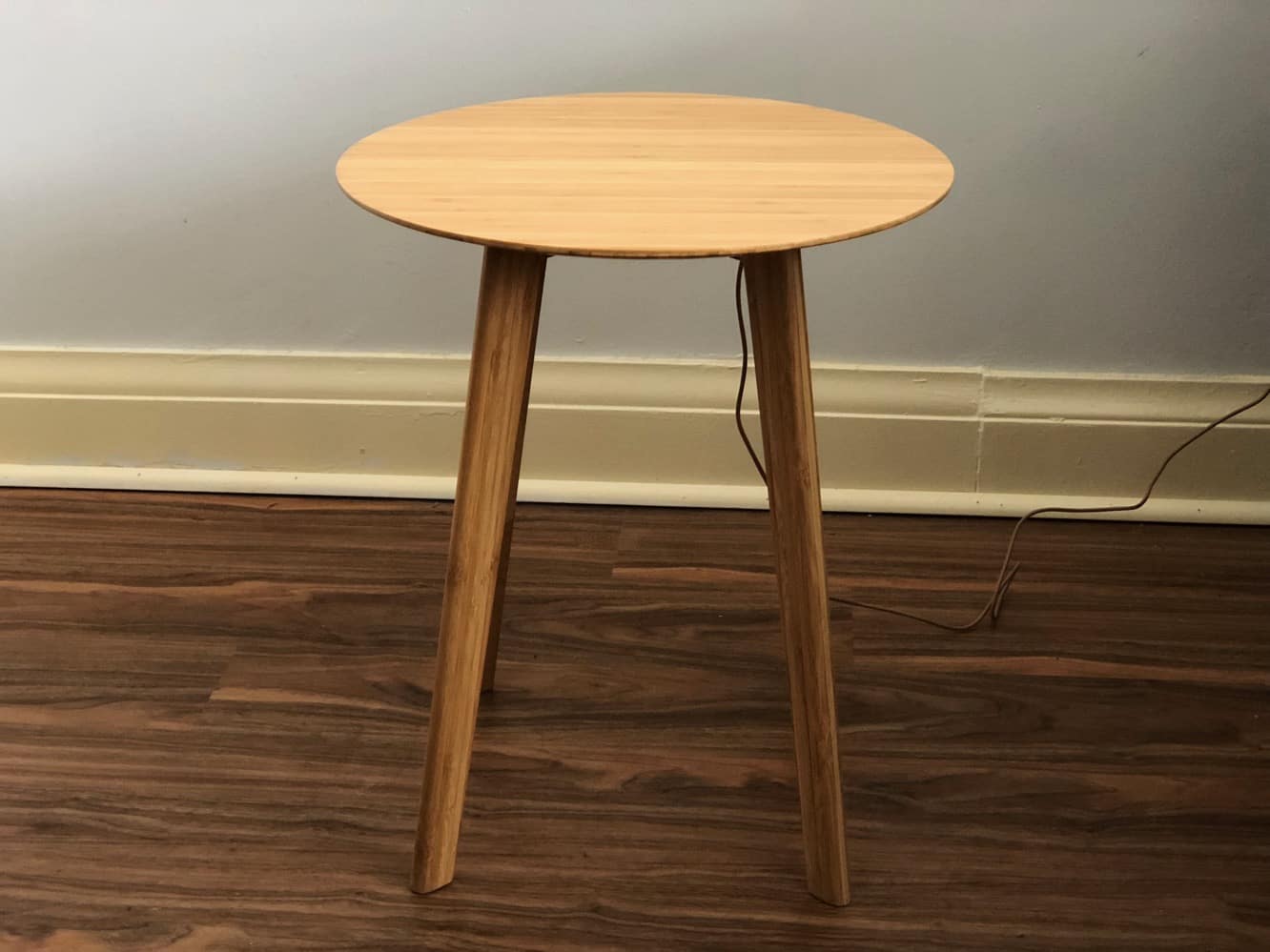
Like most furniture these days, FurniQi comes in a flat-packed box in three main pieces — the round table top and two U-shaped legs. Four included bolts and a hex key are used to assemble FurniQi, which took us about 30 seconds to put together.
Once assembled, it stands 18.5 inches high by about 16 inches in diameter, so it’s a bit smaller than you may expect — for comparison, typical sofa end tables and beside tables are usually in the 20–24 inch range, although how much that matters is going to depend on where you plan to use it.

Recessed underneath the main table portion is the actual Qi charger, which is screwed in and powered using an included USB cable — although you’ll have to supply your own USB power source, which we thought was quite disappointing for a product in this price range. On the upside, however, the USB cable is coloured to blend in with the wood, and FurniQi includes three plastic clips that can be stuck to one of the legs to route the cable down toward the floor.

Charging an iPhone on the FurniQi works mostly like you’d expect — you’ll have to place your iPhone in the correct spot, indicated by a light circle on the table surface, there’s no LED to show you that it’s charging, instead FurniQi offers a helpful beep when the iPhone is properly placed. The notification beep is on by default, however it’s possible to disable it by using a paperclip to press an on-off button located in the charger under the table; while a lot of users may only need to do this one, it’s still a very fiddly way to disable this feature, and we’re left seriously wondering why FurniQi couldn’t have simply put a normal switch on the bottom.

There are also a couple of caveats in terms of charging: Firstly, FurniQi only includes a 5W charger, so your charging performance will be slower than you’ll get from most modern Made-for-iPhone and other Qi wireless chargers, although to be fair we’re not sure how much this matters for something like FurniQi, since a table like this lends itself to use in places where you’ll likely drop your iPhone for longer periods of time anyway — even overnight if you’re using it as a bedside table. The other minor consideration, however, is that FurniQi is a bit less case-friendly than most standalone Qi chargers, since the table surface adds an extra layer between your iPhone and the actual charger surface. FurniQi worked fine with most standard cases we threw at it, but some of the thicker cases, or those that included small metal components (such as UAG’s Monarch), sometimes required more precise placement to start charging.

As a concept, FurniQi is a great idea, but we think the implementation, packaging, and pricing here are all just far enough off the mark to prevent it from being recommendable.











