
Elgato’s latest entry in its lineup of Bluetooth-based HomeKit accessories is Eve Motion ($50) — the first motion sensor designed specifically to work entirely within Apple’s HomeKit ecosystem. Designed for both indoor and outdoor use, Eve Motion can trigger rules and notifications based on both motion and the absence of motion to automate any HomeKit accessory from lights to door locks, making it a useful solution for triggering “I’m home” scenes when rolling into your driveway, or making sure all the lights are off when nobody’s been moving around at home for a few hours.
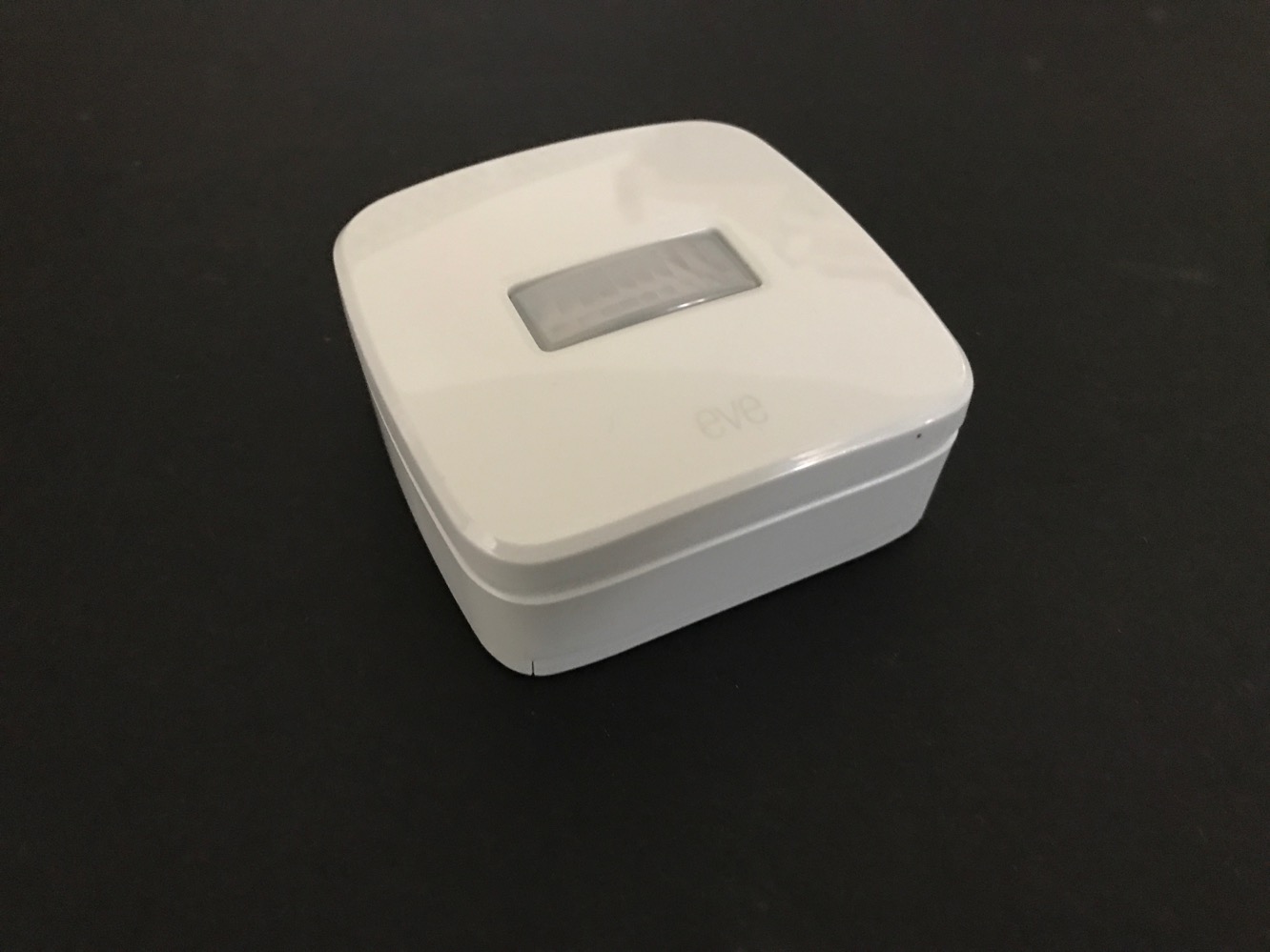
As with Elgato’s other Eve accessories, Eve Motion uses Bluetooth low energy technology to communicate with your iOS devices and Apple TV-as-home hub, meaning that it can run from the two included AA batteries, which the company promises can last you for over a year of typical use. This gives you the flexibility to place Eve Motion pretty much anywhere you’d like without worrying about power requirements. It’s also IPX3 certified for outdoor use, basically meaning that you don’t have to worry about it getting rained on, and it can handle temperatures down to zero degrees Fahrenheit. Users familiar with the Eve Weather and Eve Room sensors will find the design very familiar — it’s basically the same type of casing with a motion sensor on the top/front side. Eve Motion provides a 30-foot motion detection range across a 120-degree field of view, assuming a mounting height of 6.5 feet.

If you’re setting up Eve Motion, changes are pretty good you’ve already paired at least one other HomeKit accessory, so you’re used to the process by now. As with other HomeKit accessories, just about any HomeKit-compatible app can be used to add Eve Motion to your system, including Apple’s own iOS 10 Home app. But we’d recommend grabbing Elgato’s own Eve app for this purpose, as there are additional settings you’ll likely want to tweak during the setup process and afterward, such as motion sensitive and duration values, which can only be set from Elgato’s own app. Elgato’s Eve app also provides logging of historical data which will allow you to see exactly when motion has been detected by the sensor.

Within the Eve app, you’ll be prompted during setup to specify a level of motion sensitivity — high, medium, or low — which determines how much movement is required to trigger the motion sensor. You can also specify how long after motion is first detected that the motion sensor will be considered “active” before deciding motion has ceased, with possible values ranging from 5 seconds all the way up to 15 hours. This latter setting is used both to determine how quickly the motion sensor will re-detect motion — a setting of five seconds could result in a deluge of notifications — as well as at what point a “no motion” event would occur to trigger rules, allowing you to do things like determine how long a room has to be unoccupied (by moving lifeforms, at least) before actions are taken, such as turning off the lights. After initial setup (or if you set up Eve Motion using another app such as Apple’s Home app) you can access these settings from the Accessory settings within the Elgato Eve app.

At a most basic level, once you’ve set up Eve Motion, you’ll be able to check the status of the motion sensor within Apple’s Home app, Elgato’s Eve app, or pretty much any third-party HomeKit app, which simply lets you know if motion has been detected within the pre-configured duration. If you’re using iOS 10.2 or later, you can also now take advantage of notifications from the Apple Home app, which will give you a standard iOS notification whenever motion has been detected.
Realistically, however, this is probably not why most users are going to want a HomeKit motion sensor; the real power of Eve Motion lies in its ability to indirectly control other HomeKit accessories based on motion detection. This can be done through standard HomeKit triggers, but if your needs are anything beyond the most basic, this is another area where we’d strongly recommend using Elgato’s Eve app to set up your rules, as it provides considerably more options than Apple’s own Home app. For instance, in the Apple Home app, you’ll be able to trigger a set of scenes or accessories to perform an action when motion is first detected, and in some cases, specify that this should only happen after sunset. However, you can’t set up automations to trigger when motion ceases being detected, nor can you set up more advanced conditions such as specific times of day (beyond sunset), or involve other accessories in the conditions.
On the other hand, Elgato’s Eve app can handle all of these other more advanced HomeKit automations, so you’ll be able to configure scenarios such as turning your fan on when you enter a room, but only if the room temperature is above a certain value. Just about any HomeKit accessory can be added into these automations, and interestingly HomeKit in iOS 10.2 doesn’t worry too much about securing door locks where motion sensors are involved — while we definitely wouldn’t recommend it, you can technically set up a rule to use your Eve Motion to unlock your August Door lock when motion is detected at the front of your house.











