
There’s been an explosion in the home automation market in recent years, with companies continuing to jockey for position by offering more and more niche accessories to automate and monitor every possible facet of your household experience. While we haven’t looked closely at D-Link’s product lineup, their new Wi-Fi Water Sensor ($60) piqued our interest as something a bit more unique in this space. Joining D-Link’s larger collection of home automation accessories that range from Wi-Fi cameras to switches, the DCH-S160 Wi-Fi Water Sensor is designed to add an extra bit of peace of mind if you’re in a situation where flooding or water leaks may be of concern.
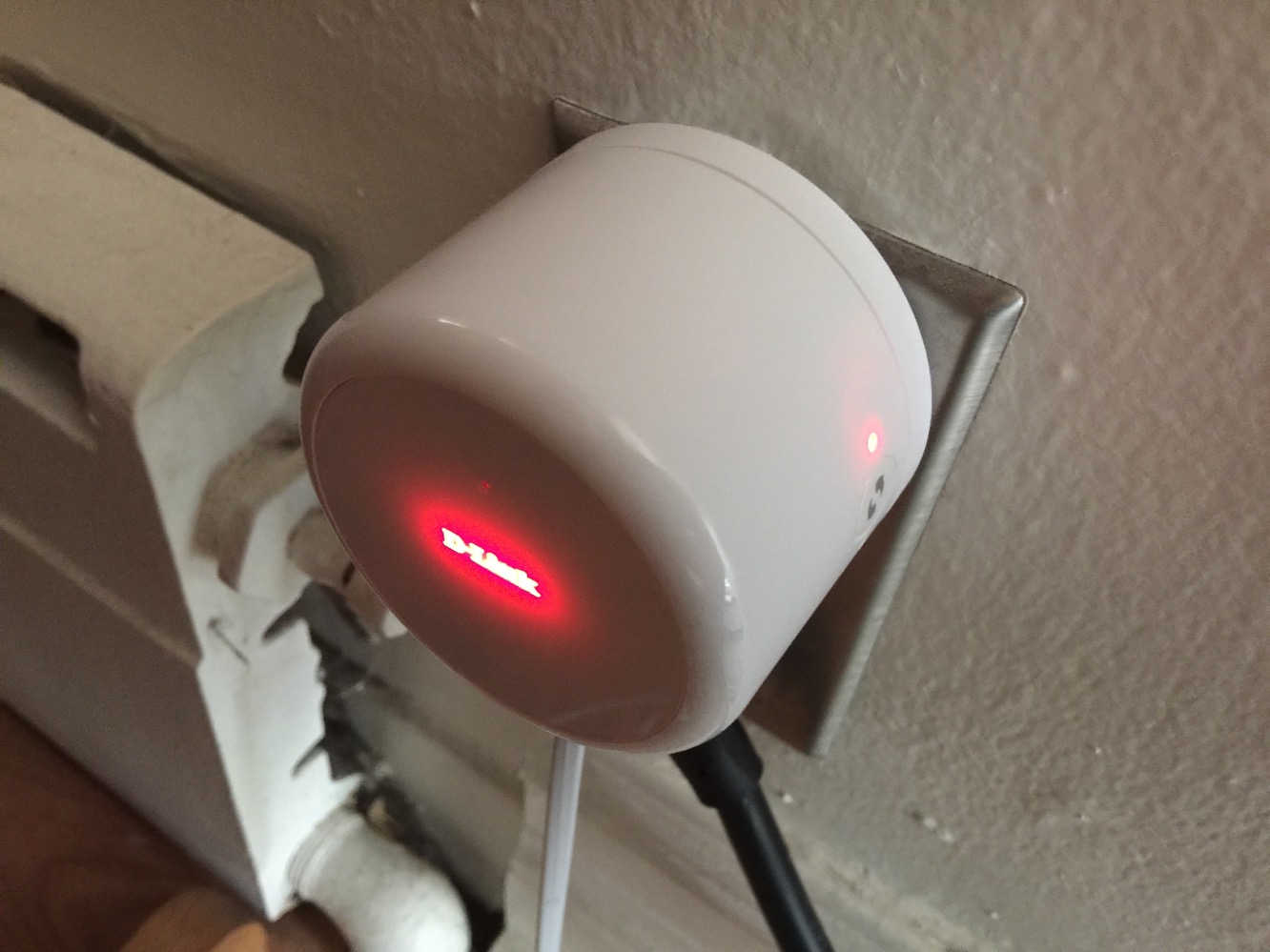
The actual hardware is relatively straightforward, and in the box you’ll find a plug module that houses the bulk of the sensor’s electronics, along with the sensor probe, an optional extension wire, and three plastic mounting brackets that can be attached either adhesively or screwed in.

Setting up the hardware is a matter of plugging it into an available outlet and routing the sensor probe to a location where you may expect water to accidentally appear, such as beneath a water heater or washing machine.
Once connected, the sensor will function right away in the same manner as less sophisticated versions, sounding an alarm as soon as any water is detected on the probe. However, what makes D-Link’s version unique is the ability to pair it with an iPhone app and receive notifications on your device when there’s a cause for alert, even if you’re away from home.

The sensor interfaces with the same mydlink Home app that is used to monitor and control the company’s entire home automation accessory lineup, and the pairing process for the Wi-Fi Water Sensor works about the same as it does for most other Wi-Fi accessories we’ve looked at, although D-Link thoughtfully adds support for Wi-Fi Protected Setup (WPS) to smooth out the process for those with a WPS-compatible Wi-Fi router. If you don’t have one of these routers, however, or have chosen to disable WPS due to security concerns, you’ll need to step through the usual process of switching over to the iOS Settings app to join the temporary Wi-Fi network broadcast by the device.
It’s a slightly convoluted process, but also typical of any Wi-Fi connected accessory for iOS.

Once paired up, the sensor pretty much “just works” to send notifications to your iOS device whenever water is detected. An audible alarm will still sound at the device itself, but you’ll also be presented with a push notification indicating that water was detected and when. By itself, that’s about all that the device does, however if you’ve invested in other components of D-Link’s home automation ecosystem, you can build rules that will cause actions to trigger on other devices, such as sounding additional alarms elsewhere in the house (using D-Link’s new DCH-S220 Wi-Fi Siren), turning switches on or off, or activating a Wi-Fi camera so you can see what’s going on while away from home. In the bigger picture, we could see this being practical for doing something like turning off an offending washing machine or pump, or perhaps even turning a sump pump ON to drain a flooded area.

On the surface, the Wi-Fi Water Sensor seems like a bit of a luxury, and certainly by itself we have to question the practicality of it for most users – after all, basic water sensor alarms can be purchased for a fraction of the asking price of D-Link’s sensor, and many users won’t have much use for being remotely alerted of a flood condition if they’re away from home unless they have a friend or neighbour who can come in and do something about it.











