
Well-known garage door opener maker Chamberlain has offered smartphone compatible garage door openers for at least a couple of years now, but like many home automation accessories that came out before the advent of HomeKit, Chamberlain’s openers have been essentially an ecosystem unto themselves, controlled through the company’s own iOS app, with virtually no integration with other home accessories. Unfortunately, while HomeKit supported a wide variety of accessories with iOS 8 right out of the gate, it wasn’t until last year’s release of iOS 10 that garage door openers were welcomed into the fold, and as with many new HomeKit accessories, it wasn’t until almost a year later that Chamberlain was able to make its HomeKit solution available.
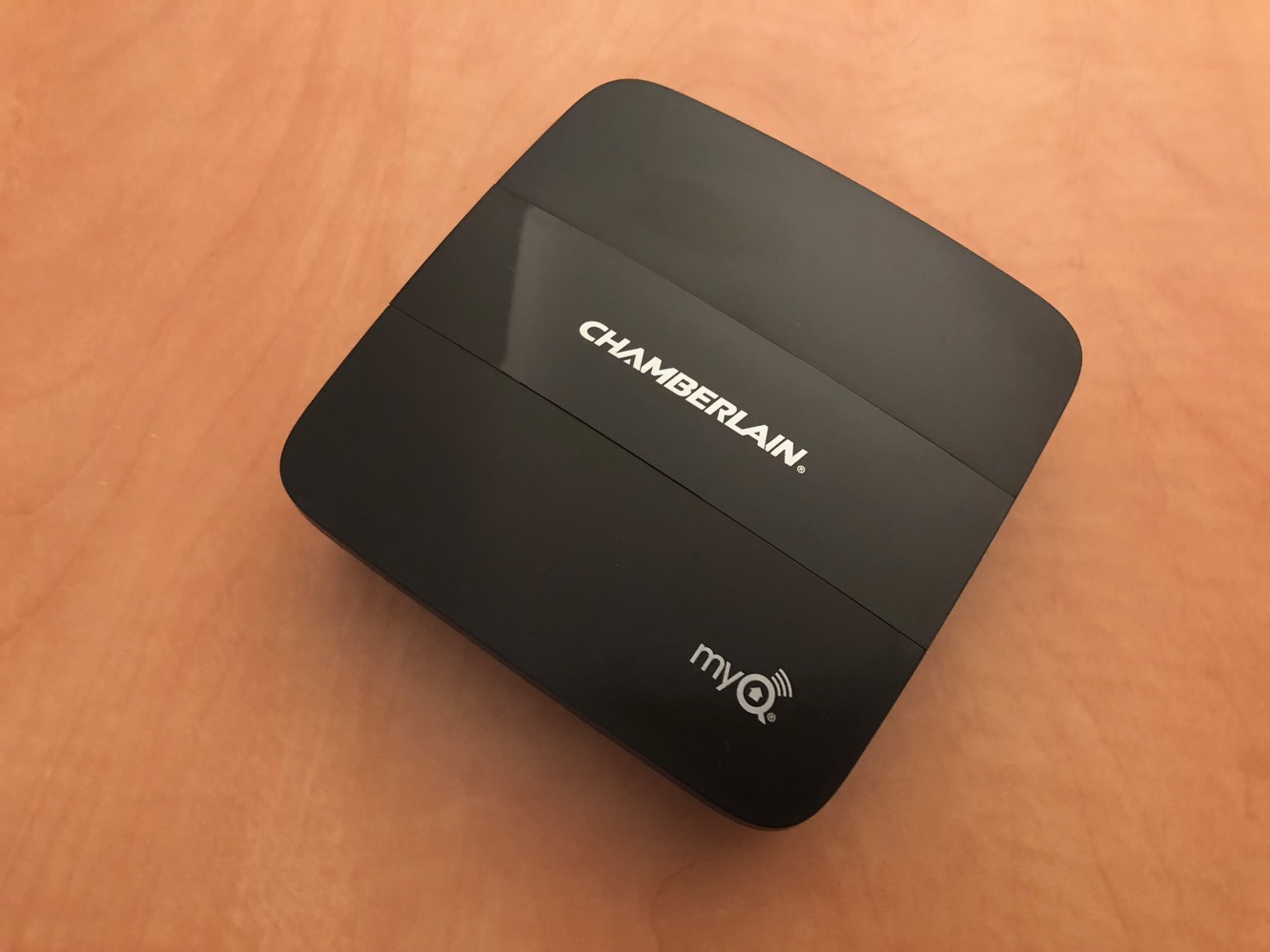
In Chamberlain’s case, HomeKit compatibility comes in the form of the company’s new MyQ Home Bridge, a $70 device that takes an existing Chamberlain MyQ or MyQ-enabled garage door opener — or another brand of garage door opener connected with the company’s MyQ Smart Garage Hub — and effectively provides the missing link to integrate with HomeKit. The MyQ Home Bridge unit itself is simply a small hub that you’ll need to mount in your garage. The package includes the mounting bracket, power adapter, and a quick start guide.

Note that Chamberlain’s naming of its garage door openers can be a little bit inscrutable, but the current lineup can basically be divided into two categories: MyQ and MyQ-enabled. The key difference is that MyQ units include native Wi-Fi support and are ready to be controlled with the MyQ iOS app out of the box. MyQ-enabled garage door openers, on the other hand, require the addition of a MyQ Internet Gateway to provide the Wi-Fi connectivity. In the latter case, the new MyQ Home Bridge will replace the MyQ Internet Gateway, with the net result being that both the MyQ and MyQ-enabled units ultimately work the same for the purposes of HomeKit. However, users who have a non-Chamberlain garage door opener will still need to purchase a MyQ Smart Garage Hub in addition to a MyQ Home Bridge; Chamberlain had originally talked about adding HomeKit compatibility to its Smart Garage Hub, but that doesn’t seem to have materialized.

For our review, we received a Chamberlain MyQ HD950WF as well as the MyQ Home Bridge. The details on hardware installation are beyond the scope of a technology review, but suffice it to say that it’s the most labour-intensive home automation accessory we’ve yet had to contend with; of course, it’s no different than installing any other garage door opener, but it’s definitely several skill levels beyond a light switch or wall outlet. That said, if you already have a compatible Chamberlain garage door opener installed, adding a MyQ Home Bridge is extremely simple — as long as you have somewhere in your garage to plug it in, it’s mostly just a matter of plugging it in, although you can use the included bracket to mount it on a wall or ceiling by drilling a couple of holes, it will work just as well sitting on a shelf or ledge in your garage.

On the software side, however, we actually found the set up somewhat more cumbersome. Before setting up the MyQ Home Bridge, we went through the normal MyQ configuration for use with Chamberlain’s native MyQ app and we somewhat surprised at the approach Chamberlain has taken here; unlike most iOS-controlled accessories we’ve used, the MyQ app is not used at all for the initial Wi-Fi setup of the garage door opener, nor does the app even provide any instructions on how to go about setting it up. Instead we had to follow the instructions in the printed manual which involved pressing a button on the unit to initiate Wi-Fi pairing mode, joining an ad-hoc network broadcast by the garage door opener, and then visiting a web page in Safari to connect the garage door opener to our Wi-Fi network. To be fair, the set up process worked without a hitch, but it just felt archaic to have to use a web browser rather than the native MyQ app, and definitely wasn’t what we expected. The app only came into play once the garage door opener was joined to our Wi-Fi network, requiring us to manually enter the “MyQ Serial Number” from the side of the unit (which is different from the actual serial number) to add the garage door opener to the MyQ app. Once that was done, the unit was immediately available to be controlled through the app.

Sadly, the set up process for the MyQ Home Bridge was more perplexing. The Quick Start Guide included with the Home Bridge instructed us to use the Chamberlain MyQ app to add the MyQ Home Bridge, specifically stating that when adding a new device it should appear as “MyQ-nnn under Discovered Accessories/Devices.” Despite repeated attempts — and even watching the set up video — it never appeared anywhere within the MyQ app, so instead we switched over to Apple’s Home app and added it in the same way as any other HomeKit accessory by scanning the HomeKit code on the bottom of the hub and going through the process of letting the HomeKit set up process add it to our W-Fi network.
Once we did that, the bridge appeared in the Apple Home app with an indicator that additional set up was required in the manufacturer’s app.
With the MyQ Home Bridge now available on Wi-Fi, we were able to return to the MyQ app, create an entirely new “Place” and add the MyQ Home Bridge using the ten-digit “MyQ Serial Number” on the bottom of the device. At this point, we had two separate “Places” in the Chamberlain app — one for the MyQ Home Bridge and one for the actual garage door opener, and it wasn’t until we went in to add a new device to the MyQ Home Bridge that we noticed a “Transfer Devices” button that took us through the process of migrating the garage door opener from its own standalone Wi-Fi configuration and pairing it with the MyQ Home Bridge. While we imagine the set up process might be slightly easier for a user setting up both a garage door opener and a MyQ Home Bridge at the same time, some of the steps we had to take were still not included in the documented set up procedure, so clearly there’s still some work for Chamberlain to do in refining the process.

The good news, however, is that once everything was set up, the HomeKit integration for the garage door opener worked very well. A new “Garage Door Opener” device appeared in the Apple Home app, complete with a garage door icon and text reflecting its status — opened or closed or in the process of opening or closing. The status of the Protector System safety reversing sensors is also passed to HomeKit, and will be shown as an alert badge on the HomeKit device button and an “Obstruction Detected” status in the device details screen.

As expected, tapping on the button opens or closes the door, and of course you can use the normal Siri commands as well — open my garage door, close my garage door, is my garage door open? and so forth. Opening the door via HomeKit works immediately, while closing the door will sound a beeping alert and flash the lights for 10 seconds as a safety feature before the door actually begins closing, since of course with HomeKit you could be closing the door from just about anywhere on the planet. You can also tap the button while the door is opening or closing to reverse the door. Note that HomeKit handles garage door openers in the same way as door locks, so although you can check your garage door’s status using Siri without unlocking your iPhone, you’ll only be able to actually open or close it with Siri when your iPhone is unlocked or when issuing the command from an Apple Watch with Wrist Detection enabled.











