
iLoungeiLounge
  • News
    • Apple
      • AirPods Pro
      • AirPlay
      • Apps
        • Apple Music
      • iCloud
      • iTunes
      • HealthKit
      • HomeKit
      • HomePod
      • iOS 13
      • Apple Pay
      • Apple TV
      • Siri
    • Rumors
    • Humor
    • Technology
      • CES
    • Daily Deals
    • Articles
    • Web Stories
  • iPhone
    • iPhone Accessories
  • iPad
  • iPod
    • iPod Accessories
  • Apple Watch
    • Apple Watch Accessories
  • Mac
    • MacBook Air
    • MacBook Pro
  • Reviews
    • App Reviews
  • How-to
    • Ask iLounge
Font ResizerAa
iLoungeiLounge
Font ResizerAa
Search
  • News
    • Apple
    • Rumors
    • Humor
    • Technology
    • Daily Deals
    • Articles
    • Web Stories
  • iPhone
    • iPhone Accessories
  • iPad
  • iPod
    • iPod Accessories
  • Apple Watch
    • Apple Watch Accessories
  • Mac
    • MacBook Air
    • MacBook Pro
  • Reviews
    • App Reviews
  • How-to
    • Ask iLounge
Follow US

News › Apps

Apps

Overmacs PhotoSweeper 3.0

Last updated: May 16, 2021 1:26 pm UTC
By Jesse Hollington
Overmacs PhotoSweeper 3.0

Overmacs PhotoSweeper 3.0

Overmacs PhotoSweeper 3.0

Overmacs PhotoSweeper 3.0

Overmacs PhotoSweeper 3.0

If you’re anything like us, you probably have more duplicate photos laying around your Mac than you know how to deal with, especially considering the multiple tools Apple has created over the years for managing photos. We’ve been through iPhoto, and then Aperture, and now the macOS Photos app, and since digital memories are often precious, it’s not uncommon to be a little reluctant to trash a folder of photos unless you’re absolutely certain that you’ve got a copy somewhere else. So unless you’re hardcore about spending time keeping your file system and photo libraries in pristine order, chances are you’ve got duplicate folders of photos sitting around in dusty corners of your filesystem. Enter PhotoSweeper 3.0 ($10), OverMacs’ latest update to our favorite app for dealing with duplicate photos across all of your libraries and filesystems.


Version 3.0 adds a great new “side-by-side” view that lets you much more easily compare photos from two distinct sources, ensuring that you’re only cleaning up photos from one place while ignoring duplicates within each group. So you could put your Apple Photos library on one side, and a folder full of JPGs on the other to easily eliminate those that you’ve already imported.

PhotoSweeper 3.0 naturally also retains the core feature that makes it great — crunching through your photos wherever they happen to be and identifying exact or near duplicates. It can read iPhoto, Aperture, macOS Photos, and Adobe Lightroom libraries directly, or just deal with any set of folders on your drive, and scan photos within a single library, or across multiple libraries, ferreting out the duplicates based on criteria you specify; you can match up only photos that are exactly the same, or use a combination of bitmap, histogram, timestamp, and other metadata to find near duplicates, such as burst photos or photos that have been edited or resized.


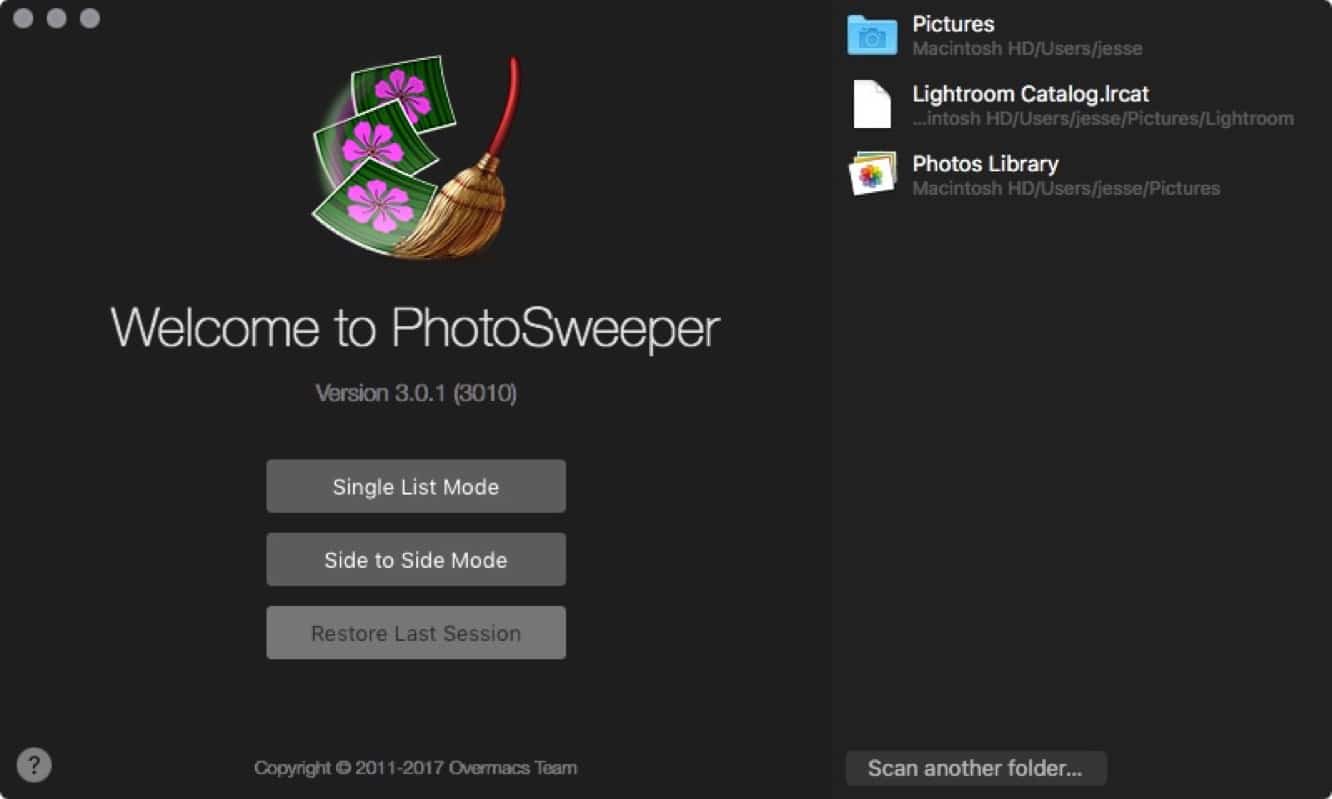
You can then go through them manually and figure out which ones you want to trash, or use as sophisticated set of auto-marking criteria to automatically flag files based on date, resolution, size, location, and more. With version 3.0, however, the workflow is even more streamlined now with full Touch Bar support for the new MacBook Pro, the ability to restore a session in progress when starting back up,a new startup screen, and simplified workflow throughout. There’s also been another huge improvement in image comparison performance and memory usage, so PhotoSweeper now runs faster than ever. If you’ve been putting off dealing with the clutter of duplicate photos because it’s too much effort, PhotoSweeper might just be the best ten bucks you’ll spend.



Latest News
The 14-inch MacBook Pro with M5 Chip 16GB RAM/512GB is $250 Off
1 Min Read
Noise and Static on AirPods Pro 3 Still Unfixed
1 Min Read
New iMac with 24-inch OLED Display May be Brighter With 600 Nits
1 Min Read
The 15-inch M4 MacBook Air 256GB Is $250 Off
1 Min Read
Internal Kernel Debug Kit from Apple Reveals Tests for a MacBook with A15 Chip
1 Min Read
Apple Currently In Talks With Suppliers for Chip Assembly & Packaging of iPhones in India
1 Min Read
Apple Allows Easier Battery Replacement For M5 MacBook Pro with 14-inch Display
1 Min Read
The Apple Watch SE 3 44mm GPS is $50 Off
1 Min Read
20th Anniversary iPhone May Launch in Two Years
1 Min Read
Better Image Generation Capabilities and Apple Music Integration Coming to ChatGPT
1 Min Read
A20 Pro Chip Coming to Next Gen iPad Mini OLED
1 Min Read
Amazon has the AirTag 4 Pack Marked $29 off
1 Min Read

iLounge logo

iLounge is an independent resource for all things iPod, iPhone, iPad, and beyond. iPod, iPhone, iPad, iTunes, Apple TV, and the Apple logo are trademarks of Apple Inc.

This website is not affiliated with Apple Inc.
iLounge © 2001 - 2025. All Rights Reserved.
  • Contact Us
  • Submit News
  • About Us
  • Forums
  • Privacy Policy
  • Terms Of Use
Welcome Back!

Sign in to your account

Lost your password?








