
Q: I am completely confused about this new Family Sharing thing in the latest iOS. As I understood it, it was supposed to let me share my stuff with my wife and kids, but trying to set it up has actually been a mess. Before, everyone shared my iTunes account, and things kind of worked pretty well that way, although I wasn’t crazy about my kids having my password, so I tended to have to download stuff for them. The idea that we could all use separate accounts seemed like a nice solution, but it’s just not working the way I expect it to, so I have no idea if I’m doing something wrong, or if the feature is really just as lame as it seems. After I switched my wife’s iPhone and kids’ iPad over to their own accounts, everything seemed to be fine at first, but then I started getting errors that their devices couldn’t back up to iCloud anymore due to a lack of space. Also, when I tried to buy my younger daughter a subscription to Reading Rainbow, it didn’t work on her iPad at all, even though other subscriptions seemed to continue just fine. App updates seem to be completely hit and miss too, with some apps (free ones, to boot) telling me that they can’t be updated as they weren’t purchased with the same account. Can you explain what I’ve done wrong here, if anything? Or simply even just tell me how this is supposed to work so I can stop losing my mind? Thanks.
A: You’re not crazy. Family Sharing really is inconsistent at best right now in terms of what you can and can’t share. The simplest rule of thumb is that you can share actual applications and media content, and that’s about it.
For whatever reason, in-app purchases are not shared among family members at all, nor are subscription features like purchased storage or iTunes Match.
To help clarify, here are a few important points to keep in mind about the features and limitations of Family Sharing:
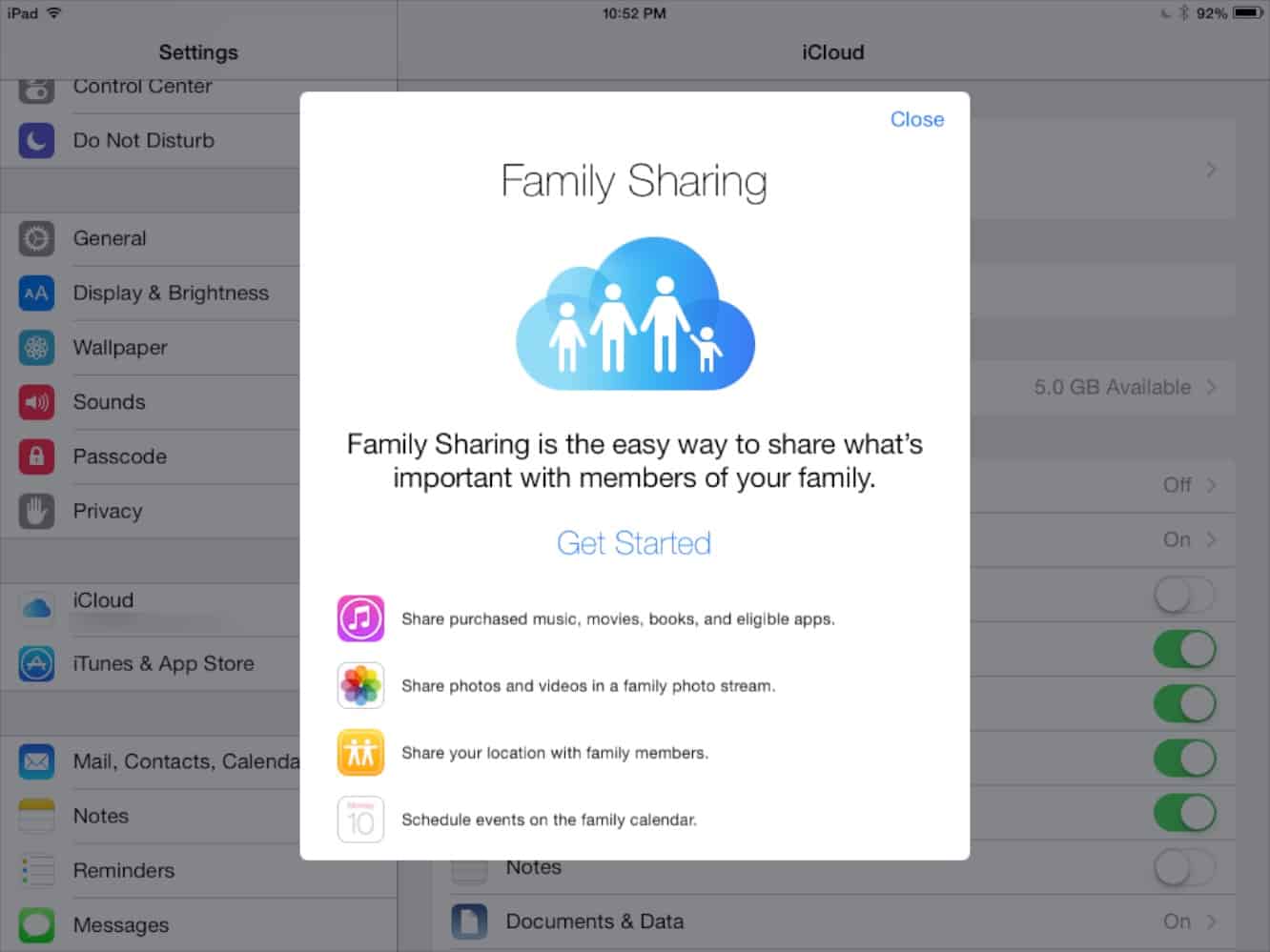
Family Sharing provides the ability to share your individually purchased items between multiple accounts in a “family” group. Purchased items are still associated with the account that purchased them, however any purchases made after the Family is created are billed to one credit card – the one associated with the account of the person who created the “Family” group, also known as the family “organizer.”
Family Sharing also provides the ability to require purchases by kids to be approved by an adult family member, providing the ability for them to manage their own app and media purchases without you actually having to give them your password or carte blanche to buy things on your credit card.
Each account still maintains its own iTunes Store Credit balance, so if you add a gift card to an individual account, that balance will only be available in that specific account. The same applies if you’ve setup allowances for your kids’ iTunes accounts, although there’s arguably less point to doing this under Family Sharing, as once the allowance runs out, they’ll just be using your credit card anyway.
Purchases remain tied to the account that was used to actually purchase them in the first place. So if your wife or kids purchase an app with their iTunes Store accounts, that item will “belong” to that person. As long as they remain in the same Family group, anybody can download it to their device, but if she leaves the Family, those apps go with her. Similarly, if you leave the family, you’ll lose access to any apps that were purchased by others in the group. This can be an advantage in some cases, such as when kids leave home to go off to school, but it’s important to keep it in mind regardless, since you may end up having to re-purchase apps used by more than one family member should the family “split” at some point.
In-app purchases are not shared. These are tied to the account used to make the purchase, and are not shared. So if your kids need a Reading Rainbow subscription, it needs to be purchased from their device, with their account. In that case, it’s still paid for with your credit card, but only they will have access to it.
Note, however, that once an in-app purchase is made, iOS won’t re-check to see if it’s still valid unless it needs to be renewed. This is why previous in-app subscriptions still work — they were “activated” with your Apple ID, and once they’re active on the iPad, they’ll continue to work this way until they need to be renewed or re-purchased. If you purchased an in-app subscription or other upgrade using the wrong account, you can simply switch to the Apple ID that was used to purchase the in-app subscription on the device where you want to use it, select the “restore purchases” option in the app to update the subscription information, and then switch back to the original family member’s account; in most cases the subscription should stay active even after you do this.
iCloud Storage is not shared. From your description, you were probably sharing a single iCloud account previously that you had paid for additional storage on. This means that all of your devices were backing up to the storage on that account. Like other subscriptions, this paid upgrade is not shared across iCloud accounts, even in a Family, so each new iCloud account gets its own free 5GB, but can’t take advantage of whatever larger plan you bought. In this case, you can either reduce the amount of data on your other devices to fit within the free 5GB, purchase more storage for your secondary family accounts, or simply go into your iCloud settings and log back into the shared, primary accounts. iCloud and iTunes accounts on an iOS device are handled separately, so you could still use personal iTunes accounts for purchases while sharing a common iCloud account for things like iCloud Backups.
Not all apps can be shared. Developers have to “opt-in” to make their apps shareable. Ironically, there are still a few developers out there — particularly those with older apps that haven’t been updated — that have not done this. Some developers have also neglected to do so with their free apps, likely presuming that it was unnecessary since the app could simply be purchased again.











