

Apple’s new Apple TV – the fourth-generation of the set-top box that began its life as a “hobby” eight years ago — is a much anticipated expansion of the device, adding a major UI redesign, a new remote with a touchpad and Siri support, and long-awaited support for third party apps. However, this is actually the second time that Apple has taken a sharp left turn with the Apple TV, beginning with the second-generation model released in 2010, which redefined the experience of its day, moving the set-top box from an “iPod-for-your-TV” experience into a dedicated streaming box that began adding support for additional channels and services such as Netflix. As with the 2010 model, the new fourth-generation Apple TV bears a superficial resemblance to its predecessors, but under the hood it’s a whole new device and a whole new operating system. As a result, long-time users may be in for some surprises to discover that despite the addition of some great new features, not everything from the third-generation Apple TV has yet made the transition to the new box.
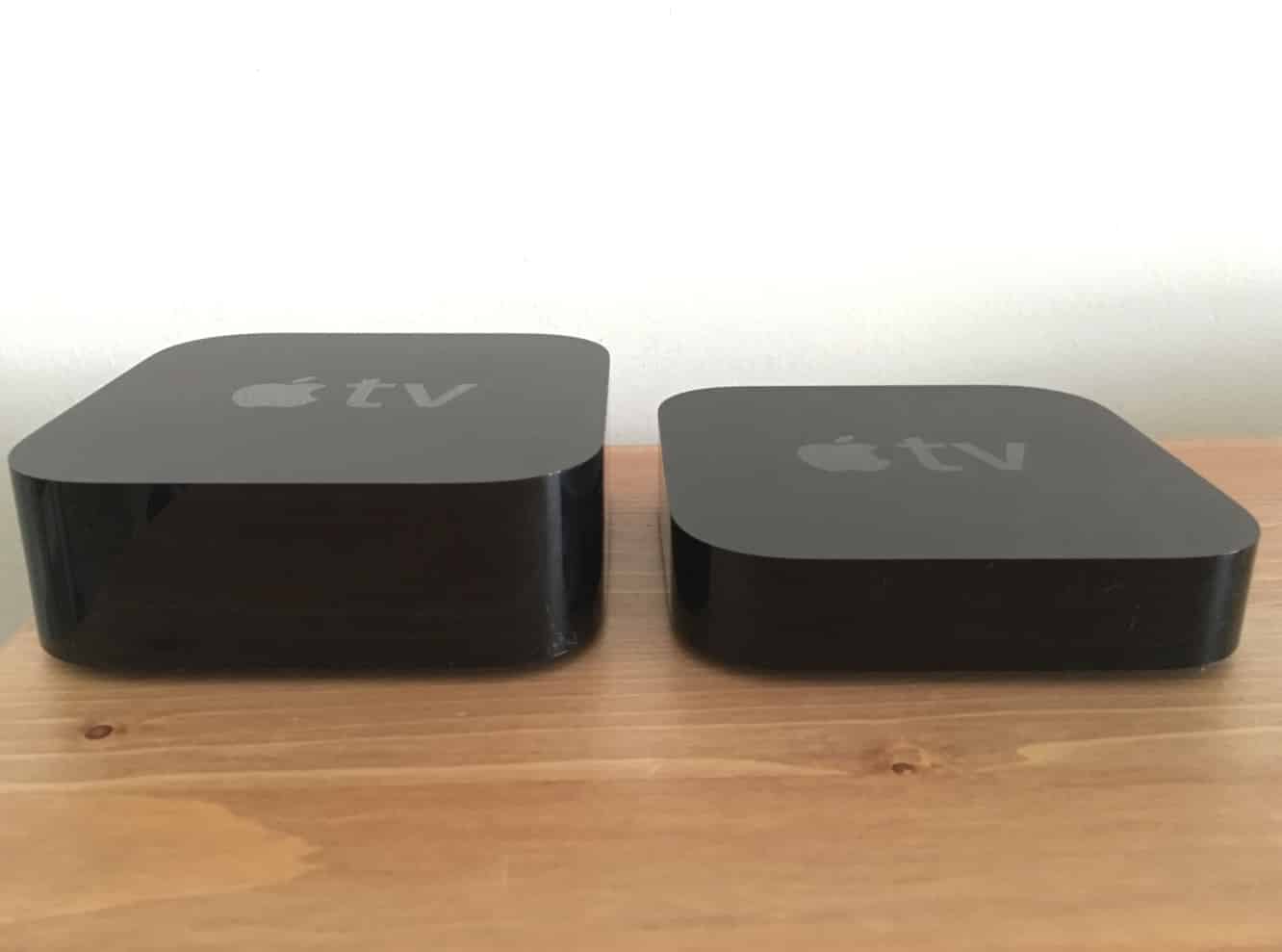
In this feature, we take a look at 10 details that may surprise you about the new Apple TV — in terms of overlooked new features, and what’s not there yet.

1. The Apple Remote app is not supported. One of the first Apple-developed iPhone apps to appear on the App Store back in 2008, the Apple Remote app provided the ability to control the first-generation Apple TV from your iPhone, providing more advanced features and the ability to enter passwords and text for searches using your iOS keyboard. The Remote app became a staple for serious Apple TV users, and survived the 2010 transition to the second-generation Apple TV with the release of version 2.0, although the earlier version did continue to work on the second-generation Apple TV. The app was apparently developed by a single employee at Apple, explaining its sometimes slow pace of updates, although the app notably added Apple Watch support a few months ago. The new Apple TV doesn’t support the Remote app at all, as acknowledged by Apple in this support article. It’s unclear whether an update to the app is coming, or whether Apple has simply chosen to abandon the idea, believing (incorrectly in our opinion) that the new physical remote with its touchpad and Siri features should now suffice. In the very least, the lack of Remote app support will be a disappointment to those who are looking for an easier way to enter text on the new Apple TV.

2. Bluetooth keyboards are also out, but game controllers and headsets are in. If the lack of Remote app support isn’t bad enough, the lack of Bluetooth Keyboard support adds insult to injury for those looking to easily type passwords and quickly enter text for searching. Bluetooth Keyboard support was only a relatively recent addition anyway, coming out in 2013 with Apple TV Software Update 5.2. But since the Remote app was an option for text entry, Bluetooth keyboards were a welcome, but not necessary addition to the third-generation Apple TV. With the fourth-generation Apple TV and tvOS 9.0, the new set-top box supports the Siri Remote via Bluetooth, as well as up to two Game Controllers, or one Game Controller and a Bluetooth audio accessory like a set of headphones or a speaker, but no keyboards or any other kind of Bluetooth device. Bottom line is that for now at least, if you need to enter text, you’re stuck swiping around on the remote.
You can find more details on Bluetooth accessory support for the new Apple TV in this Apple support article.

3. You can only use one Siri Remote per box. Apple sells the Siri Remote by itself for $79, but clearly this is intended only for users looking to purchase a replacement. If you’re thinking of buying a second Siri Remote to use for gaming, or even simply to fight with your significant other for control of the box, don’t bother. The fourth-generation Apple TV only supports the pairing of ONE Siri Remote per Apple TV. If you like, you can spend $13 on a Siri Remote Loop instead, though.

4. Your Apple TV and Siri Remote can now control your home entertainment system. Volume control finally comes to the Apple TV Remote. The fourth-generation Apple TV has added support for HDMI-CEC, with the “CEC” standing for “Consumer Electronics Control.” While this is built into many newer TVs and A/V Receivers, you might not even know it was there unless you’ve installed other equipment that takes advantage of it. What this means for fourth-generation Apple TV users is that — providing your devices do support HDMI-CEC — you’ll be able to turn your receiver and TV on and off and adjust volume all from the Siri Remote. Basically, when the Apple TV wakes up, it will send commands over the HDMI wire to tell the other equipment to turn itself on, or adjust the volume. Although this is enabled on the Apple TV by default, you may still need to enable it on your other devices before it all works together. In addition, while HDMI-CEC is the easiest way to handle this, if your TV or receiver doesn’t support it, you can teach the Siri Remote to control your volume the old fashioned way by beaming out IR signals. This Apple support article has all the details on setting this up.
5. Apps and regional settings. Like prior generation models, the new Apple TV still associates your regional settings with your specific Apple ID, so much like on iOS you’ll only be able to download apps in the App Store for the country where your billing address is located. The good news, however, is that apps here work like they do on iOS, rather than how the “channels” worked on prior-generation Apple TVs. So if you download an app (e.g.
Hulu) from the U.S. App Store, it will still remain available on your home screen when you switch your region back to Canada.
6. Universal content search is region specific. Apple’s Universal Content Search for videos is performed by Apple’s servers in the cloud, regardless of which apps are installed on your Apple TV. On top of this, content availability is based on the region your Apple TV is set to, not the apps you have installed. So, for example, if you’re in Canada and ask Siri to find you a TV show or movie, your options will pretty much be limited to what’s on the Canadian iTunes Store and what’s on Canadian Netflix, even if you have the Hulu app installed and have figured out a way to access U.S. Hulu and Netflix services. If you want to search for U.S. content, you’ll need to switch your region to the U.S. Similarly, since Apple controls the search, it’s unclear right now how new third-party apps will get their results included — there appears to be more involved than just building a search interface into a standard tvOS app.

7. Siri is good at what it does, but strangely limited. The Siri capabilities on the new Apple TV are very focused on video content discovery, with a few extra little features thrown in for checking things like weather, sports stats, and stocks. In addition, however, Siri on the Apple TV is only available in eight countries, as opposed to the 30+ that support Siri on the iOS side. Apple’s explanation for this so far is that it’s been training Siri for country-specific dialects and pronunciations of names for movies, TV shows, actors, directors, writers, and so forth. Commands for skipping backward and forward, and even statements like “What did he say?” appear to work properly across all of the video apps we’ve looked at, and we were pleased to see that features like “Who stars in this?” work in third-party apps such as Netflix, suggesting that Apple has chosen to provide APIs for developers to take advantage of these integrations.
This probably explains why Siri works so well at that particular task, but anybody used to Siri on the iOS side will find it odd that it doesn’t (yet) work with Apple Music, and you can’t give HomeKit commands to Siri on the Apple TV. This latter omission seems even odder when you consider that the Apple TV itself is used as a HomeKit hub.

8.











