
Apple made little mention of HomeKit during the WWDC 2017 keynote earlier this week, other than to highlight the new AirPlay 2 capabilities that would allow speakers to be managed as HomeKit devices.

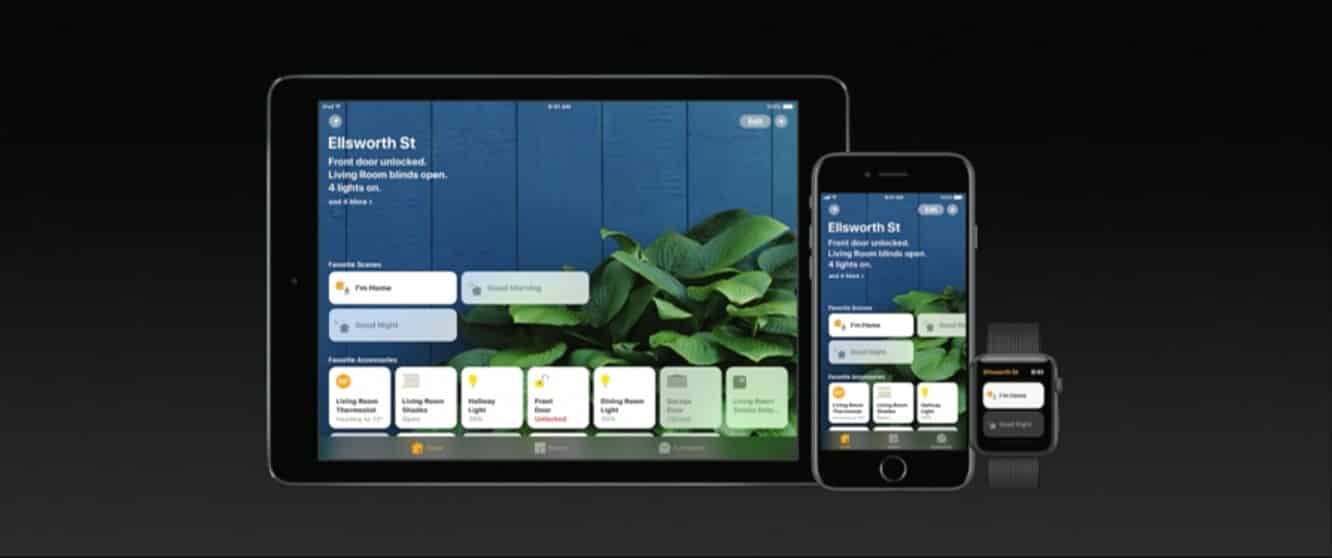
As usual, however, there are a few more enhancements in HomeKit under the hood beyond what Apple talked about — the first iOS 11 developer preview reveals some nice improvements to HomeKit automation rules that should make the platform considerably more useful for those who have invested in advanced HomeKit environments.
Timers
Automation rules can now include a timer setting that will automatically reverse the rule after a specified number of minutes. So, for example, you could have a rule that turns on a light when motion is detected, but automatically turns it off after five minutes. Time ranges can be set in minutes from 1 minute up to 60 minutes after the rule is first triggered, and will of course reset each time the rule is triggered. This will be particularly useful for motion sensors that don’t already have “no motion detected” triggers built in, but we can see it also being handy for home comfort devices like fans and air conditioners.

Timer-based rules are a new core feature of HomeKit, not just a new option in Apple’s “Home” app, and therefore require a Home Hub — an iPad or Apple TV — that’s also running iOS 11 or tvOS 11.
In you haven’t upgraded your Apple TV or iPad to tvOS/iOS 11, the timer option will be greyed out with a note to that effect. For now, timers are a feature unique to the Apple Home app, although we’re fairly confident at least some third-party HomeKit apps will begin offering this option as well by the time iOS 11 is released.
Sunrise/Sunset Times
The iOS 11 Home app will now allow you to customize your “Sunrise” and “Sunset” settings to trigger rules based on a certain amount of time before or after.

When selecting a pre-defined time or time window (such as “Sunrise” or “Only at night”), you can tap the “i” icon at the right to specify the amount of time before or after sunrise and sunset that you want the trigger or condition to apply.
Multi-Person Location Triggers
One of the biggest limitations of HomeKit’s location triggers is that they’re only applicable to one person — the primary HomeKit user. Rules that turn off the lights and turn down the heat when leaving are very handy for folks who live alone, but chances are that most people don’t want to leave their spouse, kids, or roommates in a dark and cold house just because they happen to be heading out.

Fortunately, it appears that iOS 11 will address this by changing the default location rule to apply to “people” leaving or arriving, as opposed to just the primary user.
You’ll be able to create HomeKit rules and choose who is included for any given rule, and for obvious reasons you’ll only be able to include those users you’ve invited to share your HomeKit access with. It also appears that your additional HomeKit users will need to be running iOS 11 on at least one of their devices in order to be included.

Users can also choose whether or not they can be included in HomeKit rules — a new Share When I’m Home toggle in the main Home settings allows users to opt in or out of being included in location triggers.

Further, as this setting implies, multi-person location triggers are currently limited to determining whether people are at home or not; you will still be able to set up rules to trigger based on any location that you happen to arrive at or leave from, but you’ll only be able to include other users when the location is set to “Home.”

Occupancy Conditions
Similarly, you can now set “occupancy” conditions in HomeKit rules to only trigger actions when people are either home or away. A new “Restrict Location” toggle now appears when setting rule conditions, allowing you to only run the rule if you’re home, not home, if anybody is home, or nobody is home.

Speakers
During Apple’s WWDC 2017 Keynote, the company announced that support for managing speakers would be coming to HomeKit as well, as part of a new “AirPlay 2” protocol. Although Apple noted that the Apple TV would support AirPlay 2, it’s unclear whether the HomeKit speaker management capabilities would apply in this case.











