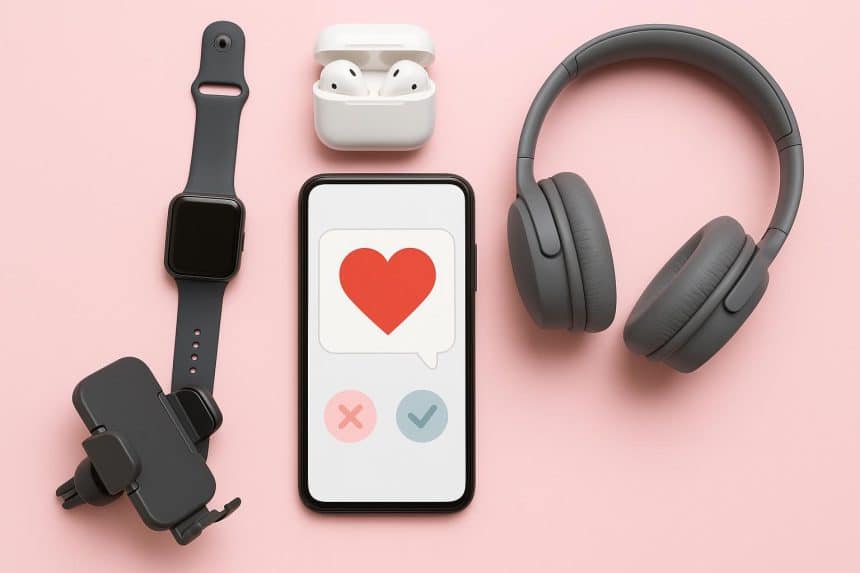
Online dating isn’t just swiping anymore. If you’re using the Dating.com dating service (or any modern dating app), you’re basically running a small communication studio: texting, voice notes, video calls, and the occasional late-night “one more message” conversation that turns into an hour.
The right gadgets won’t magically create chemistry, but they will remove the friction that kills good moments—bad audio, shaky video, low battery, noisy surroundings, and privacy stress. Think of this as a practical, real-life kit to help you show up clearly, confidently, and safely.
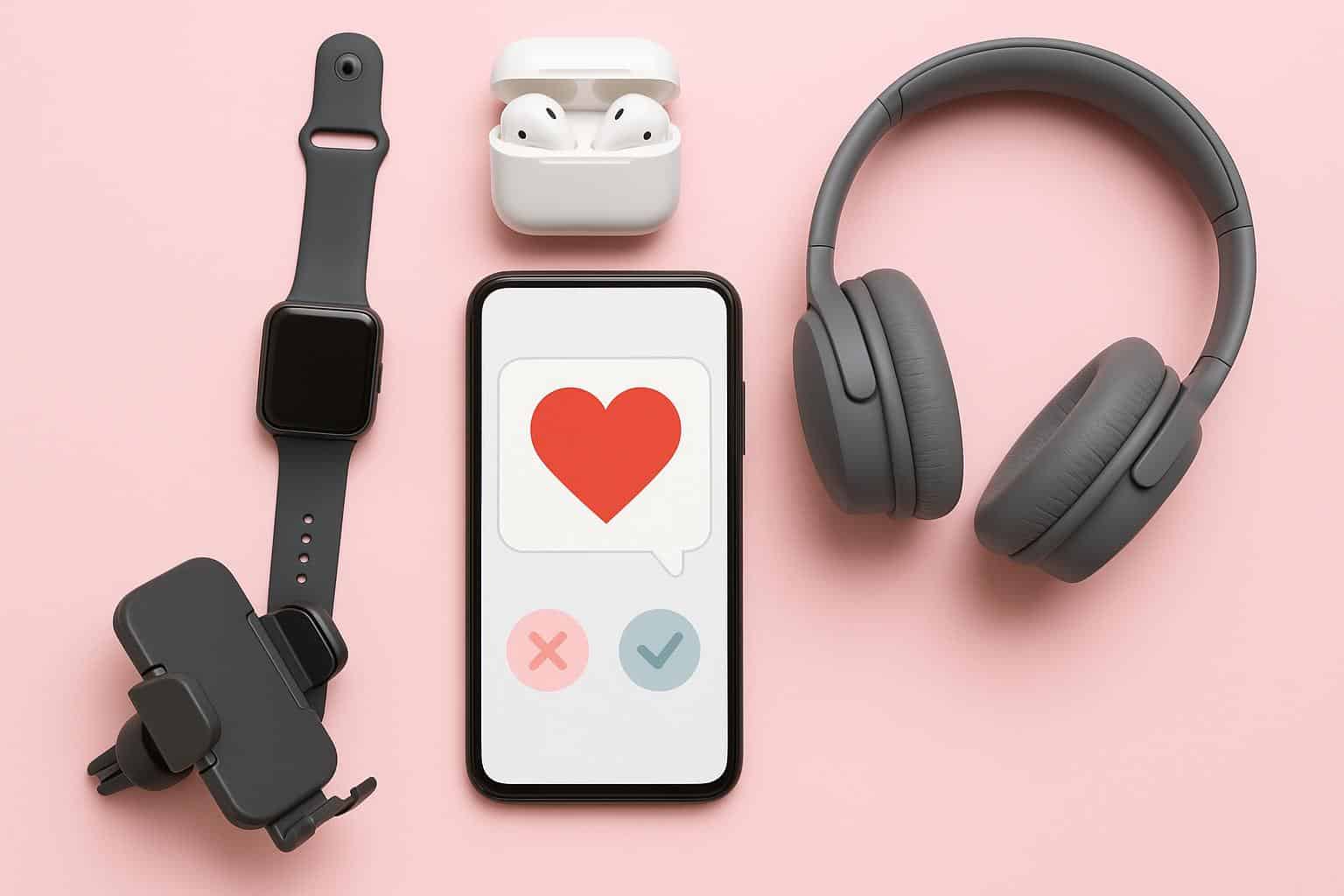
1) Noise-cancelling headphones that make calls feel effortless
If you do video dates (or even longer voice calls), over-ear noise-cancelling headphones are the most noticeable upgrade. They help in two ways:
● You hear better, so you’re not constantly saying “Sorry, what?”
● Your microphone often performs better than a laptop mic, especially if the headphones have multiple mics and voice enhancement.
What to look for:
● Strong active noise cancellation (ANC)
● Comfortable fit for 60–90 minute calls
● Clear mic quality in real environments (street noise, cafés, roommates)
● Easy mute control (a physical button is ideal)
Good examples in the market include flagship models from Sony, Bose, and Apple. You don’t need the newest version; last year’s flagship can be excellent and often cheaper.
“Secret” tip: if you’re at home, don’t crank the ANC too hard. Slightly lower ANC can make your voice sound more natural because you don’t unconsciously over-project.
2) Earbuds for discreet, on-the-go dating life
Over-ears are best for “serious calls.” Earbuds are best for everything else: walking, commuting, quick check-ins, and voice notes that feel casual and real.
What to look for:
● Solid mic quality (not just sound quality)
● Wind-noise reduction (huge for outdoor calls)
● Comfortable transparency mode (so you can safely walk and talk)
● Reliable switching between phone and laptop (multi-device is a plus)
Great mainstream options include Apple AirPods Pro, Samsung Galaxy Buds, and high-end Sony/Jabra/Technics models. Choose based on your phone ecosystem and how often you call outdoors.
Dating “secret” tip: one earbud in, one ear free can feel less “call center” and more natural, especially early on.
3) A webcam that fixes laptop camera problems instantly
Laptop cameras are improving, but many still look grainy indoors. If you’re serious about video dates on a computer, a dedicated webcam can change the whole vibe—clearer image, better exposure, and fewer “Why do I look green?” moments.
What to look for:
● 1080p video (4K is optional and not necessary for most calls)
● Good low-light performance and auto exposure
● Auto white balance that doesn’t constantly shift
● A field of view that isn’t too wide (wide angles distort faces)
Reliable picks include Logitech’s popular webcams and creator-focused models from Elgato. The main win is consistency: you look like yourself in normal room lighting.
“Secret” tip: place the webcam slightly above eye level. It’s a small change, but it makes you look more awake and engaged.
4) A simple USB microphone for “clear, warm voice” energy
This sounds dramatic, but it’s true: audio quality shapes attraction more than people admit. A laptop mic can make you sound thin, echo-y, or distant. A USB mic makes you sound present.
You don’t need a complicated setup. A plug-and-play USB mic is enough.
What to look for:
● USB connection (no extra interface needed)
● A cardioid (front-facing) mode for reducing room noise
● A built-in mute button
● A sturdy stand or the ability to mount on a small arm
Well-known options include the Shure MV7 series, Blue Yeti-style mics, Rode USB mics, and other “podcast starter” staples.
Dating “secret” tip: turn down mic gain slightly and move the mic closer (about a hand’s width away). That reduces room echo and makes you sound more intimate and calm.
5) Lighting that makes you look trustworthy (not “filtered”)
Lighting isn’t about looking perfect. It’s about looking clear. Poor lighting can make you look tired, shadowy, or washed out, even if you look great in real life.
Two easy options:
● A small ring light (simple, portable)
● A key light (more natural, less “influencer”)
What to look for:
● Adjustable brightness
● Adjustable color temperature (warm to cool)
● Soft diffusion (harsh light is unflattering)
“Secret” rule: put the light behind the camera, not above your head. And don’t set it to maximum brightness—soft and slightly dim reads more natural.
6) A phone tripod and remote so you stop fighting your setup
If you’ve ever balanced your phone against a glass, a candle, or a stack of books… you understand why this matters. A simple tripod makes your calls calmer and your body language better because you’re not constantly adjusting.
What to look for:
● Stable base (won’t tip easily)
● Quick height adjustment
● A phone clamp that doesn’t wobble
● Optional Bluetooth remote (for photos or starting video hands-free)
If you do a lot of calls, a small desk tripod at home plus a compact travel tripod is a strong combo.
Dating “secret” tip: frame yourself from mid-chest up. Too close feels intense; too far feels disengaged.
7) A power bank that prevents the “my phone died” ending
Nothing ruins momentum like a dead battery when the conversation is finally getting good. A power bank isn’t glamorous, but it’s the difference between “sorry, my phone died” and “I’m still here.”
What to look for:
● 10,000–20,000 mAh capacity
● USB-C Power Delivery (PD) for faster charging
● At least one high-output port
● A short, durable USB-C cable you keep with it
If you’re often out, a slim 10,000 mAh bank is enough. If you travel or run heavy apps, go bigger.
8) Privacy accessories that protect you in real life
Online dating is personal. Protecting your privacy should feel normal, not paranoid.
Useful accessories:
● Privacy screen protector (stops shoulder-surfing on trains and cafés)
● Webcam cover (cheap insurance for laptop users)
● A “clean background” zone (a corner of the room where nothing identifying is visible)
● A phone stand for calls (so you’re not pointing your camera around your home)
Behavioral “secret”: keep notifications on preview-off (so message content doesn’t pop up on-screen during video calls). It protects both you and whoever you’re talking to.
A simple “best kit” table by budget
| Setup level | Best buys | Why it works |
| Basic | Good earbuds + small light + phone stand | Better calls anywhere, minimal effort |
| Upgraded | ANC over-ears + quality webcam | Cleaner sound and more flattering video on laptop |
| Serious | USB mic + key light + tripod + power bank + privacy screen | Stable, confident setup with fewer awkward interruptions |
Free “feature secrets” that make you look and sound better immediately
1. Use soft front lighting (window light works). Sit facing the window, not with the window behind you.
2. Turn on “Do Not Disturb” during calls. Nothing kills a vibe like a notification banner across your face.
3. Check your angle once and stop fussing. Confidence looks better than perfect framing.
4. Keep your background simple. One tidy wall beats a chaotic room every time.
5. Use short voice notes (15–30 seconds) early on. It feels natural and lowers pressure.
6. Do a 10-second tech check before a video date: battery, audio, lighting, camera smudges.
7. Stay inside the app until trust is earned. It’s simpler, safer, and keeps boundaries clean.