
iLoungeiLounge
  • News
    • Apple
      • AirPods Pro
      • AirPlay
      • Apps
        • Apple Music
      • iCloud
      • iTunes
      • HealthKit
      • HomeKit
      • HomePod
      • iOS 13
      • Apple Pay
      • Apple TV
      • Siri
    • Rumors
    • Humor
    • Technology
      • CES
    • Daily Deals
    • Articles
    • Web Stories
  • iPhone
    • iPhone Accessories
  • iPad
  • iPod
    • iPod Accessories
  • Apple Watch
    • Apple Watch Accessories
  • Mac
    • MacBook Air
    • MacBook Pro
  • Reviews
    • App Reviews
  • How-to
    • Ask iLounge
Font ResizerAa
iLoungeiLounge
Font ResizerAa
Search
  • News
    • Apple
    • Rumors
    • Humor
    • Technology
    • Daily Deals
    • Articles
    • Web Stories
  • iPhone
    • iPhone Accessories
  • iPad
  • iPod
    • iPod Accessories
  • Apple Watch
    • Apple Watch Accessories
  • Mac
    • MacBook Air
    • MacBook Pro
  • Reviews
    • App Reviews
  • How-to
    • Ask iLounge
Follow US

Articles

Articles

How to Create a QR Code in 6 Easy Steps

Last updated: May 4, 2019 4:15 am UTC
By Lucy Bennett
How to Create a QR Code in 6 Easy Steps

Here we’re talking about QR codes – a great way of sharing extensive information to your targeted audience. QR codes have been widely used in the retail industry for long and with the advent of smartphones, they are now utilized digitally as well.


Have you been looking forward to making QR codes for your products, services, business card, online portfolio, or business website? Well, you’ve landed on the right page.
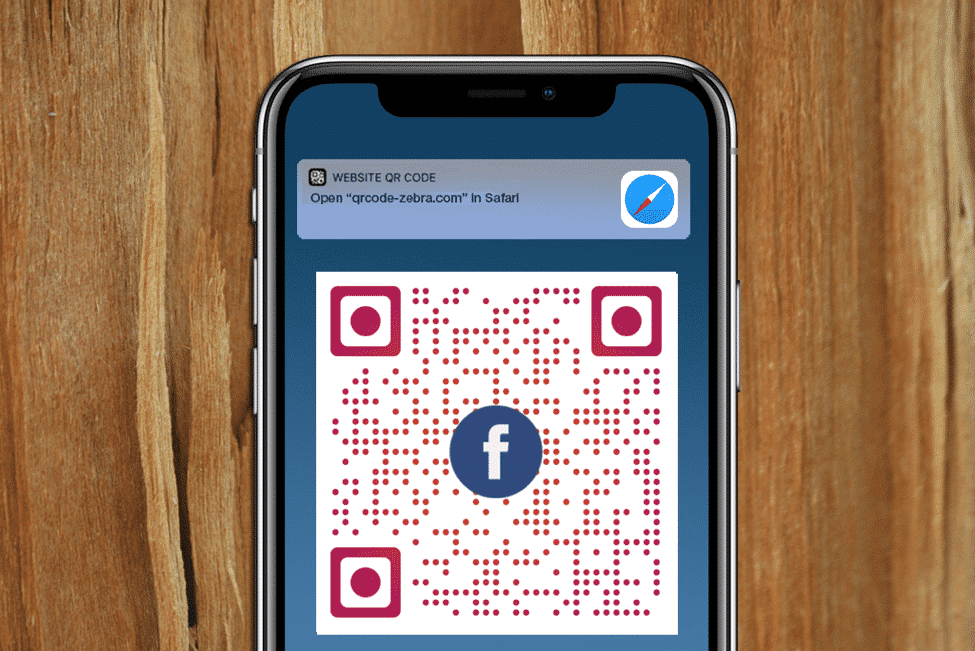
How to Create a QR Code in 6 Easy Steps

Types of QR Codes

Types of QR Codes

Before we get started with helping you create a QR code, note that there are two types of QR codes i.e. static and dynamic. Today, a QR code isn’t only a set of black and white squares to form a unique pattern and showcase text info when scanned. With a dynamic QR code generator, one can do much more than sharing information.


  • Static QR Code: The information written behind a static QR code cannot be changed and is permanent.
  • Dynamic QR Code: User can not only change the saved information behind QR code, but also track user’s activity i.e. a number of scans, location, time & date of the scan, and device type.

Moreover, modern QR code generators let you customize QR to complement your brand image – resulting in engaging more customers as compared to traditional QR codes. You can change the colors, pattern, eyes, density, and add a logo to your QR codes.


How to Create a QR Code?

There are dozens of QR code generators available online to create QR codes for free. In this regard, QRzebra is certainly the best QR code generator with logo and can help you create both static and dynamic QR codes. Concerned about how to create a QR code? Well, here is the step-by-step guide to creating your first QR code:

  • Select the best QR code generator online
  • Determine the type of content you’re promoting. For instance, QRzebra lets you create QR codes for Text, Email, MP3, Bitcoin, Facebook, Twitter, Instagram, Pinterest, V-Card, and more.
  • Fill in the required information in the QR code generator’s field.
  • Customize the color, pattern, add image/logo, adjust density, and eyes to make your QR code stand out.
  • Test your QR code before distributing it to the audience.
  • In case you’ve made a dynamic QR code, keep monitoring the user activity and analyze a unique marketing technique for the better results.

All this can be done by QRzebra in a few clicks. Make sure to create a code which is compatible with all your targeted audience. For instance, if you’re targeting women in New York, it won’t help if the majority of people scanning your code are men. Sounds fair enough?



Latest News
The 14-inch MacBook Pro with M5 Chip 16GB RAM/512GB is $250 Off
1 Min Read
Noise and Static on AirPods Pro 3 Still Unfixed
1 Min Read
New iMac with 24-inch OLED Display May be Brighter With 600 Nits
1 Min Read
The 15-inch M4 MacBook Air 256GB Is $250 Off
1 Min Read
Internal Kernel Debug Kit from Apple Reveals Tests for a MacBook with A15 Chip
1 Min Read
Apple Currently In Talks With Suppliers for Chip Assembly & Packaging of iPhones in India
1 Min Read
Apple Allows Easier Battery Replacement For M5 MacBook Pro with 14-inch Display
1 Min Read
The Apple Watch SE 3 44mm GPS is $50 Off
1 Min Read
20th Anniversary iPhone May Launch in Two Years
1 Min Read
Better Image Generation Capabilities and Apple Music Integration Coming to ChatGPT
1 Min Read
A20 Pro Chip Coming to Next Gen iPad Mini OLED
1 Min Read
Amazon has the AirTag 4 Pack Marked $29 off
1 Min Read

iLounge logo

iLounge is an independent resource for all things iPod, iPhone, iPad, and beyond. iPod, iPhone, iPad, iTunes, Apple TV, and the Apple logo are trademarks of Apple Inc.

This website is not affiliated with Apple Inc.
iLounge © 2001 - 2025. All Rights Reserved.
  • Contact Us
  • Submit News
  • About Us
  • Forums
  • Privacy Policy
  • Terms Of Use
Welcome Back!

Sign in to your account

Lost your password?








