iLoungeiLounge
  • News
    • Apple
      • AirPods Pro
      • AirPlay
      • Apps
        • Apple Music
      • iCloud
      • iTunes
      • HealthKit
      • HomeKit
      • HomePod
      • iOS 13
      • Apple Pay
      • Apple TV
      • Siri
    • Rumors
    • Humor
    • Technology
      • CES
    • Daily Deals
    • Articles
    • Web Stories
  • iPhone
    • iPhone Accessories
  • iPad
  • iPod
    • iPod Accessories
  • Apple Watch
    • Apple Watch Accessories
  • Mac
    • MacBook Air
    • MacBook Pro
  • Reviews
    • App Reviews
  • How-to
    • Ask iLounge
Font ResizerAa
iLoungeiLounge
Font ResizerAa
Search
  • News
    • Apple
    • Rumors
    • Humor
    • Technology
    • Daily Deals
    • Articles
    • Web Stories
  • iPhone
    • iPhone Accessories
  • iPad
  • iPod
    • iPod Accessories
  • Apple Watch
    • Apple Watch Accessories
  • Mac
    • MacBook Air
    • MacBook Pro
  • Reviews
    • App Reviews
  • How-to
    • Ask iLounge
Follow US

How-to

How-to

How to charge the iPhone 12 and iPhone 12 Pro

Last updated: Oct 26, 2020 12:01 pm UTC
By James Patterson
iPhone 12 charging

In this article, we at iLounge will guide you on how to charge the iPhone 12 and iPhone 12 Pro.


Charge the iPhone 12 and iPhone 12 Pro

If you just but the iPhone 12, then you must be wondering how can you charge your new phone when no power adopter was in the box. Sadly, Apple decided not to include a power adopter with the iPhone 12.
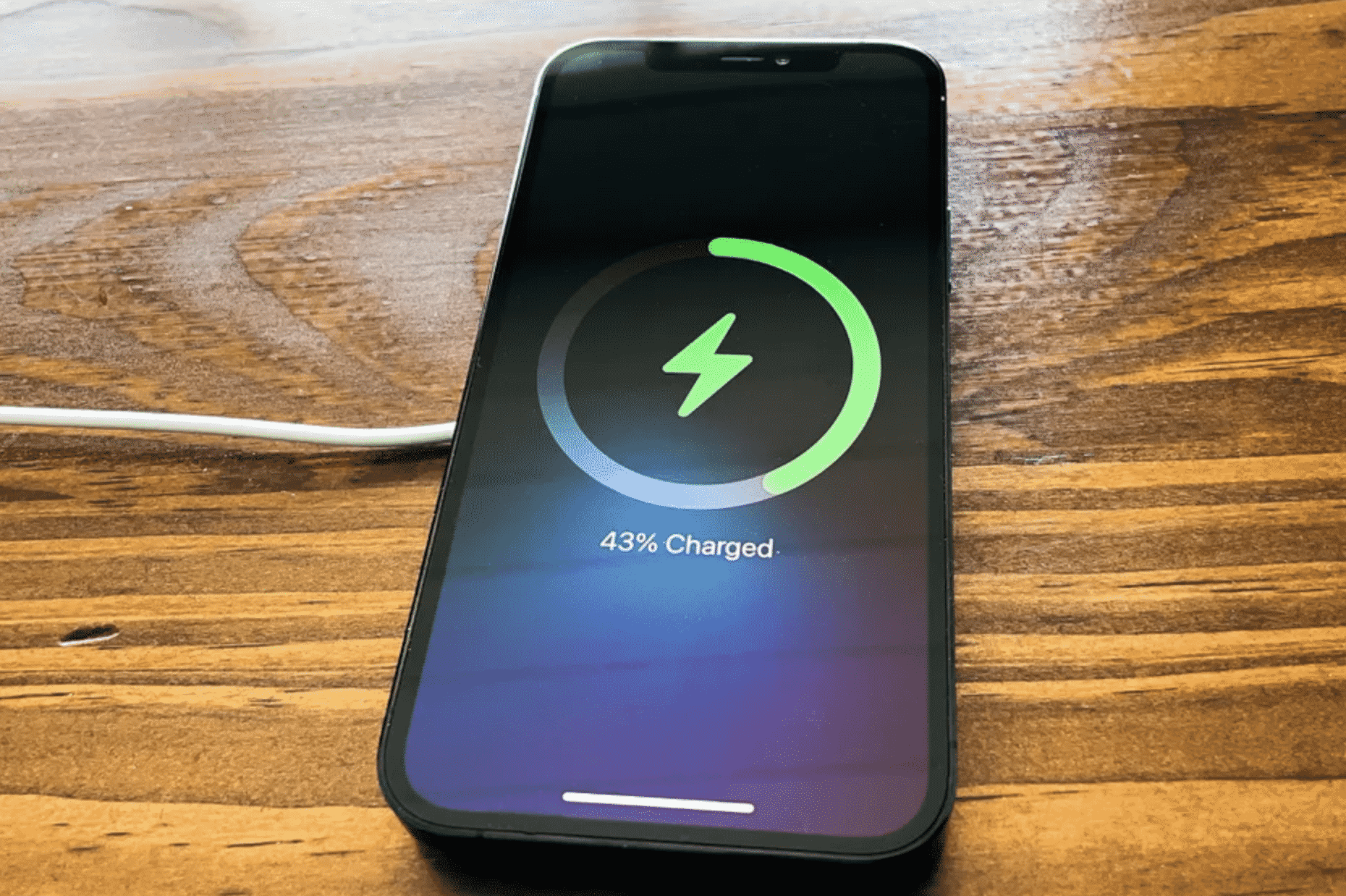
iPhone 12 charging

So we have a few options to get your iPhone 12 charged till you get a power adopter or wireless charger for it:

1. Use your previous iPhone charger
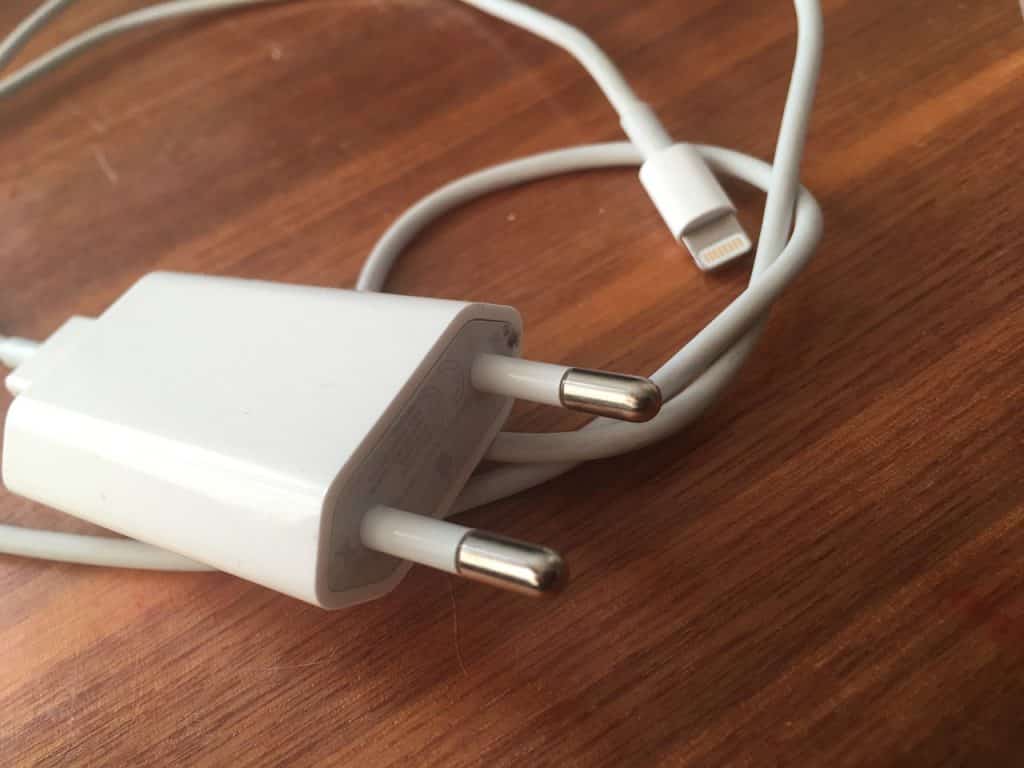
Charging an iPhone with the Lightning cable

That’s right, your new iPhone 12 can also be charged with your previous iPhone charger.


2. Use your MacBook
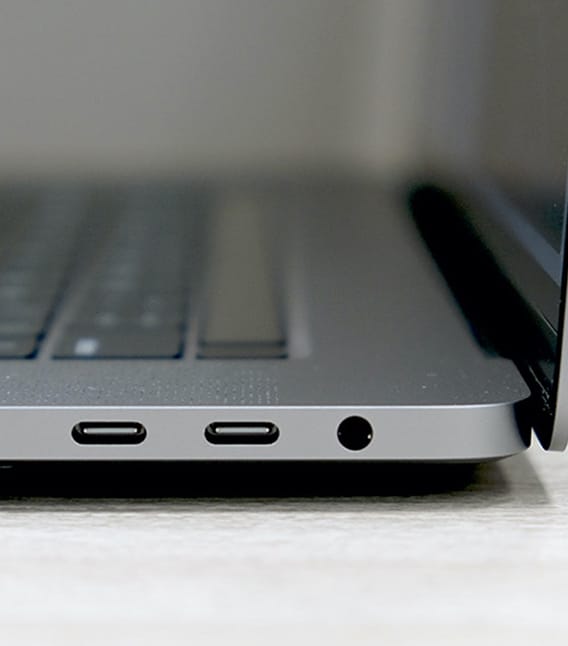
MacBook USB-C charging socket

Connect the USB-C to Lightning cable that came in the box with the iPhone 12 to your MacBook. Old MacBooks may not support USB-C cables, so if your MacBook supports USB-C, you could go with this option.

3. Use a wireless charger
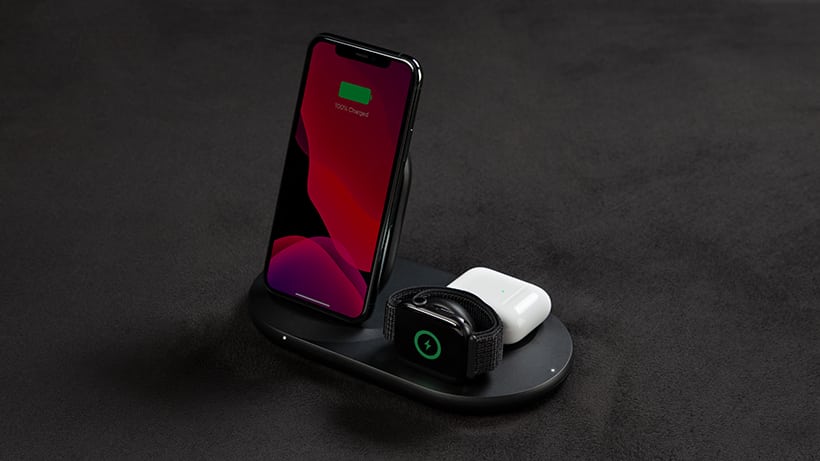
Belkin 3 in 1 charger

The iPhone 12 also supports wireless charging. So if you got a wireless charger for your previous phone, you could just use that.

Buy an adopter or a wireless charger

While the options we listed are temporarily solutions and may not be suitable for you, you may consider buying a power adopter or a wireless charger for it.


I personally bought the Belkin 3 in 1 wireless charger for my iPhone 12 Pro. It made charging very easy as I don’t have to plug in my phone always.

Belkin 3 in 1 wireless charger

Preview Product Price
Belkin 3-in-1 Fast wireless charging Stand for iphone, Apple Watch & AirPods - iphone Case Compatible Qi Charger - charging Station For Multiple Devices - White Belkin 3-in-1 Fast wireless charging Stand for iphone, Apple Watch & AirPods - iphone Case... Buy on Amazon

I would honestly recommend getting the Belkin 3 in 1 wireless charger as I have no regrets in getting one for myself. It charges my iPhone 12 Pro, Apple Watch Series 6, and AirPods Pro all together really well.

USB-C Power Adapter

Preview Product Price
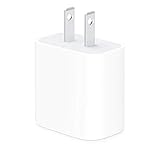
Apple 20W USB-C Power Adapter - iPhone Charger with Fast Charging Capability, Type C Wall Charger Apple 20W USB-C Power Adapter - iPhone Charger with Fast Charging Capability, Type C Wall Charger Buy on Amazon

MagSafe Charger by Apple

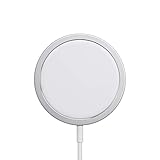
Apple has released a special MagSafe charger for the iPhone 12 models. It a wireless charger which you might want to consider.

Preview Product Price
Apple MagSafe Charger - Wireless Charger with Fast Charging Capability, Compatible with iPhone and AirPods Apple MagSafe Charger - Wireless Charger with Fast Charging Capability, Compatible with iPhone and... $37.99 Buy on Amazon

Latest News
The 14-inch MacBook Pro with M5 Chip 16GB RAM/512GB is $250 Off
1 Min Read
Noise and Static on AirPods Pro 3 Still Unfixed
1 Min Read
New iMac with 24-inch OLED Display May be Brighter With 600 Nits
1 Min Read
The 15-inch M4 MacBook Air 256GB Is $250 Off
1 Min Read
Internal Kernel Debug Kit from Apple Reveals Tests for a MacBook with A15 Chip
1 Min Read
Apple Currently In Talks With Suppliers for Chip Assembly & Packaging of iPhones in India
1 Min Read
Apple Allows Easier Battery Replacement For M5 MacBook Pro with 14-inch Display
1 Min Read
The Apple Watch SE 3 44mm GPS is $50 Off
1 Min Read
20th Anniversary iPhone May Launch in Two Years
1 Min Read
Better Image Generation Capabilities and Apple Music Integration Coming to ChatGPT
1 Min Read
A20 Pro Chip Coming to Next Gen iPad Mini OLED
1 Min Read
Amazon has the AirTag 4 Pack Marked $29 off
1 Min Read

iLounge logo

iLounge is an independent resource for all things iPod, iPhone, iPad, and beyond. iPod, iPhone, iPad, iTunes, Apple TV, and the Apple logo are trademarks of Apple Inc.

This website is not affiliated with Apple Inc.
iLounge © 2001 - 2025. All Rights Reserved.
  • Contact Us
  • Submit News
  • About Us
  • Forums
  • Privacy Policy
  • Terms Of Use
Welcome Back!

Sign in to your account

Lost your password?