
Experiencing outages and interruptions in your internet connection can be a nightmare, as we rely on the internet for various tasks. One common problem faced by AT&T broadband users is the flashing red light on their routers.
In this comprehensive guide, we will explore the causes of the AT&T broadband red light flashing and provide effective solutions to fix the issue.
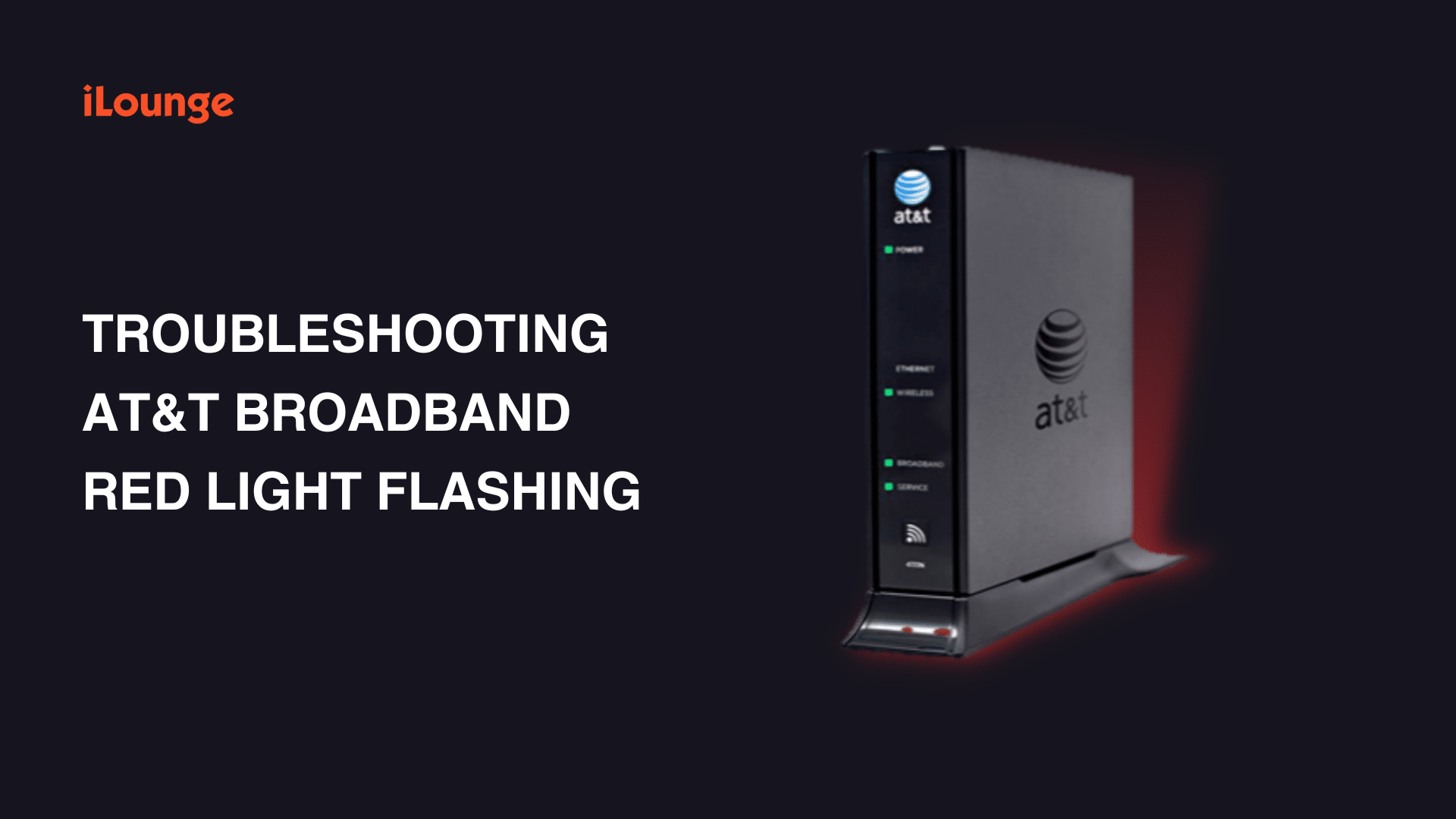
Understanding AT&T Broadband Lights
Before delving into the solutions, it is crucial to understand the meaning of the lights on an AT&T router:
- Flashing red light: Indicates that a broadband signal has been detected, but no connection is established.
- Solid red light: Signifies the absence of a signal on the line.
- Flashing green light: Indicates the device is powering up or attempting to establish a broadband connection.
- Solid green light: Represents a good and strong broadband signal.
- Flashing yellow light: Suggests that the LTE device is present but not operating correctly.
Pre-troubleshooting Steps
Before troubleshooting the flashing red light issue, consider taking the following steps:
1. Upgrade the router firmware
Check for outdated firmware and update it through the manufacturer’s website.
2. Reposition the router
Ensure the router is placed in a location that receives a strong signal, away from any interfering objects.
3. Minimize interference
Keep the router away from devices like microwaves, cordless phones, and washing machines, as they can interfere with the signals.
4. Check for overheating
Ensure the router is not overheating, as it can affect its performance and cause the red flashing light.
Steps to Fix AT&T Broadband Red Light Flashing
If the pre-troubleshooting steps don’t resolve the issue, follow these troubleshooting solutions:
1. Restart the gateway
Unplug the power connection to the gateway for 15 seconds, then plug it back in. Wait for about five minutes to check if the broadband light changes from red to green.
2. Reset the AT&T modem
Press and hold the reset button on the modem for 30 seconds until the light turns from red to green or solid white. Note that resetting the modem will restore default settings.
3. Check for loose connections
Ensure all cables and connections are secure, replugging any that may have come loose. Remove any surge protectors or equipment for a direct connection. Replace worn-out cables.
4. Change the connector
Examine the broadband cable connector for damages and replace it if necessary to ensure proper functionality.
5. Reset to factory settings
If previous steps don’t work, consider resetting the AT&T router or modem to factory settings. Make sure to back up any important settings and configurations.
6. Check for outages
Verify if there is an AT&T internet outage by visiting their outage site. Power or internet outages, as well as storms or heavy rains, can affect the router’s functioning.
7. Contact your service provider
If all else fails, reach out to your ISP customer support for further assistance. They can diagnose any issues on their end or provide additional solutions.
AT&T Support and Additional Assistance
If you are unable to resolve the issue on your own, AT&T provides a troubleshooting tool and the option to schedule an appointment with a technician for assistance.
Conclusion
Encountering a flashing red light on your AT&T broadband router can be frustrating, but with the solutions and tips outlined in this guide, you can effectively troubleshoot and resolve the issue. Remember to follow each step carefully and contact your service provider if needed. Stay connected and enjoy uninterrupted internet access with AT&T broadband.











