
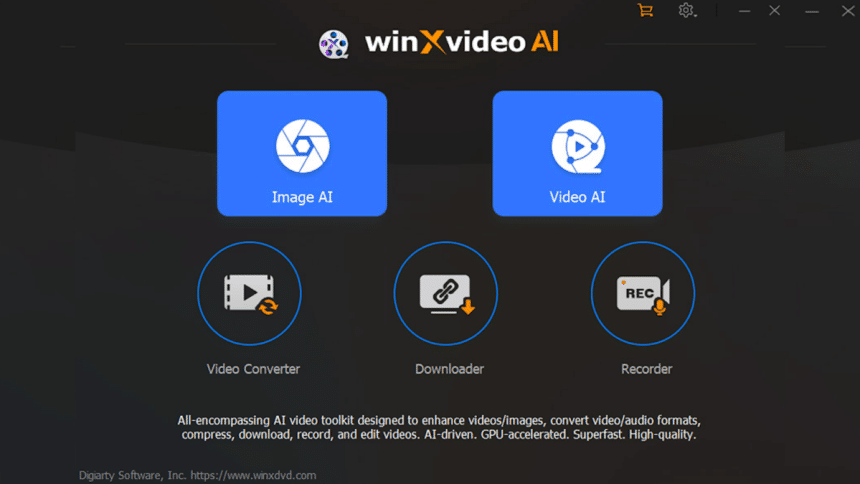
Winxvideo AI is an all-in-one video enhancing software crafted for professionals and amateurs alike. With its extensive array of visual enhancers, it serves a multitude of purposes. In this article, we outline the robust features and how you can make exceptional high quality videos in half the time it takes other video enhancers.
What is Winxvideo AI?
Today’s video and image enhancing tools usually fall short of the ‘all in one’ claim, which means users will have to find another software to complete the job. Winxvideo AI seeks to disrupt the video enhancing market by veering away from the ‘one trick pony’ niche and presenting users with a complete toolkit.
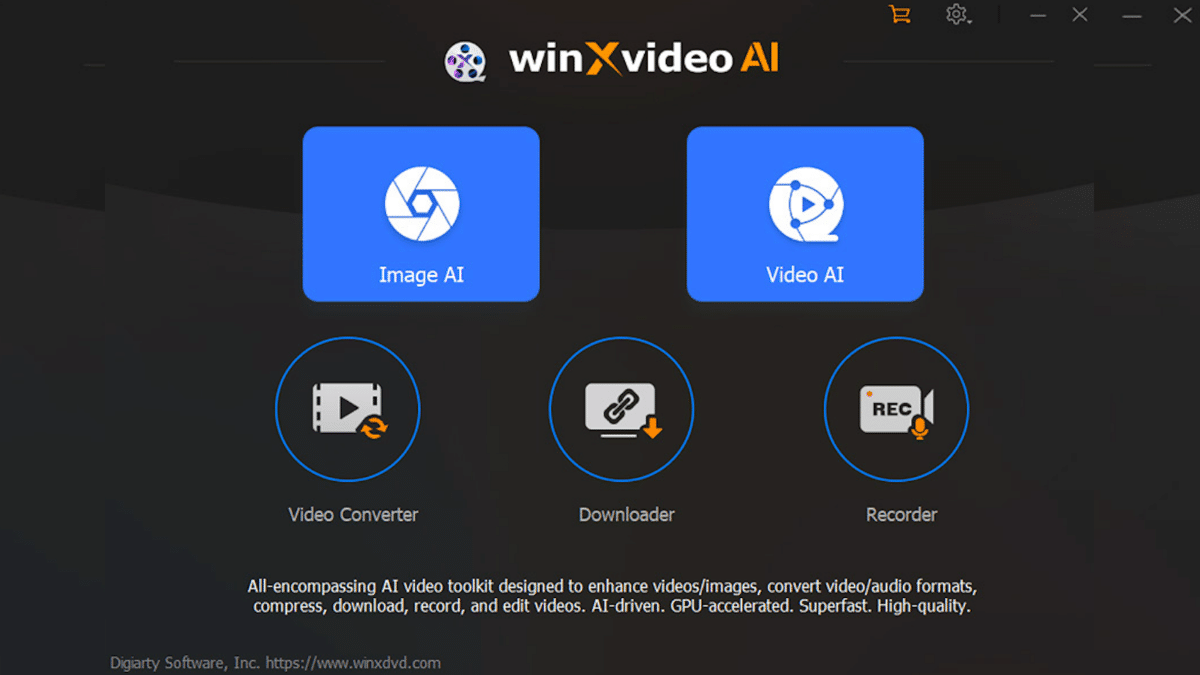
At its core, winxvideo AI is an image and video enhancer, converter, downloader, editor, and recorder. The inclusion of AI technology gives it the edge over the competition as it offers cinema-grade visuals in just a few clicks.
Winxvideo AI Features
At the helm of Winxvideo AI is the groundbreaking CineAI model to boost FPS, upscale images and videos, and stabilize video. Here’s a brief outline of the key features of Winxvideo AI.
AI Upscale Video to 4K
Modernize your old videos with AI upscaling up to 4K resolution. Turn a 480p or 4:3 video into something that has more detail and is watchable on modern devices. This works on any video you have in your collection or library, even those that are more than a decade old.

AI Video Stabilization
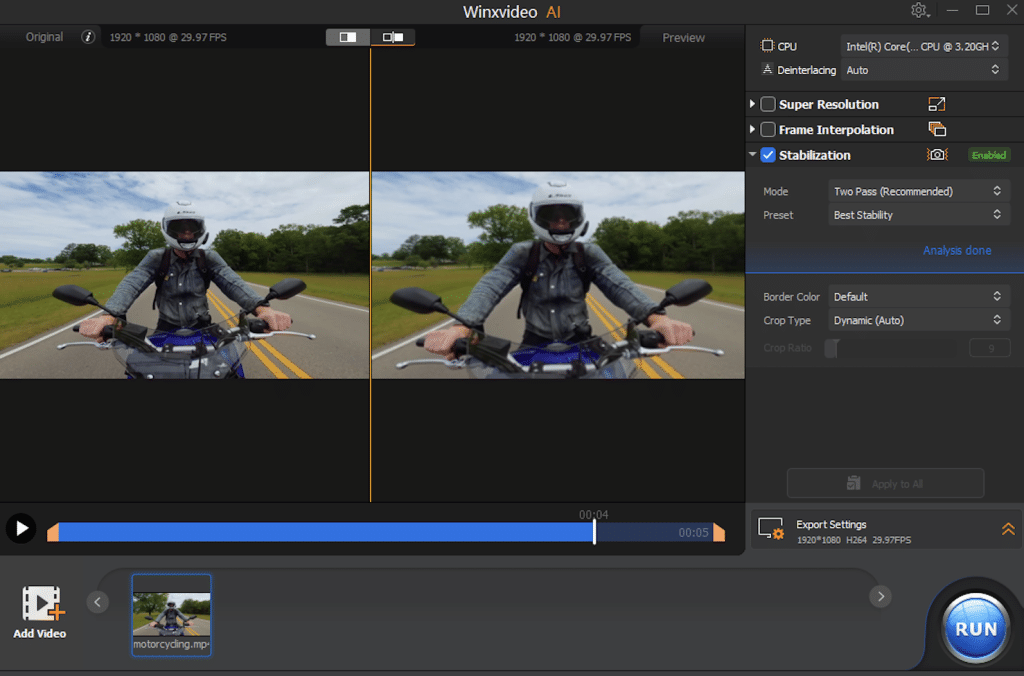
Tired of videos you can’t watch because they’re too shaky? You can fix it with AI stabilization and choose from 3 cropping types, 4 presets, and two modes. Now all your vacation videos and adventures will have a steady and stable feed.
AI Image Enhancing
Winxvideo AI can upscale images up to 10K while removing pixelation, blur, and noise in the process. Compression can also be done using AI. Image upscaling is for those who want to upload high-res visual pieces for their website and e-commerce stores to add professionalism and modern aesthetics.

AI Frame Interpolation
The right frame rate can improve engagement and get you more views. For instance, a 30fps video can be upgraded to 480 fps for smooth motion. Higher interpolation in videos allows for fluid movement no matter the subject.
Other Features of Winxvideo AI
Impressive Conversion to Other Formats: Winxvideo AI has more than 400 formats, including popular ones like MP4, H.264, HEVC, MOV, MKV, and others.
Video Compression with Zero Loss: Storage space matters in today’s media-filled world. You can store more and compress videos up to 90% without any loss in quality.
Record PiP, Webcam, and Screen: Normally the domain of video conference apps, you can use these for work or when you want to share your screen quickly.

Comprehensive Video Editing: Winxvideo AI has effects and the ability to merge, split, or trim videos with ease. Add subtitles, remove or add watermark, flip, make a GIF, or improve audio without having to open another video editor app or software.
Winxvideo AI Specifications
Winxvideo AI is compatible with Windows 7, 8, 8.1, 10, and 11 (64-bit), as well as Mac OS X 10.6 to macOS Sonoma (14). It’s important to note that the AI features are currently unavailable on the Mac version.
On the GPU side, the AI-powered video/image enhancer needs at least an NVIDIA GeForce GT630, Intel HD Graphics 2000, or AMD Radeon HD 7700 series (VCE 1.0). The minimum processor and RAM are 1 GHz Intel or AMD and 1GB with a recommended 2GB RAM or higher.
Pricing Plan of Winxvideo AI
There are three options are available for Winxvideo AI pricing plan:
1-Year Plan: Covers 3 PCs with full AI integration, feature access, and free upgrades.
Family Plan: Extends coverage to 5 PCs with the same benefits.
Lifetime Plan: Provides lifetime access for 1 PC with continuous upgrades and unlimited AI capabilities.
Each purchase comes with a 30-day money-back guarantee and secure delivery through email.
Should You Try Winxvideo AI?
Winxvideo AI is definitely a worthy try especially for those who work with videos and visual content for professional purposes. The integration of AI makes tedious work much shorter without sacrificing quality. There’s a trial version so you can experience the software’s capabilities with your own eyes.











