
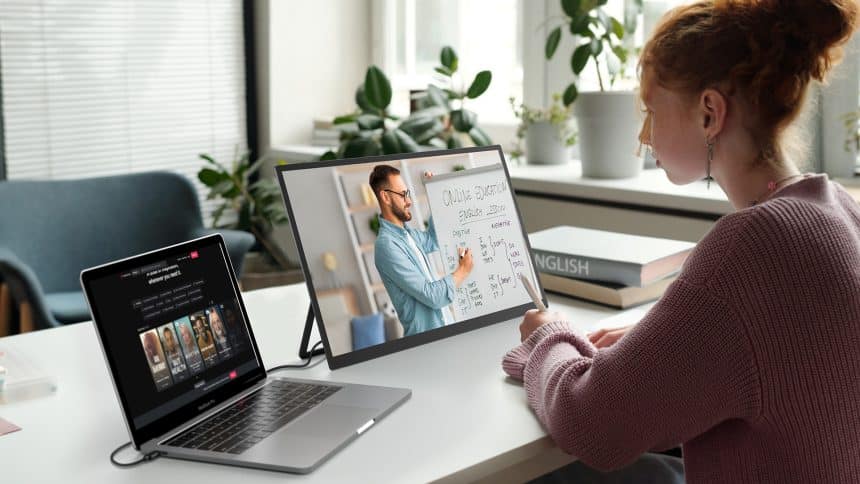
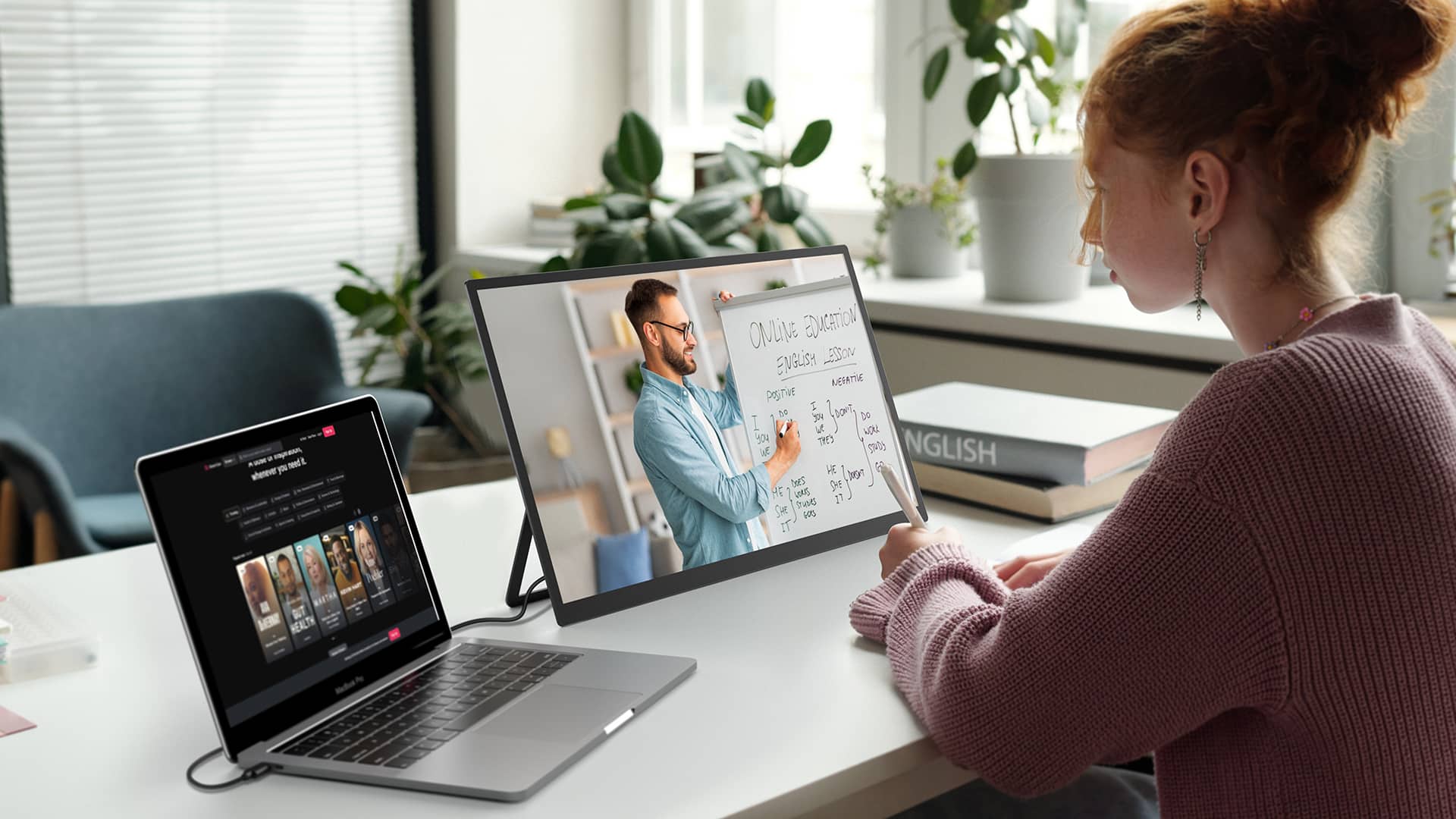
Portable monitors are getting bigger and bigger, even reaching 22 inches, which makes us wonder if they’ll replace desktop monitors. Desktop monitors are bulky and take up a lot of desk space. They need separate power adapters and use more energy. They are less convenient for moving or temporary setups and may need more cables and adapters for connectivity. There are where portable monitors come into play. But if portable monitors get big enough to match desktop monitors, could they actually replace them? Read this article to see how the two compare and think about this question.
Portable Monitors vs. Desktop Monitors
Choosing between a portable monitor and a desktop monitor can be tricky. There are several factors you should consider, including size, weight, connectivity, display quality, power requirements, and price. You can follow the comprehensive comparison to make a decision.
| Feature | Portable Monitors | Desktop Monitors |
| Size and Weight | 13 to 22 inches, 0.5 to 1.7 kg (1 to 3.7 lbs) | 22 to 32 inches, 5 to 10 kg (11 to 22 lbs) |
| Purpose and Portability | Ideal for on-the-go use, easy to transport | Best for fixed setups, not easily portable |
| Connectivity and Compatibility | Versatile connections (USB-C, HDMI, wireless, DisplayPort, VGA, DVI), compatible with various devices | Tailored for desktops, require adapters for mobile devices |
| Display Quality | Generally lower resolution (Full HD), or higher (some 2K/4K) | Higher resolution, better color accuracy, advanced features (OLED, curved) |
| Power Requirements | Energy-efficient, often powered via USB-C, some have built-in batteries, or can be charged with a power bank | Requires dedicated power source, higher electricity consumption |
| Price | $50 to $600 (affordable, even for high-end models) | $150 to $1,000+ (higher cost) |
| Usage | Perfect for mobile work, presentations, and light gaming | Ideal for professional work, gaming, and home entertainment setups |
From what we’ve discussed, it’s clear that if you want something lightweight, easy to move around, affordable, a portable monitor is the way to go. But if you tend to stay in one place for work or gaming and have a bit more to spend, a desktop monitor might be a better choice for you.
Can a 22-Inch Portable Monitor Do the Same functions as a Desktop Monitor?
Whether you use it with a computer, laptop, or other device, the 22-inch portable monitor gives you a user experience similar to a desktop monitor.
It’s a great solution for basic uses such as social media, streaming, or even doing some productivity work. Indeed, most of these portable monitors will have USB-C, HDMI, or other port inputs, making easy to connect to laptops, smartphones, and gaming consoles. Portable monitors are far superior to desktop monitors when it comes to device compatibility. We’ve also compiled a list for you to see if your device can easily connect to a portable monitor.
| Device Type | Example Devices | Remarks |
| Laptops | Apple MacBook Pro/Air | Newer models (2016+) support USB-C/Thunderbolt. |
| Dell XPS Series | Most newer models support USB-C. | |
| Microsoft Surface Pro/Book | Newer models (Surface Pro 7+) support USB-C. | |
| HP Spectre x360 | Newer models support USB-C. | |
| Smartphones | Samsung Galaxy Series (S21, S22, etc.) | Supports USB-C and Samsung DeX. |
| Huawei P Series and Mate Series | Supports USB-C and desktop mode. | |
| Google Pixel Series | USB-C supported. | |
| OnePlus Series (8, 9, 10, etc.) | USB-C supported. | |
| Gaming Consoles | Nintendo Switch | USB-C or dock connection supported. |
| PlayStation 5 | HDMI connection supported. | |
| Xbox Series X/S | HDMI connection supported. | |
| Steam Deck | USB-C or dock connection supported. |
That resolution is usually the Full HD (1080p) you would expect from a monitor, but some may also have 2 K resolution. The real benefit associated with a portable monitor is that they are designed to be mobile. Since the displays are obviously much more compact & portable, they allow people to take it with them easily from one place to another. If you work from home and often shift your monitor between rooms, like from the bedroom to the living room, this portable monitor is a great choice.
Can I Use a 22-Inch Portable Monitor to Replace a Desktop Monitor?
Unlike a bulky desktop monitor, a 22-inch portable monitor is easier to move around. If you need to work while traveling and want a larger screen, it is a good choice. Most importantly, it can be paired with a monitor stand that has 90° and 180° foldable functions, allowing you to adjust the angle. This offers an ergonomic design that ensures comfortable long-term office work or gaming at home.
In terms of clarity, you can enjoy 2K resolution, which should meet your daily work and gaming needs. Another advantage that can’t be ignored is that the portable monitor supports charging via a power bank, which means you don’t have to worry about sudden power outages. As a result, a 22-inch portable monitor, when paired with a suitable stand, might serve as a practical alternative to a desktop monitor.
Conclusion
In summary, traditional and portable monitors offer different advantages. Desktop monitors have their strengths, but portable ones can address some of their drawbacks. A larger portable monitor, like UPERFECT UMax22, is definitely a strong alternative to traditional ones. While portable monitors aren’t quite ready to completely replace desktop monitors yet, their growing size and improving features suggest that it could become a possibility in the future.











